

Have you ever mentioned something in a conversation near your phone, then seen an ad for exactly that thing an hour later? It can feel unsettling — like someone is listening. While that specific scenario is more complicated than it sounds, the truth is still striking: social media platforms collect an enormous amount of information about you, and most people have no idea just how much.
Understanding what data these platforms hold — and what you can do about it — is one of the most important privacy steps you can take in the digital age.
What Is Social Media Data Collection?
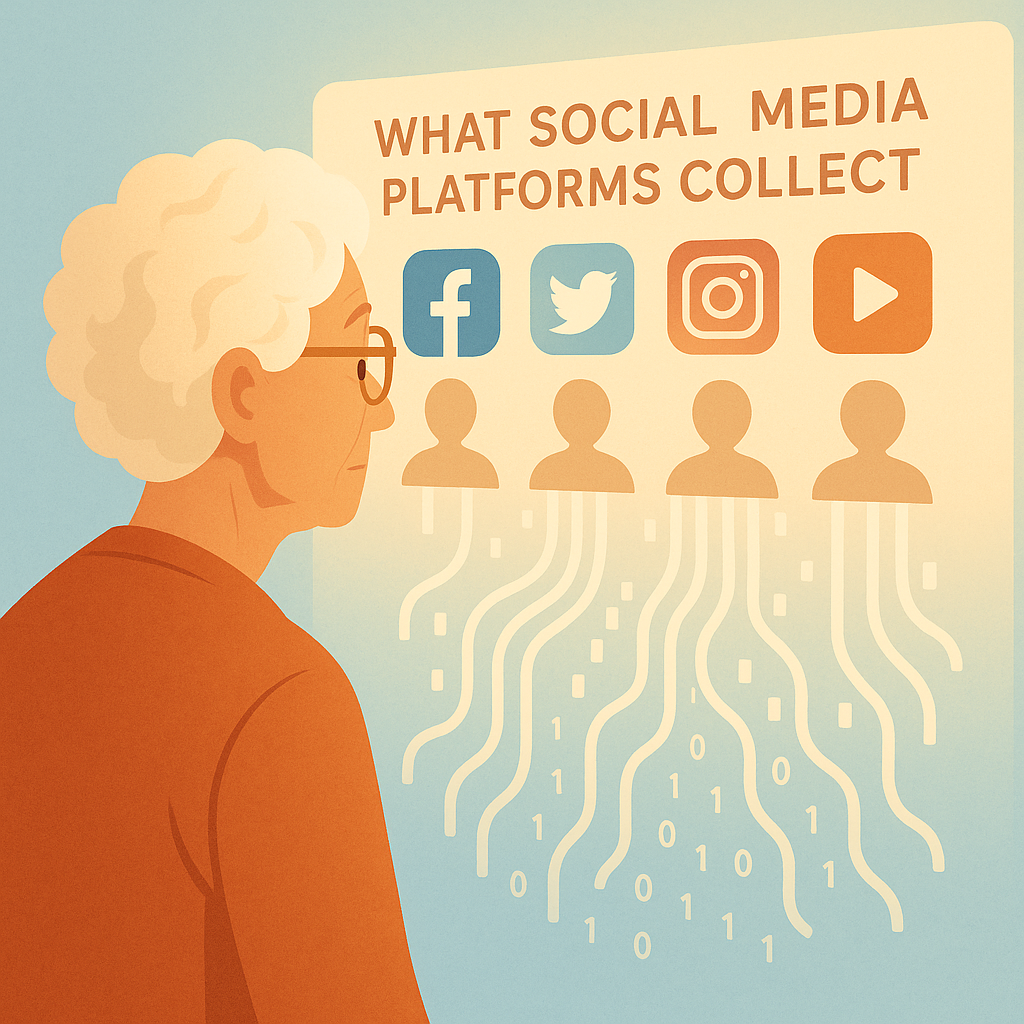
Every time you use a social media platform, it collects data about your behavior. This includes not just what you post, but how you interact with the platform: what you click on, how long you pause over a photo, what you search for, and even what websites you visit outside the platform. This data is collected, analyzed, and used primarily to show you targeted advertisements.
Think of it like a store clerk who follows you everywhere you go — noting every item you pick up, every aisle you walk down, and every conversation you have — then using that information to decide what products to recommend to you. Social media platforms do this digitally, at massive scale, 24 hours a day.
The Surprising Amount of Data They Collect
The scope of data collection by major platforms goes far beyond your posts and photos. Here’s a realistic picture of what these companies typically know about you:
- Your location: If location services are enabled, platforms can track where you go — home, doctor’s office, church, stores.
- Your browsing habits: Many sites embed invisible tracking tools called pixels or trackers that report back to Facebook and Google when you visit them, even when you’re not logged in.
- Your political and religious views: Inferred from the pages you follow, the posts you like, and the content you engage with.
- Your health interests: If you follow health groups, search for medical topics, or click on health-related ads, that data is collected and categorized.
- Your financial situation: Purchase behavior, shopping interests, and income level can be inferred from your activity and used to target financial products.
- Your relationships: Who you interact with most, your family connections, and your social circle are all mapped.
How to See What They Know: Download Your Data
The good news is that major platforms are required (especially under laws like GDPR in Europe and California’s CCPA) to let you download a copy of the data they hold about you. This can be a real eye-opener.
- Facebook/Meta: Go to Settings & Privacy > Settings > Your Facebook Information > Download Your Information. You can select which categories of data to include.
- Google: Visit myaccount.google.com and click Data & Privacy, then Download Your Data (Google Takeout).
- Instagram: Go to Settings > Security > Download Data.
- Twitter/X: Go to Settings > Your Account > Download an archive of your data.
When you download this data, you may find years of search history, every ad you’ve clicked, your location history, and detailed information about your browsing behavior. For many people, this is the moment they realize just how much is being collected.
Steps to Limit What Platforms Collect
- Review your ad preferences: On Facebook, go to Settings > Ads > Ad Preferences. Here you can see the categories advertisers use to target you and remove ones you’re uncomfortable with.
- Turn off location tracking: In your phone’s settings, disable location access for social media apps unless you specifically need it.
- Use “Off-Facebook Activity” controls: Facebook has a tool that lets you see which outside websites shared your activity with them — and disconnect that tracking.
- Opt out of personalized ads: Most platforms have an option to limit ad personalization, though you’ll still see ads — they’ll just be less targeted.
- Clear your search and watch history: Regularly clear your history on platforms that track it (YouTube, Facebook, etc.) to reset your data profile.
Pros and Cons of Social Media Data Use
More relevant content
Data collection allows platforms to show you content and products that match your interests rather than random, unrelated material.
Free services in exchange
The reason most social media platforms are free to use is because your data generates advertising revenue. Understanding this exchange helps you make informed choices.
Privacy erosion over time
The more data collected over years, the more detailed and accurate the profile of you becomes — raising concerns about how that data could be used or misused in the future.
Risk of data breaches
Platforms that store large amounts of personal data are attractive targets for hackers. In a breach, your data can end up in criminal hands.
Data sold or shared with third parties
Your data may be shared with partner companies, data brokers, or advertisers in ways that are difficult to track or control.
Frequently Asked Questions
Are social media platforms listening to my conversations through my phone’s microphone?
There is no confirmed evidence that platforms actively listen to conversations for ad targeting. However, they collect so much behavioral data that their predictions can feel eerily accurate even without audio. The simplest protection: revoke microphone access from social apps in your phone’s settings.
Can I ask a platform to delete my data?
Yes. Under laws like GDPR (EU) and CCPA (California), you have the right to request deletion of your personal data. Most platforms have a form for this in their Privacy settings. U.S. residents outside California have fewer formal rights, but platforms often honor these requests anyway.
Does using private or incognito mode protect me from social media tracking?
Incognito mode prevents your browser from saving your local browsing history, but it does NOT stop social media platforms or websites from tracking your activity through cookies and pixels while you’re browsing.
Is there a way to use social media without being tracked at all?
Completely avoiding tracking while using major social platforms is very difficult. However, you can significantly reduce it by limiting app permissions, using a browser with tracking protection (like Firefox or Brave), logging out of accounts when not in use, and regularly clearing your history and cookies.
Final Thoughts
You don’t have to delete all your accounts or go off-grid to protect your privacy. But being informed about what social media platforms collect — and taking a few proactive steps to limit and review that data — puts you back in control. Start by downloading your data from one platform to see what’s there, then work through the settings to tighten your privacy preferences.
Knowledge is your first line of defense. Now that you understand what’s being collected, you can make informed choices about how you use these powerful platforms.