

Instagram scam messages can look friendly, exciting, urgent, or official. One message might say you won a giveaway. Another might look like support asking you to confirm your account. A third might come from a familiar name, but the wording feels a little strange.
The safest answer is not panic. It is a calm pause. When you know the common Instagram scam messages warning signs, you can slow down, check the message, and avoid clicking or sharing private information too quickly.
Why Instagram Scam Messages Warning Signs Matter
Scam messages on social media often work because they arrive in a place where people already expect friendly notes, photos, and quick replies. A direct message can feel more personal than an email, even when it was sent by a fake account or a scammer using a stolen profile.
The Federal Trade Commission warns that social media giveaway scams can ask people to click a link or share financial information to claim a fake prize. In its guidance on spotting social media giveaway scams, the FTC recommends pausing before responding and contacting the real business through a channel you know is legitimate.
Start With Social Media Privacy
Social media privacy begins with a simple idea: not every message deserves an answer. You are allowed to ignore, block, report, or ask someone you trust for help. A real friend, business, or support team should not need your password, banking details, or one-time code in a direct message.
If the message comes from someone you do not know, compare it with the warning signs in our guide to spotting fake social media profiles. A scam account may use a familiar photo, a name that is almost right, or a profile with very little real history.
It also helps to keep your own account less open to strangers. If you want a broader privacy routine, review our plain-language guide to making your Instagram account private after you finish checking the suspicious message.
What to Check First in an Instagram Scam Message
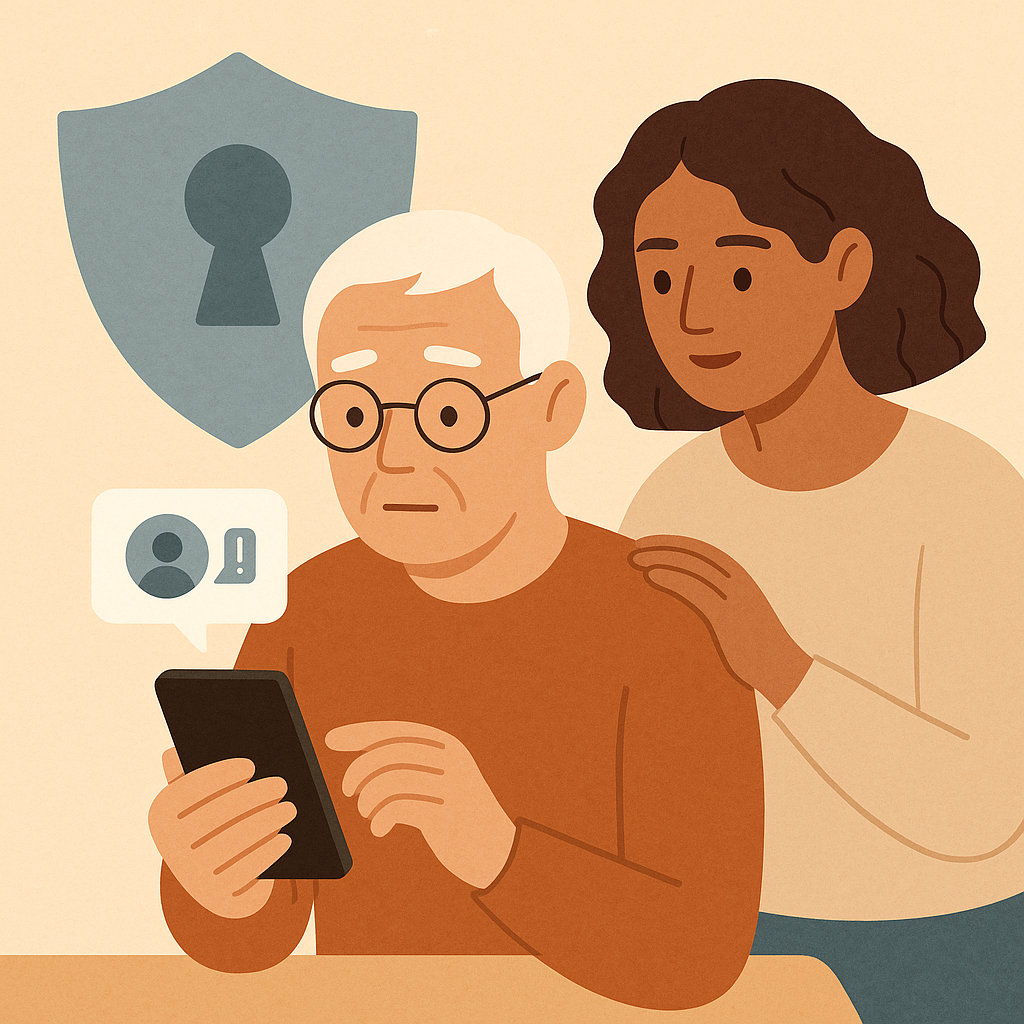
Before you tap a link or reply, look at the message like you would look at an unexpected letter in the mail. You are not trying to become a technology expert. You are simply checking whether the message makes sense.
- The sender: Is this a person or business you truly know, or just a similar-looking name?
- The request: Are they asking for money, payment apps, gift cards, codes, passwords, or personal documents?
- The tone: Does the message push urgency, secrecy, fear, romance, or excitement?
- The link: Does it send you away from Instagram or to a strange login page?
- The prize: Does it say you won something you never entered, especially if you must pay a fee first?
- The support claim: Does it pretend your account will close unless you confirm private information?
Common examples seniors may see
Common Instagram scam messages include fake giveaways, fake account support warnings, fake celebrity or public figure accounts, fake investment offers, romance messages, and messages from a friend whose account may have been taken over. The details change, but the pattern is usually the same: the message tries to move you quickly before you can verify it.
How to Handle Instagram Scam Messages Step by Step
Use this routine when a message feels suspicious. You do not need to argue with the sender or prove anything to them. Your goal is to protect your account, your money, and your peace of mind.
- Stop before tapping: Do not click links, open attachments, scan codes, or visit a login page from the message.
- Do not share codes: A one-time code from text message, email, or an authenticator app is meant for you only. Sharing it can let someone into your account.
- Check the profile: Look for a new account, few posts, odd spelling, copied photos, or a username that is slightly different from the real person or business.
- Verify another way: If it looks like a friend, call or text them using a number you already have. Do not use contact information from the suspicious message.
- Search for the real account: For a business, charity, celebrity, or support claim, go to the account or website you already know is real instead of following the message link.
- Screenshot if needed: If you want help, take a screenshot that shows the sender and message, but hide personal details if possible.
- Block and report: If the message is clearly a scam, use Instagram’s built-in block and report options so you do not continue the conversation.
- Change your password if you shared information: If you entered your login details or gave away a code, secure the account from a trusted device right away.
If the message came from a real friend
A scam message can come from a real friend’s account if that account was stolen. If the wording feels unlike them, contact the person outside Instagram. A short phone call such as, “Did you send me a message about a prize?” can prevent a much bigger problem.
Common Social Media Privacy Mistakes to Avoid
Most mistakes happen when a message creates pressure. The scammer wants you to move from reading to reacting. A slower routine gives you room to think.
- Replying to argue: Arguing confirms that your account is active and may invite more messages.
- Trusting a profile photo: Photos can be copied from real people, businesses, or public accounts.
- Following a login link: A fake page can collect your username and password even if it looks familiar.
- Sending a verification code: No friend, giveaway, or support message should ask you to send a private security code.
- Keeping your account wide open: Public posts and personal details can make impersonation easier.
If you want fewer strangers seeing your posts, our guide to controlling who sees your social media posts explains audience settings in a simple, calm way.
A Simple Checklist
Keep this checklist nearby when an Instagram direct message feels unusual.
- Pause: Did I avoid clicking, replying, paying, or sharing a code?
- Read: Does the message use urgency, secrecy, fear, romance, or a prize?
- Check: Does the sender’s profile look real, active, and correctly spelled?
- Verify: Can I confirm this through a phone number, website, or person I already trust?
- Protect: Did I avoid sharing passwords, codes, banking details, or identity documents?
- Report: If it is a scam, did I block and report instead of continuing the conversation?
Pros and Cons of Responding to Instagram Messages
You can stay connected
Instagram messages can be useful for real family updates, hobby groups, and trusted businesses.
You can ask for confirmation
A calm reply to a real friend, after verification, can clear up confusion without embarrassment.
You can report suspicious activity
Using block and report tools helps reduce future contact from the same suspicious account.
Scammers can copy real names
A message can look familiar even when the account is fake or stolen.
Links can lead to fake login pages
A page that looks official may still be designed to steal your username and password.
Pressure can lead to fast mistakes
Urgent wording can make anyone act before checking, especially when money or family is mentioned.
When to Get Extra Help
Ask for extra help if the message mentions money, investments, romance, emergencies, account closure, legal trouble, Medicare, taxes, gift cards, or a verification code. These are not messages to handle alone when you feel unsure.
If you have older accounts you no longer use, cleaning them up can reduce confusion later. Our guide to deleting old social media accounts can help you decide what to close and what to keep.
If you already shared a password, code, payment information, or personal document, move from checking to recovery. Use a trusted device, change the affected password, review account recovery information, and ask a trusted person or the real company for help.
Frequently Asked Questions
What should I check first in an Instagram message?
Check the sender and the request. If the message asks for money, login details, a verification code, or urgent action, pause before doing anything else.
How often should I review this?
Review the checklist whenever a message feels surprising, urgent, or too good to be true. You can also review your privacy settings once a month.
What should I do if I am not sure?
Do not guess. Ask a trusted person, contact the friend another way, or go directly to the real business or support page you already know.
Can I undo privacy changes later?
Usually, yes. Most privacy settings can be adjusted again. Blocking, reporting, changing your password, and tightening visibility are normal safety steps when something feels wrong.
Final Thoughts
Instagram scam messages are easier to handle when you use one steady routine: pause, read the request, check the sender, verify another way, and avoid sharing codes or money through direct messages. You do not need to be rude, scared, or technical. You only need to slow the conversation down.
The next time a message feels urgent or exciting, say to yourself: “I can verify this before I respond.” That small pause is one of the strongest protections you have.