

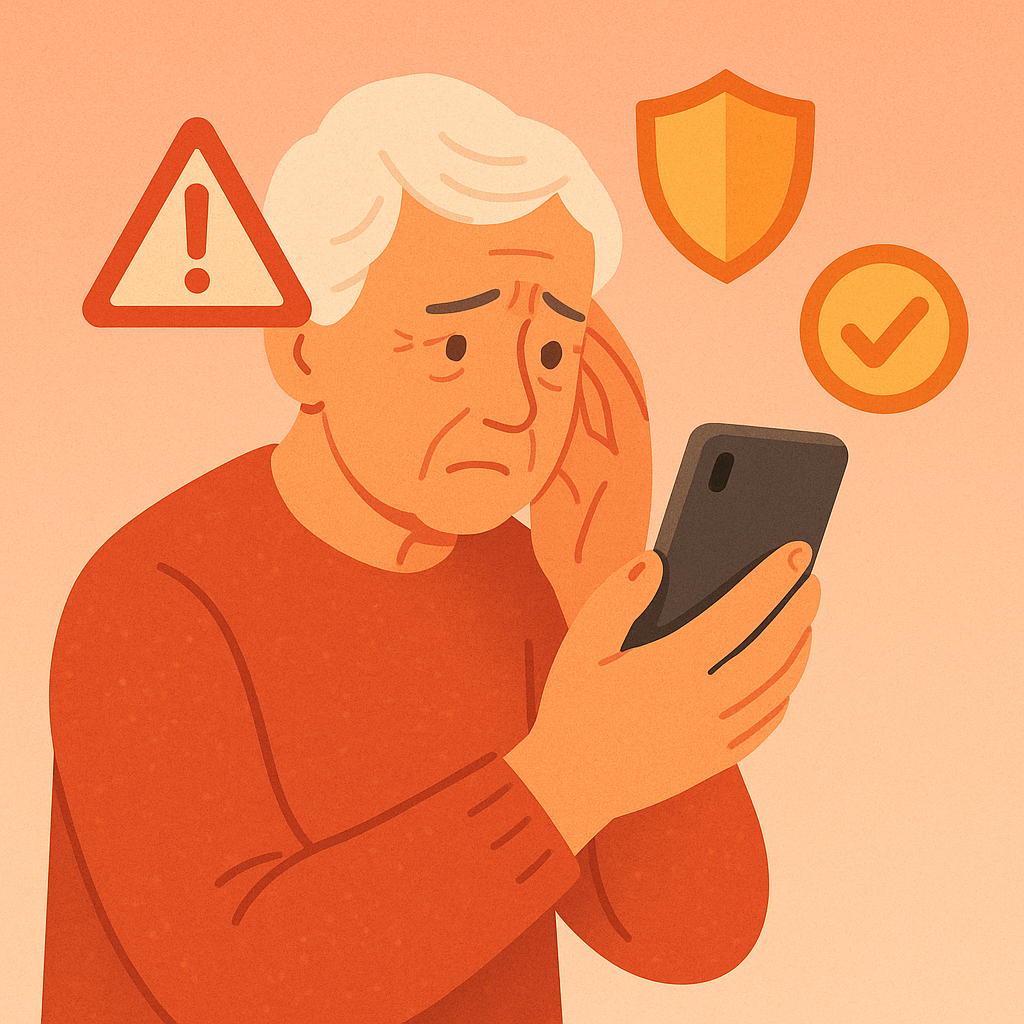
It happens to everyone: you’re quickly checking messages and accidentally tap a link that doesn’t look quite right. Or maybe you realized after clicking that the “bank alert” or “package delivery” message was actually a scam. Your heart might be racing, but take a deep breath—clicking a suspicious link doesn’t automatically mean disaster.
The key is acting quickly and methodically. The sooner you take protective action, the better your chances of avoiding any real damage. Most importantly, don’t panic. In this guide, you’ll learn:
- Immediate steps to take in the first few minutes after clicking
- How to check if your device or accounts have been compromised
- Which security measures to implement right away
- When to seek additional help or report the incident
Let’s walk through exactly what to do to protect yourself.
What Happens When You Click Suspicious Links
When you click a malicious link, several things could potentially happen, but it’s important to understand that clicking alone doesn’t guarantee your device is compromised. Think of it like touching a door handle in a public place—there might be germs, but washing your hands afterward prevents illness.
Suspicious links can lead to different types of threats:
- Phishing pages: Fake websites designed to steal your login credentials
- Malware downloads: Harmful software that tries to install on your device
- Data harvesting: Sites that collect information about your device and browsing habits
- Redirect chains: Links that bounce you through multiple malicious websites
Why Quick Action Matters
The first 30 minutes after clicking a suspicious link are critical for damage control. During this window, you can often prevent or minimize potential harm before any malicious software has time to fully activate or before scammers can use any information they might have gathered.
Delayed action can lead to:
- Account takeovers if you entered login information on a fake site
- Malware installation that steals personal data continuously
- Financial fraud through compromised banking or credit card information
- Identity theft using collected personal details
Immediate Steps to Take (First 10 Minutes)
If you’ve just clicked a suspicious link, follow these steps immediately, in this exact order:
Step 1: Don’t Enter Any Information
If the link opened a webpage asking for personal information, passwords, or payment details, close it immediately without entering anything. Even if it looks legitimate, err on the side of caution.
Step 2: Close Your Browser or App
Don’t just close the tab—close the entire browser or app you were using. This stops any background processes that might be running on the malicious page.
Step 3: Disconnect from the Internet
Turn off your Wi-Fi or mobile data temporarily. This prevents any potential malware from communicating with remote servers or downloading additional harmful content.
Step 4: Clear Your Browser Data
Clear your browsing history, cookies, and cache from the past hour. This removes any tracking files the malicious site might have left behind.
Step 5: Run a Security Scan
Use your device’s built-in security software (Windows Defender, Mac built-in protection, or your antivirus app) to run a full system scan.
Longer-Term Protection Steps (First Hour)
After taking immediate action, implement these additional protective measures:
- Change critical passwords—especially for banking, email, and social media accounts
- Check recent account activity—look for unusual logins or transactions
- Update your software—ensure your device and apps have the latest security patches
- Monitor your devices—watch for unusual behavior like slowness or unexpected pop-ups
- Review your browser settings—ensure pop-up blocking and safe browsing are enabled
- Check your credit reports—look for new accounts or inquiries you didn’t authorize
- Consider two-factor authentication—add extra security to your most important accounts
- Document the incident—save screenshots and details in case you need to report it
Pros and Cons of Different Response Approaches
Immediate Disconnection
Stopping internet access prevents further communication with malicious servers.
Password Changes
Changing passwords immediately prevents unauthorized access even if credentials were compromised.
Professional Help
Consulting with tech support or security experts provides comprehensive protection.
Overreaction Anxiety
Some people worry excessively about minimal risks, causing unnecessary stress.
Service Disruption
Immediate password changes might temporarily disrupt access to important services.
Frequently Asked Questions
How can I tell if my device is actually infected?
Watch for signs like unusual slowness, unexpected pop-ups, apps you didn’t install, rapid battery drain, or strange network activity. If you notice any of these, run a comprehensive security scan immediately.
Should I factory reset my device to be completely safe?
Factory reset is usually unnecessary and extreme. Follow the protective steps first, and only consider reset if you find confirmed malware that security software can’t remove.
Is it safe to use my device for banking after clicking a suspicious link?
Wait until you’ve completed all security steps, run clean scans, and monitored for suspicious activity for at least 24 hours. When in doubt, use a different device for sensitive transactions.
Should I report the suspicious link to anyone?
Yes. Forward phishing attempts to the FTC at reportfraud.ftc.gov and report malicious links to your email provider or the platform where you encountered them. This helps protect others.
Final Thoughts
Remember that accidentally clicking a suspicious link is a common mistake, not a catastrophe. The most important thing is taking swift, appropriate action rather than panicking or ignoring the situation. By following these steps within the first hour, you’ll dramatically reduce any potential risk. When in doubt, it’s always better to be cautiously thorough than to assume everything is fine. Your digital safety is worth the extra time and effort.