

As a grandparent, you want to protect your grandchildren from harm — but in today’s digital world, many dangers exist online where you can’t physically watch over them. The good news is that you can play a crucial role in teaching kids how to stay safe on the internet.
Your life experience with recognizing scams and suspicious behavior translates perfectly to the digital world. You know how to spot when someone’s “too good to be true” or when something feels wrong — these same instincts apply online.
Here’s how you can help keep your grandchildren safe while they explore the digital world:
- Age-appropriate conversations about online strangers
- Simple rules that make sense to kids
- How to be the “safe adult” they can talk to
- Warning signs that something isn’t right online
Let’s explore practical ways to bridge the generation gap and become your grandchild’s digital safety ally.
What Online Safety Means for Different Age Groups
Just like you wouldn’t explain stranger danger the same way to a 5-year-old and a teenager, online safety conversations need to match your grandchild’s age and understanding level.
Think of it like teaching kids to cross the street safely — you start with basic rules (“hold my hand, look both ways”) and gradually give them more independence as they show they understand the dangers.
- Ages 5-8: Focus on “never talk to people you don’t know online” and “always ask an adult before clicking anything”
- Ages 9-12: Explain that people online might not be who they say they are, and why sharing personal information is dangerous
- Ages 13-16: Discuss more complex topics like online reputation, cyberbullying, and recognizing manipulation
- Ages 17+: Focus on scam recognition, financial safety, and protecting their future careers from poor online choices
Why Grandparents Are Perfect Digital Safety Teachers
You might think you’re not “tech-savvy” enough to teach kids about online safety, but you have something far more valuable: wisdom about human nature and life experience with people who try to take advantage of others.
Your real-world experience helps you teach kids that:
- Gut instincts matter: If something feels wrong, it probably is
- Too-good-to-be-true offers exist online just like they do in person
- Strangers who ask too many personal questions have bad intentions
- Peer pressure tactics work the same way online (“all the cool kids are doing this”)
Simple Rules That Kids Can Remember and Follow
The best safety rules are simple, memorable, and make logical sense to children. Instead of overwhelming them with technical details, focus on basic principles they can apply in any situation.
The “Three Questions” Rule
Teach your grandchildren to ask themselves three questions before doing anything online:
- Would I be comfortable if my parents/grandparents saw this?
- Am I sharing any personal information (name, address, school, phone number)?
- Does this person or website want something from me (money, passwords, photos)?
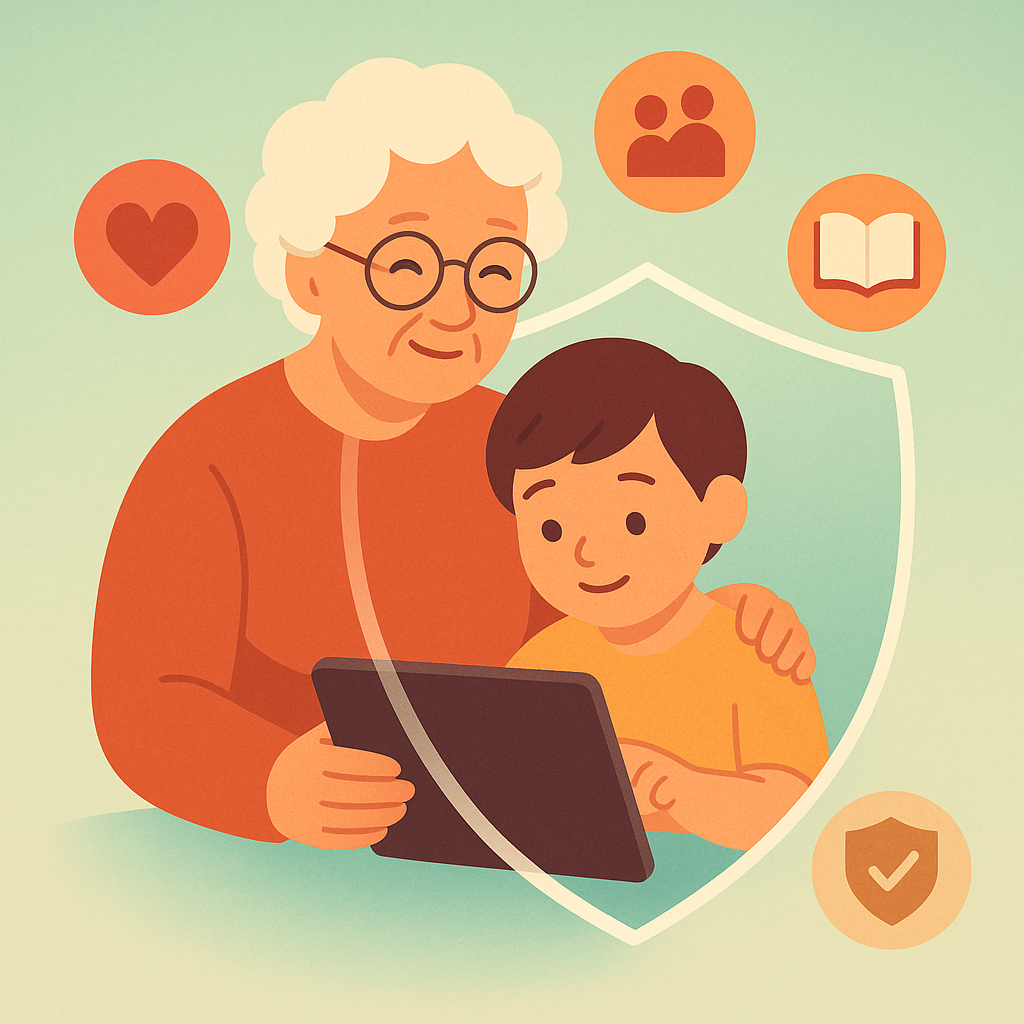
The “Safe Adult” Agreement
Make a clear agreement with your grandchild: they can always come to you with online problems without getting in trouble. This is crucial because kids often don’t report concerning interactions because they fear they’ve done something wrong.
Warning Signs Something Isn’t Right
Just as you can sense when someone at the grocery store is acting suspicious, there are clear warning signs that your grandchild might be encountering concerning behavior online.
- Secretive behavior: Suddenly closing screens when adults approach, or being very protective of their device
- Mood changes: Becoming upset, anxious, or withdrawn after using technology
- Sleep disruption: Staying up late to use devices or seeming tired during the day
- New possessions: Having new items they can’t explain where they came from
- Mature language: Using sexual or violent language they wouldn’t normally know
How to Start These Conversations
Many grandparents worry about bringing up online safety because they don’t want to scare their grandchildren or seem out of touch. The key is making it a normal, ongoing conversation rather than one big scary lecture.
- Use current events: “I heard about someone who got tricked by a fake website. Has anyone online ever asked you for personal information?”
- Ask about their favorite apps: “Can you show me how this works? Who can see what you post here?”
- Share your own experiences: “Someone called me pretending to be from the bank. It reminded me that people online can pretend to be someone they’re not too.”
- Make it collaborative: “Let’s both learn about this new app together. What safety features does it have?”
Practical Technology Tips You Can Actually Implement
You don’t need to become a computer expert to help with basic online safety. Here are simple technical steps that anyone can learn and teach:
- Privacy settings review: Sit with your grandchild once a month to check who can see their posts and contact them
- Friend list audit: Help them look through their friends/followers — do they know all these people in real life?
- Password hygiene: Teach them to use different passwords for different accounts (a password manager can help)
- Screenshot documentation: If something makes them uncomfortable, take a screenshot before blocking or deleting
Pros and Cons of Getting Involved in Your Grandchild’s Digital Life
Builds trust and communication
Your grandchild learns they can come to you with digital problems.
Provides early warning system
You can spot problems before they become serious.
Strengthens your relationship
Learning about their interests shows you care about their world.
Requires ongoing learning
Technology changes fast, requiring continuous education on your part.
Potential for family conflict
Parents might not appreciate your involvement or have different rules.
Frequently Asked Questions
What if I don’t understand the technology my grandchild is using?
You don’t need to understand the technology — you need to understand people. Focus on teaching recognition of suspicious behavior rather than technical details.
How do I know if I’m being too overprotective?
If your grandchild stops sharing their online experiences with you, you might be too restrictive. Aim for open dialogue rather than strict monitoring.
Should I tell their parents about everything they share with me?
Maintain confidentiality for minor issues, but always involve parents for serious safety concerns or potential illegal activity.
What if my grandchild has already encountered something inappropriate online?
Stay calm, listen without judgment, document what happened, and involve parents immediately. Reassure them they did the right thing by telling you.