

Have you ever posted a family photo on Facebook and wondered — who exactly can see this? Maybe a neighbor you barely know, or even a complete stranger. If that thought makes you uncomfortable, you’re not alone. Millions of people, especially those who are newer to social media, don’t realize just how public their posts can be by default.
The good news is that every major social media platform gives you powerful tools to control your audience — the group of people who can see what you share. Once you understand these settings, you can share freely with the people you trust, without worrying about your content reaching the wrong eyes.
What Does “Audience Control” Mean on Social Media?
Audience control simply means choosing who can see each piece of content you post online. Think of it like deciding whether to put a letter in an open mailbox on the street, hand it to your close friends, or keep it locked in your desk drawer.
Most platforms offer three basic levels:
- Public: Anyone on the internet — even people who don’t have an account — can see your post.
- Friends / Followers: Only people you have approved as connections can see your content.
- Only Me: The post is completely private — visible only to you.
Why the Default Setting Can Be Risky
When you first create a social media account, the default settings are often set to “Public” or “Friends of Friends.” This means your posts could reach thousands of people you’ve never met. Scammers, identity thieves, and bad actors actively search public profiles to find personal information — your city, your family members’ names, your daily routines.
Friends of Friends: A Hidden Risk
The “Friends of Friends” setting is particularly misleading. If you have 150 Facebook friends and each of them has 150 friends, your post could potentially reach over 22,000 people. That’s far more exposure than most people intend when sharing a personal update.
Why This Matters for Your Privacy and Safety
Controlling your audience isn’t just about privacy preferences — it’s a genuine safety issue. According to the Federal Trade Commission (FTC), social media has become one of the top channels for fraud, with people losing hundreds of millions of dollars each year to scams that begin with information gathered from public profiles.
Beyond fraud, oversharing publicly can reveal sensitive details like your home address, the names of your grandchildren, or when your house will be empty during a vacation. Criminals look for exactly this kind of information.
How to Adjust Audience Settings on Facebook
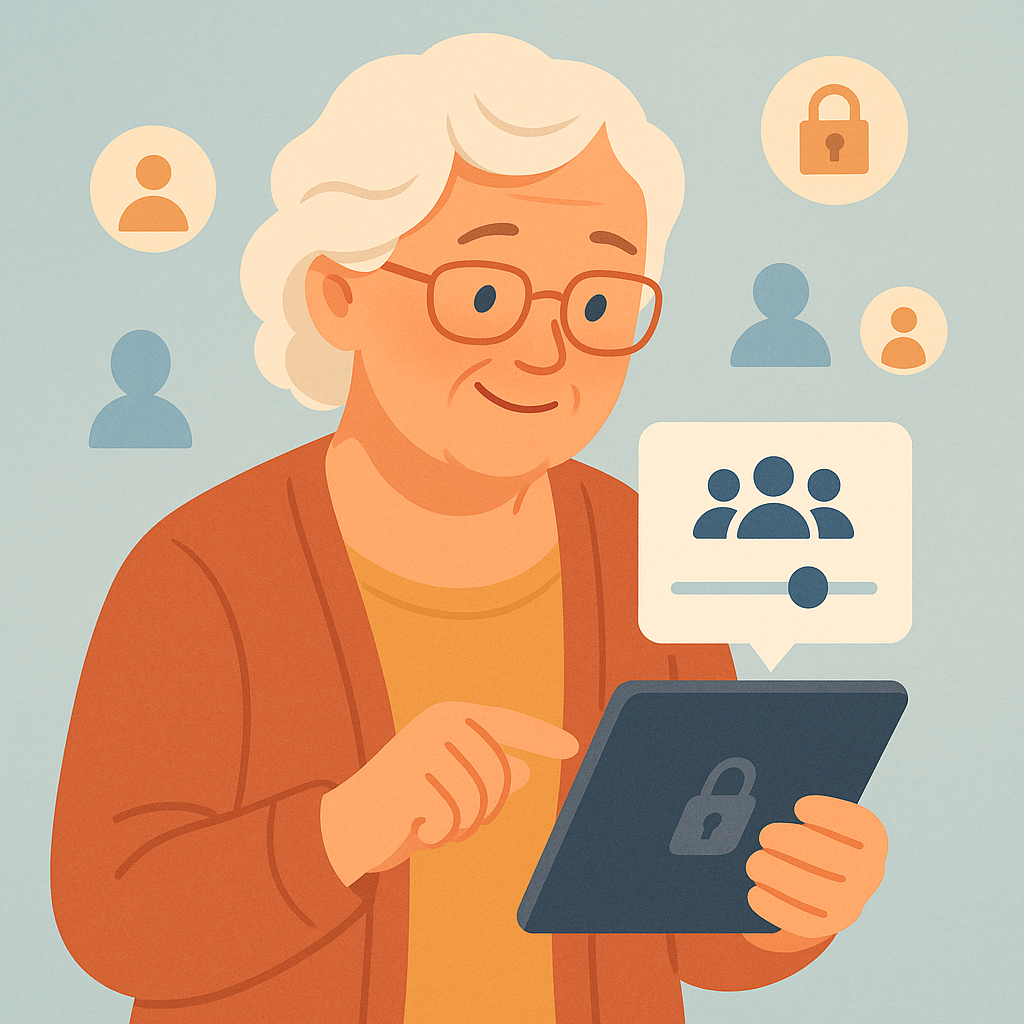
Facebook offers the most granular audience controls of any major platform. Here is how to use them effectively:
Setting Your Default Audience for New Posts
On Facebook, you can set a default audience that will apply to every new post you make unless you change it:
- Tap your profile photo or the three-line menu icon in the top right corner.
- Go to Settings & Privacy, then Settings.
- Select Privacy, then tap Your Activity.
- Under “Who can see your future posts?”, tap Edit and choose Friends.
This one change alone ensures that strangers cannot see anything you share going forward.
Changing Audience on Instagram and Other Platforms
On Instagram, the simplest approach is to set your account to Private. When your account is private, only people you approve as followers can see your posts, stories, and reels. Go to your profile, tap the three-line menu, select Settings, then Account Privacy, and toggle Private Account on.
On LinkedIn, you can control who sees your posts by selecting an audience option (Anyone, Connections only, or specific groups) each time you write a new post.
Practical Tips for Managing Your Audience Settings
- Review old posts regularly: On Facebook, use the “Limit Past Posts” feature under Privacy Settings to change all old public posts to Friends-only in one step.
- Use post-specific settings: Before hitting “Post,” always check the small audience icon (globe, people, or lock icon) next to your name and adjust it if needed.
- Be cautious with photos of family: When sharing pictures that include grandchildren, neighbors, or other people, consider setting those posts to Friends-only or using the “Close Friends” list.
- Create a “Close Friends” or custom list: Both Facebook and Instagram allow you to share certain posts only with a hand-picked group — ideal for very personal updates.
- Check your tagged photos: Other people can tag you in their photos. Make sure your settings require your approval before tagged photos appear on your profile.
Pros and Cons of Tightening Your Audience Settings
Reduces risk of identity theft
Limiting who sees your personal updates makes it harder for scammers to gather information about your life.
More comfortable sharing
When you know your audience, you can post photos and updates without second-guessing every word.
Protection from targeted ads and data brokers
Less public data means fewer companies can harvest your information for advertising profiles.
Friends may miss your posts
If you use a very restricted list, people who are not on it will not see your updates even if they are connected to you.
Settings can reset after app updates
Some platforms occasionally reset privacy defaults after major updates. It’s worth reviewing settings every few months.
Frequently Asked Questions
If I set my Facebook to Friends only, can my friends’ friends still see my posts?
No. When set to “Friends,” only people who are directly connected to you as friends can see the post. Friends of Friends is a separate, wider setting.
What happens to my old public posts when I use “Limit Past Posts”?
Facebook changes the audience on all your previously public posts to “Friends” in one click. The posts remain on your profile — only who can see them changes.
Can someone screenshot my Friends-only post and share it publicly?
Unfortunately, yes. Technology cannot prevent screenshots. This is why it’s best to treat everything you post online as potentially permanent and shareable, even with privacy settings in place.
Is it safe to use the “Public” setting for anything?
It depends on the content. Sharing a general article or a non-personal interest publicly is generally fine. Sharing your location, family details, or daily schedule publicly is not recommended.
Final Thoughts
Taking control of your social media audience is one of the simplest and most impactful privacy steps you can take. You do not need to be a tech expert to do this — the settings are designed to be accessible, and even small changes (like switching from Public to Friends) make a meaningful difference in your online safety.
Start today: open Facebook or Instagram, find the audience or privacy settings, and change one thing. That first step is all it takes to start protecting your digital life on your own terms.