

Your smartphone probably has dozens of apps installed, but not all of them may be safe. Malicious apps can steal your personal information, track your location, or even spy on your conversations. The good news? Learning to spot and remove suspicious apps doesn’t require tech expertise.
This guide will walk you through the warning signs of potentially dangerous apps and show you exactly how to remove them from your phone. You’ll learn simple steps to protect your personal data and keep your device running smoothly.
- Clear warning signs that an app might be malicious
- Step-by-step removal process for iPhone and Android
- How to prevent suspicious apps from being installed in the future
Let’s start by understanding what makes an app suspicious and why this matters for your digital safety.
What Is a Suspicious App
A suspicious app is any mobile application that behaves unexpectedly or requests excessive permissions for its stated purpose. Think of it like a door-to-door salesperson who asks to see your bank statements before showing you their product – that’s a red flag.
Suspicious apps often disguise themselves as useful tools like flashlights, games, or weather apps, but secretly collect your personal information or install additional malware. They might be poorly designed knockoffs of popular apps, or they could be intentionally malicious software created by cybercriminals.
- Fake apps: Look similar to popular apps but with slightly different names
- Over-privileged apps: Request access to features they shouldn’t need
- Performance drains: Cause your phone to slow down or battery to drain quickly
- Aggressive ads: Display excessive or inappropriate advertisements
Why This Matters for You
Malicious apps pose serious risks to your privacy and financial security. According to recent cybersecurity reports, mobile malware increased by 54% in 2024, with seniors being targeted 40% more often than younger users due to lower awareness of digital threats.
These apps can access your photos, contacts, messages, and even your banking information. Some can track your location in real-time, while others can make unauthorized purchases or sign you up for expensive premium services without your knowledge.
- Identity theft: Apps can steal personal information for fraudulent use
- Financial loss: Unauthorized charges or premium service subscriptions
- Privacy invasion: Constant tracking of your location and activities
- Device compromise: Poor performance, crashes, or complete device takeover
Warning Signs of Suspicious Apps
Spotting a suspicious app requires paying attention to how your phone behaves and what permissions apps request. Here are the most reliable warning signs to watch for.
Permission Red Flags
When you install an app, it asks for permission to access various features of your phone. A flashlight app should only need camera access (for the flash), not your contacts, location, or microphone. Be suspicious if an app requests permissions that don’t match its function.
- Excessive permissions: Requests access to contacts, camera, microphone when not needed
- Location tracking: Wants constant location access for no clear reason
- File access: Requests to read or modify files throughout your device
- Administrative privileges: Asks to become a device administrator
Performance Issues
Your phone should run smoothly with legitimate apps. If you notice sudden changes in performance after installing a new app, that’s a warning sign. Malicious apps often run hidden processes that consume your phone’s resources.
Unusual Behavior
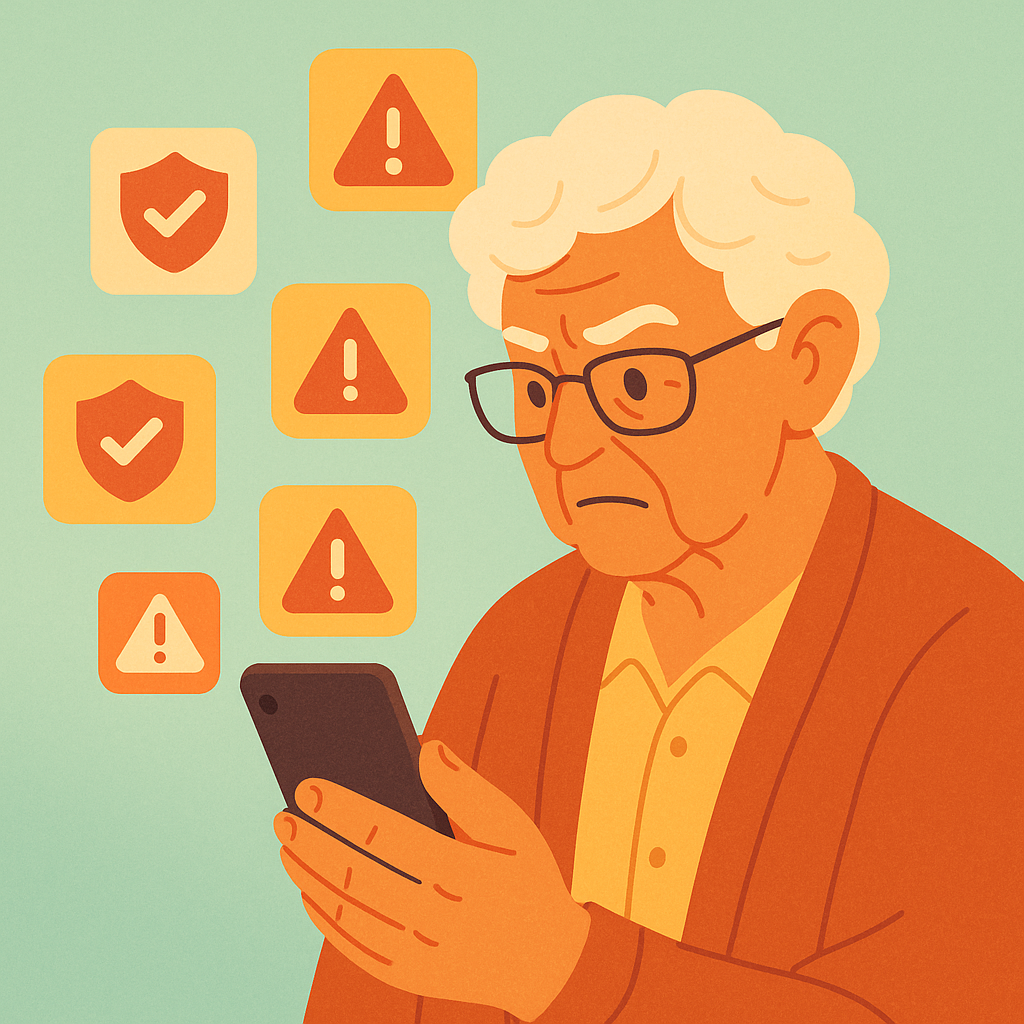
Trust your instincts if your phone starts acting strangely. Malicious apps can cause unexpected pop-ups, redirect your browser, or display ads even when you’re not using the app. Some might send text messages or make calls without your permission.
- Unexpected pop-ups: Ads appear when the app isn’t running
- Browser redirects: Your web searches go to unfamiliar sites
- Mysterious charges: New subscriptions or purchases you didn’t make
- Contact complaints: Friends receive spam messages from your number
How to Remove Suspicious Apps
Once you’ve identified a suspicious app, removing it quickly is crucial. The process differs slightly between iPhone and Android devices, but both are straightforward.
Removing Apps from iPhone
- Find the suspicious app on your home screen or in the App Library
- Press and hold the app icon until a menu appears
- Tap “Remove App” then “Delete App”
- Confirm deletion by tapping “Delete” again
- Go to Settings → General → iPhone Storage to verify complete removal
Removing Apps from Android
- Open Settings and tap “Apps” or “Application Manager”
- Find the suspicious app in the list
- Tap the app name, then tap “Uninstall”
- Confirm removal when prompted
- For stubborn apps, go to Settings → Security → Device Administrators and remove admin rights first
Practical Tips
- Check app sources: Only download from official app stores (Apple App Store, Google Play Store)
- Read reviews carefully: Look for recent reviews mentioning security concerns or unusual behavior
- Research the developer: Legitimate companies have websites and contact information
- Monitor permissions: Review what access each app has in your phone’s settings monthly
- Keep apps updated: Install security updates promptly when available
- Use built-in security: Enable Google Play Protect (Android) or automatic security updates (iPhone)
- Trust your gut: If an app feels “off” or too good to be true, don’t install it
Pros and Cons of Different Removal Methods
Complete control
You decide which apps to keep or remove based on your needs.
Educational
Learn to recognize suspicious apps and improve your security awareness.
Free
No additional software or subscriptions required for basic security.
Time consuming
Requires regular monitoring and manual review of installed apps.
Knowledge required
Need to learn what permissions and behaviors are normal versus suspicious.
Frequently Asked Questions
How can I tell if an app I already have is suspicious?
Check your phone’s settings to review app permissions. If a simple app like a calculator has access to your contacts, camera, or location, that’s suspicious. Also monitor your phone’s performance – if it suddenly becomes slow or the battery drains quickly after installing an app, investigate further.
What should I do if I can’t delete a suspicious app?
Some malicious apps gain administrator privileges, making them harder to remove. Go to Settings → Security → Device Administrators (Android) or Settings → General → Device Management (iPhone) and remove the app’s admin rights first, then try uninstalling normally.
Are apps from the official app stores always safe?
While official app stores have security screening, some malicious apps still slip through. Always read recent reviews, check the developer’s reputation, and be cautious with apps that request excessive permissions, even from official stores.
Should I use antivirus software on my smartphone?
For most users, built-in security features (Google Play Protect for Android, iOS security for iPhone) provide adequate protection. However, if you frequently install apps from unknown sources or have been targeted before, a reputable mobile antivirus can add extra protection.
Final Thoughts
Protecting your smartphone from suspicious apps doesn’t require advanced technical skills – just awareness and regular vigilance. By checking app permissions, monitoring your phone’s performance, and trusting your instincts, you can keep malicious software off your device.
Remember to review your installed apps monthly, stick to official app stores, and never hesitate to delete an app that seems suspicious. Your personal information and digital privacy are worth more than any free app.
You don’t need to be a tech expert to stay safe online – just a cautious and informed user.