

Social media has made it easier than ever to stay connected with family and friends. A quick post here, a photo there — it feels harmless. But sharing too much personal information online is one of the fastest ways to become a target for identity theft, scams, or even home burglary. According to the FTC, consumers reported losing over $10 billion to fraud in 2023, with social media playing a growing role in how scammers find their targets.
The good news is that protecting yourself doesn’t mean giving up social media entirely. It simply means being more thoughtful about what you share — and what you keep private.
What Is Oversharing on Social Media?
Oversharing means posting personal details that, alone or combined, could be used to harm you. A single piece of information might seem innocent — your birthday, your hometown, or a photo in front of your house. But scammers are skilled at combining small details into a complete picture. Think of it like puzzle pieces: each one looks harmless by itself, but together they can reveal your full identity.
Cybersecurity experts call this technique social engineering — using publicly available information to manipulate or deceive someone. The less you share publicly, the fewer puzzle pieces a bad actor can collect.
Why This Matters More Than You Think
Seniors are disproportionately targeted by identity thieves and online scammers. The AARP reports that people 60 and older lost more than $3.4 billion to fraud in 2023 — a number that climbs every year. Social media is a primary research tool for fraudsters who want to learn about their targets before striking.
When your profile is public — or even visible to “friends of friends” — the audience for your posts is far larger than you realize. A stranger can view your photos, read your bio, and piece together where you live, when you leave home, and who your family members are.
Information You Should Never Post Online
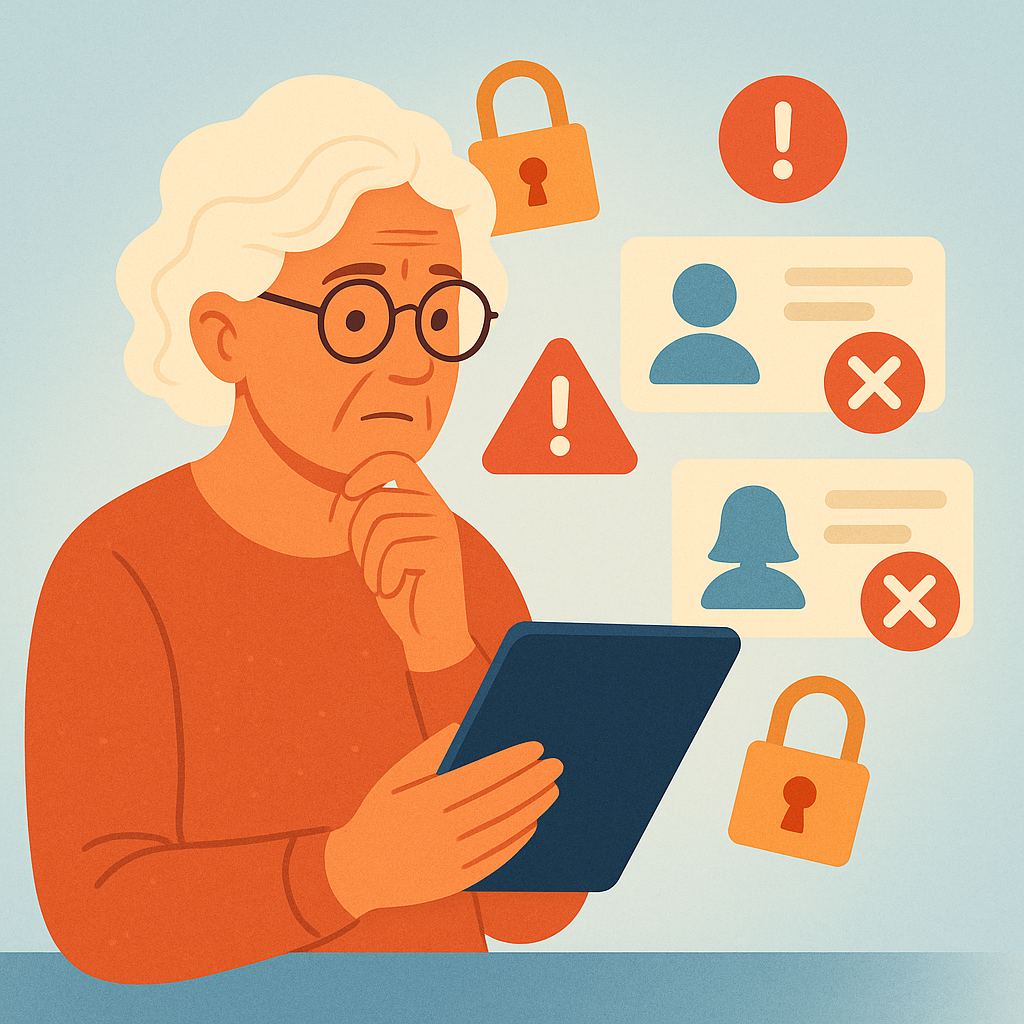
Here are the categories of personal information that should stay off your social media profiles entirely:
- Your home address: Never post your street address, even in your profile bio. It tells strangers exactly where to find you.
- Phone number: Your cell phone number is a gateway to phone scams, robocalls, and SIM-swapping attacks that can lock you out of your own accounts.
- Vacation plans: Announcing “Leaving for Florida next week!” tells burglars your home will be empty. Share vacation photos after you return, not before.
- Full birth date: Your full birthday (month, day, and year) is a core piece of your identity. Many banks and institutions use it to verify your identity. Sharing just the month and day — without the year — is far safer.
- Financial information: Never mention your bank, credit card numbers, account balances, or financial struggles. This information is gold for scammers.
- Medical details: Sharing health conditions, medications, or upcoming procedures can expose you to insurance fraud or targeted health scams.
- Daily routine: Posting “at the gym every morning at 7am” or “doctor’s appointment every Tuesday” lets strangers predict when you’ll be away from home.
- Photos of grandchildren’s school or home: Well-meaning posts about grandchildren can inadvertently reveal their school name, neighborhood, or routines — information that should always stay private.
How to Share Safely Without Losing the Fun
Being cautious doesn’t mean being silent. You can still enjoy social media while protecting yourself with a few simple habits:
- Set your profile to “Friends Only”: This limits who can see your posts and reduces exposure to strangers significantly.
- Review your privacy settings regularly: Platforms change their settings frequently. Check yours at least once a month.
- Post photos after events, not during: Share your vacation memories after you’ve returned home, not while you’re still away.
- Be vague about location: Instead of tagging the exact restaurant or address, you can post “enjoyed a wonderful dinner” without revealing where.
- Audit your profile bio: Remove your phone number, email, and address from your profile’s “About” section if they’re listed there.
Pros and Cons of Being More Private Online
Reduces identity theft risk
Keeping personal data off public profiles removes key information that scammers use to impersonate you.
Protects your home security
Not announcing travel plans keeps your home from becoming a burglary target while you’re away.
Shields your family members
Being careful about what you share protects not just yourself but also your children and grandchildren who appear in your posts.
Takes some adjustment
Changing long-standing sharing habits requires a bit of mindfulness at first, especially when posting in the moment.
May feel less connected at first
Sharing less publicly can feel like pulling back, but sharing privately with friends and family still keeps you connected — just more safely.
Frequently Asked Questions
Is it safe to share my first name and photo on social media?
Yes — your first name and a profile photo are generally fine to share. Just make sure your privacy settings limit who can see the rest of your profile beyond that.
Can scammers really find me from social media posts?
Absolutely. Scammers regularly browse public profiles to gather details like your name, city, birthday, and family relationships — then use that information to craft personalized scams that sound very convincing.
What if I already shared too much? Is it too late?
It’s never too late to improve your privacy. Update your privacy settings today, edit your profile bio to remove sensitive details, and delete old posts that contain personal information. Going forward, apply the new habits you’ve learned.
Should I use my real name on social media?
Many people do, and that’s fine — especially to stay connected with family. What matters more is controlling what else is attached to your name: location, address, phone, and daily routines should all stay private.
Final Thoughts
Social media is a wonderful tool for staying close to the people you love — but it works best when you treat it like a conversation in a public park, not a private living room. Anyone can walk by and hear what you’re saying. By being thoughtful about what you share, you protect your identity, your home, and your family — without giving up the connections that matter most.
Take five minutes today to review your profile bio, check your privacy settings, and remove any sensitive information you find. Small steps like these make a big difference in staying safe online.