How to Protect Your Privacy on LinkedIn: A Senior’s Complete Guide
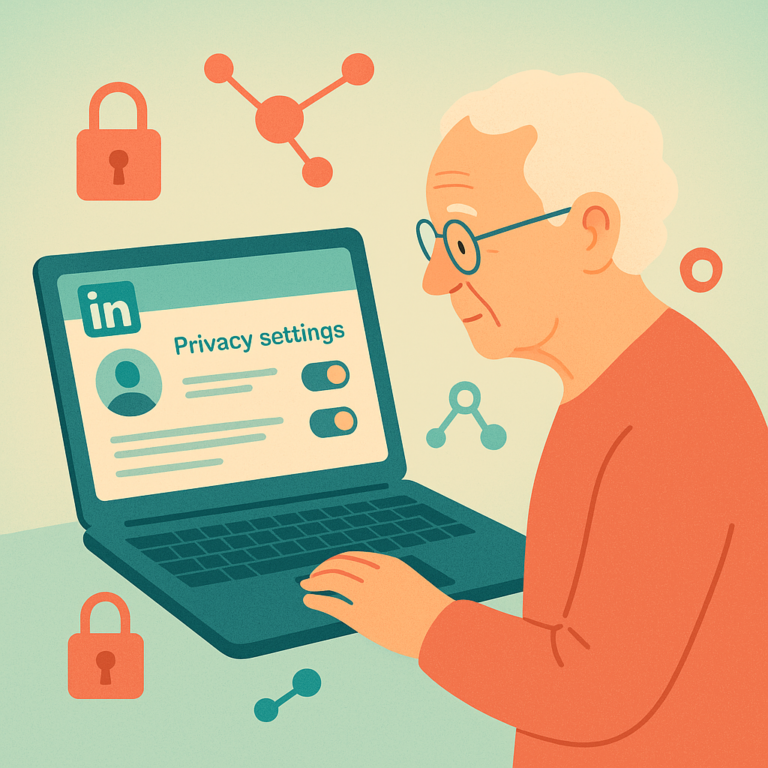
Learn how to control your LinkedIn privacy settings, manage profile visibility, and stay safe on the platform — a clear guide for seniors.

Learn how to control your LinkedIn privacy settings, manage profile visibility, and stay safe on the platform — a clear guide for seniors.
Learn how to control your YouTube watch history, adjust privacy settings, and use the platform safely as a senior — step by step.
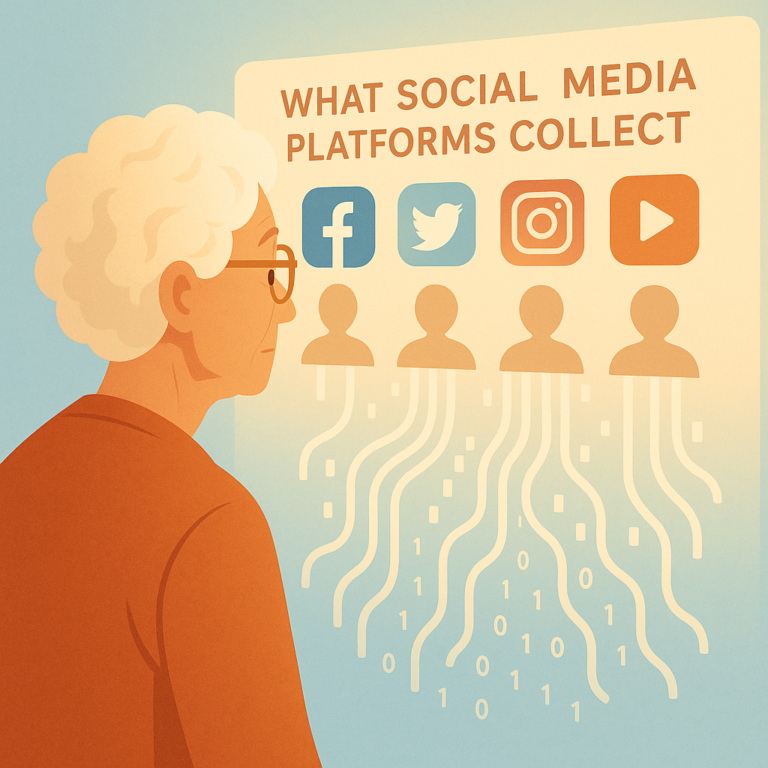
Discover what Facebook, Google, and other social media platforms collect about you, how they use your data, and simple steps to review and limit it.
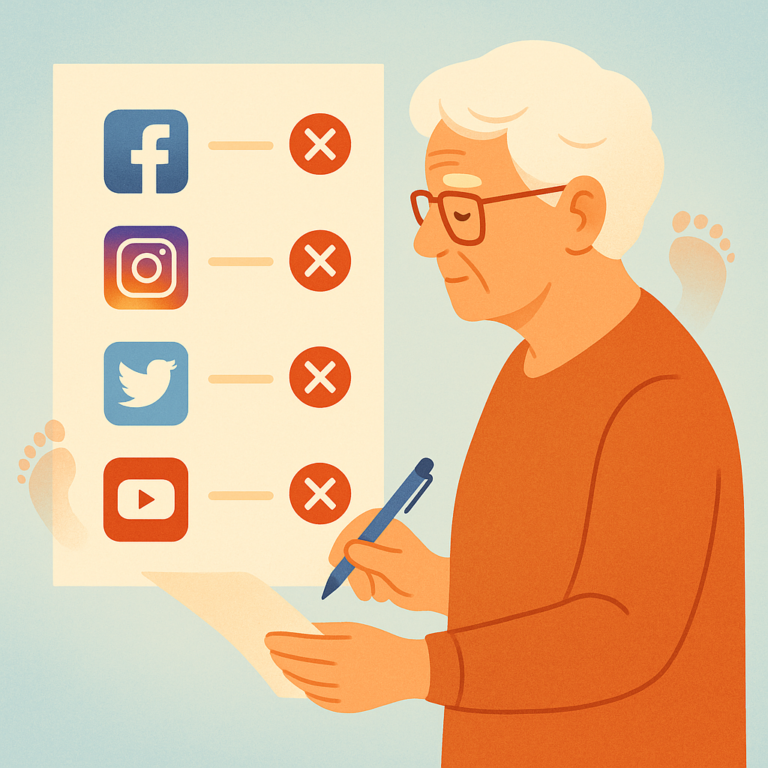
Step-by-step guide to permanently deleting old Facebook, Twitter, LinkedIn, and Instagram accounts you no longer use to protect your online privacy.
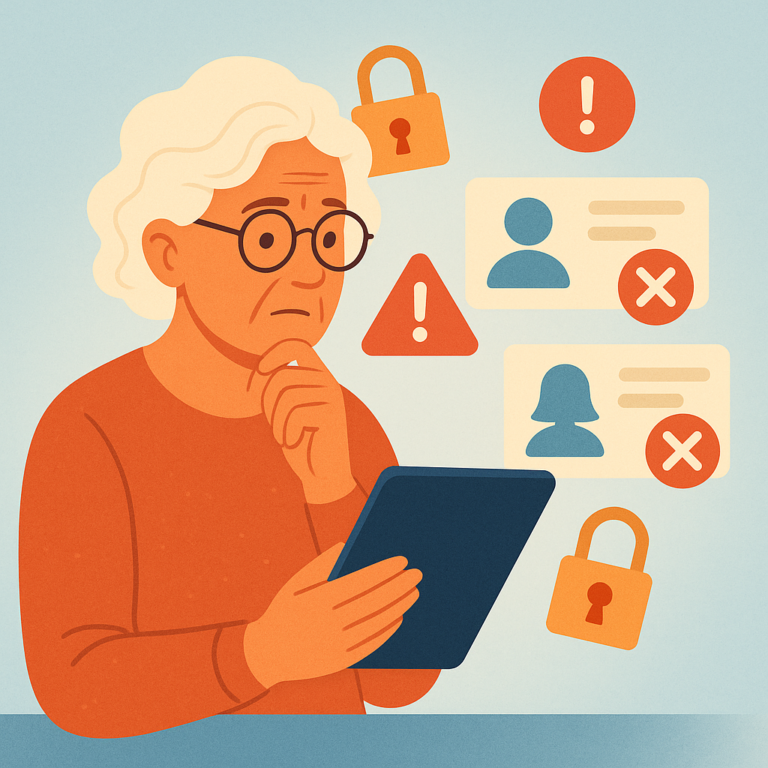
Learn which personal details you should never post on social media to protect your privacy, identity, and home security as a senior.
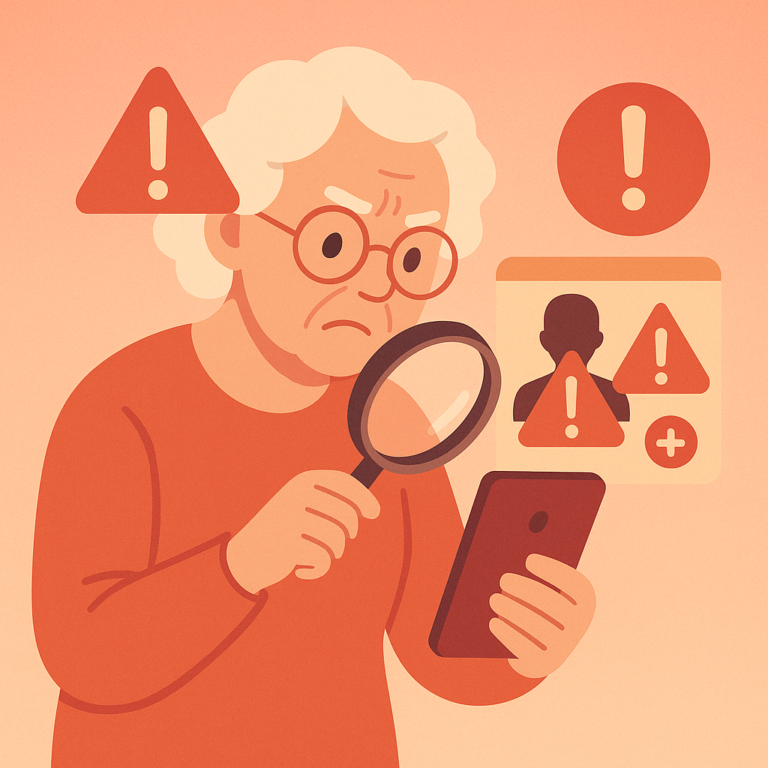
Fake profiles and suspicious friend requests are used by scammers to steal money and personal information. Learn the warning signs and how to protect yourself.
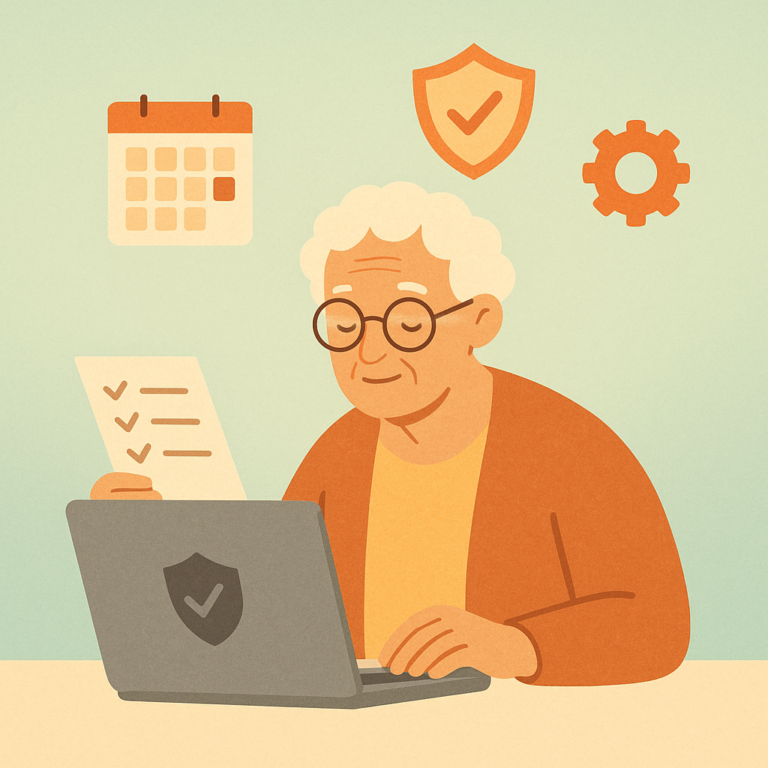
A monthly social media privacy checkup takes just minutes but can prevent scams, data leaks, and unwanted exposure. Here's your simple step-by-step routine.
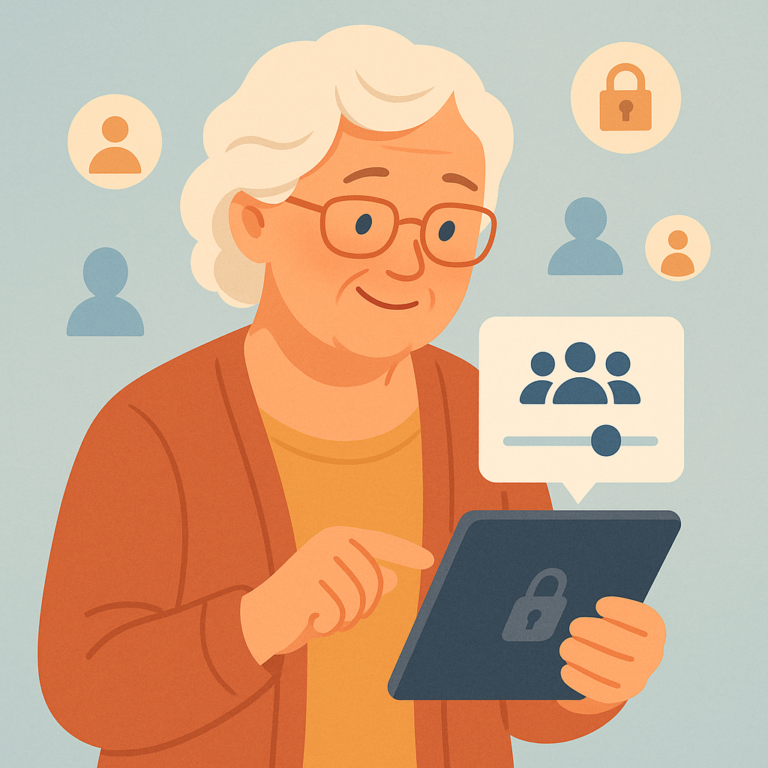
Learn step-by-step how to control who sees your social media posts on Facebook, Instagram, and more — and why it matters for your privacy.
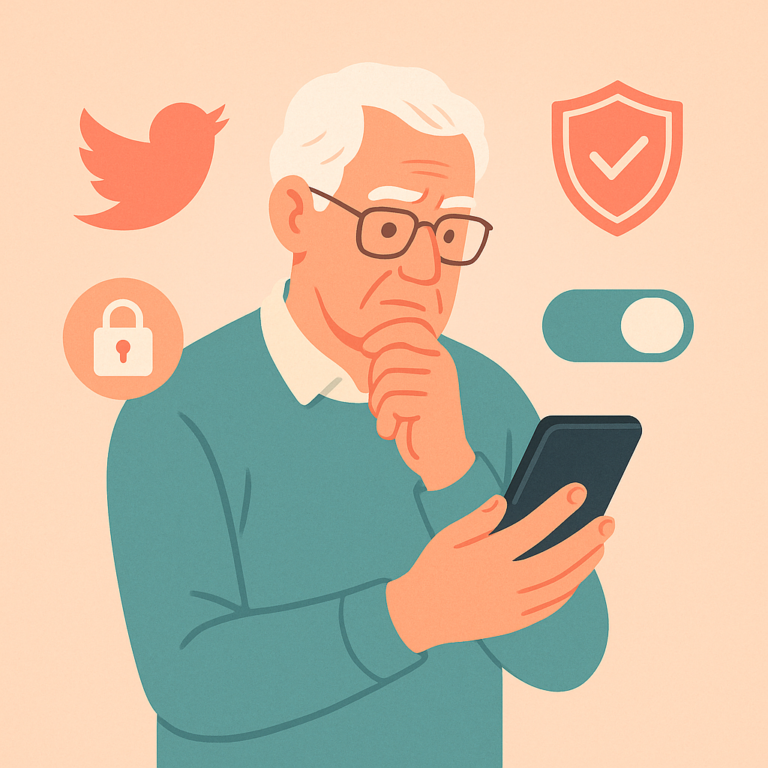
Learn the key Twitter/X privacy settings to protect your tweets, limit who can contact you, and keep your personal data out of the wrong hands.
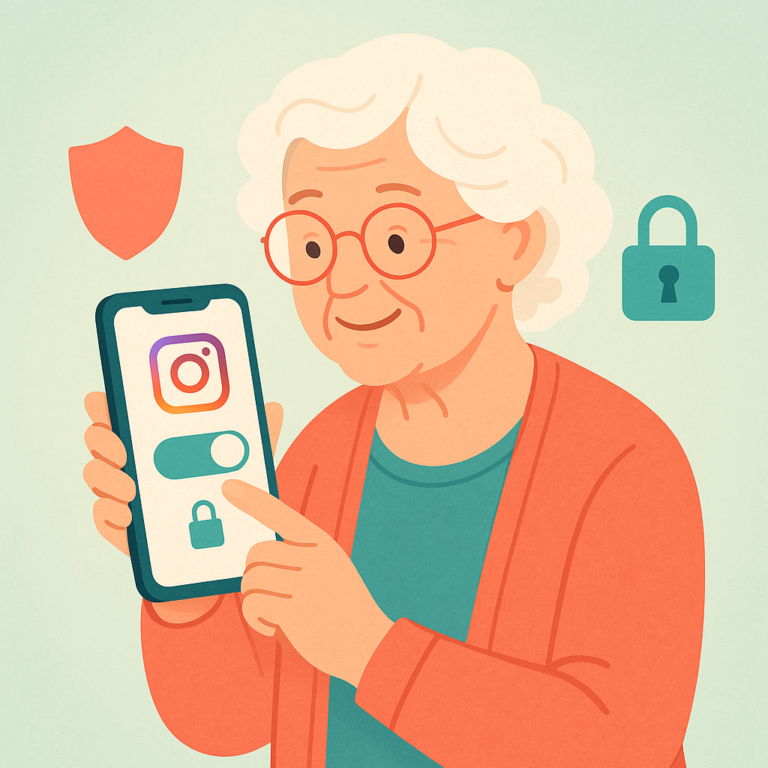
Learn how to make your Instagram account private and which key privacy settings to adjust to protect your photos, followers, and personal information.
SenorSafe — Your Complete Guide to Digital Safety
SenorSafe is an independent informational resource. We do not provide professional cybersecurity services. Content is for educational purposes only.
Privacy Policy | Terms | Contact | About
© 2026 SenorSafe. All rights reserved.