Why You Should Review Your Social Media Privacy Settings Every Month
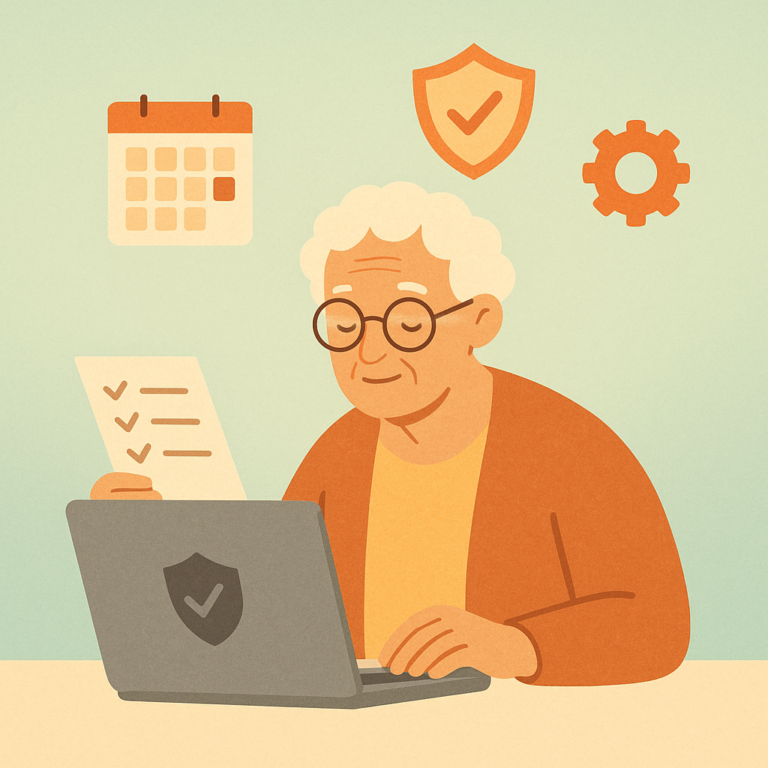
A monthly social media privacy checkup takes just minutes but can prevent scams, data leaks, and unwanted exposure. Here's your simple step-by-step routine.

A monthly social media privacy checkup takes just minutes but can prevent scams, data leaks, and unwanted exposure. Here's your simple step-by-step routine.
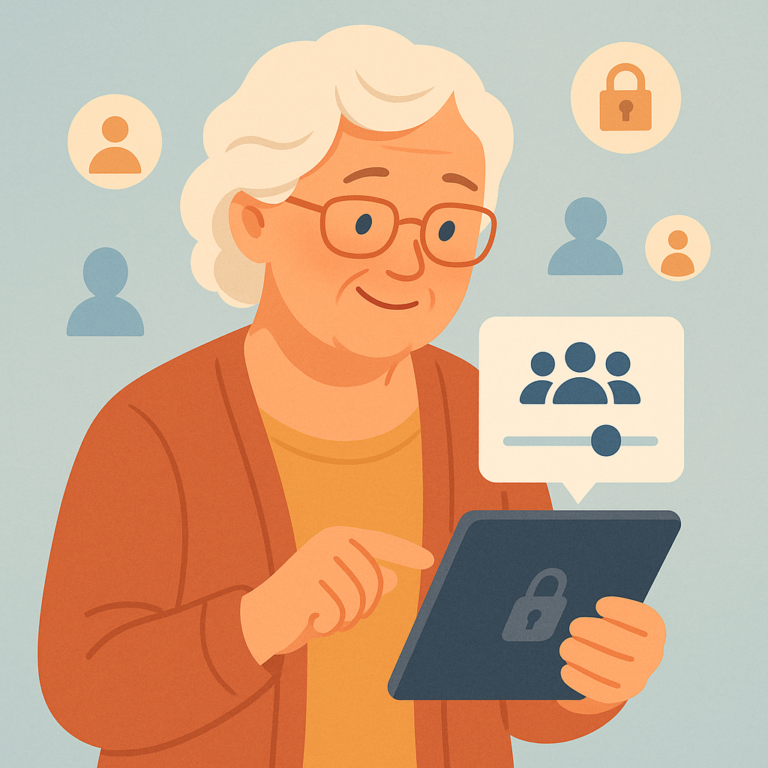
Learn step-by-step how to control who sees your social media posts on Facebook, Instagram, and more — and why it matters for your privacy.
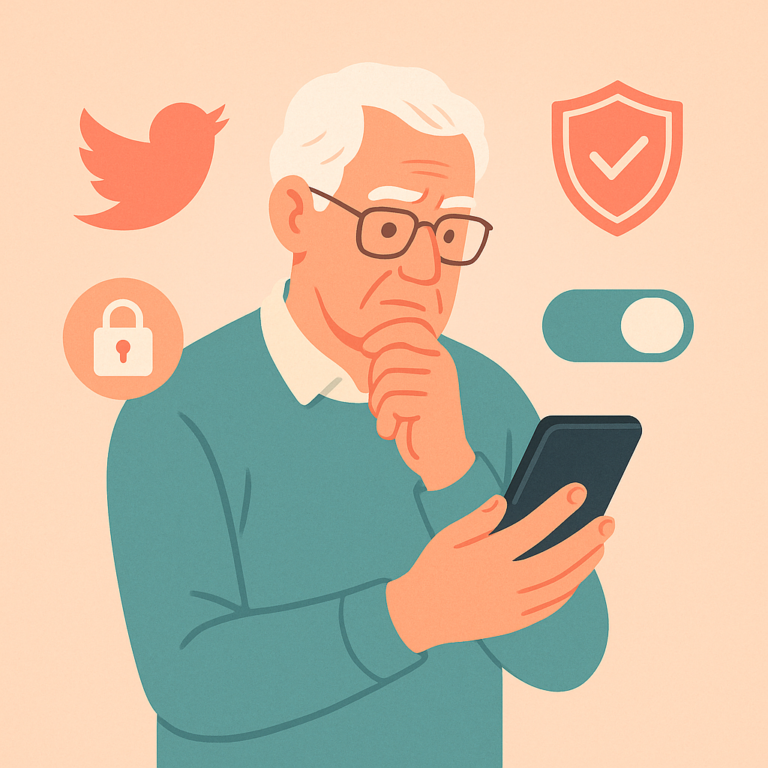
Learn the key Twitter/X privacy settings to protect your tweets, limit who can contact you, and keep your personal data out of the wrong hands.
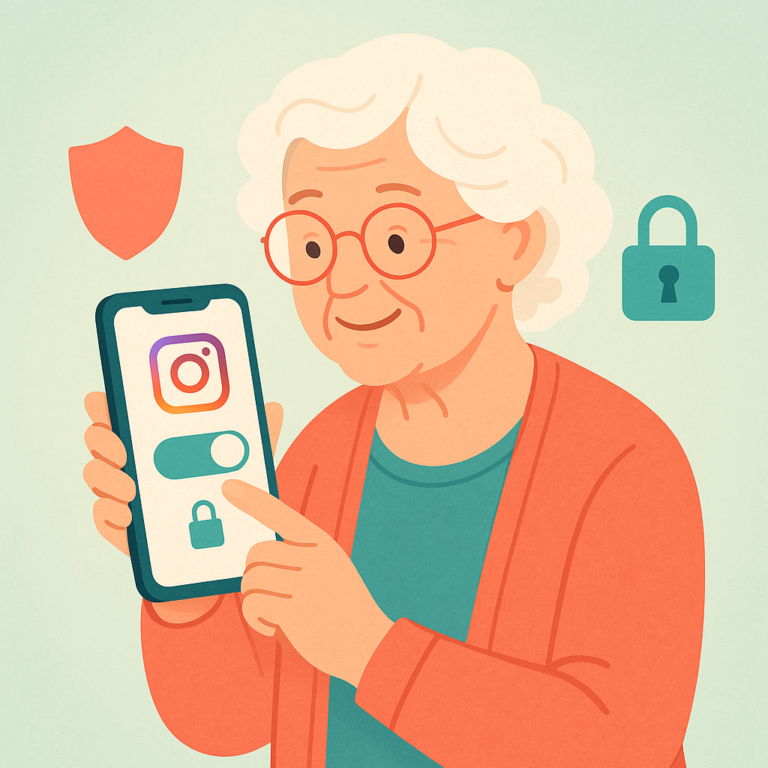
Learn how to make your Instagram account private and which key privacy settings to adjust to protect your photos, followers, and personal information.
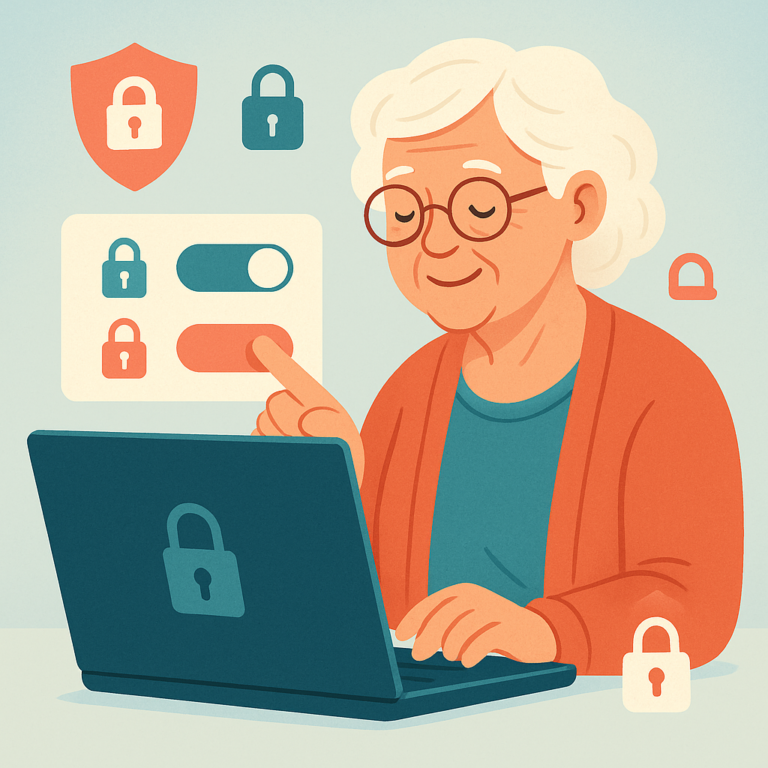
Learn the key Facebook privacy settings every senior should update to protect their personal information, limit who can see your posts, and stay safe online.
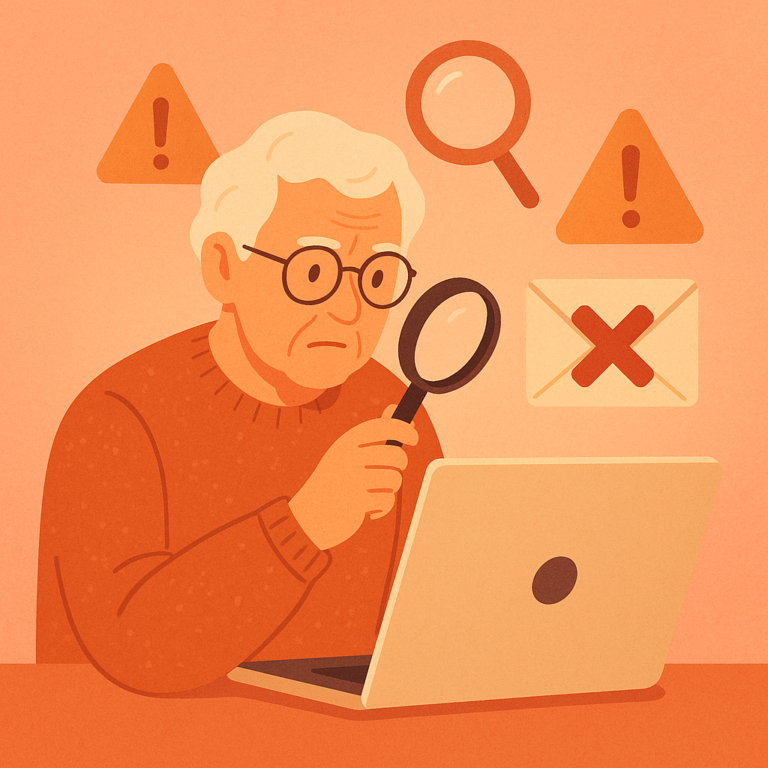
Learn the key warning signs that reveal a fake customer service email from Amazon, PayPal, Netflix, or your bank — before you click anything suspicious.
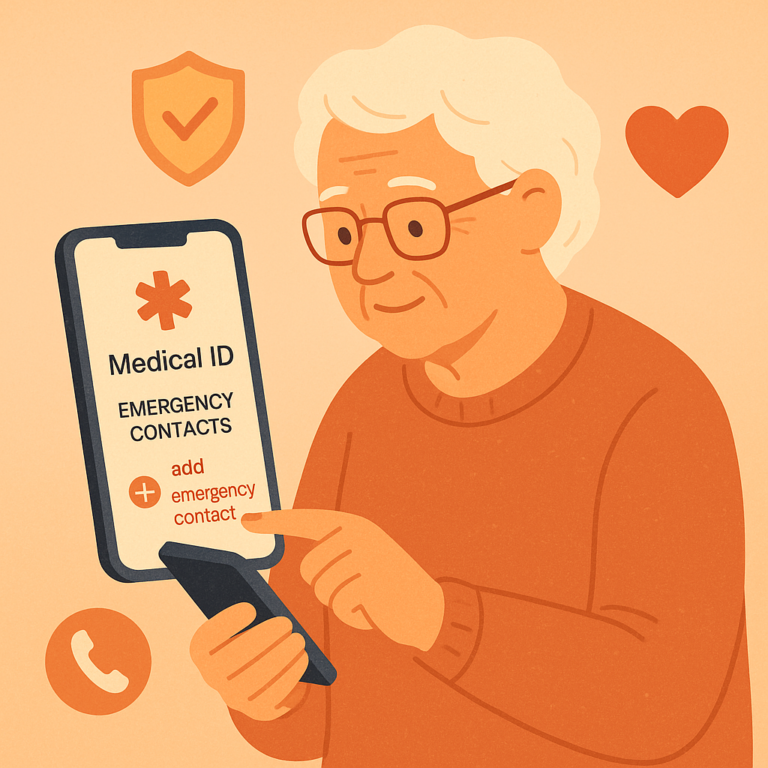
Learn how to set up emergency contacts and medical information on your iPhone or Android phone so first responders can access it when you need help most.
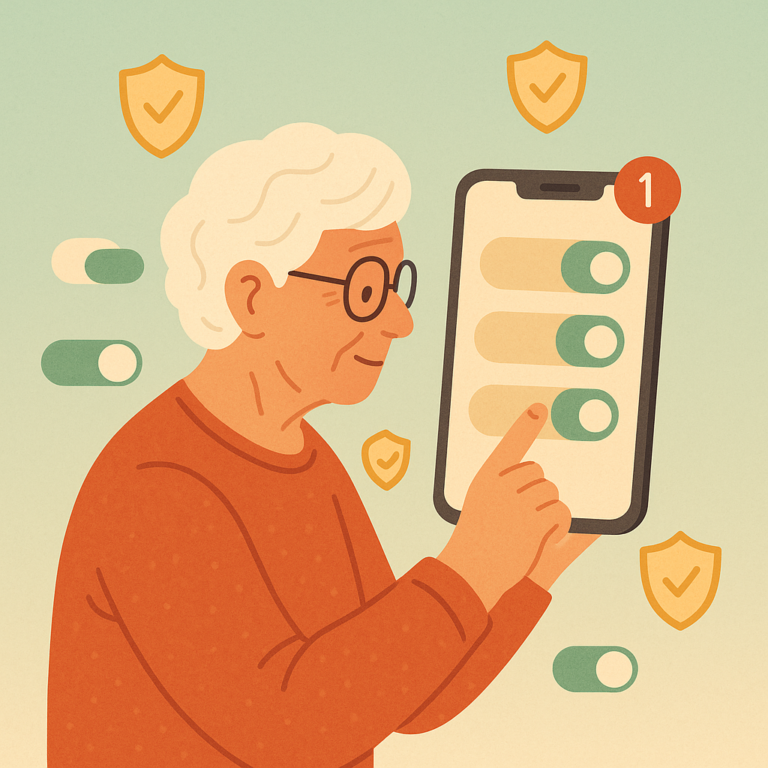
Learn why keeping your phone's apps and operating system updated is one of the simplest ways to protect your personal data and stay secure online.
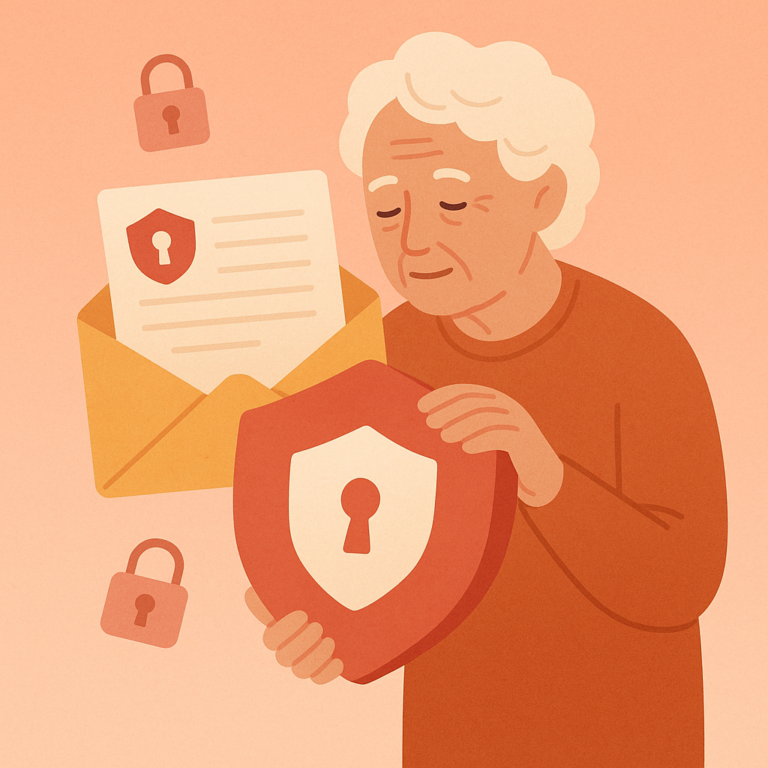
Discover why email isn't secure for personal information, which details to never share, and safer alternatives for sensitive communications.
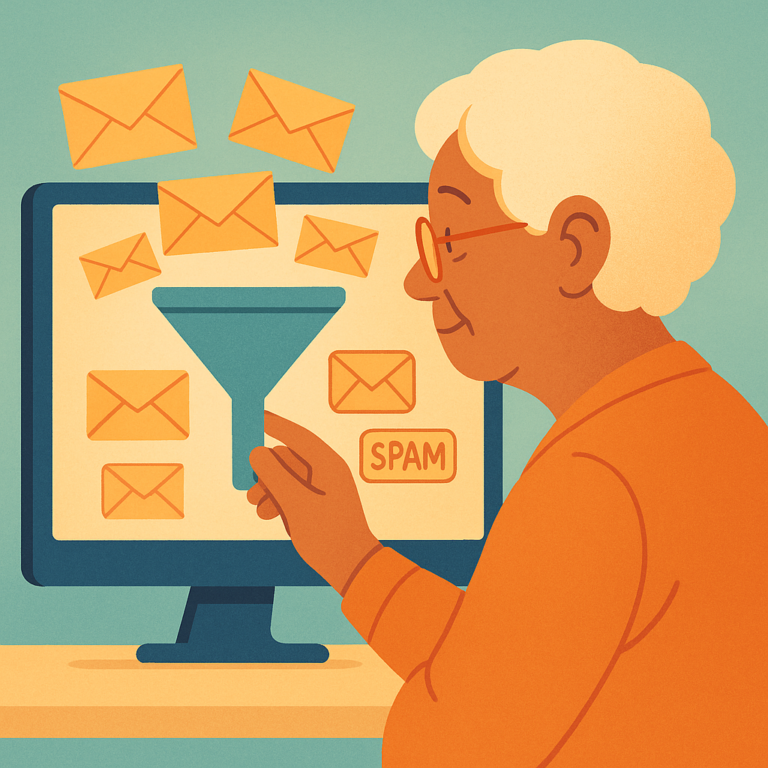
Step-by-step instructions to configure spam filters in Gmail and Outlook, reduce inbox clutter, and block unwanted senders permanently.
SenorSafe — Your Complete Guide to Digital Safety
SenorSafe is an independent informational resource. We do not provide professional cybersecurity services. Content is for educational purposes only.
Privacy Policy | Terms | Contact | About
© 2026 SenorSafe. All rights reserved.