

If you’ve ever stared at a screen asking you to create a strong password, only to type your pet’s name followed by “123,” you are not alone. Millions of people face this challenge every day.
Creating a strong password for seniors — or anyone — doesn’t require a computer science degree. The best passwords are often the easiest to remember. In this guide, you’ll learn:
- Why your current passwords might be putting you at risk
- The simple “passphrase” technique that security experts recommend
- Practical methods to manage multiple passwords without confusion
What Is a Strong Password?
Think of your password like the key to your front door. A flimsy key that anyone can copy leaves your home wide open. A strong, unique key keeps intruders out.
A strong password has three qualities:
- Length: At least 12 characters — the longer, the better. Each extra character makes it exponentially harder to crack.
- Complexity: A mix of uppercase, lowercase, numbers, and symbols. But don’t sacrifice memorability for random characters.
- Uniqueness: A different password for every account. Reusing passwords is like using the same key for your house, car, and office.
The National Institute of Standards and Technology (NIST) now recommends focusing on length over complexity. A long, memorable phrase beats a short, confusing jumble of characters every time.
Why Strong Passwords Matter for You
Weak or reused passwords are one of the most common entry points for criminals. Here’s what can happen:
- Account takeover: Someone accesses your email, bank, or shopping accounts — impersonating you and locking you out.
- Identity theft: Criminals use your personal information to open credit cards or file taxes in your name.
- Financial loss: Unauthorized purchases or wire transfers draining your savings before you notice.
The stakes are real, but protecting yourself is simpler than you might think.
The Passphrase Method: Your Secret Weapon
Forget random strings of characters. The most effective modern approach is the passphrase — a short sentence or combination of unrelated words that only makes sense to you.
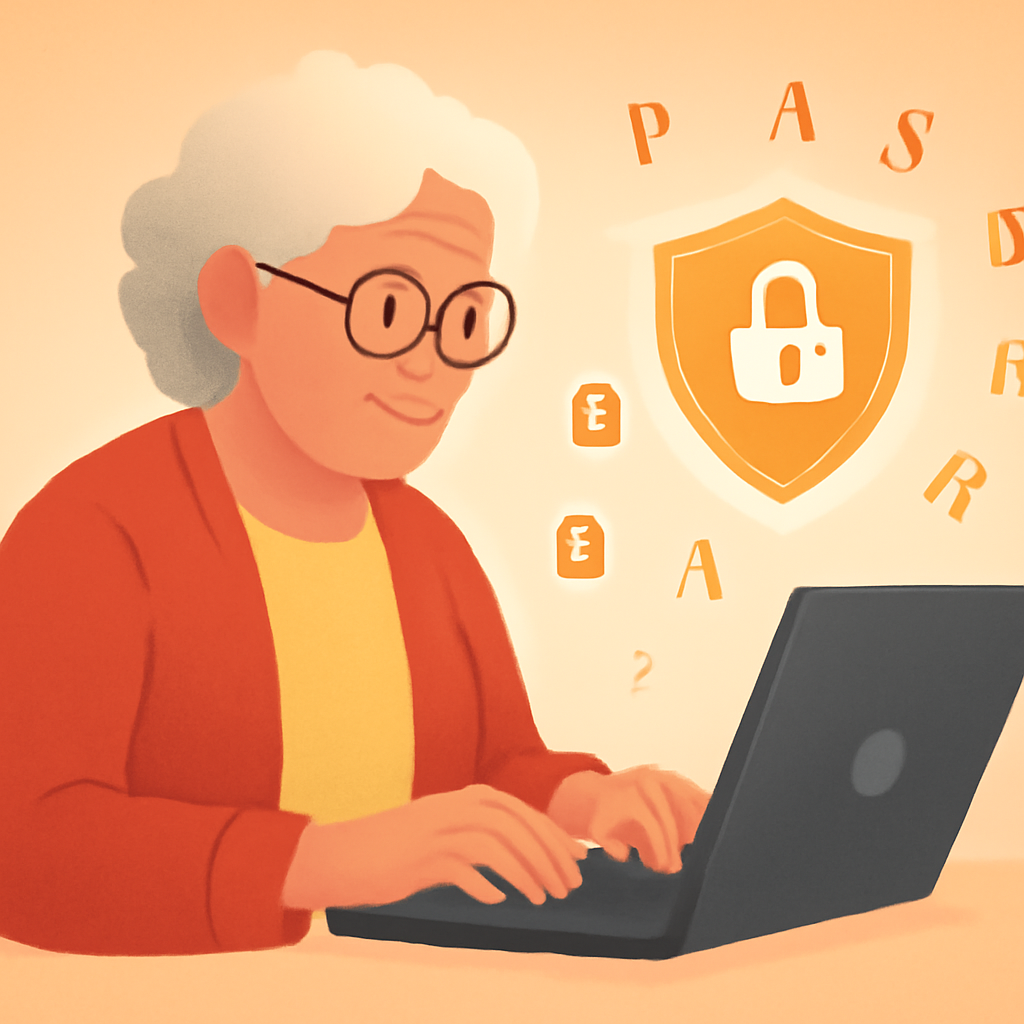
Instead of “P@ssw0rd!” (which hackers crack in seconds), try “PurpleBicycleRainyTuesday42!” — it’s long, memorable, and nearly impossible to guess.
Here’s how to build yours:
- Pick 3-4 unrelated words you can picture in your mind
- Add a number that means something to you (not your birthday)
- Throw in one special character (!, @, #) at the end
- Make it at least 16 characters total
Practical Tips
- Never reuse passwords — if one account is breached, all accounts with the same password become vulnerable.
- Use a password manager like Bitwarden (free) or 1Password to remember them for you.
- Enable two-factor authentication whenever possible for an extra layer of security.
- Change passwords immediately if you receive a breach notification email.
- Never share passwords over email, text, or phone — no legitimate company will ever ask for them.
Pros and Cons
Easy to Remember
Visual, story-like phrases stick in your memory far better than random character strings.
Extremely Secure
A 20+ character passphrase would take billions of years to crack with current technology.
No Special Tools Required
You can start using passphrases right now without downloading anything.
Longer to Type
Passphrases take more keystrokes, which can be inconvenient on mobile devices.
Some Sites Have Character Limits
A few older websites restrict password length, forcing shorter alternatives.
Frequently Asked Questions
How often should I change my passwords?
NIST recommends changing only when there’s evidence of a breach — not on a fixed schedule. Frequent forced changes lead to weaker passwords.
Is it safe to write passwords on paper?
It’s better than reusing the same password everywhere. Keep your written list in a locked drawer — never near your computer or in your wallet.
Are password managers safe to use?
Yes — reputable ones use “zero-knowledge” encryption. Even they can’t see your passwords. Far safer than reusing passwords or writing them down.
Final Thoughts
You don’t need to be a tech expert to protect yourself online. A strong passphrase, a free password manager, and two-factor authentication — these three simple steps put you ahead of 90% of internet users.
Start today: pick one account and create a new passphrase. Then do another one tomorrow. Small steps lead to big security.