Category
Password & Account Security
46 guides from SenorSafe, collected for readers who want a simpler path through this topic.
 Margaret ChenHow to Create a Strong Password You Can Actually Remember
Learn simple techniques to create strong passwords you can actually remember. No tech skills needed — just easy methods that keep your accounts safe.
 Margaret ChenWhat Is Two-Factor Authentication and Why You Need It
Two-factor authentication adds a second lock to your accounts. Learn what it is, why it matters, and how to set it up step by step — no tech jargon.
 Margaret ChenThe Best Password Managers for Non-Tech-Savvy Users
Discover the best password managers that are simple enough for anyone to use. We compare top options so you can pick the right one for your needs.
 Margaret ChenHow to Tell If Your Email Account Has Been Hacked
Worried your email may be compromised? Learn the warning signs of a hacked email account and the immediate steps to take to secure it today.
 Margaret ChenWhy You Should Never Reuse Passwords
Using the same password everywhere? Learn why password reuse is one of the biggest security risks online and how to fix it today with simple steps.
 Margaret ChenHow to Safely Store Your Passwords Without Writing Them on Paper
Stop writing passwords on sticky notes. Discover safe password storage methods that are simple, secure, and designed for people who value ease of use.
 Margaret ChenA Beginner's Guide to Setting Up a Secure Email Account
Learn how to configure Gmail and Outlook with the strongest security settings. Step-by-step guide for seniors to protect email from hackers and scams.
 Margaret ChenHow to Change Your Password on Facebook, Gmail, and Amazon
Simple step-by-step instructions for changing passwords on Facebook, Gmail, and Amazon. Screenshots and clear directions for seniors to update account security safely.
 Margaret ChenWhat to Do Immediately If You Think Your Password Was Stolen
Emergency checklist for seniors when passwords are compromised. Step-by-step actions to secure accounts, prevent fraud, and regain control within the first critical hours.
 Margaret ChenUnderstanding Login Alerts: How to Know When Someone Else Accesses Your Account
Learn how to set up and respond to login alerts that protect your online accounts. These security notifications can help you spot unauthorized access before damage is done.
 Margaret ChenThe 7 Most Common Online Scams Targeting Seniors in 2025
Stay ahead of cybercriminals with this updated guide to the most prevalent scams targeting seniors today. Learn how to recognize and avoid these costly digital traps.
 Margaret ChenHow to Spot a Phishing Email Before You Click
Learn the telltale signs of phishing emails and protect yourself from cybercriminals. This practical guide shows you exactly what to look for before clicking any link.
 Margaret ChenPhone Call Scams: How to Recognize and Hang Up on Fraudsters
Learn to identify phone call scams targeting seniors. Protect yourself from tech support, IRS, and Medicare scams with these proven techniques.
 Margaret ChenIs This Text Message Real or a Scam? A Simple Guide
Learn to identify scam text messages instantly. Protect yourself from SMS phishing, fake delivery alerts, and banking scams with this simple guide.
 Margaret ChenWhat to Do If You Accidentally Clicked a Suspicious Link
Clicked a suspicious link by mistake? Don't panic. Follow these immediate steps to protect your device, accounts, and personal information from potential threats.
 David TorresEssential Android Privacy Settings Every Senior Should Know
Protect your personal data on Android with these essential privacy settings. Simple step-by-step guide for older adults to secure their smartphone.
 David TorresWhich App Permissions Should You Allow and Which to Deny
Learn which smartphone app permissions are safe to grant and which ones put your privacy at risk. Simple guide for seniors to manage app access.
 David TorresHow to Stop Apps from Tracking Your Location
Learn how to prevent apps from constantly tracking your location. Step-by-step guide for iPhone and Android to protect your privacy.
 David TorresHow to Spot and Delete Suspicious Apps on Your Phone
Learn the warning signs of malicious apps on your smartphone and how to safely remove them. Simple steps to protect your personal data and keep your device secure.
 Margaret ChenDo You Really Need Antivirus on Your Smartphone?
Most smartphones have built-in security features that protect against malware. Learn when antivirus apps help and when they're unnecessary for your phone's safety.
 Margaret ChenHow to Unsubscribe from Unwanted Emails Safely
Learn how to tell real unsubscribe links from scams and clean up your inbox without risking your security. Step-by-step guide for safe email management.
 David TorresVideo Calling Safety: Secure Zoom, FaceTime, and Skype
Keep your video calls private and secure. Learn essential privacy settings for Zoom, FaceTime, and Skype to protect yourself from unwanted guests and data leaks.
 David TorresHow to Recognize Fake Emails from Your Bank
Learn to spot fake bank emails before they steal your money. Discover the red flags scammers use and how to verify if an email is really from your bank.
 David TorresShould You Open That Attachment? A Quick Safety Checklist
Learn which email attachments are safe to open and which to avoid with this simple 5-question checklist for safer digital communication.
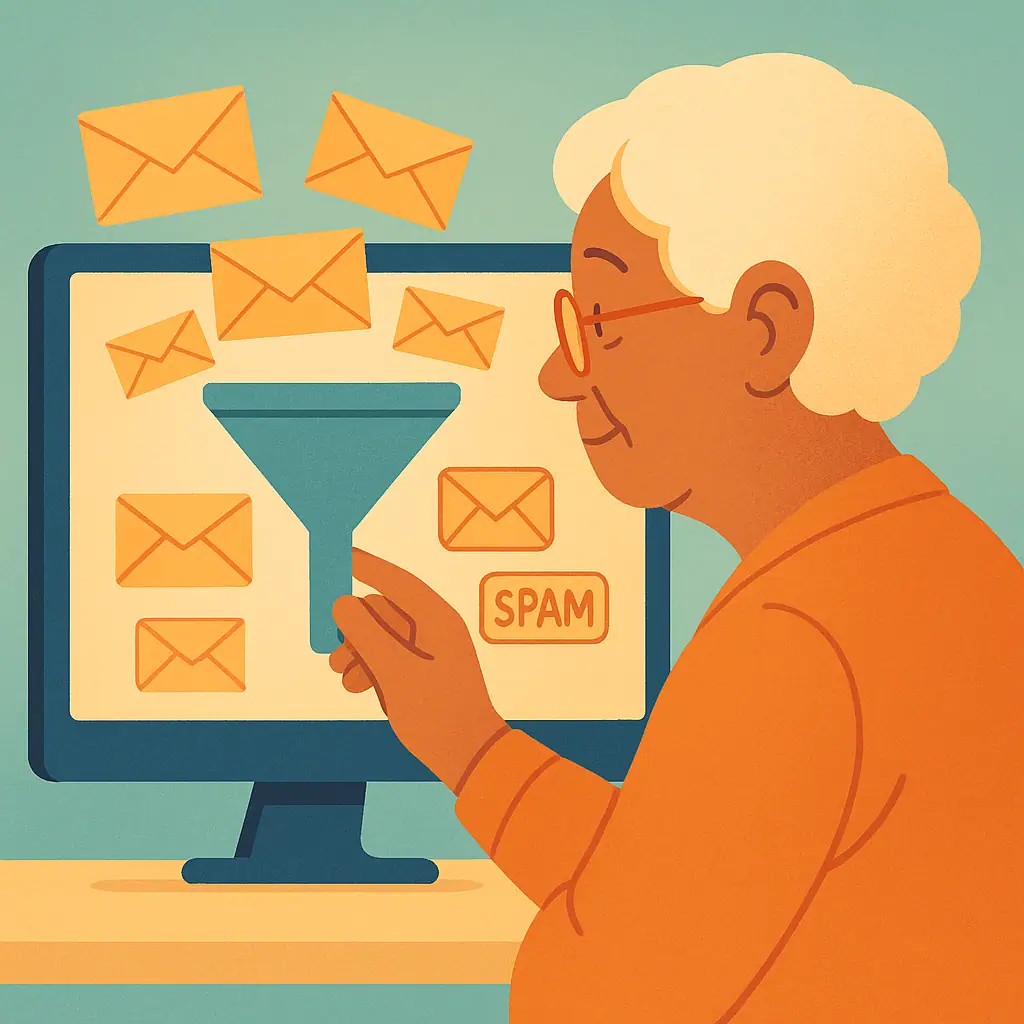 David TorresHow to Set Up Spam Filters in Gmail and Outlook
Step-by-step instructions to configure spam filters in Gmail and Outlook, reduce inbox clutter, and block unwanted senders permanently.
 David TorresWhy You Shouldn't Share Personal Information Over Email
Discover why email isn't secure for personal information, which details to never share, and safer alternatives for sensitive communications.
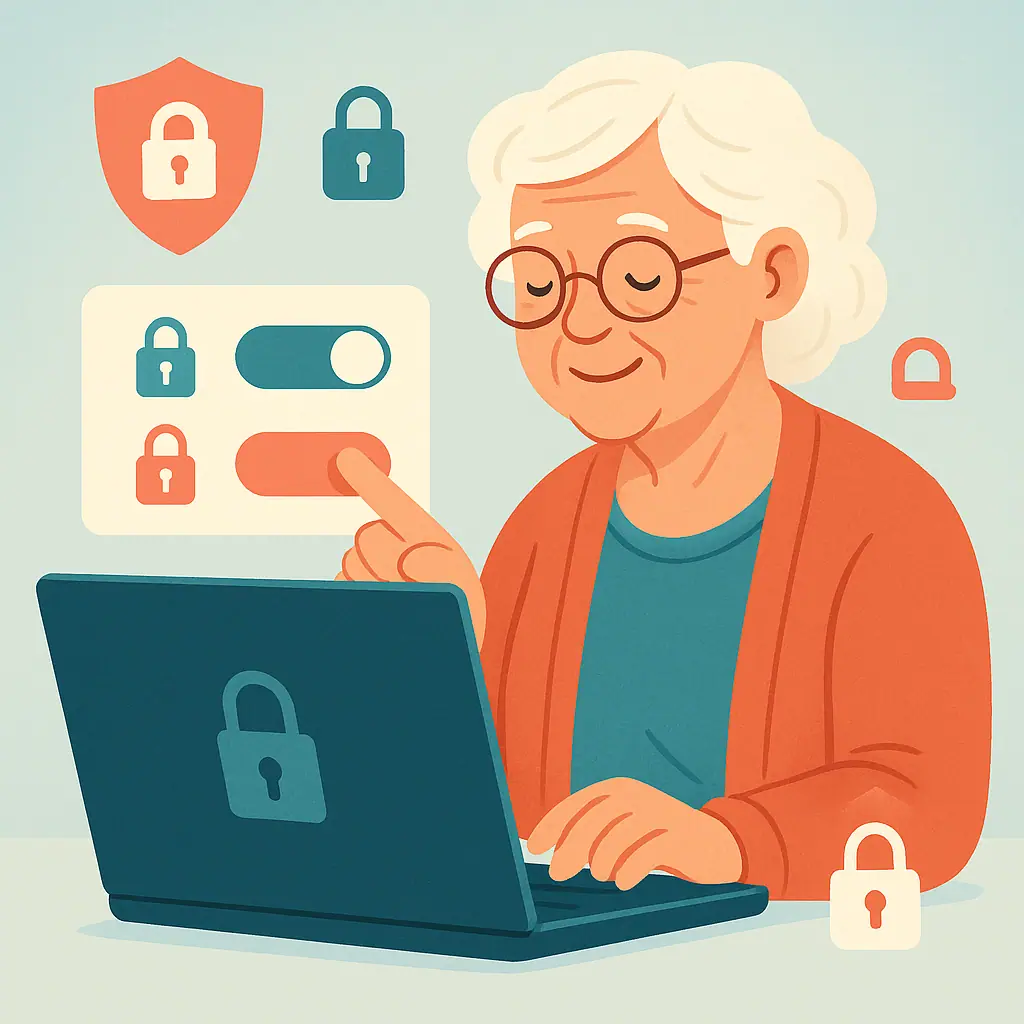 Margaret ChenFacebook Privacy Settings You Should Change Right Now
Learn the key Facebook privacy settings every senior should update to protect their personal information, limit who can see your posts, and stay safe online.
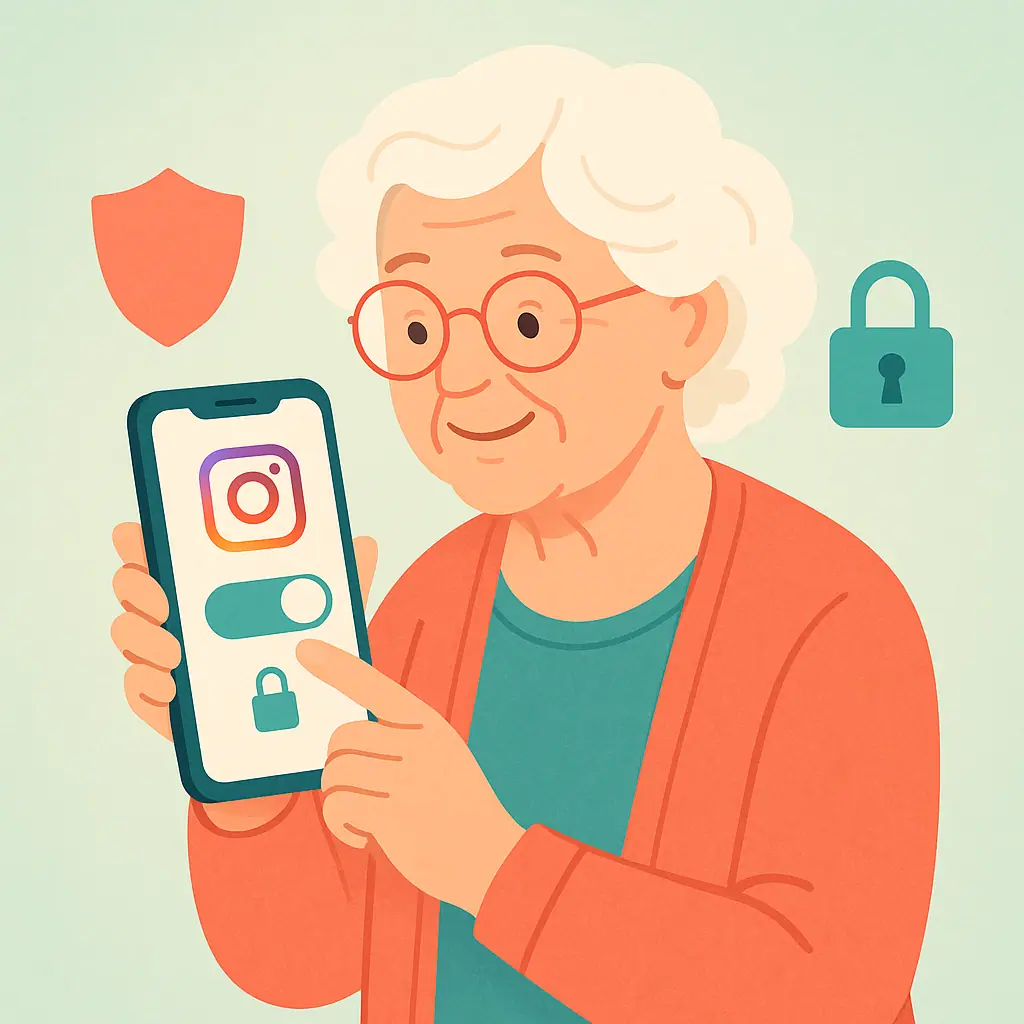 Margaret ChenHow to Make Your Instagram Account Private (And Why You Should)
Learn how to make your Instagram account private and which key privacy settings to adjust to protect your photos, followers, and personal information.
 Margaret ChenTwitter/X Privacy Guide: Protecting Your Posts and Personal Data
Learn the key Twitter/X privacy settings to protect your tweets, limit who can contact you, and keep your personal data out of the wrong hands.
 Margaret ChenHow to Create a Family Password Plan Without Sharing Everything
Create a family password plan for seniors that protects privacy, supports emergency access, and avoids unsafe password sharing.
 Margaret ChenWhat Is a Passkey and Should Seniors Use One?
Passkeys explained for seniors: learn what passkeys are, how device locks help, and when to use them safely without feeling overwhelmed.
 Margaret ChenHow to Stop Strangers from Finding You on Facebook
Learn how to reduce who can find, contact, and look you up on Facebook with calm privacy steps made for seniors.
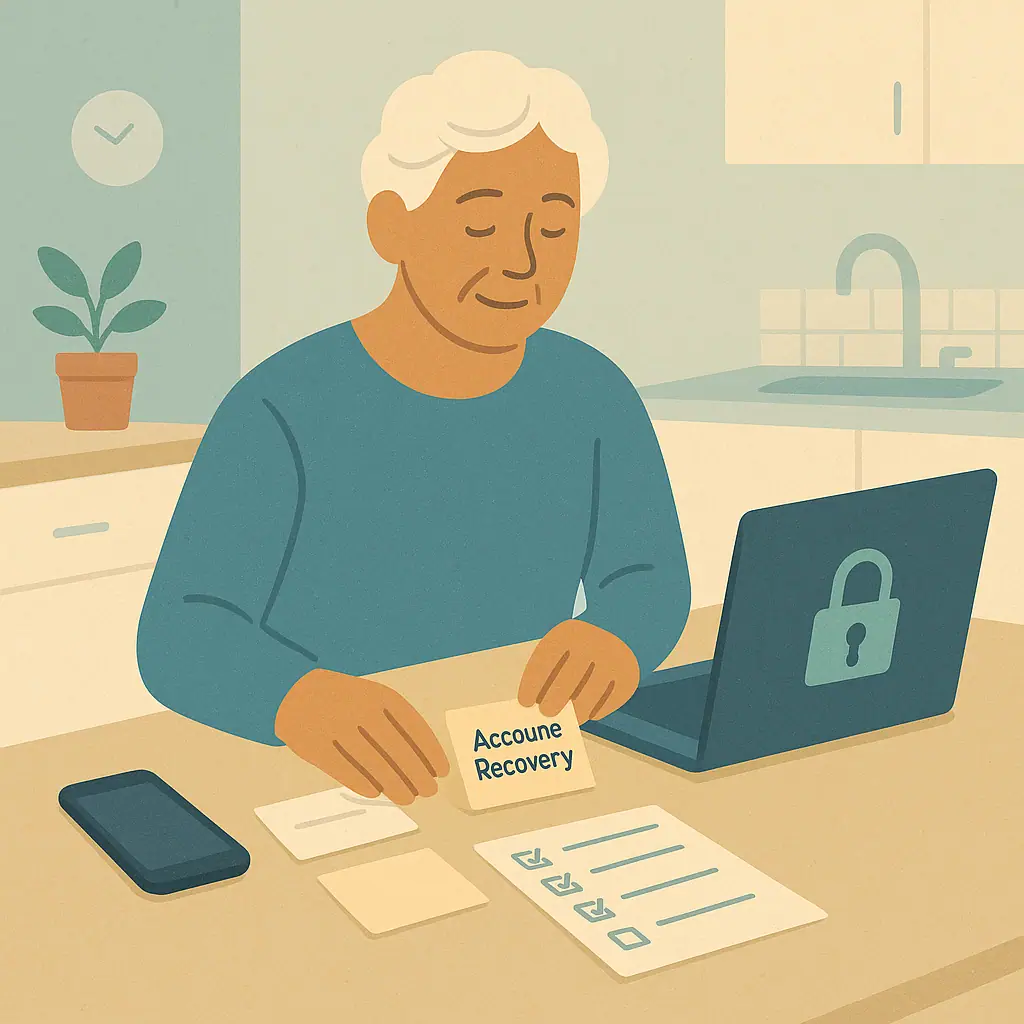 Margaret ChenHow to Set Up Account Recovery Before You Get Locked Out
Learn a calm account recovery setup guide for seniors, including recovery email, phone, backup codes, trusted devices, and safe notes.
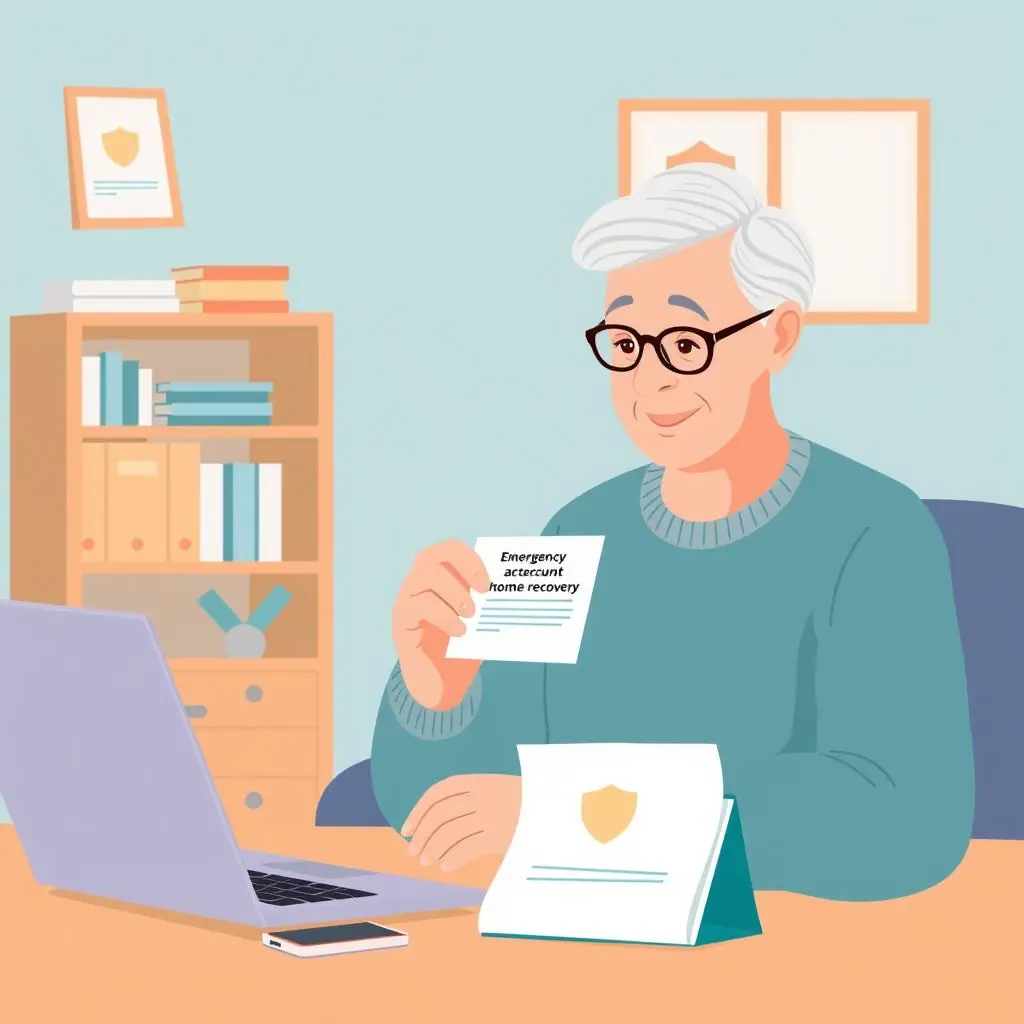 Margaret ChenHow to Use Backup Codes Without Losing Them
Learn how backup codes for two-factor authentication work, where to keep them, and how to avoid losing access to important accounts.
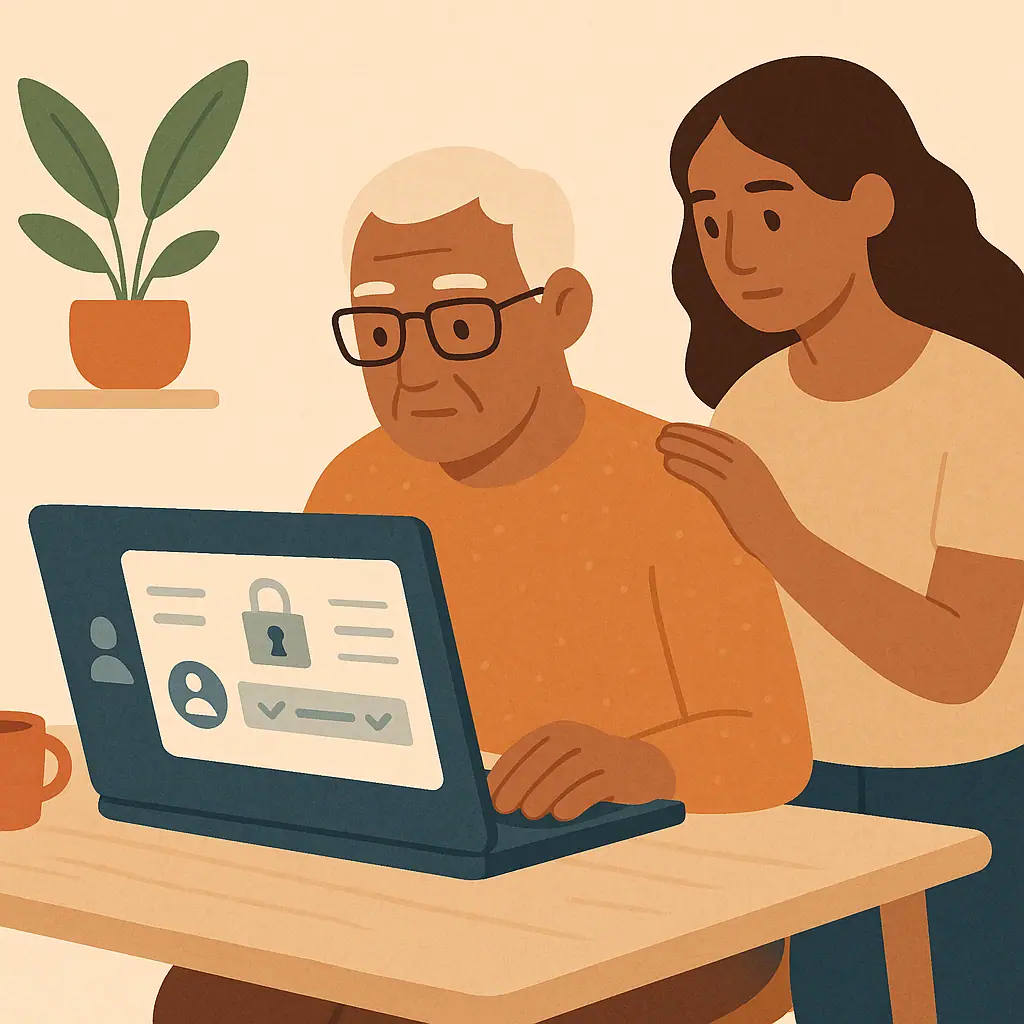 Margaret ChenHow to Secure Your Amazon Account Step by Step
Learn how to secure your Amazon account step by step by checking your password, two-step verification, orders, addresses, and payments.
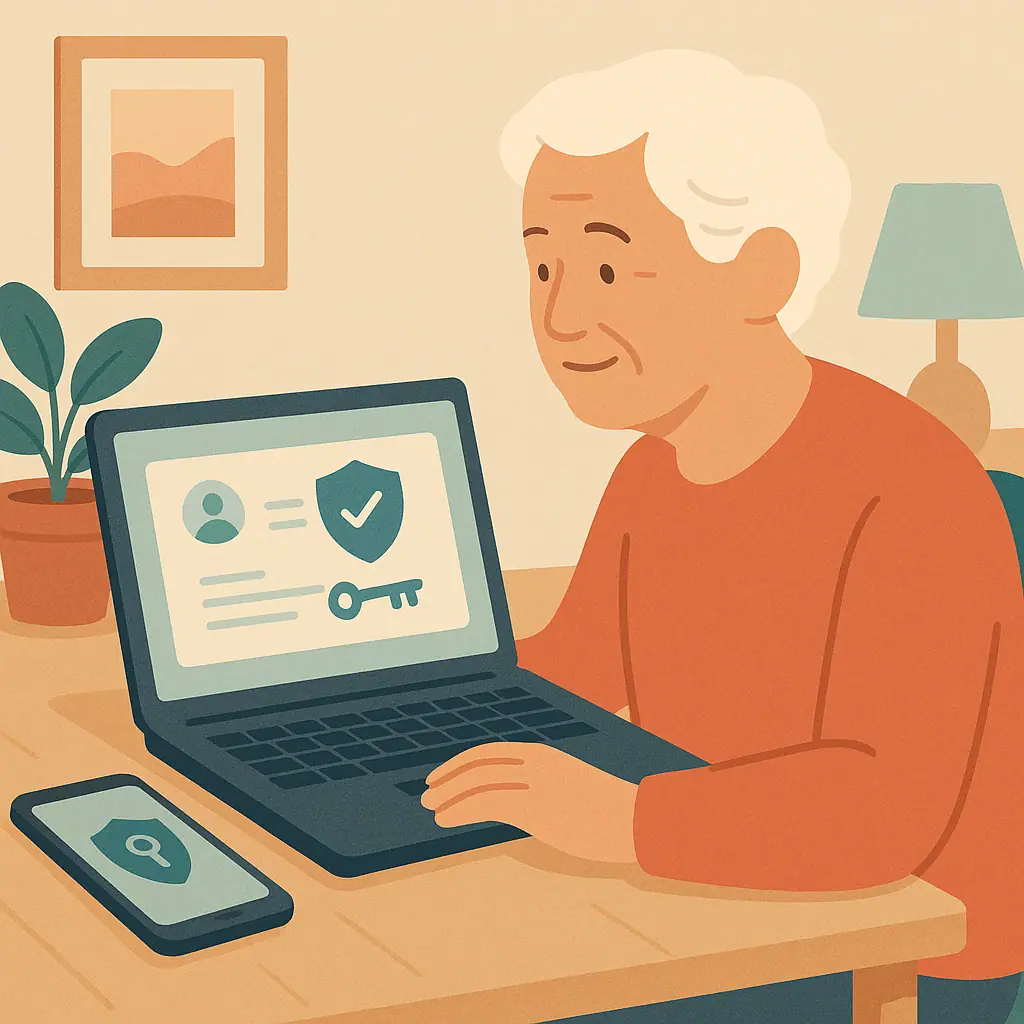 Margaret ChenHow to Secure Your Google Account Without Feeling Overwhelmed
Learn how to secure Google account for seniors with a calm checklist for recovery info, 2-Step Verification, devices, and passwords.
 Margaret ChenHow to Secure Your Apple ID Step by Step
Learn how to secure Apple ID step by step with calm checks for your password, trusted phone numbers, devices, purchases, and recovery contacts.
 Margaret ChenHow to Check Devices Logged Into Your Accounts
Learn how to check devices logged into accounts with calm steps for Google, Apple, Facebook, and other everyday services.
 David TorresHow to Spot Fake Invoices and Payment Requests by Email
Learn how to spot fake invoice email scams with simple checks for payment requests, sender details, subscriptions, and safer ways to verify.
 Margaret ChenHow to Review Tags and Mentions Before They Appear Online
Learn how to review tags mentions social media settings so tagged posts, mentions, and profile visibility feel calmer and safer.
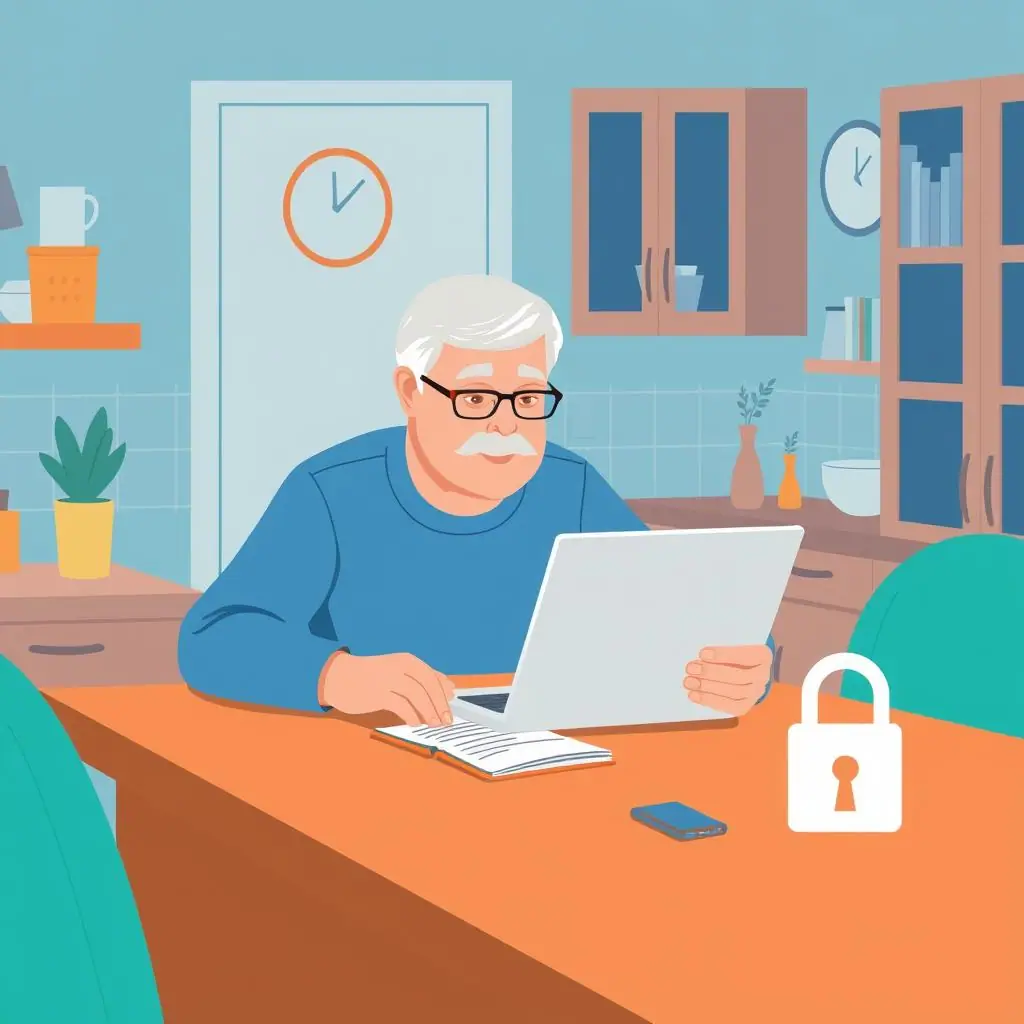 Margaret ChenHow to Choose Security Questions That Cannot Be Guessed
Learn secure security questions examples, safer answer habits, and simple ways to make old account recovery questions harder to guess.
 Margaret ChenOnline Shopping Scams: How to Check a Store Before Buying
Learn how to check an online store before buying with simple review, payment, return policy, and warning-sign steps.
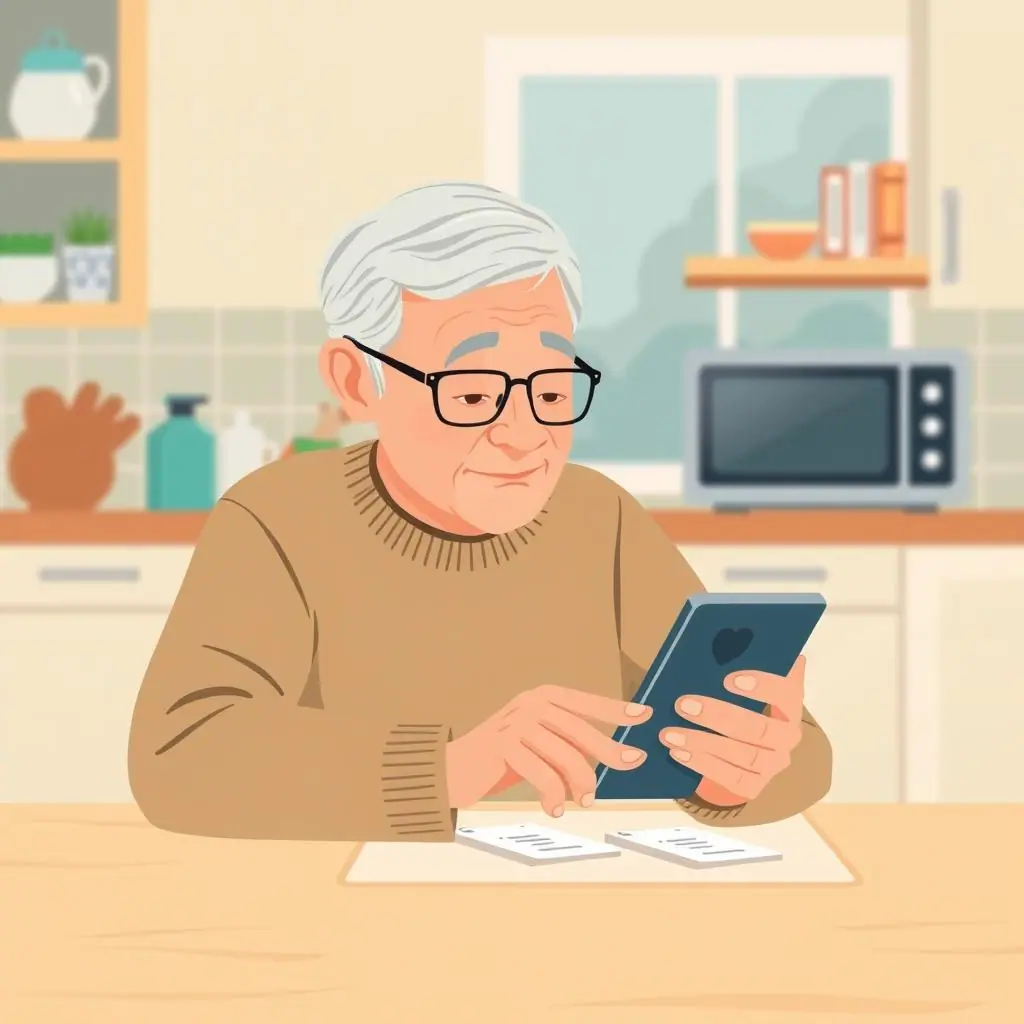 David TorresHow to Stop Apps from Accessing Your Contacts
Learn how to stop apps accessing contacts with calm iPhone and Android steps, plus simple checks for deciding what to allow.
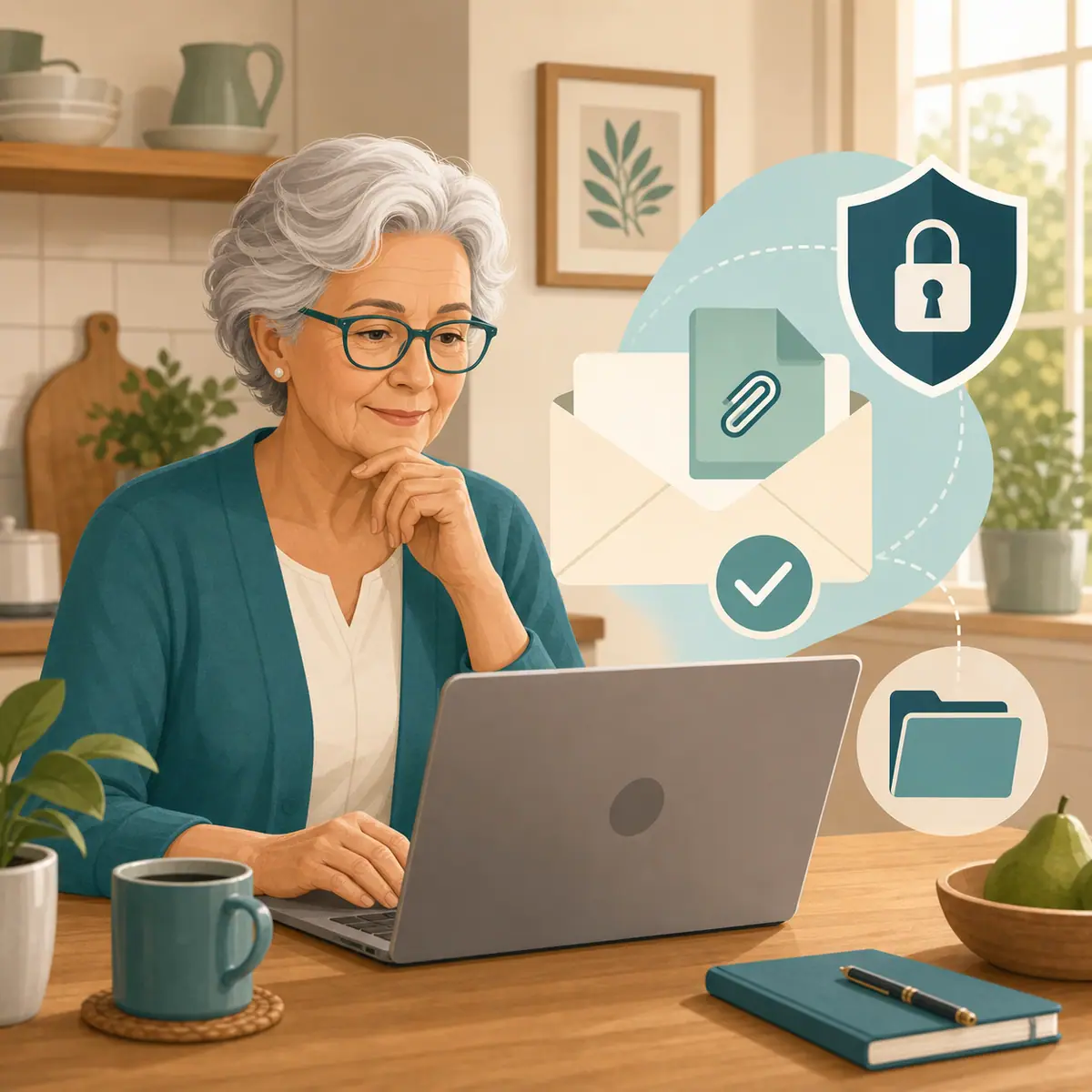 David TorresHow to Tell If an Email Attachment Is Too Risky to Open
Learn risky email attachments warning signs with calm checks for file types, sender verification, and safer alternatives before opening.
 Margaret ChenHow to Use a Password Manager With a Trusted Family Member
Learn password manager family emergency access with calm steps for shared vaults, emergency contacts, and safer family boundaries.
 Margaret ChenHow to Protect Accounts After a Data Breach Notice
Learn data breach notice what to do with calm steps to verify the notice, change passwords, monitor accounts, and reduce risk.