

A family password plan for seniors is not about handing every password to every relative. It is about deciding, calmly and ahead of time, what a trusted person should be able to access in an emergency and what should remain private during everyday life.
Many families only discover this problem during a hospital stay, a lost phone, or the death of a spouse. By then, everyone is stressed, bills may be due, and no one wants to guess passwords or reset accounts under pressure. A simple plan can protect your privacy while still giving your family a safe way to help when help is truly needed.
Think of it like leaving a spare house key with one trusted person. You are not inviting them to walk in any time they like. You are making sure there is a responsible path if something urgent happens.
What Is a Family Password Plan for Seniors?
A family password plan is a written or digital system that explains which accounts matter, who is allowed to help, and how that person can get access if you cannot manage the account yourself. It may include a password manager, a sealed paper backup, emergency access instructions, or a digital vault.
The goal is not to share everything. In fact, a good plan separates accounts into three groups:
- Emergency access accounts: email, phone account, banking alerts, insurance portals, medical portals, utilities, and password manager recovery information.
- Helpful but not urgent accounts: subscriptions, shopping accounts, photo storage, travel rewards, and social media.
- Private accounts: personal messages, journals, sensitive files, or anything you do not want others reviewing unless legally necessary.
The Federal Trade Commission recommends strong passwords, two-factor authentication, and password managers for protecting online accounts. NIST also recommends password managers because they help create and store unique passwords instead of relying on memory or paper scraps.
Why This Matters Before an Emergency
Passwords are no longer just for email. They protect Social Security accounts, medical portals, bank alerts, insurance records, phone backups, photo libraries, and family communication. If one person in the household manages most of these accounts, a sudden illness can leave everyone else locked out of basic information.
AARP has written about digital estate planning and digital vaults because families often need access to important documents, bills, and online accounts during caregiving or after a death. Planning ahead reduces confusion and can also reduce unsafe shortcuts, such as sending passwords by text message or writing a full list on a visible notepad.
Choose One Trusted Helper and One Backup
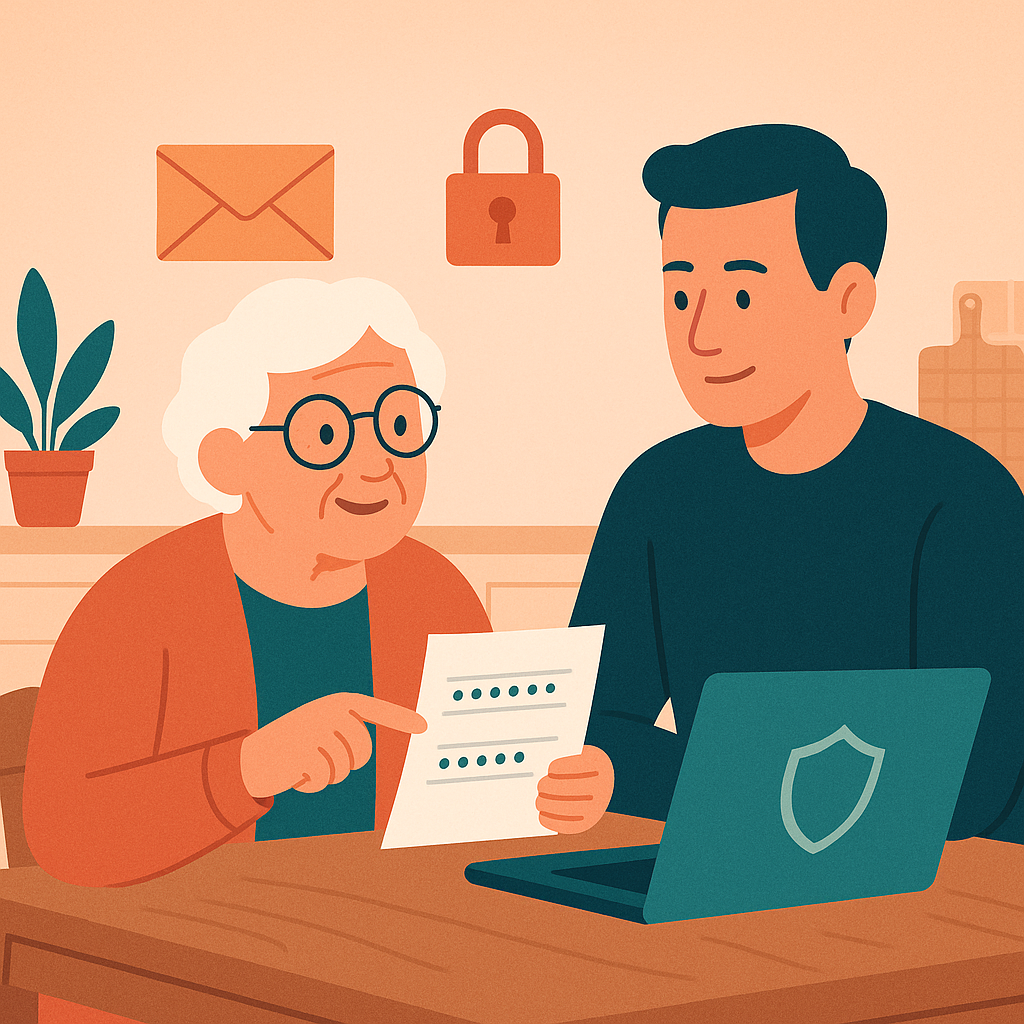
Start with people, not technology. A password plan only works if the person receiving access is trustworthy, patient, and willing to follow your instructions. For many seniors, this might be an adult child, spouse, sibling, close friend, attorney, or financial power of attorney.
What makes someone a good password helper?
Choose someone who respects boundaries. They should understand that your accounts are not an open invitation to read private messages or change settings without asking. They should also be organized enough to keep instructions safe and calm enough not to click suspicious links during a stressful moment.
Why a backup person matters
One trusted helper is good, but one backup is better. Your first person may be traveling, unavailable, or dealing with the same emergency. A backup person does not need full access today. They only need to know where instructions are stored and when they are allowed to step in.
Write down both names, phone numbers, and roles. Use plain language such as: “My daughter Ana may help with bill accounts if I am hospitalized. My brother Luis is the backup if Ana cannot be reached.”
Decide What to Share, What to Store, and What to Keep Private
This is the heart of the plan. Instead of making one giant password list, decide what kind of access each account deserves.
- Email: Treat your main email as a master key. Whoever controls it may be able to reset many other passwords. Give access only through a carefully planned emergency method.
- Phone and device passcodes: Your phone may receive two-factor codes. Consider leaving instructions for unlocking it only in a sealed envelope or trusted digital vault.
- Financial accounts: Do not rely only on passwords. Talk to your bank, attorney, or financial adviser about proper legal authority, beneficiaries, and power of attorney rules.
- Medical portals: Many health systems offer caregiver or proxy access. This is safer than sharing your personal login.
- Social media: Decide whether you want accounts memorialized, downloaded, closed, or left alone.
A helpful rule is this: share instructions, not casual access. If a family member only needs to know how to help in an emergency, they do not need your day-to-day password today.
Use a Password Manager or Digital Vault Carefully
A password manager can store strong, unique passwords for each account. Some password managers include emergency access features or family plans. A digital vault may store documents, account lists, insurance papers, and instructions for trusted contacts.
Before choosing one, check whether it supports multi-factor authentication, emergency contacts, account recovery, and clear instructions if the master password is forgotten. The Better Business Bureau also suggests reviewing customer support, breach alerts, and password generation features before choosing a password manager.
If you prefer paper, keep it limited and protected. A sealed envelope in a locked file cabinet is safer than a notebook beside the computer. The envelope can say when it may be opened, who may open it, and where to find updated instructions.
Practical Steps to Build Your Plan This Week
You do not have to finish everything in one afternoon. Use this simple order:
- List your most important accounts: email, phone, bank, medical portal, insurance, utilities, password manager, and cloud photo storage.
- Mark each account: emergency, helpful, or private.
- Choose your trusted helper: write their name and your backup person’s name.
- Set up safer recovery: update recovery email, phone number, and two-factor authentication for the most important accounts.
- Store instructions securely: use a password manager, digital vault, attorney file, safe, or locked drawer.
- Review twice a year: update changed passwords, closed accounts, new phone numbers, and new medical or financial portals.
Finally, tell your trusted helper that the plan exists. You do not have to reveal every detail during the conversation. A simple sentence is enough: “I made instructions for important online accounts in case of an emergency, and I want you to know where they are.”
Pros and Cons of Sharing Emergency Access
Reduces stress during a crisis
Your helper knows where to start instead of guessing, searching drawers, or resetting accounts in a panic.
Protects important bills and records
Utilities, insurance, medical portals, and email recovery information are easier to manage when instructions are organized.
Keeps privacy boundaries clear
A written plan can say what may be accessed, when, and by whom, instead of giving open-ended permission.
Can expose private information
Sharing every password may reveal messages, files, or financial details that were never meant for everyday review.
May create legal confusion
Some accounts require proper legal authority, caregiver access, or estate documents rather than simple password sharing.
Can weaken account security
Passwords sent by text, email, or sticky note are easier to lose, copy, or misuse.
Frequently Asked Questions
Should I give my adult child all my passwords now?
Not usually. It is safer to create emergency instructions and decide which accounts they may access under specific circumstances. For financial and medical accounts, ask about official caregiver, proxy, or legal access options.
Is a password manager safe for a family password plan?
A reputable password manager with a strong master password and multi-factor authentication can be safer than reused passwords or scattered paper notes. Review emergency access and recovery options before relying on one.
What if I do not want anyone reading my private messages?
You can say that clearly in your plan. Separate practical emergency accounts from private accounts, and write down what should remain off-limits unless required by law or handled by an executor.
How often should I update the plan?
Review it every six months, and anytime you change phones, email addresses, banks, password managers, or trusted helpers. An outdated plan can be almost as confusing as no plan at all.
Final Thoughts
A family password plan for seniors is an act of kindness toward yourself and the people who may one day help you. It does not require giving up privacy. It simply gives your family a clear, respectful path if life becomes complicated.
Start small: choose one trusted helper, list your most important accounts, and decide what should happen in an emergency. A calm plan made today can prevent rushed, risky decisions later.
Helpful sources: FTC guidance on protecting personal information, NIST password manager guidance, and AARP digital estate planning advice.