

Email encryption sounds like something only tech experts or spy movies need, but it’s actually a straightforward way to keep your private messages truly private. Think of it as putting your email in a locked box that only you and the recipient can open — even if someone intercepts it along the way, they can’t read what’s inside.
While most people don’t need military-grade email encryption, understanding when and how to use it can protect your most sensitive communications. This guide will help you:
- Understand what email encryption is and how it works in everyday language
- Determine whether you need additional encryption beyond what’s built into your email
- Learn about the encryption that’s already protecting you without you knowing it
- Discover simple ways to add extra protection when you need it most
Let’s demystify email encryption and help you make informed decisions about your digital privacy.
What Is Email Encryption?
Email encryption is like writing a letter in secret code. When you send an encrypted email, special software scrambles your message so that it looks like random characters to anyone who might intercept it. Only the person you’re sending it to has the “decoder ring” to unscramble and read your actual message.
Here’s a simple analogy: Imagine you’re sending a valuable package through the mail. Regular email is like putting that package in a clear plastic bag — anyone handling it can see what’s inside. Encrypted email is like putting it in a locked metal box that only the recipient has the key to open.
There are different levels of email encryption:
- Transport encryption: Protects your email while it travels between servers (like having an armored truck deliver your package)
- End-to-end encryption: Scrambles your message so only you and the recipient can read it (like using a secret code only you two know)
- Storage encryption: Protects emails saved on servers (like keeping packages in a secure vault)
Why Email Encryption Matters
Most people assume their emails are private, but regular email is surprisingly easy to intercept and read. According to cybersecurity experts, unencrypted email is about as secure as sending a postcard — anyone who handles it can read what you wrote.
The risks of unencrypted email include:
- Identity theft: Personal information can be stolen and used to impersonate you
- Financial fraud: Banking details, tax information, and account numbers become accessible
- Privacy invasion: Personal conversations, medical information, and family matters can be exposed
- Business risks: Confidential information, contracts, and sensitive communications can be compromised
Encryption You Already Have (And Don’t Know About)
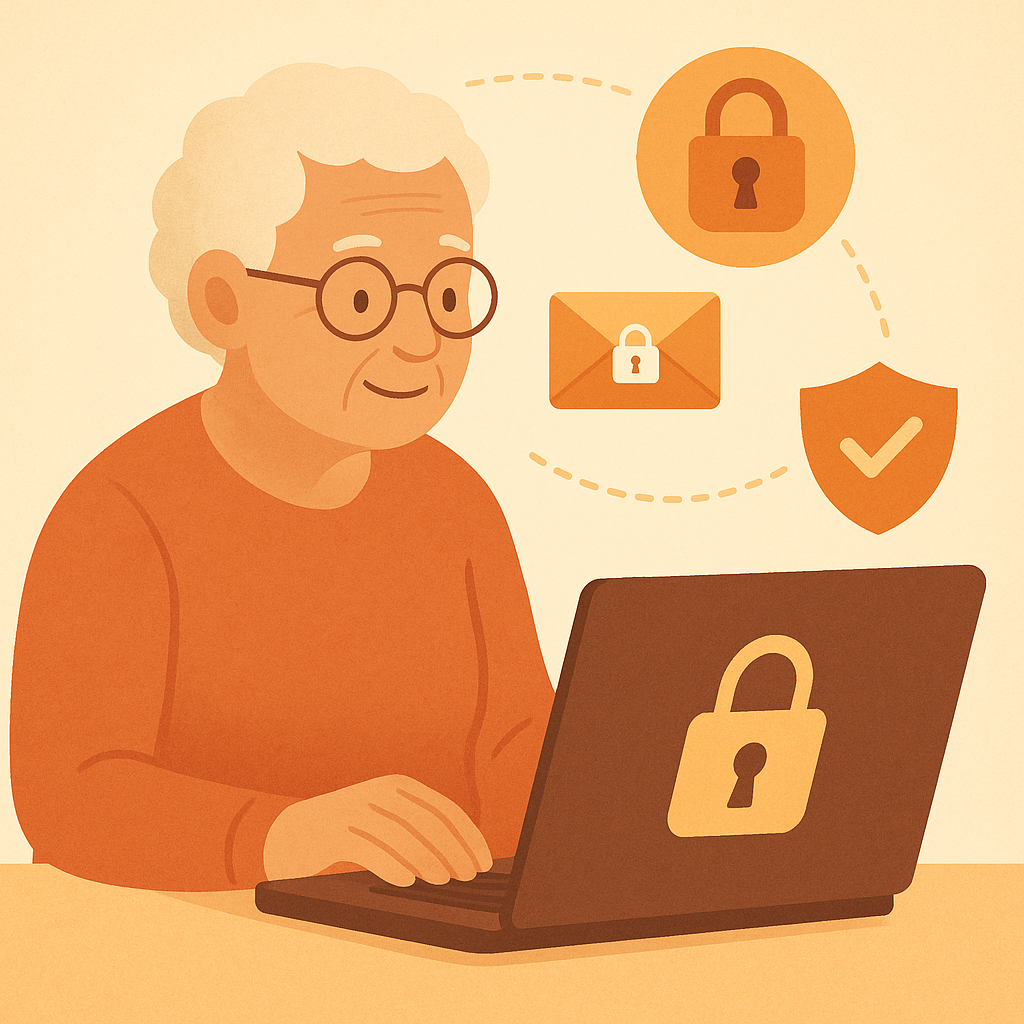
Good news: if you use major email providers like Gmail, Outlook, Yahoo, or Apple Mail, you already have significant email protection without doing anything extra. These providers automatically encrypt your emails in several ways.
What’s Already Protecting You
Modern email services include multiple layers of automatic encryption:
- HTTPS/TLS encryption: Protects your email while you’re reading and sending it
- Server-to-server encryption: Secures your messages as they travel between email providers
- Storage encryption: Scrambles emails saved on the provider’s servers
- Two-factor authentication: Prevents unauthorized access to your account
This automatic protection handles 99% of common email security needs. For most daily communications — family updates, newsletter subscriptions, online shopping confirmations — this built-in encryption is perfectly adequate.
When Built-In Protection Isn’t Enough
Despite these automatic protections, there are situations where you might need additional encryption:
🔒 Consider additional encryption for:
- Social Security numbers, passport information, or driver’s license details
- Banking account numbers, credit card information, or financial statements
- Medical records, test results, or health insurance information
- Legal documents, contracts, or sensitive business communications
- Personal information about family members, especially children
Simple Ways to Add Extra Email Security
If you determine you need additional encryption, you don’t need to become a computer expert. Several user-friendly options can enhance your email security with minimal effort.
Built-In Confidential Mode (Gmail)
Gmail offers “Confidential Mode” that adds extra protection to sensitive emails. This feature expires messages after a set time and can require additional verification to open.
Secure Email Services
For maximum protection, consider dedicated secure email providers like ProtonMail or Tutanota. These services offer end-to-end encryption by default, meaning even the email provider can’t read your messages.
File Encryption Before Sending
For extremely sensitive documents, encrypt the files themselves before attaching them to emails. This adds an extra layer of protection regardless of your email provider.
Practical Tips for Email Privacy
Beyond encryption, these simple practices enhance your overall email security:
- Use strong, unique passwords: Each email account should have its own complex password
- Enable two-factor authentication: Adds a second layer of protection to account access
- Be cautious with public Wi-Fi: Avoid accessing sensitive emails on public networks
- Review account permissions: Regularly check which apps and services have access to your email
- Keep software updated: Install security updates for your email client and operating system
- Think before you send: Ask yourself if the information really needs to go through email
Pros and Cons of Different Encryption Approaches
Zero effort required
Works automatically without any setup or technical knowledge needed.
Compatible with everyone
Recipients don’t need special software or accounts to receive your messages.
Handles most security needs
Adequate protection for typical personal and business communications.
Learning curve required
May require understanding new software, apps, or security concepts.
Compatibility limitations
Recipients may need special software or accounts to receive encrypted messages.
Potential inconvenience
Extra steps for sending and receiving may slow down communication.
Frequently Asked Questions
Can government agencies or law enforcement read my encrypted emails?
This depends on the type of encryption and your email provider. Most major providers will comply with legal requests for account access, but truly end-to-end encrypted services like ProtonMail mathematically cannot access your messages even if ordered to do so. For typical personal use, the built-in encryption from major providers offers sufficient privacy protection.
Will encryption slow down my email or make it harder to use?
The automatic encryption built into Gmail, Outlook, and other major providers works invisibly — you won’t notice any difference in speed or usability. Advanced encryption solutions may add extra steps, but modern secure email services are designed to be as user-friendly as regular email.
Do I need to encrypt emails to my family members?
For typical family communications, the automatic encryption provided by your email service is sufficient. However, if you’re sharing sensitive information like Social Security numbers, financial documents, or medical records, consider using additional encryption or secure file-sharing services instead of email.
How can I tell if my emails are encrypted?
Most modern email services encrypt messages automatically. In Gmail, you’ll see a red lock icon if encryption isn’t available for a particular message. In Outlook, look for a lock symbol next to the sender’s name. If you’re using HTTPS (look for “https://” in your browser’s address bar), your connection to the email server is encrypted.
Final Thoughts
Email encryption doesn’t have to be complicated or intimidating. For most people, the automatic encryption provided by Gmail, Outlook, Apple Mail, and other major services offers excellent protection for daily communications. The key is understanding when you might need something stronger.
Think of encryption as insurance — you hope you’ll never need it, but it’s good to know it’s there. For sensitive information like financial documents or medical records, take the extra step to use secure file-sharing services or encrypted email providers. For everything else, your current email service is likely protecting you better than you realize.