Category
Email & Communication Safety
12 guides from SenorSafe, collected for readers who want a simpler path through this topic.
 Margaret ChenHow to Verify If a Website Is Legitimate
Learn simple ways to verify if a website is legitimate and safe before entering personal information. Essential security tips for seniors online.
 David TorresHow to Keep Your Email Inbox Safe from Hackers and Spam
Protect your email from hackers and spam with these essential safety tips. Learn to recognize threats, secure your inbox, and keep your personal information safe from cybercriminals.
 David TorresWhat Is Email Encryption and Do You Need It?
Understand email encryption in simple terms. Learn when you need it, how it protects your messages, and whether the built-in security in Gmail and Outlook is enough for your needs.
 David TorresHow to Spot a Fake Customer Service Email
Learn the key warning signs that reveal a fake customer service email from Amazon, PayPal, Netflix, or your bank — before you click anything suspicious.
 David TorresHow to Make Email Contacts Safer for Everyday Communication
Learn safe email contacts for seniors with simple ways to clean up names, verify senders, and avoid lookalike email addresses.
 David TorresHow to Tell If an Email Link Is Safe Before You Click
Learn how to check email links before clicking with simple hover, long-press, domain, and safer sign-in habits for seniors.
 David TorresHow to Use Bcc in Email Without Confusing Anyone
Learn how to use Bcc email safely, protect group privacy, and avoid common mistakes when sending messages to several people.
 David TorresHow to Safely Forward Suspicious Emails for Help
Learn how to safely forward suspicious emails for help without clicking links, opening attachments, or spreading risk to someone else.
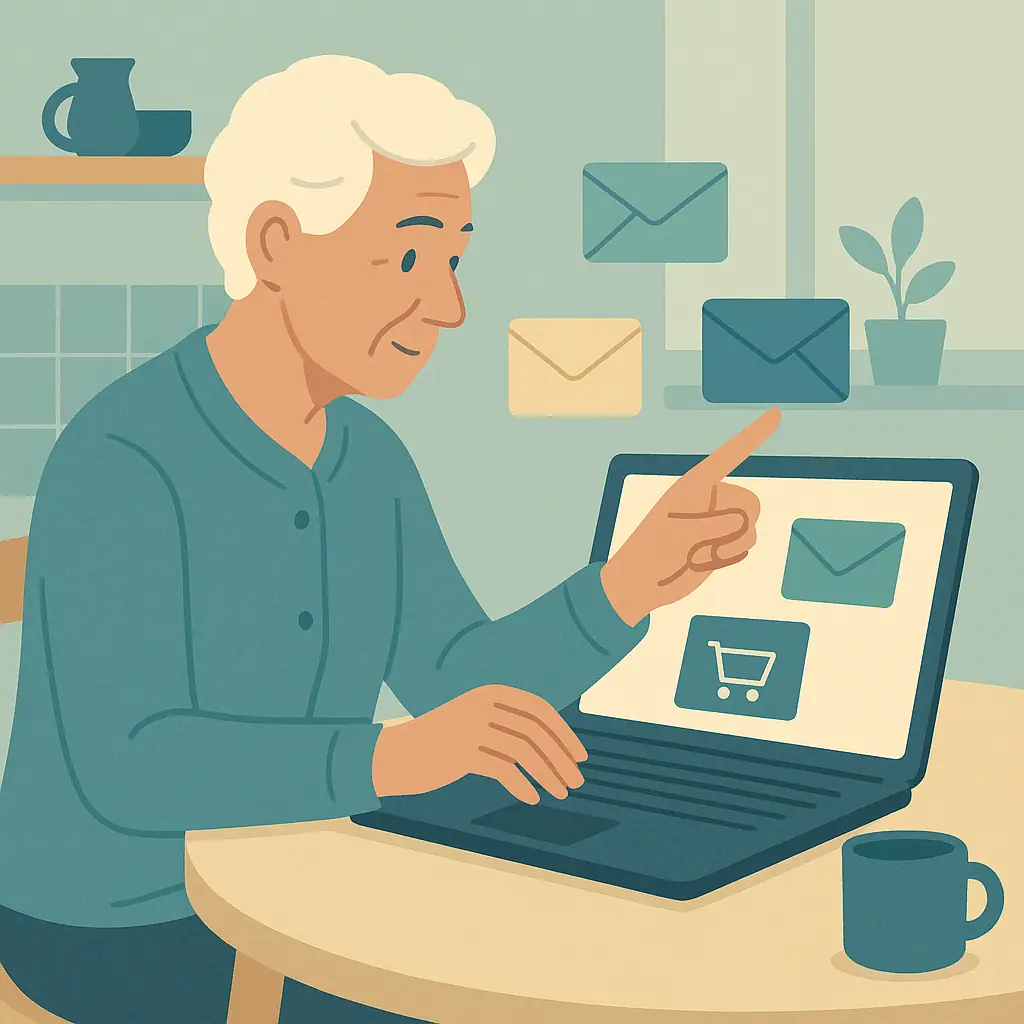 David TorresHow to Create a Safer Email Address for Shopping
Learn how to create a safer email address for online shopping, reduce spam, use aliases, and keep everyday messages easier to manage.
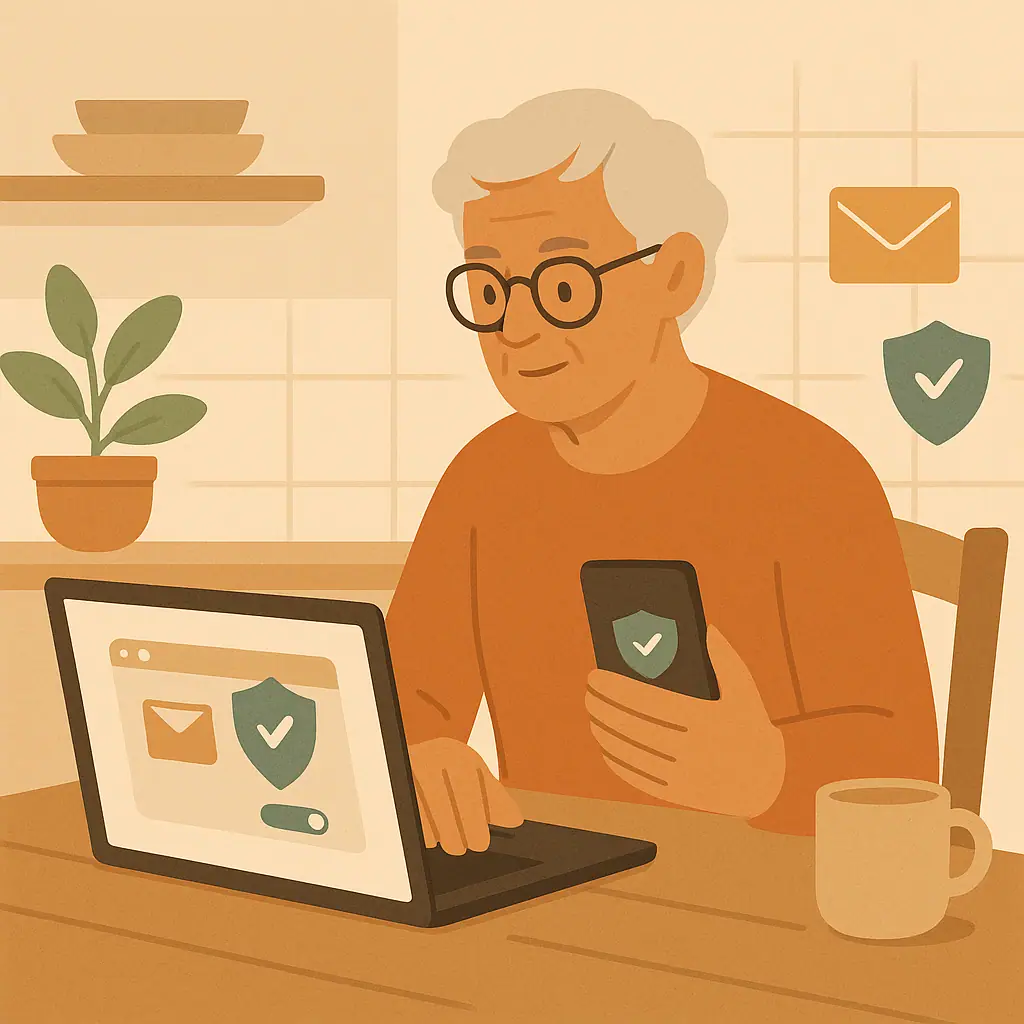 David TorresHow to Stop Email Tracking Pixels When Possible
Learn how to stop email tracking pixels when possible with simple image settings in Gmail, Apple Mail, Outlook, and safer habits.
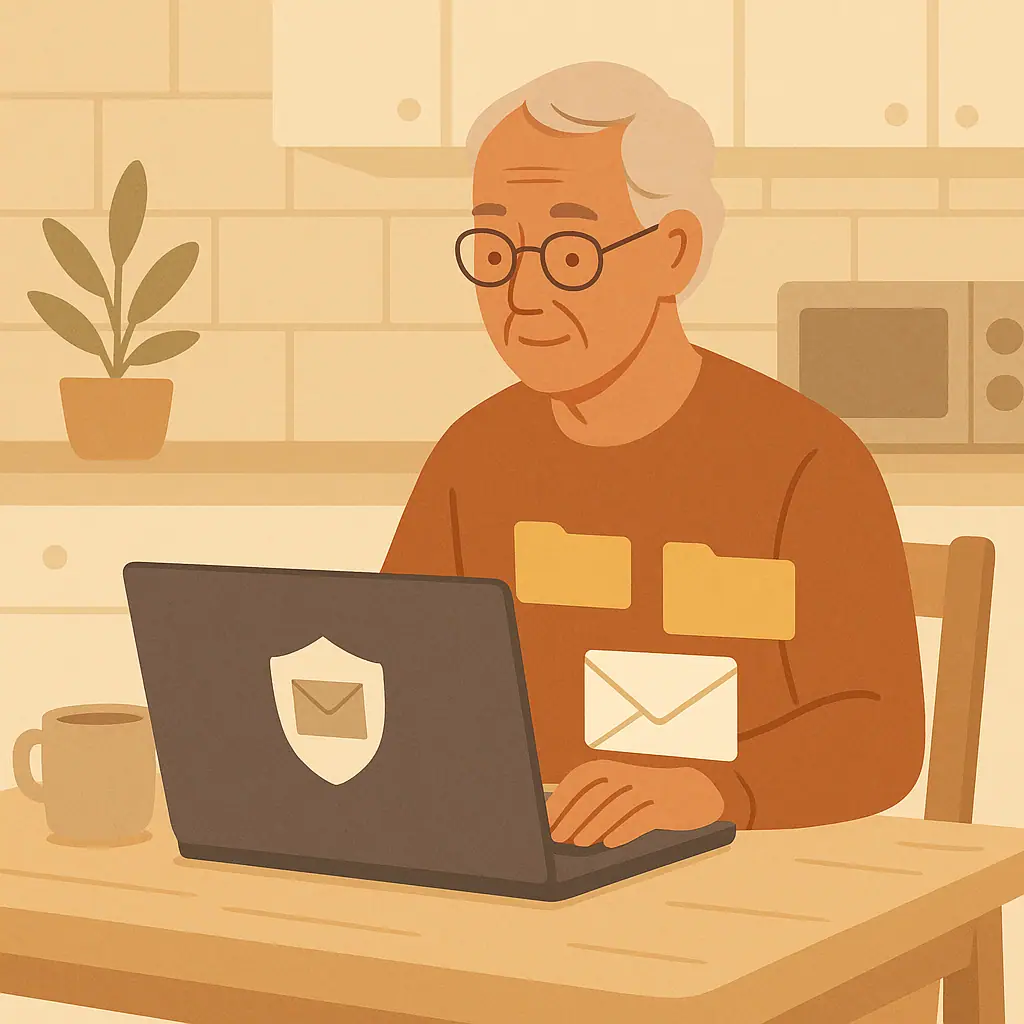 David TorresHow to Organize Important Emails So You Can Find Them Later
Learn how to organize important emails safely with simple folders, labels, stars, search habits, and safer archiving choices.
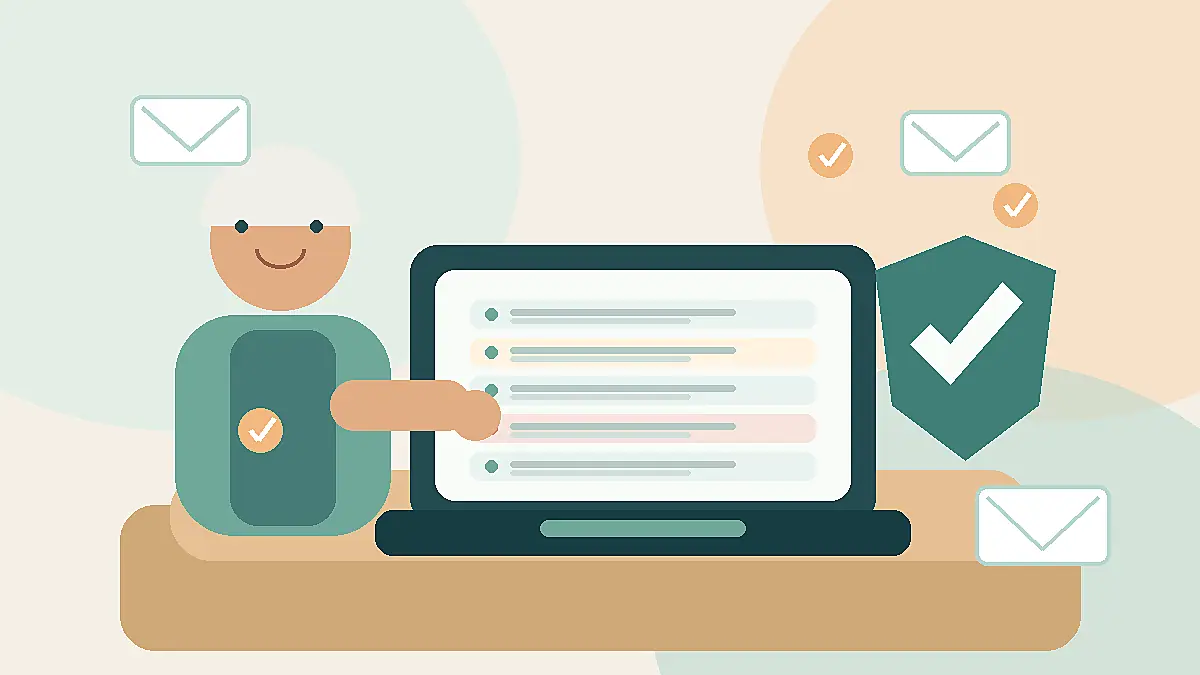 David TorresHow to Reduce Spam Emails Without Missing Important Messages
Learn how to reduce spam emails safely without blocking real messages, losing important notices, or clicking risky unsubscribe links.