

You’ve probably received emails that look like they came from Amazon, PayPal, Netflix, or your bank. The logo is right. The colors look familiar. The message sounds urgent: “Your account has been suspended. Verify your information now.”
But here’s the uncomfortable truth: many of these emails are fakes, crafted by scammers who have become remarkably good at impersonating companies you trust. Learning to tell the real from the fake is one of the most valuable digital skills you can have.
What Is a Fake Customer Service Email?
A fake customer service email is a type of phishing message designed to look like it was sent by a legitimate company. The goal is to trick you into clicking a link, entering your login credentials, or providing payment information — which the scammer then uses to steal your money or identity.
These emails impersonate companies that nearly everyone has an account with, making them especially effective:
- Amazon — “Your order has been canceled” or “Suspicious activity on your account”
- PayPal — “Your account has been limited” or “Unusual login detected”
- Netflix — “Your payment failed, update your billing info”
- Your bank — “Your account will be closed unless you verify your identity”
- Apple / Google — “Your Apple ID has been compromised”
Red Flags That Reveal a Fake Email
Scammers are clever, but they consistently leave telltale signs. Once you know what to look for, you’ll start spotting fakes almost instinctively.
1. Check the Sender’s Email Address Carefully
This is the single most reliable signal. Hover over the sender’s name (or tap it on your phone) to see the full email address. Real companies use their own domain:
- Real Amazon: auto-confirm@amazon.com or ship-confirm@amazon.com
- Fake: amazon-support@gmail.com or noreply@amazon-security-team.net
If the domain after the @ symbol doesn’t exactly match the company’s real website, it’s almost certainly fake. Notice subtle tricks like amazon-team.com, paypal-security.net, or netflix-billing.com — these are all fraudulent.
2. Urgency and Threats
Legitimate companies don’t threaten to close your account within 24 hours or demand immediate action. If an email creates a sense of panic — “act now or lose access forever” — that’s a manipulation tactic scammers use to stop you from thinking clearly.
3. Suspicious Links
Before clicking any link, hover your mouse over it (on a computer) to see where it actually leads. If the URL shown doesn’t match the company’s real website, don’t click. On a phone, press and hold the link briefly to preview the URL.
Spotting Fakes from Specific Companies
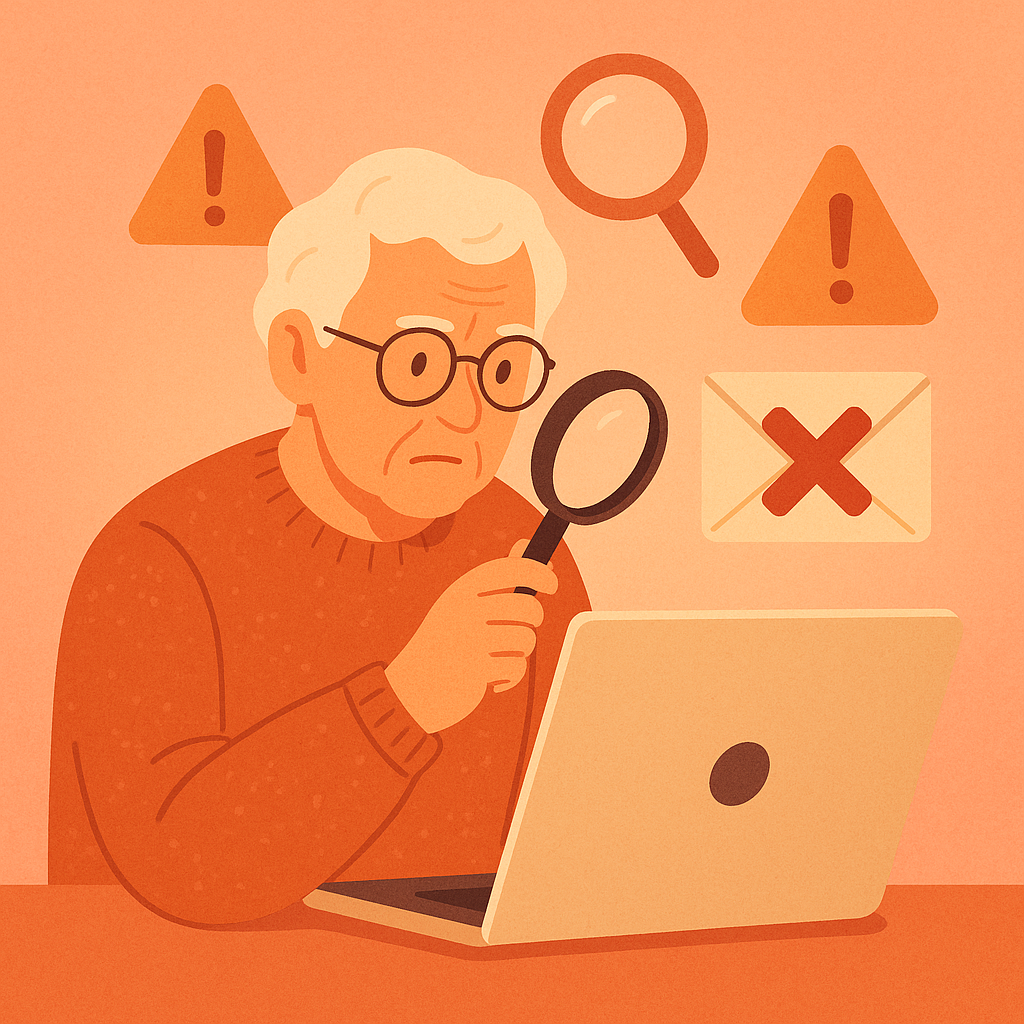
Each major company has known patterns that scammers exploit. Here’s what to watch for:
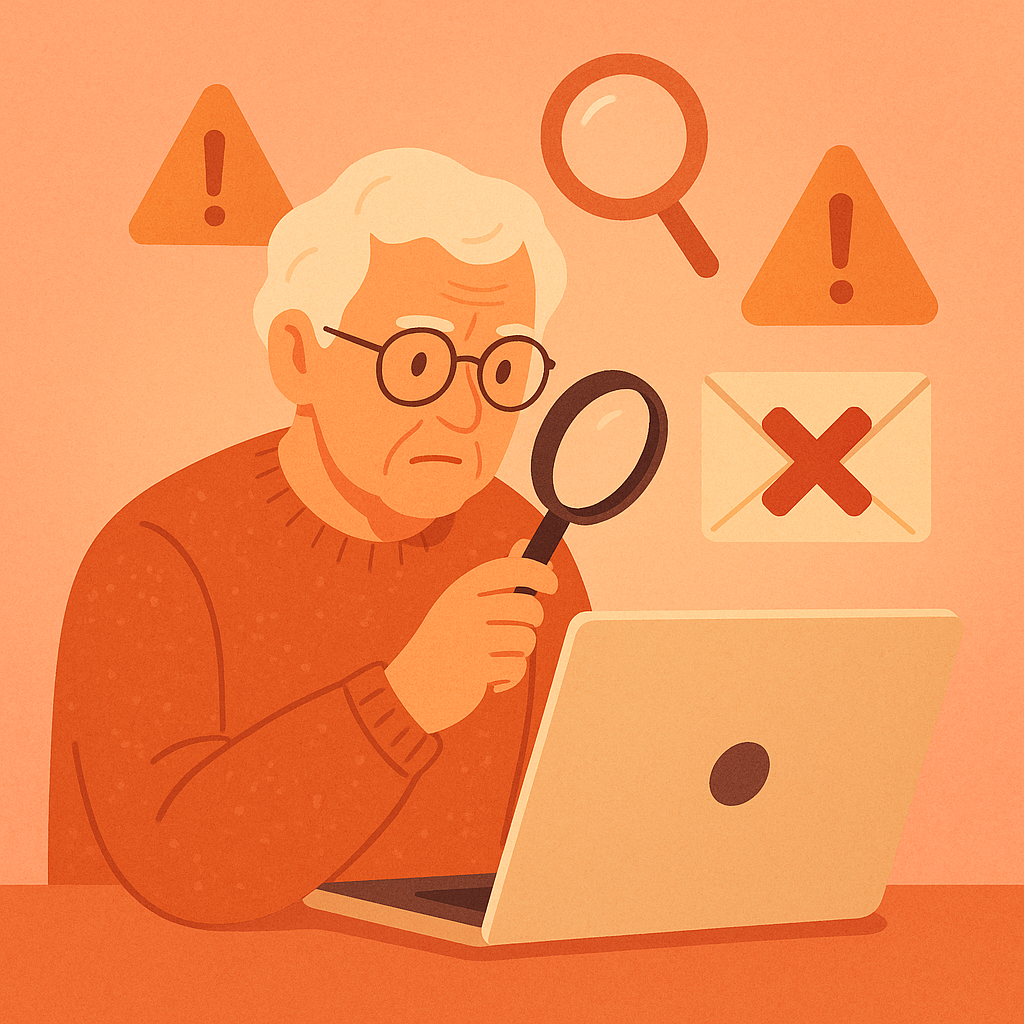
- Amazon fakes: Often claim your order was canceled or your payment failed. Real Amazon emails always include the last four digits of your payment method and the specific item ordered.
- PayPal fakes: Usually say your account is “limited” or there’s a suspicious transaction. Real PayPal emails always address you by your full name — never “Dear Customer” or “Dear PayPal User.”
- Netflix fakes: Claim your billing information couldn’t be processed. Real Netflix emails come from @netflix.com only and link only to netflix.com.
- Bank fakes: Threaten account suspension unless you verify your information. Real banks will never ask for your full account number, Social Security number, or password via email.
What to Do When You Receive a Suspicious Email
- Don’t click any links: Go directly to the company’s website by typing the address in your browser.
- Don’t call numbers in the email: The phone number could connect you to the scammer. Look up the real customer service number on the company’s official website.
- Check your actual account: Log in directly at amazon.com, paypal.com, or netflix.com (not via the email link). If there’s a real problem, you’ll see it there.
- Mark it as spam/phishing: In Gmail, click the three dots → “Report phishing.” In Outlook, select “Report” → “Report Phishing.”
- Delete it: After reporting, delete the email so you don’t accidentally click something later.
Pros and Cons of Being Vigilant About Email
Protects your money and identity
Recognizing fakes before clicking is the most powerful way to avoid financial loss.
Builds lasting digital confidence
Once you know the patterns, spotting scams becomes second nature — a skill for life.
Helps protect others
When you report phishing emails, you help email providers train their filters to catch these scams for everyone.
Scams keep evolving
As awareness grows, scammers become more sophisticated. No single checklist is foolproof forever — ongoing vigilance matters.
Real urgent emails can get dismissed
Being cautious means occasionally second-guessing a real notification. The small inconvenience of verifying directly is worth it.
Frequently Asked Questions
What if I already clicked a link in a suspicious email?
Don’t panic — but act quickly. Do NOT enter any personal information on the page that opened. Change the password for that account immediately using a different device, and check your account for unauthorized activity.
The email has the company’s real logo — doesn’t that mean it’s legitimate?
No. Logos can be copied and pasted into any email in seconds. A real-looking logo proves nothing. Always verify the sender’s email address and link destinations.
How do I report a phishing email to the FTC?
Forward the email to reportphishing@apwg.org (Anti-Phishing Working Group) and report it at reportfraud.ftc.gov. You can also forward Amazon fakes to stop-spoofing@amazon.com and PayPal fakes to phishing@paypal.com.
Is it safe to unsubscribe from suspicious emails?
Not always. If the email looks like a scam, do not click “Unsubscribe” — that link could lead to a malicious site or confirm your email address is active. Mark it as spam instead.
Final Thoughts
Fake customer service emails are designed to be convincing — and that’s exactly why they’re so dangerous. But with a few simple habits — checking the sender’s email address, avoiding urgent links, and going directly to company websites — you can protect yourself effectively.
When in doubt, remember: no reputable company will ever be upset with you for taking a moment to verify before clicking. Caution is wisdom, not paranoia.