

Email is convenient for staying in touch with family, friends, and businesses—but it’s not a secure way to share sensitive personal information. Cybercriminals actively intercept emails, and even legitimate companies have had email systems breached.
Understanding which information to keep out of your emails—and why—can protect you from identity theft, financial fraud, and account takeovers.
What Is Personal Information?
Personal information is any data that can be used to identify you, access your accounts, or steal your identity. This includes:
- Social Security Number (SSN)
- Passwords and PINs
- Bank account numbers and credit card details
- Driver’s license number
- Medical records and health insurance information
- Full date of birth
- Mother’s maiden name (a common security question)
Even seemingly harmless details—like your full address, phone number, or vacation plans—can be valuable to scammers when combined with other information.
Why Email Isn’t Secure
Most email services—including Gmail, Outlook, Yahoo, and others—do not encrypt your messages end-to-end by default. This means your emails can be intercepted and read by:
- Hackers who breach email servers
- Anyone with access to your email account (like someone who guesses your password)
- Network administrators at your internet service provider or workplace
- Government agencies with legal authority to request email records
Even if you keep your email secure, the person you’re emailing might not. If their account is hacked, your information could be exposed.
What Can Happen If You Share Personal Information
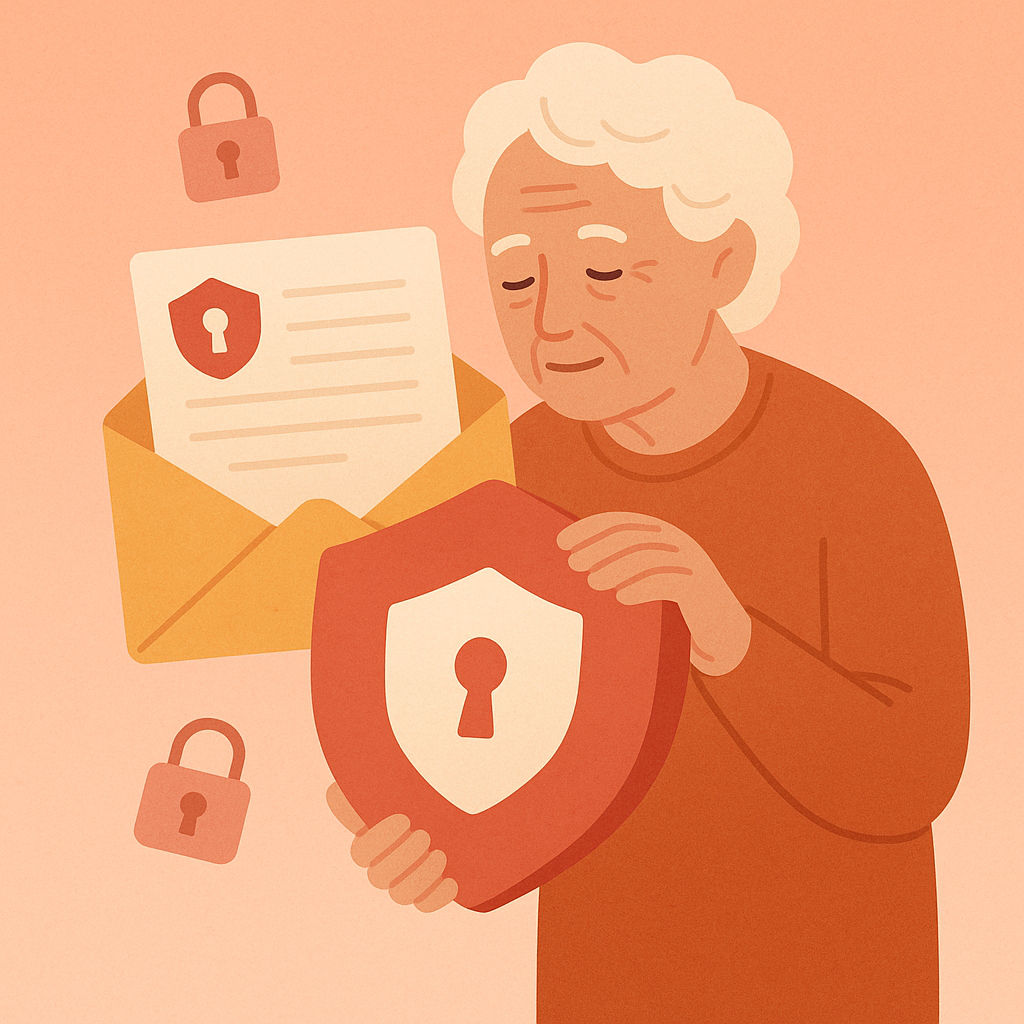
When personal information falls into the wrong hands, the consequences can be severe and long-lasting.
Identity Theft
With your Social Security Number, date of birth, and address, criminals can open credit cards, take out loans, or file fraudulent tax returns in your name. Victims of identity theft often spend months—sometimes years—cleaning up the damage.
Financial Fraud
Bank account numbers and credit card details give scammers direct access to your money. They can drain your accounts, make unauthorized purchases, or sell your information to other criminals.
Account Takeovers
If you share passwords or security question answers via email, attackers can lock you out of your own accounts—email, banking, social media, and more.
Targeted Scams
Even partial personal information helps scammers craft convincing phishing emails. If they know your bank’s name, your address, and your phone number, they can send you a fake email that looks exactly like it’s from your bank—making it harder to tell it’s a scam.
Information You Should Never Send Over Email
Here’s a quick reference list of what to keep out of your emails:
- Social Security Number
- Passwords or PINs
- Credit card numbers or CVV codes
- Bank account numbers or routing numbers
- Passport numbers or driver’s license details
- Medical records or diagnoses
- Security question answers (mother’s maiden name, first pet’s name, etc.)
- Full date of birth (month and day are often okay, but not the year)
If someone asks you to email this type of information—even if the request seems legitimate—don’t do it. Use a safer alternative instead.
Safer Alternatives to Email
When you need to share sensitive information, choose one of these more secure options:
1. Secure File Sharing Services
Services like Google Drive, Dropbox, or OneDrive allow you to share documents with password protection and expiration dates. This is much safer than emailing a file directly.
2. Phone Calls
For quick exchanges like confirming an account number or sharing a one-time code, a phone call is often the simplest and most secure option. Just make sure you initiated the call—don’t call numbers provided in unsolicited emails.
3. Encrypted Messaging Apps
Apps like Signal or WhatsApp offer end-to-end encryption, meaning only you and the recipient can read the messages. This is ideal for sharing short pieces of sensitive information.
4. Secure Customer Portals
Many banks, healthcare providers, and government agencies have secure online portals where you can upload documents and share information safely. Always use these instead of email when available.
How to Recognize Legitimate Requests
Scammers often pretend to be from your bank, the IRS, or a trusted company to trick you into sharing personal information. Here’s how to tell the difference:
- Real organizations never ask for passwords or full SSNs via email
- Legitimate companies use secure portals for sensitive information
- Requests with urgent language (“Your account will be closed!”) are usually scams
- Check the sender’s email address carefully—scammers use look-alike domains
When in doubt, contact the organization directly using a phone number from their official website—not one provided in the email.
Pros and Cons of Avoiding Personal Info in Email
Prevents identity theft
Keeping sensitive data out of email reduces your risk of being targeted by criminals.
Protects financial accounts
Bank and credit card information stays secure when you use safer channels.
Reduces phishing success
Scammers can’t use leaked information to create convincing fake emails.
Requires extra steps
Using secure portals or encrypted messaging takes more time than email.
Learning curve
Secure alternatives may feel unfamiliar at first, especially for those less comfortable with technology.
Frequently Asked Questions
Can I email my tax return to my accountant?
Avoid emailing tax returns directly, as they contain your SSN and financial details. Instead, use a secure file-sharing service like Google Drive with password protection, or upload it to your accountant’s secure portal if they have one.
Is it safe to email a photo of my credit card to a trusted family member?
No. Even if you trust the person, email itself is not secure. If either of your email accounts is hacked, that photo becomes accessible to criminals. Use a phone call or encrypted messaging app instead.
What should I do if I accidentally emailed sensitive information?
Act quickly: (1) Delete the sent email from your “Sent” folder, (2) Ask the recipient to delete it immediately, (3) Change any passwords or PINs you shared, (4) Monitor your accounts closely for suspicious activity, and (5) Consider placing a fraud alert on your credit report if you shared your SSN or financial details.
How do I know if an email requesting information is legitimate?
Real companies never ask for passwords, SSNs, or full credit card numbers via email. If you receive such a request, don’t respond. Instead, call the company directly using a phone number from their official website to verify whether the request is genuine.
Final Thoughts
Email is a powerful tool for communication, but it’s not built for sharing sensitive personal information. By keeping passwords, financial details, and identifying information out of your emails, you significantly reduce your risk of identity theft and fraud.
When you need to share something sensitive, take the extra moment to use a secure alternative. Your future self—and your financial accounts—will thank you.