

Your inbox is overflowing with promotional emails you never wanted. Maybe you signed up for one newsletter five years ago, or a website added you without permission. Now you’re drowning in daily offers, and you just want them to stop.
The good news: You have the right to unsubscribe from most commercial emails. The challenge: Some unsubscribe links are fake — designed by scammers to confirm your email is active or install malware on your device.
In this guide, you’ll learn:
- How to tell real unsubscribe links from dangerous ones
- Safe ways to clean up your inbox without clicking suspicious links
- What to do if unsubscribing doesn’t work
Let’s help you take back control of your email inbox — safely.
What Is an Unsubscribe Link?
An unsubscribe link is a button or text link at the bottom of a promotional email that lets you stop receiving future messages from that sender. U.S. law (the CAN-SPAM Act) requires most commercial emails to include a working unsubscribe option.
When you click a legitimate unsubscribe link, you’re typically taken to a simple webpage that confirms your request. Within 10 business days, the emails should stop. No personal information required — just one click.
Real unsubscribe links are safe. But scammers create fake unsubscribe buttons that do the opposite: they confirm your email is active, making you a target for more spam. Some even install malware when clicked.
Why This Matters for You
Unwanted emails are more than annoying — they’re a security risk. Here’s why managing them safely is critical:
- Scammers hide in the noise. The more junk email you receive, the easier it is for a phishing email to slip through unnoticed.
- Fake unsubscribe links confirm your email works. Scammers sell lists of “active” emails for higher prices. Clicking a fake link puts you on those lists.
- Malicious links can compromise your device. Some fake unsubscribe buttons redirect to sites that download malware or steal login credentials.
How to Tell If an Unsubscribe Link Is Safe
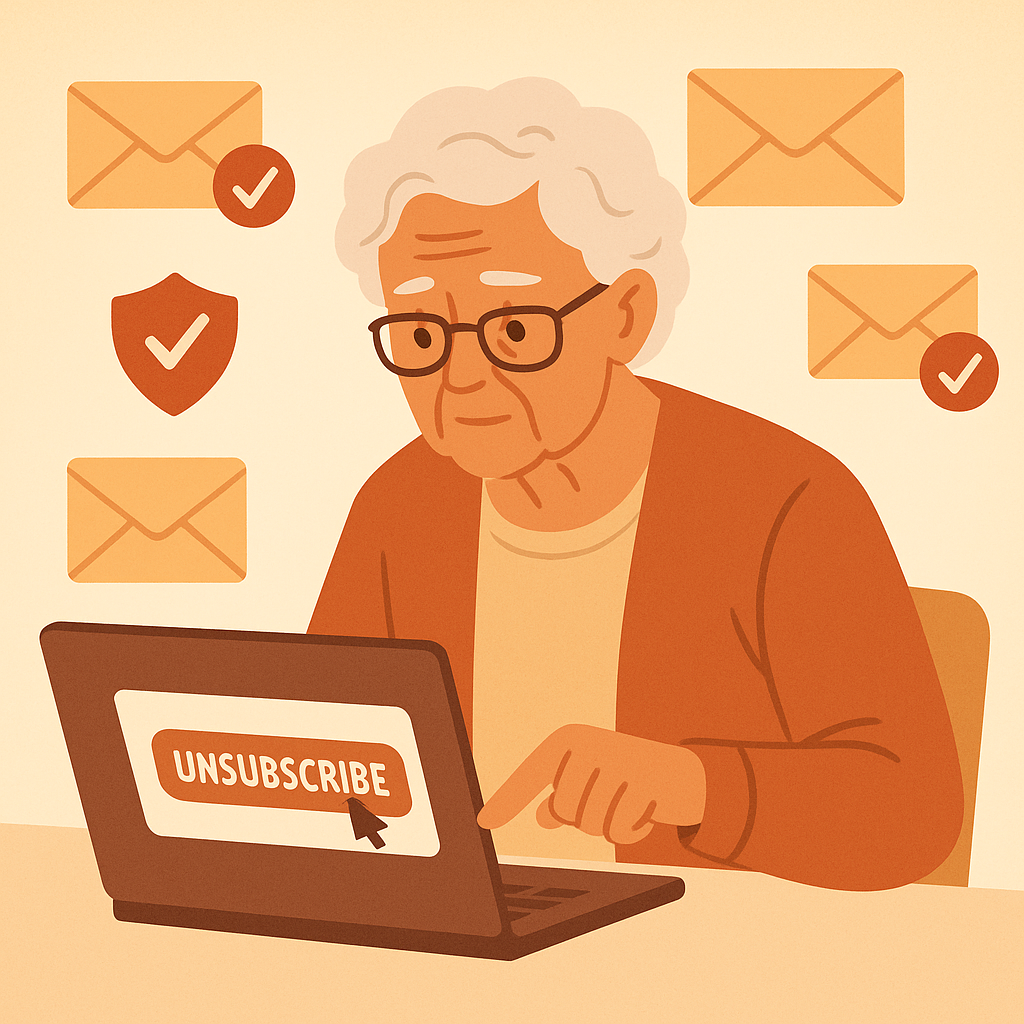
Before clicking any unsubscribe link, check these four things:
1. Verify the Sender
Look at the sender’s email address. Does it match the company claiming to send the email? For example, if the email says it’s from “Amazon,” the address should end in @amazon.com — not @amaz0n-notifications.xyz.
Legitimate companies use their official domain. Scammers use look-alike domains (“amaz0n” instead of “amazon”) or generic free email addresses (Gmail, Yahoo, Hotmail).
2. Hover Over the Link First
On a computer, hover your mouse over the unsubscribe link without clicking. A small pop-up should show you where the link goes. Look for:
- HTTPS (the padlock icon) — Secure connection
- A domain that matches the sender — If the email is from “BestBuy,” the link should go to bestbuy.com, not a random domain
- Short, simple URL — Scam links are often long, messy strings of random characters
On a phone, press and hold the link to see where it leads before tapping.
3. Check for Spelling and Grammar Errors
Scam emails often have typos, awkward phrasing, or poor formatting. Legitimate companies proofread their emails. If the email looks sloppy, the unsubscribe link probably isn’t safe.
4. Ask Yourself: Did I Ever Sign Up?
If you’ve never heard of the sender and never gave them your email, the unsubscribe link is likely a trap. Don’t click it. Instead, mark the email as spam (more on this below).
Safe Alternatives to Clicking Unsubscribe
If you’re not confident the unsubscribe link is real, use one of these safer methods:
- Mark as Spam: In Gmail, Outlook, or Apple Mail, select the email and click “Report Spam” or “Junk.” Your email provider will block future messages from that sender.
- Use Email Filters: Set up a rule to automatically delete emails from unwanted senders. Most email services let you create custom filters in Settings.
- Unsubscribe via the Company’s Website: If the email claims to be from a company you recognize, go directly to their website (don’t click any links in the email). Log into your account and manage your email preferences from there.
- Use a Third-Party Tool: Services like Unroll.Me or Clean Email can help you bulk-unsubscribe from legitimate newsletters. These tools scan your inbox and let you unsubscribe with one click — but only use them for emails you trust.
What to Do If Unsubscribing Doesn’t Work
By law, companies must honor unsubscribe requests within 10 business days. If the emails continue after two weeks, take these steps:
- Report to the FTC: File a complaint at reportfraud.ftc.gov. The FTC enforces CAN-SPAM Act violations.
- Block the Sender: In your email settings, add the sender’s address to your blocked list. Future emails will go straight to spam.
- Consider Changing Your Email: If spam becomes overwhelming despite your efforts, it may be time to create a new email address and reserve it for important contacts only.
Pros and Cons of Using Unsubscribe Links
Quick and Easy
One click stops emails from legitimate companies.
Legally Required
Real companies must honor your request within 10 days.
Reduces Inbox Clutter
Fewer emails mean less time sorting and a cleaner inbox.
Scammers Use Fake Links
Clicking a fake unsubscribe can confirm your email is active.
Risk of Malware
Some fake links redirect to malicious websites.
Not Always Instant
It can take up to 10 days for emails to stop.
Frequently Asked Questions
Is it safer to mark emails as spam instead of unsubscribing?
For suspicious emails or senders you don’t recognize, yes — always mark as spam instead of clicking unsubscribe. For legitimate companies you signed up with, using the unsubscribe link is safe and stops future emails faster.
Can unsubscribing make spam worse?
Only if you click a fake unsubscribe link from a scammer. Legitimate companies will stop emailing you. Always verify the sender before clicking any link.
How long does it take for emails to stop after I unsubscribe?
By law, companies must stop sending emails within 10 business days. If emails continue after two weeks, report the sender to the FTC and block them manually.
What if there’s no unsubscribe link in the email?
If a commercial email doesn’t have an unsubscribe option, it’s violating the CAN-SPAM Act. Report it to the FTC at reportfraud.ftc.gov and mark it as spam.
Final Thoughts
Cleaning up your inbox doesn’t have to put your security at risk. By learning to spot safe unsubscribe links and using alternatives like spam filters when in doubt, you can reduce clutter while staying protected.
Remember: If an email feels off — unfamiliar sender, sloppy writing, or suspicious links — don’t click anything. Mark it as spam and move on. You don’t need to be a tech expert to keep your inbox safe and organized.