What Is a Passkey and Should Seniors Use One?
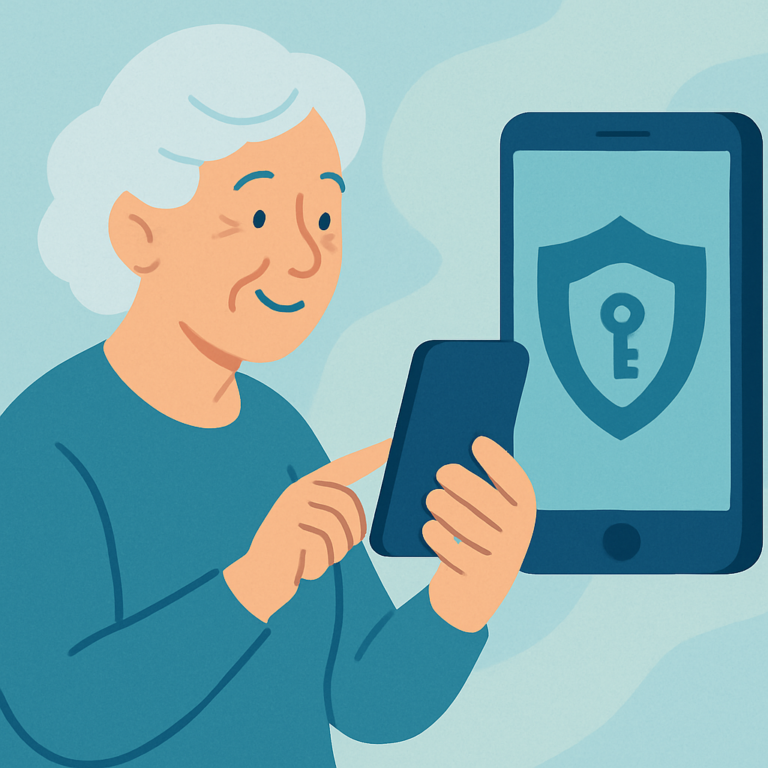
Passkeys explained for seniors: learn what passkeys are, how device locks help, and when to use them safely without feeling overwhelmed.


Passkeys explained for seniors: learn what passkeys are, how device locks help, and when to use them safely without feeling overwhelmed.
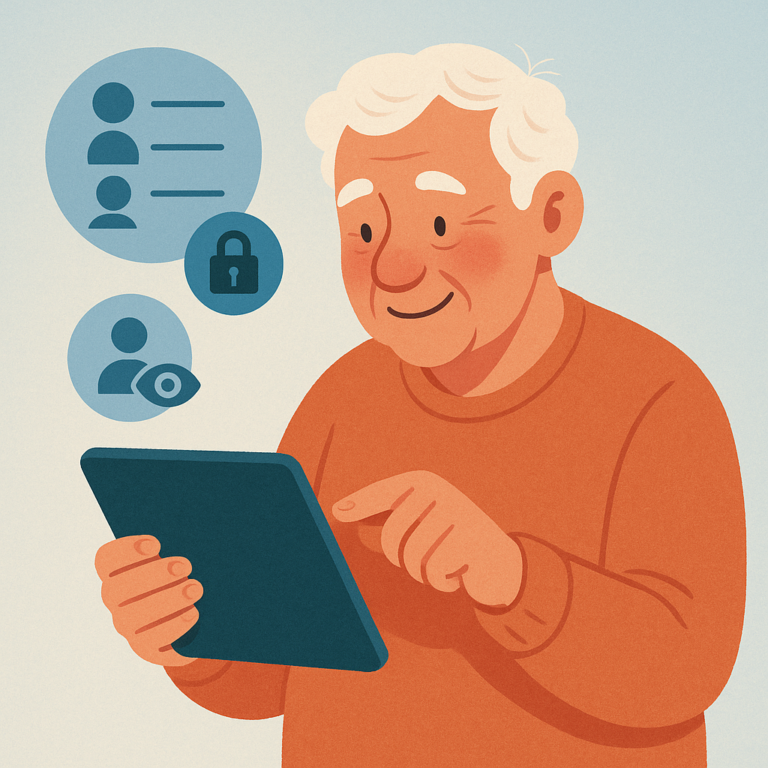
Learn how to clean up Facebook friends list safely, remove unfamiliar accounts, and adjust who can see your posts without drama.
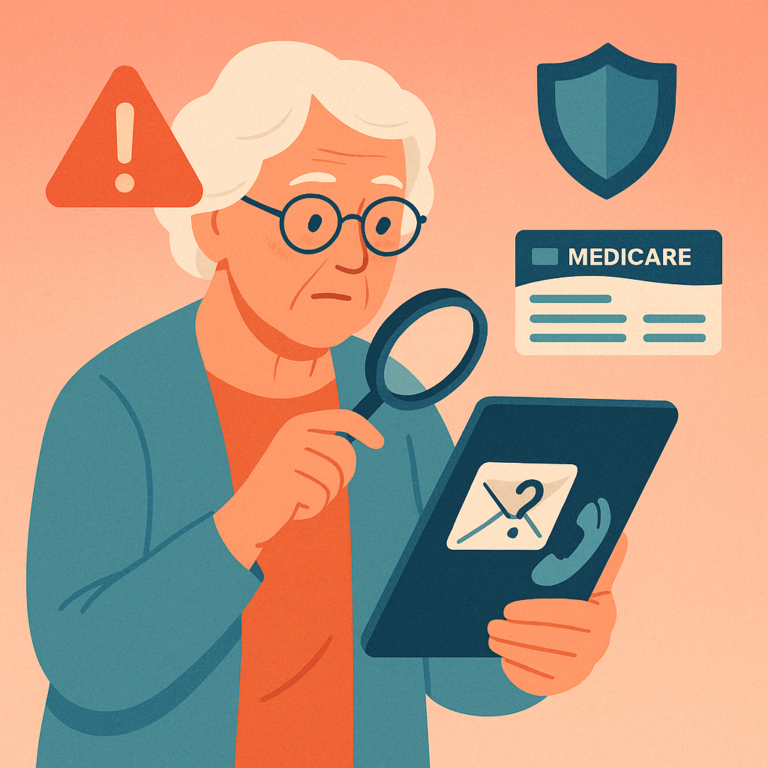
Learn fake Medicare scam warning signs across calls, emails, texts, and websites so you can protect your Medicare Number.
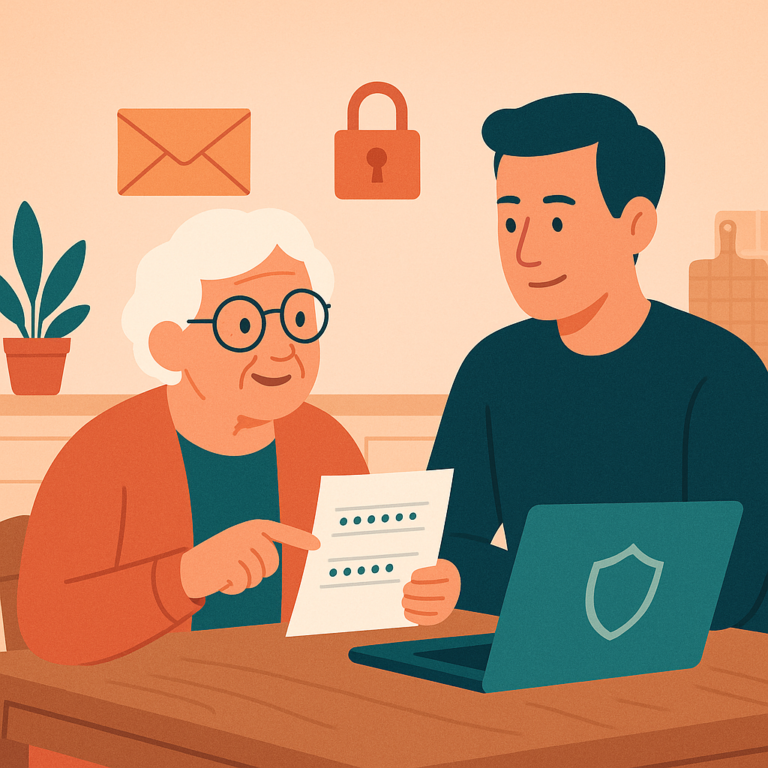
Create a family password plan for seniors that protects privacy, supports emergency access, and avoids unsafe password sharing.
Learn how to control your LinkedIn privacy settings, manage profile visibility, and stay safe on the platform — a clear guide for seniors.
Learn how to control your YouTube watch history, adjust privacy settings, and use the platform safely as a senior — step by step.
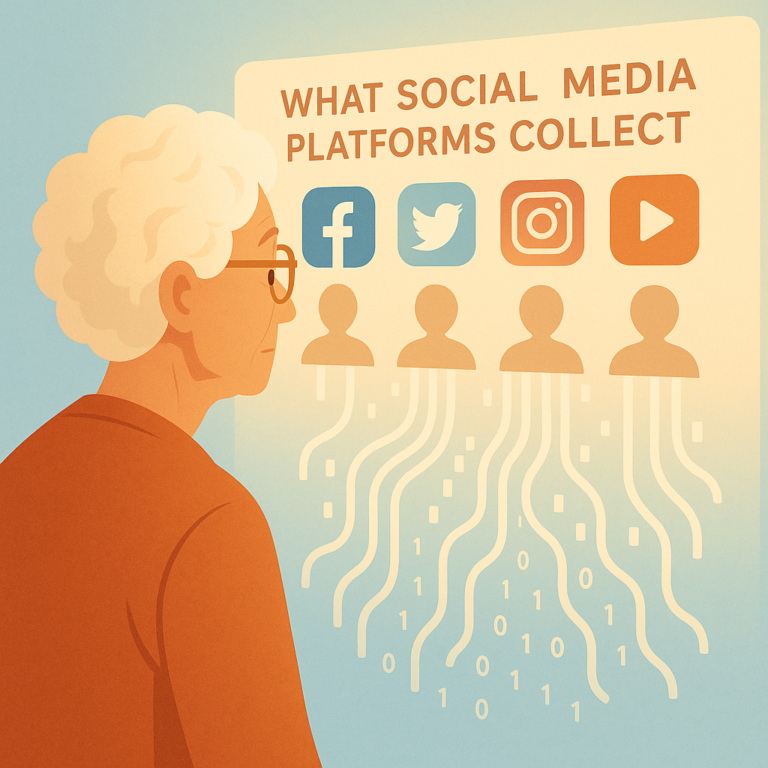
Discover what Facebook, Google, and other social media platforms collect about you, how they use your data, and simple steps to review and limit it.
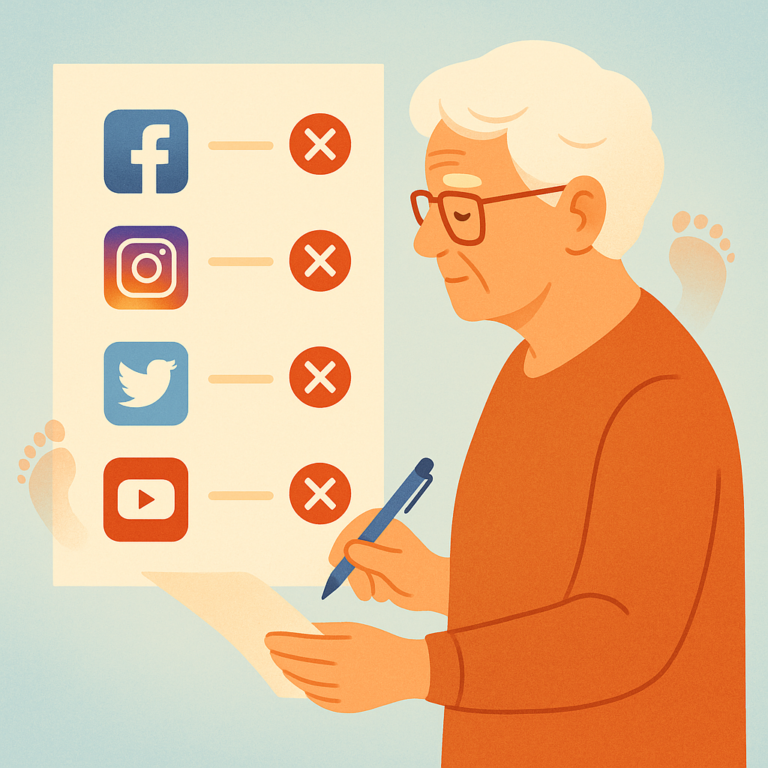
Step-by-step guide to permanently deleting old Facebook, Twitter, LinkedIn, and Instagram accounts you no longer use to protect your online privacy.
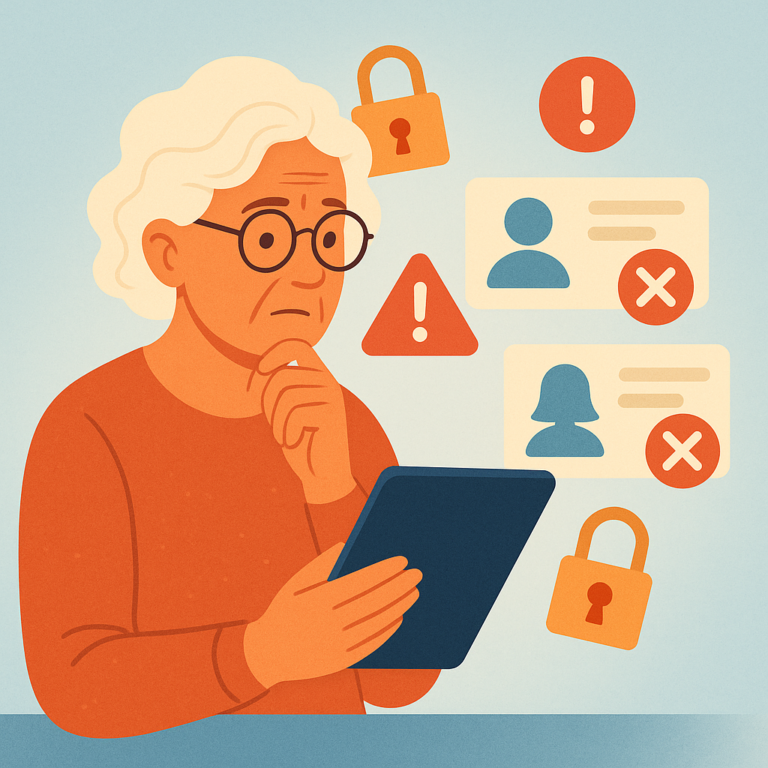
Learn which personal details you should never post on social media to protect your privacy, identity, and home security as a senior.
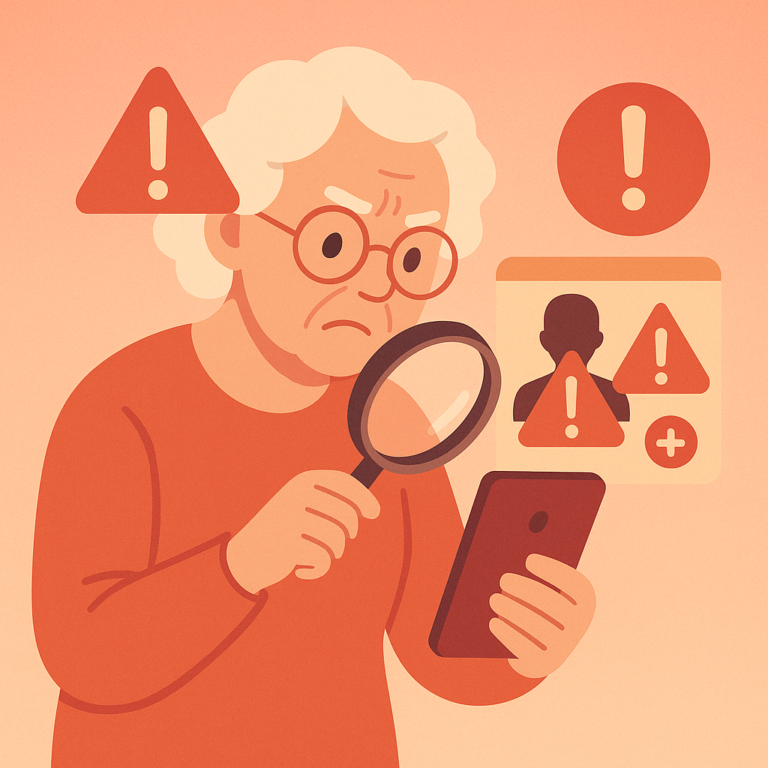
Fake profiles and suspicious friend requests are used by scammers to steal money and personal information. Learn the warning signs and how to protect yourself.
SenorSafe — Your Complete Guide to Digital Safety
SenorSafe is an independent informational resource. We do not provide professional cybersecurity services. Content is for educational purposes only.
Privacy Policy | Terms | Contact | About
© 2026 SenorSafe. All rights reserved.