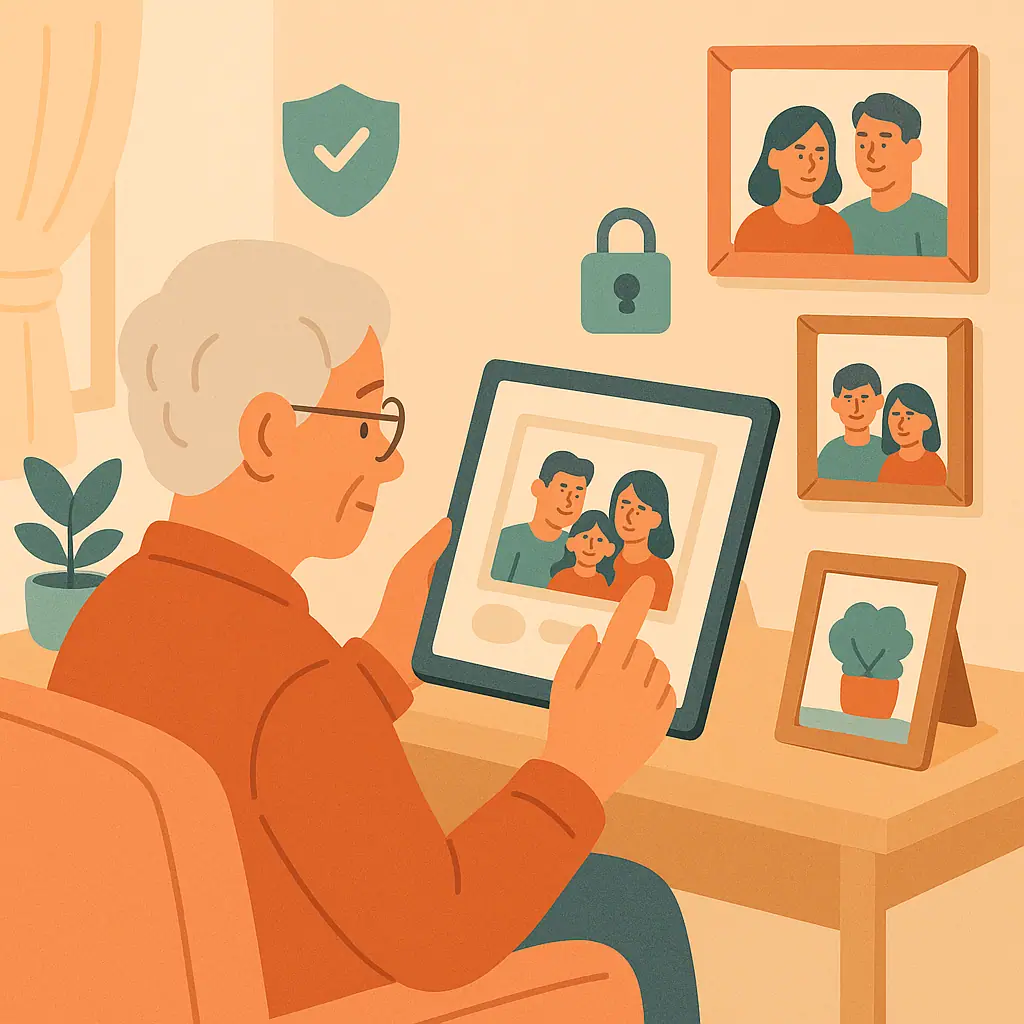
Learning how to protect family photos on social media does not mean you have to stop sharing happy moments. Photos of birthdays, reunions, graduations, vacations, and grandchildren can help family members feel close, especially when everyone lives in different places.
The goal is to share with care. A family photo can reveal more than faces. It may show a school name, a house number, a travel location, a child's routine, or a family member who did not expect to be online. A few calm privacy habits can reduce those risks without making social media feel frightening.
This guide walks through simple checks before you post, how to limit who sees family pictures, and when to ask permission first.
Why Protecting Family Photos on Social Media Matters
Family photos often feel harmless because they are shared with love. But online, the audience can be larger than it first appears. A photo shared publicly may be visible to strangers, copied by someone else, or found later through search or account activity.
The Federal Trade Commission's online safety guidance reminds readers to think before sharing photos, videos, and details because posts can affect privacy now and later. Their page on stopping to think before sharing online is a useful outside reference for this habit.
Start With Social Media Privacy
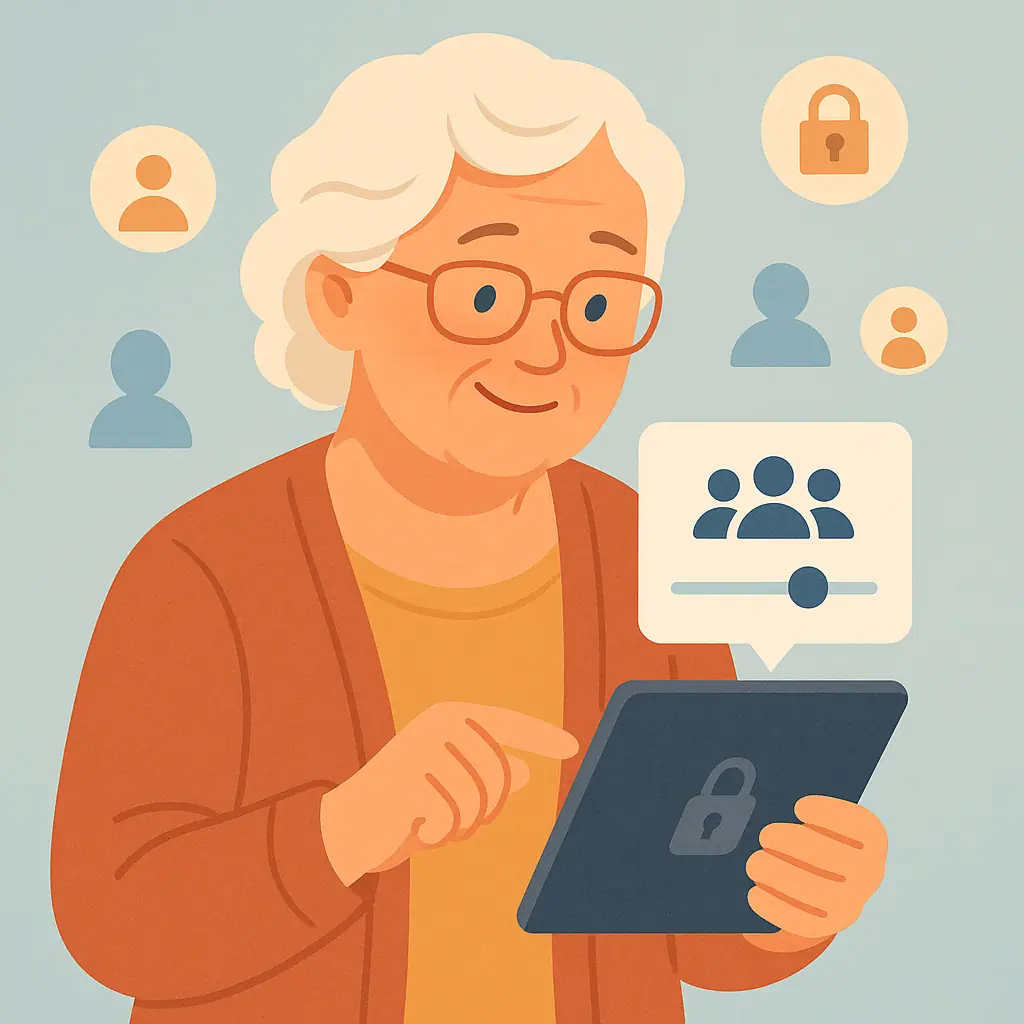
Social media privacy settings are the controls that decide who can see your posts, photos, profile details, and sometimes who can contact you. The safest starting point is not a complicated menu. It is choosing a smaller audience for family photos.
If you are unsure what details should stay private, review our guide on what information you should never share on social media. That article pairs well with this one because photos can accidentally reveal the same kinds of personal details.
After that, focus on one platform at a time. Facebook, Instagram, and other sites change their settings from time to time, so do not try to memorize every screen forever. Learn the habit: check the audience, check the photo, then post.
What to Check First Before Sharing a Family Photo
Before you post, look at the picture as if you were a helpful neighbor reviewing it with you. You are not searching for perfection. You are looking for details that do not need to be public.
Look for location clues
Street signs, house numbers, school names, license plates, team uniforms, medical office signs, hotel names, and boarding passes can all reveal more than intended. If the photo includes a clue like that, consider cropping it, blurring it in your phone's photo editor, or choosing a different picture.
Think about children and other relatives
Some parents are comfortable with family photos online. Others are not. When grandchildren, nieces, nephews, or friends appear in a photo, it is kind to ask before posting. A simple message works: "Is it okay if I share this photo with family on Facebook?"
How to Protect Family Photos on Social Media Step by Step
Use these steps whenever you want to share a personal photo. They are meant to be repeated, not rushed.
- Choose the audience before posting: For family photos, avoid Public unless there is a clear reason. Friends, close friends, or a custom family list is usually safer.
- Check the background: Look for addresses, school names, documents, medicine bottles, name tags, screens, or travel details.
- Ask permission when needed: If another adult or a child's parent may care about the photo, ask first.
- Avoid real-time travel updates: Posting that the whole family is away from home can reveal that a house may be empty. Share vacation photos after you return if possible.
- Review tags: If someone tags you or a family member, check who can see that tagged photo and remove the tag if it feels too public.
- Keep private albums private: If you create albums for grandchildren or family events, review the album audience, not just the individual post.
Facebook's Help Center explains that its audience selector lets people choose who can see things such as posts and photos they share. You can review Meta's current guidance on basic privacy settings and tools on Facebook before changing detailed settings.
If you mainly share on Instagram, making the account private may be a good next step. Our plain-language guide on making your Instagram account private explains why that can reduce unwanted viewers.
Common Social Media Privacy Mistakes to Avoid
The most common mistake is assuming that a friendly platform automatically means a private audience. A post can be easy to make and still be too public.
Do not rely only on deletion
Deleting a photo later can help, but it may not undo every copy. It is better to pause before posting than to depend on removing something after the fact.
Do not tag people automatically
Tags can spread a photo to more people than you expected. If you want a family member to see the picture, sending it directly may be better than tagging them publicly.
Pros and Cons of Sharing Family Photos Online
Keeps distant family connected
Photos can help relatives share milestones even when they live far apart.
Preserves happy memories
Albums and posts can become an easy place to revisit important family moments.
Simple when settings are reviewed
A smaller audience and careful checks make sharing feel calmer and more intentional.
Photos may reveal private details
Backgrounds, locations, and tags can show more information than the photo subject itself.
Other people may have different comfort levels
Family members may not want themselves or their children posted publicly.
Settings can change over time
It is wise to review privacy choices again every so often instead of assuming they stayed the same.
A Simple Checklist
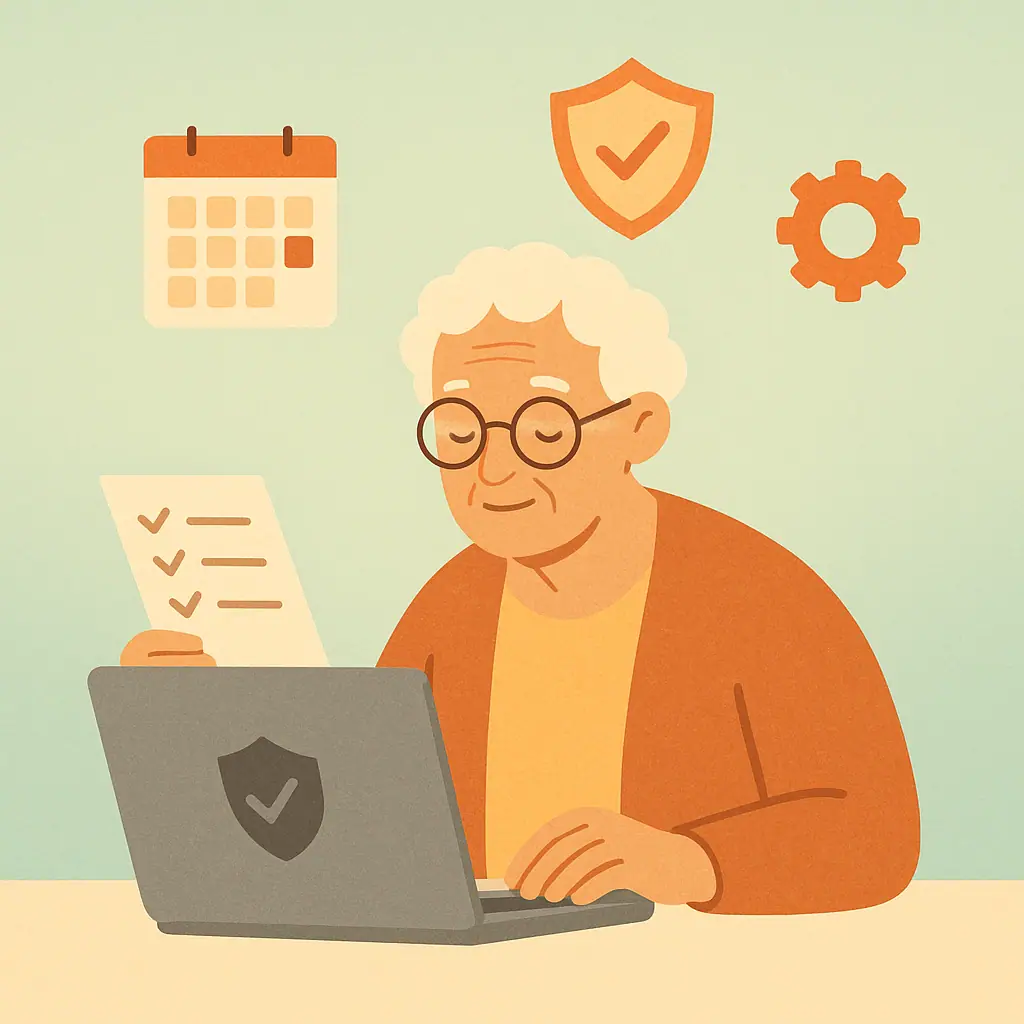
Use this quick checklist before posting a family picture.
- Audience: Is the post limited to friends, family, or a custom list instead of Public?
- Permission: Would the people in the photo be comfortable with this being shared?
- Children: Did a parent or guardian say it is okay to post the child?
- Location: Does the photo reveal a school, home address, hotel, or travel plan?
- Tags: Are tags necessary, or would a direct message be safer?
- Old posts: Should older family photos be limited to a smaller audience?
If old public posts worry you, our guide on limiting old Facebook posts without deleting everything can help you reduce visibility while keeping memories.
When to Get Extra Help
Ask for help if a setting is confusing, if you are worried a family photo was shared too widely, or if someone is pressuring you to post more than you want. A trusted family member can sit with you and review one account at a time.
Do not guess your way through a privacy menu if the choice feels important. Use the official help page for the platform, or ask someone you trust to help you check the current wording. Menus change, but the safe question stays the same: "Who can see this?"
Frequently Asked Questions
What should I check first before posting a family photo?
Check the audience setting first. Then look at the photo background for location clues, personal documents, school names, or anything the family may not want public.
How often should I review photo privacy settings?
Review them every few months, and anytime you notice a new app design, new phone, or new family situation such as a birth, move, or trip.
What should I do if I am not sure whether to post?
Wait. Send the photo privately to the person involved, or ask permission before posting it where a wider audience can see it.
Can I undo photo privacy changes later?
Often, yes. Many posts and albums can be adjusted later, but a saved or copied photo may still exist elsewhere, so it is best to choose carefully before posting.
Final Thoughts
You can protect family photos on social media with small, steady habits: choose a limited audience, look for private details, ask permission, and review old posts when needed. These steps help you share family joy without making personal information easier for strangers to find.
Your next safe step is simple. Before your next family photo post, pause and check the audience selector. That one habit can make every future share more thoughtful.