Your smartphone is a powerful tool, but downloading the wrong app can turn it into a security nightmare. Every day, millions of apps are downloaded, and unfortunately, some contain malware designed to steal your personal information or damage your device.
The good news? You can protect yourself by following a few simple rules when downloading apps. In this guide, you'll learn:
- How to identify safe app stores and avoid risky download sources
- What to look for when evaluating an app's trustworthiness
- Essential security checks before installing any app
- Warning signs that an app might be dangerous
Read on to learn how to keep your phone secure while enjoying the apps you need.
What Is App Malware?
App malware is malicious software disguised as a legitimate mobile application. Think of it like a Trojan horse — it looks harmless on the outside but carries hidden threats inside. These fake apps can steal your passwords, access your photos, track your location, or even drain your bank account.
Malware apps often mimic popular legitimate apps with names like "WhatsApp Plus" or "Free Netflix." They promise extra features or free access to paid services, but they're actually designed to harvest your personal data.
- Data theft: Steals personal information, photos, and contacts
- Financial fraud: Accesses banking apps or credit card information
- Privacy invasion: Records calls, messages, or uses your camera without permission
- Device damage: Slows down your phone or makes it crash frequently
Why This Matters for You
According to the FBI's 2024 Internet Crime Report, mobile device fraud increased by 76% among adults over 50. Malicious apps are now one of the top three ways criminals target seniors for financial scams.
The consequences of downloading malware can be devastating:
- Financial loss: Average victims lose $2,400 per incident
- Identity theft: Your personal information sold on the dark web
- Privacy violation: Hackers gain access to family photos and private messages
- Device replacement: Severe malware can permanently damage your phone
Your Safe App Download Checklist
Before downloading any app, follow this step-by-step security checklist. These simple checks take just a few minutes but can save you from months of problems.
Step 1: Use Only Official App Stores
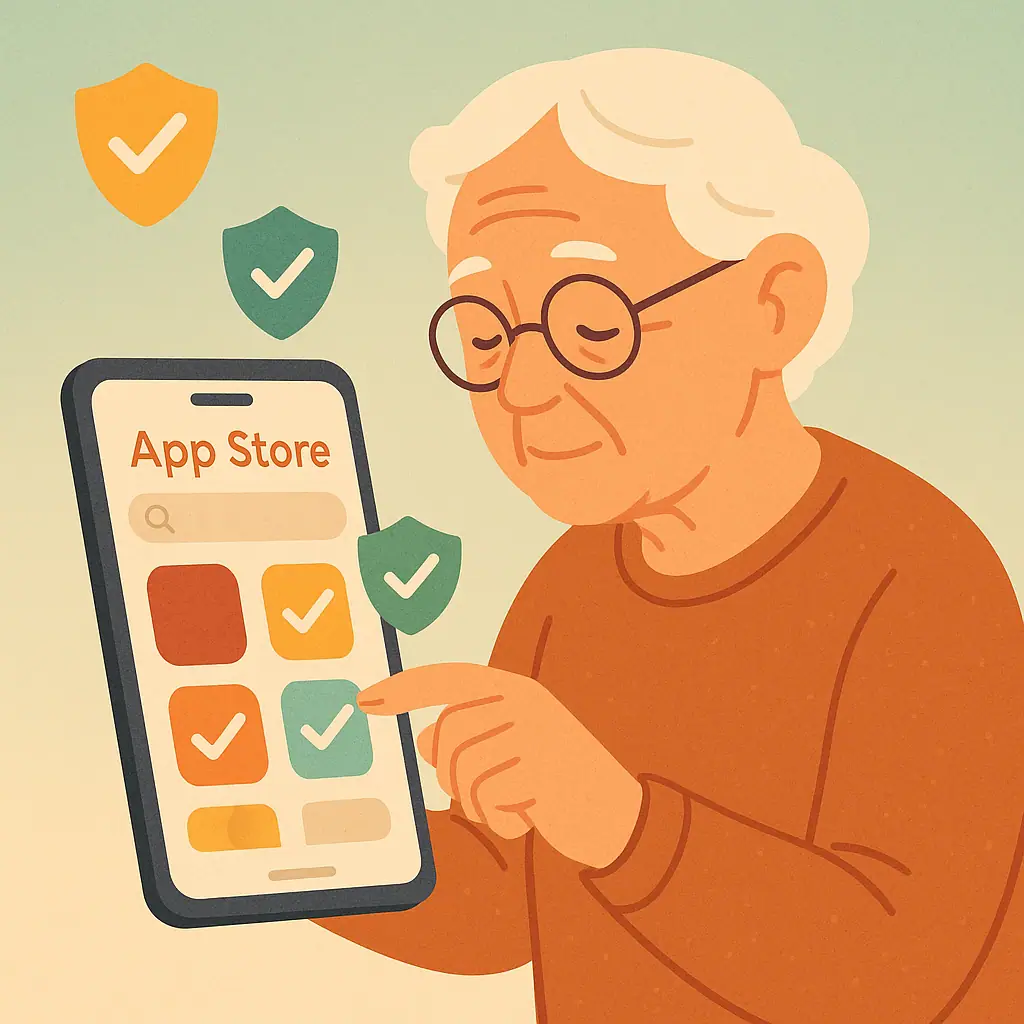
Always download apps from Google Play Store (Android) or Apple App Store (iPhone). These stores scan apps for malware before making them available. While not 100% foolproof, they're much safer than third-party websites.
✅ Safe sources: Google Play Store, Apple App Store, Amazon Appstore (for Fire devices)
❌ Risky sources: Random websites, email attachments, text message links, "APK" files
Step 2: Research the App Developer
Look at who created the app. Legitimate developers have verified profiles and multiple apps in their portfolio.
- Check the developer name: Does it match the app's claimed company?
- Look for verification badges: Many official apps have checkmarks or "verified" status
- Review their other apps: Legitimate developers usually have several quality apps
- Search online: Google the developer's name + "reviews" or "scam"
Step 3: Read Reviews and Ratings Carefully
Don't just look at the star rating — read actual reviews from recent users.
- Overall rating: Avoid apps with less than 4 stars or very few reviews
- Recent reviews: Focus on reviews from the last 30 days
- Detailed feedback: Look for specific comments about app performance
- Warning signs: Multiple reviews mentioning "crashes," "steals data," or "fake"
Step 4: Examine App Permissions
Before installing, check what permissions the app requests. A flashlight app shouldn't need access to your contacts or camera.
🟢 Reasonable permissions for most apps:
- Internet access (for apps that need to connect online)
- Storage access (to save files you create)
- Notifications (to alert you about app activity)
🔴 Red flag permissions to question:
- Access to contacts (unless it's a communication app)
- Camera and microphone (unless it's a photo or video app)
- Location tracking (unless it's a maps or weather app)
- SMS reading/sending (unless it's a messaging app)
- Administrative device access (very few legitimate apps need this)
Practical Tips for Ongoing App Security
Download safety doesn't end after installation. Follow these ongoing practices to keep your device secure:
- Update apps regularly: Enable automatic updates in your app store settings
- Monitor app behavior: Uninstall apps that suddenly start crashing or draining battery
- Review permissions periodically: Check app permissions every few months
- Use device security features: Enable screen locks and remote wipe capabilities
- Install from one account: Don't share your app store account with others
- Keep your OS updated: Install system updates as soon as they're available
Pros and Cons of Different App Sources
Built-in security scanning
Google Play Protect and Apple's review process catch most malware.
Verified developer information
Easier to research who created the app and their reputation.
Automatic updates and removal
Malicious apps can be remotely removed if discovered later.
No security screening
Anyone can upload apps without safety checks or verification.
Higher malware risk
68% of mobile malware comes from unofficial app sources.
No comeback if problems occur
Difficult to get help or refunds for malicious apps.
Frequently Asked Questions
Can I get malware from the official Google Play Store or Apple App Store?
While rare, it's possible. Both stores scan for malware, but sophisticated threats sometimes slip through. However, the risk is much lower than downloading from unofficial sources — stick to official stores and follow our security checklist.
What should I do if I think I downloaded a malicious app?
Immediately uninstall the suspicious app, run a security scan if your device has antivirus software, change passwords for any accounts you accessed while the app was installed, and monitor your financial accounts for unauthorized activity.
Are free apps more likely to contain malware than paid apps?
Not necessarily. Many legitimate free apps exist, but be extra cautious with free apps that claim to offer paid features for free. If an offer seems too good to be true (like "Free Netflix Premium"), it probably contains malware.
Do I need antivirus software on my phone?
For most users, the built-in security features of modern smartphones are sufficient if you download apps carefully. However, if you're particularly concerned about security, reputable antivirus apps like Norton or McAfee can provide an extra layer of protection.
Final Thoughts
Downloading apps safely isn't complicated — it just requires a few minutes of caution before hitting "install." By sticking to official app stores, researching developers, reading reviews, and checking permissions, you'll avoid 99% of malicious apps.
Remember, your smartphone contains some of your most personal information. Taking these simple precautions protects not just your device, but your privacy, finances, and peace of mind. You don't need to be a tech expert to stay safe online — you just need to be careful about what you invite onto your phone.