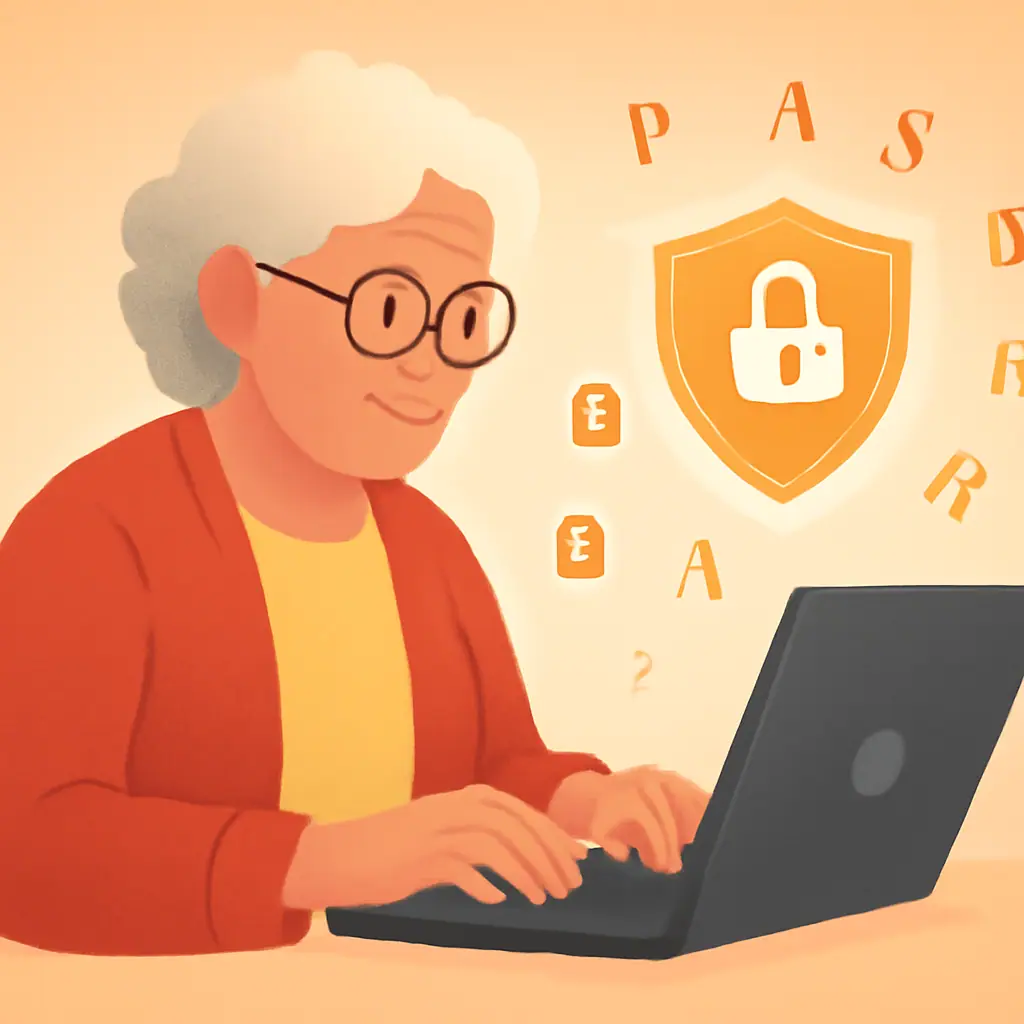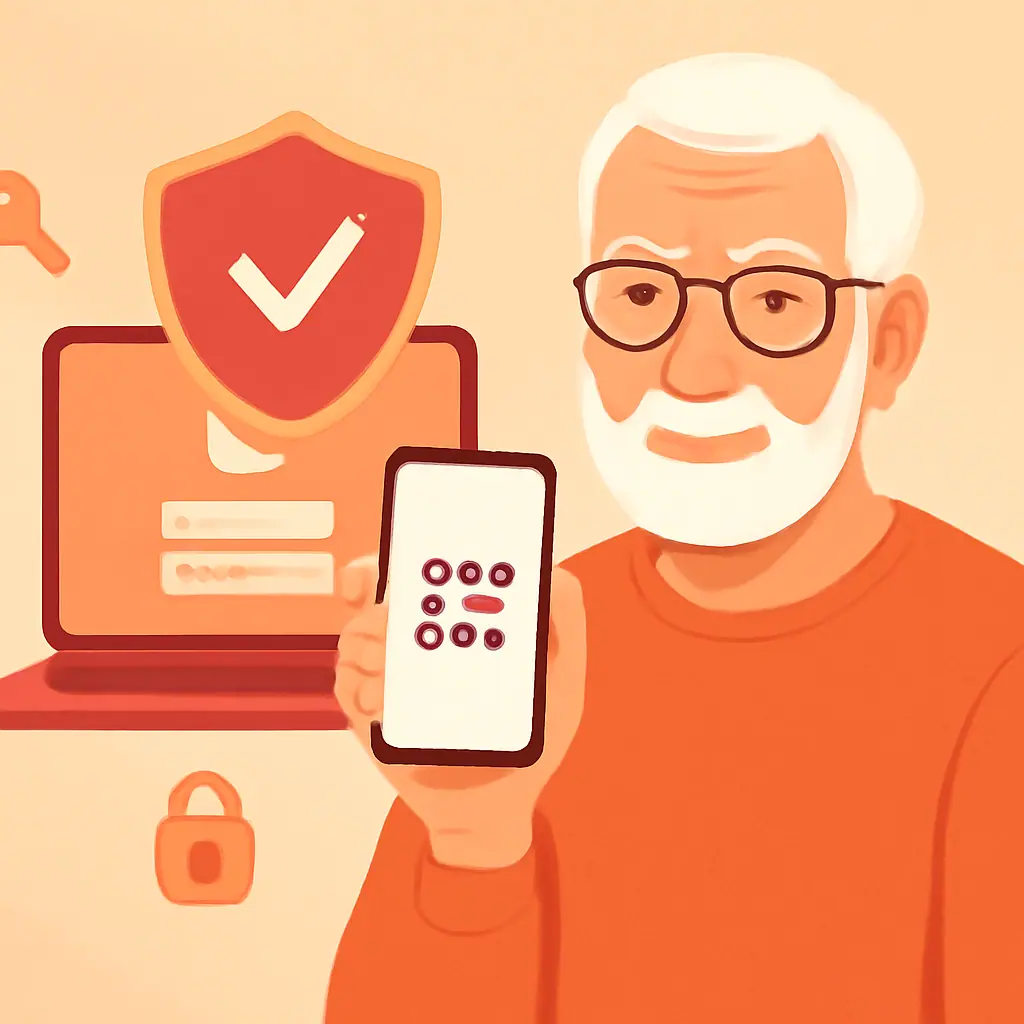
You know you should use a different password for every account. But how on earth are you supposed to remember dozens of unique passwords? The answer is simple: you don't have to.
A password manager remembers all your passwords for you. Think of it as a secure digital notebook that automatically fills in your login details whenever you need them. In this guide, we will cover:
- What a password manager actually does (and why it is safer than a notebook)
- The best easy password manager for seniors — we compare 4 top options
- How to get started in under 10 minutes
Read on to simplify your digital life.
What Is a Password Manager?
Imagine a fireproof safe in your home where you keep all your important documents. A password manager is the digital version of that safe.
Here is how it works:
- You create one master password — this is the only password you need to remember
- The manager stores all your other passwords in an encrypted vault
- When you visit a website, it automatically fills in your username and password
- It can also generate strong passwords for you so you never have to think one up again
Your passwords are encrypted, meaning even if someone stole the password file, they could not read it without your master password.
Why a Password Manager Matters for You
The average person has over 100 online accounts, according to NordPass research. Without a password manager, most people fall into dangerous habits:
- Reusing the same password across multiple sites (if one is breached, all are compromised)
- Writing passwords on paper that can be lost, stolen, or seen by visitors
- Using simple, guessable passwords like birthdays or pet names
A password manager eliminates all three problems at once. CISA, the federal cybersecurity agency, specifically recommends password managers as a key security practice.
The 4 Best Password Managers for Beginners
We evaluated dozens of options and selected four that stand out for their ease of use, security, and value:
1. 1Password — Best Overall
Price: $2.99/month
1Password has the cleanest interface of any password manager. Setup takes minutes, and the "Watchtower" feature alerts you if any of your passwords appear in a data breach. It works on computers, phones, and tablets.
Best for: People who want the most polished, beginner-friendly experience.
2. Bitwarden — Best Free Option
Price: Free (Premium: $10/year)
Bitwarden is open-source, meaning its security code is publicly reviewed by experts. The free version covers everything most people need. The interface is slightly more technical than 1Password, but still very manageable.
Best for: People who want excellent security without paying a subscription.
3. Dashlane — Best for Extra Features
Price: $4.99/month
Dashlane includes a built-in VPN (virtual private network) for safer browsing on public Wi-Fi, plus dark web monitoring that tells you if your information appears on hacker forums. The setup wizard walks you through every step.
Best for: People who want all-in-one security beyond just passwords.
4. Apple Keychain / Google Password Manager — Built-In Options
Price: Free
If you use an iPhone or Mac, Apple Keychain is already built into your device. Android and Chrome users have Google Password Manager. Both save and auto-fill passwords automatically with no extra setup needed.
Best for: People who want the absolute simplest solution and use one ecosystem (Apple or Google).
Practical Tips
- Do this: Choose a strong master password using the passphrase method — it is the one password protecting all the others
- Do this: Start by adding your 5 most important accounts (email, bank, Amazon, Facebook, health portal)
- Do this: Enable two-factor authentication on your password manager itself for maximum security
- Do this: Write down your master password and store it in a safe or locked drawer at home
- Do this: Let the manager generate passwords for you — they will be much stronger than anything you create manually
Pros and Cons of Password Managers
✅ Remember just one password — Your master password unlocks everything
✅ Stronger security — Every account gets a unique, complex password
✅ Saves time — Auto-fill means no more typing passwords or resetting forgotten ones
⚠️ Learning curve — Setting up takes 15-30 minutes the first time
⚠️ Master password risk — If you forget your master password, recovery can be difficult
Final Thoughts
A password manager is one of the single best investments you can make in your online security. It solves the impossible task of remembering dozens of unique, strong passwords by doing it all for you.
Our recommendation for most people: start with 1Password if you are willing to pay a small monthly fee, or Bitwarden if you prefer a free option. Either way, you will be dramatically safer online within the hour.
You do not need to be a tech expert to stay safe online. The right tools make it effortless.
— Margaret Chen, Senior Editor at SenorSafe