You have probably seen the message: "Enter the code we sent to your phone." That extra step might feel annoying, but it is actually one of the most powerful ways to protect your online accounts. It is called two-factor authentication, and once you understand it, you will wonder how you ever lived without it.
In this guide, we will explain two-factor authentication in plain English:
- What it is and how it works (using a simple analogy)
- Why it stops hackers even if they steal your password
- Step-by-step instructions to set it up on your most important accounts
Let's walk through it together.
What Is Two-Factor Authentication?
Imagine your bank has two doors. The first door opens with your key (your password). The second door requires your fingerprint (something only you have). Even if a thief copies your key, they cannot get through the second door.
That is exactly how two-factor authentication (2FA) works online:
- Factor 1: Something you know — your password
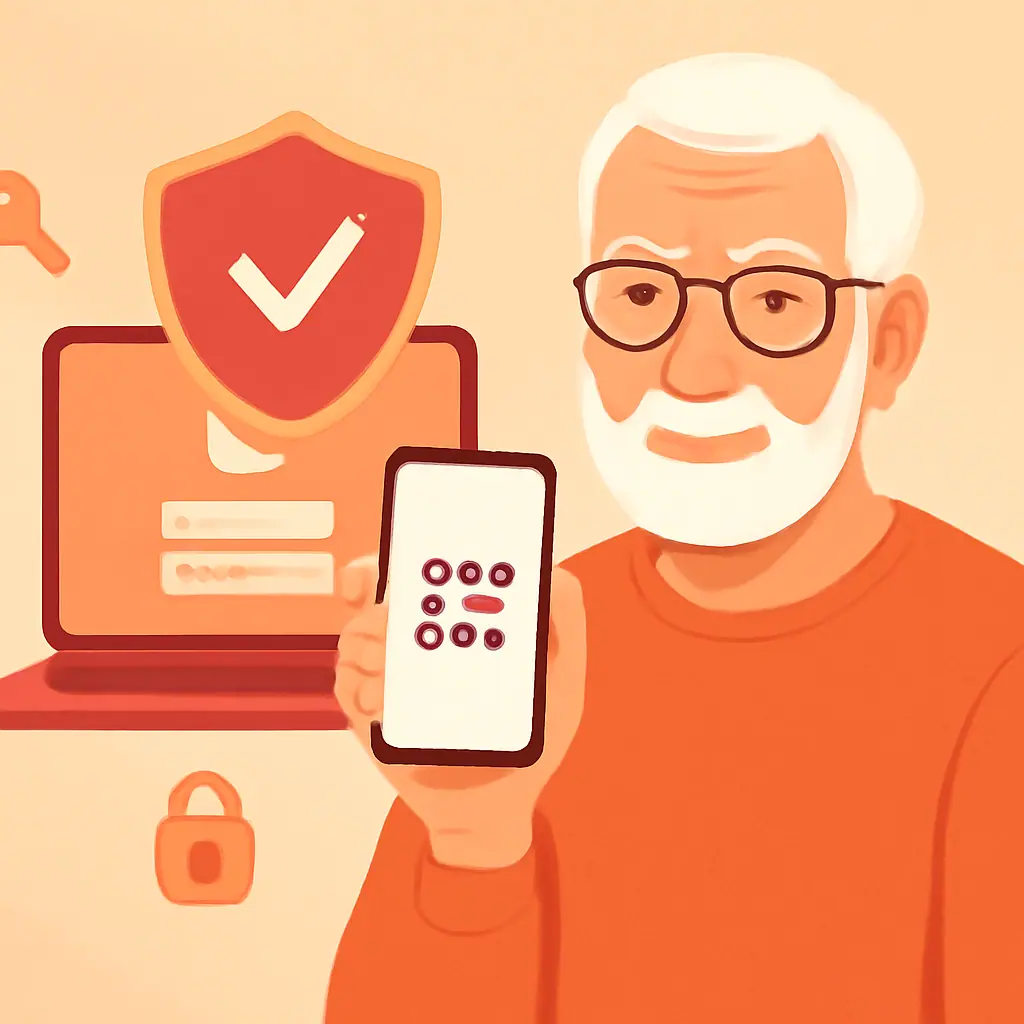
- Factor 2: Something you have — usually your phone, which receives a one-time code
When both factors are required, a hacker with just your password is locked out. They would also need your physical phone to get in.
Why Two-Factor Authentication Matters for You
The FBI reports that compromised credentials are involved in over 80% of data breaches. A strong password is essential, but it is only the first line of defense.
Here is why 2FA is so important:
- Password leaks happen constantly. Major companies like Yahoo, LinkedIn, and Facebook have all had breaches exposing millions of passwords
- People reuse passwords. If one account is breached, criminals try that same password everywhere else
- 2FA blocks 99.9% of automated attacks, according to Microsoft's security research
Even if your password appears in a data breach, two-factor authentication keeps your account locked tight.
How to Set Up Two-Factor Authentication
Setting up 2FA takes about five minutes per account. Here is how to do it on the most popular services:
Gmail / Google
- Go to myaccount.google.com
- Click Security in the left menu
- Under "Signing in to Google," click 2-Step Verification
- Click Get Started and follow the prompts
- Choose to receive codes via text message (easiest option)
- Open Settings & Privacy → Settings
- Click Security and Login
- Find Use two-factor authentication and click Edit
- Choose Text Message (SMS) and enter your phone number
Amazon
- Go to Account → Login & Security
- Find Two-Step Verification and click Edit
- Click Get Started and enter your phone number
The process is similar for most websites. Look for terms like "two-step verification," "2FA," or "multi-factor authentication" in your account security settings.
Practical Tips
- Do this: Enable 2FA on your email first — it is the master key to all your other accounts
- Do this: Use text message (SMS) codes if you want the simplest option
- Do this: Save your backup codes when offered — print them and store them somewhere safe at home
- Do this: Enable 2FA on your bank, shopping, and email accounts as a priority
- Do this: Keep your phone charged and nearby when logging into protected accounts
Pros and Cons of Two-Factor Authentication
✅ Dramatically improves security — Blocks nearly all automated hacking attempts
✅ Free to use — Every major service offers 2FA at no cost
✅ Simple setup — Most accounts can be protected in under 5 minutes
⚠️ Extra login step — You will need your phone handy each time you sign in from a new device
⚠️ Phone dependency — If you lose your phone, backup codes are essential to regain access
Final Thoughts
Two-factor authentication is like adding a deadbolt to your digital front door. It takes just a few minutes to set up, costs nothing, and provides an enormous boost to your online security.
Start with your email account today. Once you see how easy it is, you will want to add it everywhere.
You do not need to be a tech expert to stay safe online. One extra step makes all the difference.
— Margaret Chen, Senior Editor at SenorSafe