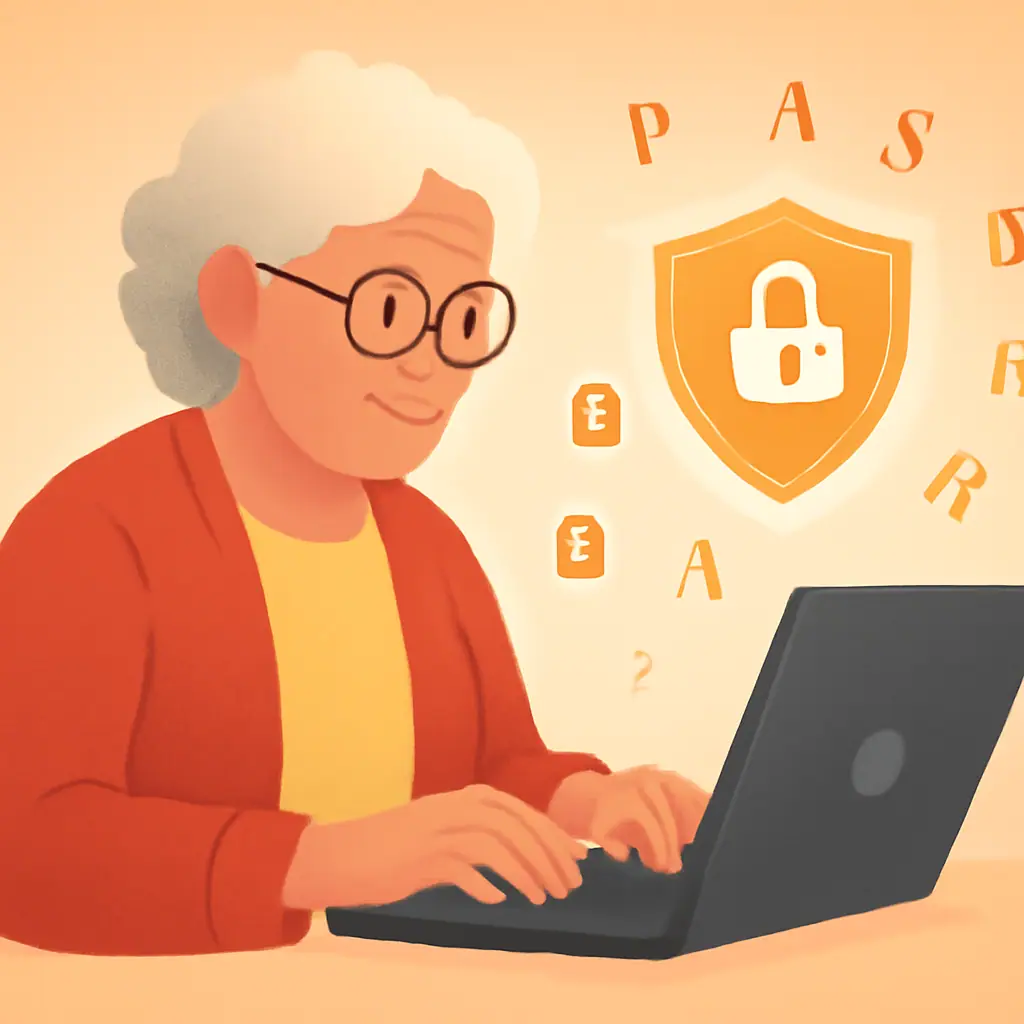
If you have ever stared at a screen asking you to create a strong password, only to type in your pet's name followed by "123," you are not alone. Millions of people struggle with this exact problem every single day.
The good news? Creating a strong password for seniors — or anyone, really — does not require a computer science degree. In fact, the best passwords are often the easiest to remember. In this guide, you will learn:
- Why your current passwords might be putting you at risk
- The simple "passphrase" technique that security experts recommend
- Practical methods to manage multiple passwords without confusion
Read on to learn how to lock down your accounts in just a few minutes.
What Is a Strong Password?
Think of your password like the key to your front door. A flimsy key that anyone can copy leaves your home vulnerable. A strong, unique key keeps intruders out.
A strong password has three qualities:
- Length: At least 12 characters — the longer, the better
- Complexity: A mix of letters, numbers, and symbols
- Uniqueness: Different for every account you own
The National Institute of Standards and Technology (NIST) now recommends focusing on length over complexity. A long, memorable phrase beats a short, confusing jumble of characters every time.
Why Strong Passwords Matter for You
According to the FBI's Internet Crime Complaint Center (IC3), Americans over 60 lost more than $3.4 billion to cybercrime in 2023 — a 11% increase from the previous year. Weak or reused passwords are one of the most common entry points for criminals.
Here is what can happen with a weak password:
- Account takeover: Someone accesses your email, bank, or shopping accounts
- Identity theft: Criminals use your personal information to open credit cards or file taxes in your name
- Financial loss: Unauthorized purchases or wire transfers from your accounts
The stakes are real, but protecting yourself is simpler than you might think.
The Passphrase Method: Your Secret Weapon
Forget trying to remember "xK9#mP2!" — there is a much better way. Security experts at CISA (the Cybersecurity and Infrastructure Security Agency) recommend using a passphrase: a string of random, unrelated words.
Here is how it works:
- Pick 4-5 random words that create a mental picture. For example: purple-elephant-dancing-sunset
- Add a number and symbol somewhere in the phrase: purple-elephant-Dancing-sunset-42!
- Make it personal but not guessable. Avoid birthdays, pet names, or addresses
This passphrase is 35 characters long, incredibly hard for computers to crack, and easy for you to picture in your mind. A purple elephant dancing at sunset — that is a memorable image!
Other examples of strong passphrases:
- Coffee-Bicycle-Rain-Tuesday-7!
- Garden-Butterfly-Piano-River-23
- Bookshelf-Ocean-Candle-Train-5$
Practical Tips
- Do this: Use a different password for every important account (email, bank, shopping)
- Do this: Make your password at least 12 characters long — 16 or more is even better
- Do this: Change your password immediately if a company reports a data breach
- Do this: Consider a password manager to store your credentials securely
- Do this: Enable two-factor authentication on your most important accounts
Pros and Cons of the Passphrase Method
✅ Easy to remember — Visual images stick in your mind far better than random characters
✅ Extremely secure — A 4-word passphrase can take centuries for a computer to crack
✅ No special tools needed — You can start using passphrases right now, for free
⚠️ Longer to type — Passphrases take a few extra seconds to enter, especially on phones
⚠️ Still need to be unique — You must create a different passphrase for each account, which can add up
Final Thoughts
Creating a strong password does not have to be a frustrating experience. With the passphrase method, you can build passwords that are both secure and memorable — no sticky notes required.
Start today: pick your most important account (usually your email) and replace its password with a strong passphrase. That one small step makes a big difference in your online safety.
You do not need to be a tech expert to stay safe online. You just need the right approach.
— Margaret Chen, Senior Editor at SenorSafe
Source: CISA — Use Strong Passwords