

Here is a question that might make you uncomfortable: do you use the same password for more than one website? If so, you are not alone — studies show that over 60% of people reuse passwords across multiple accounts. But this one habit is also one of the most dangerous things you can do online.
Understanding the password reuse dangers is the first step toward protecting yourself. In this guide, we will explain:
- Exactly how hackers exploit reused passwords (it is frighteningly simple)
- Real examples of massive breaches caused by this single mistake
- A practical plan to fix the problem without losing your mind
Let’s walk through why this matters so much.
What Is Password Reuse and Why Is It So Common?
Password reuse means using the same password — or slight variations of it — across multiple websites and apps. Adding a “1” at the end or changing a capital letter does not count as a different password; hackers know these tricks.
People reuse passwords for understandable reasons:
- Too many accounts: The average person manages over 100 online accounts, according to NordPass research
- Memory limits: Nobody can realistically memorize 100 unique, complex passwords
- Convenience: It is simply faster to type the same familiar password everywhere
The problem is that this convenience comes with an enormous hidden cost.
Why Password Reuse Is So Dangerous
Hackers have a technique called credential stuffing. Here is how it works: when a company suffers a data breach, millions of email-and-password combinations end up for sale on the dark web. Hackers then use automated tools to try those stolen credentials on hundreds of other websites simultaneously.
If you used the same password for a breached gaming forum and your bank account, the hacker does not need to “hack” your bank — they simply log in with credentials you gave them.
Real breaches that affected millions:
- Yahoo (2013-2014): 3 billion accounts exposed — the largest breach in history
- LinkedIn (2021): 700 million user records scraped and sold
- Facebook (2021): 533 million users’ phone numbers and personal data leaked
If you had the same password on any of these platforms and your email or bank, your other accounts were immediately at risk.
The Domino Effect: How One Breach Becomes Many
Think of your passwords like a ring of identical house keys. If a thief copies one key, they can open every door in your life — your home, your office, your car, your storage unit.
Here is a typical attack scenario:
Step 1: A hacker buys a list of stolen credentials from a breached shopping site.
Step 2: Automated software tests those credentials against Gmail, Yahoo, Outlook, and other major email providers.
Step 3: Your email is compromised. The hacker now uses “Forgot Password” on your bank, Amazon, and Facebook to reset those passwords through your email.
Step 4: Within hours, the hacker controls multiple accounts — your finances, your identity, your social connections.
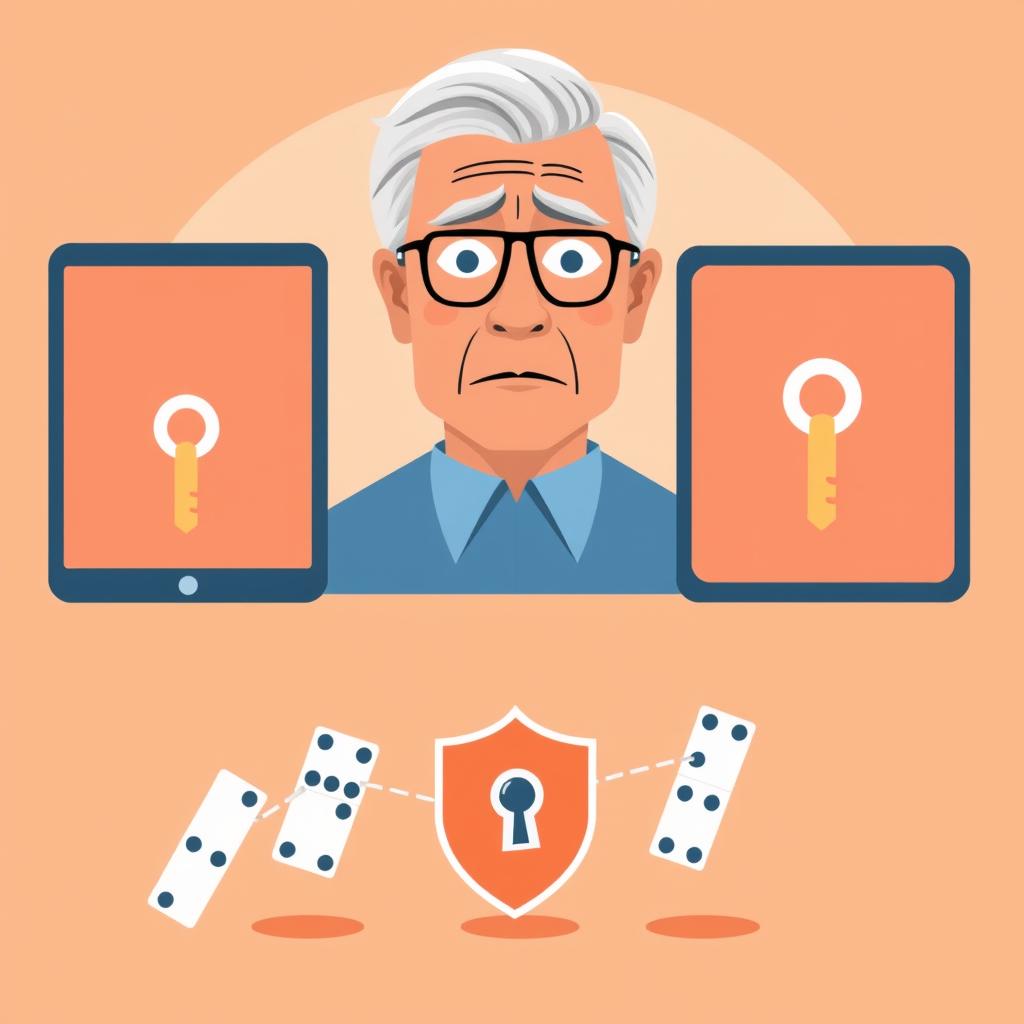
This cascade effect is why cybersecurity professionals call email the “master key” to your digital life, and why your email password should absolutely never be reused anywhere else.
Practical Tips: How to Stop Reusing Passwords
- Start with your top 5 accounts: Change the passwords on your email, bank, Amazon, Facebook, and health portal first — these are the highest-value targets
- Use the passphrase method: Create memorable but unique passphrases for each account. Our strong password guide shows you exactly how
- Get a password manager: Tools like 1Password or Bitwarden remember every password for you. Check our password manager comparison to find the right one
- Enable two-factor authentication: Even if a password is compromised, 2FA blocks unauthorized logins
- Check for breaches: Visit haveibeenpwned.com to see which of your accounts have been exposed — then change those passwords immediately
Pros and Cons of Using Unique Passwords
Breach containment
If one account is compromised, the damage stays limited to that single account — your other logins remain safe.
Eliminates credential stuffing
Hackers cannot use stolen credentials from one site to break into your other accounts.
Peace of mind
When you hear about a data breach in the news, you know exactly which single password needs changing.
More to manage
100+ unique passwords require a system — a password manager is practically essential.
Initial setup effort
Migrating from reused passwords to unique ones takes time upfront, though it pays off quickly.
Frequently Asked Questions
Is adding a number to the end of my password enough to make it different?
No. Hackers specifically test common variations like adding “1”, “123”, or “!” to known passwords. A truly different password shares no similarity with your others.
How do I know if my password has been in a breach?
Visit haveibeenpwned.com and enter your email address. It will show you every known breach where your credentials appeared. The site is run by a respected security researcher and is safe to use.
Can I write my passwords in a notebook instead of using a password manager?
A physical notebook is better than reusing passwords, but it can be lost, stolen, or seen by visitors. A password manager is more secure and much more convenient. If you do use paper, keep it in a locked drawer or safe.
Final Thoughts
Password reuse is one of those habits that feels harmless until it isn’t. The moment one account is breached, every account sharing that password becomes vulnerable — and hackers know exactly how to exploit this.
The good news? Fixing this problem is completely within your reach. Start with your five most important accounts, create unique passphrases, and consider a password manager to handle the rest.
You do not need to be a tech expert to stay safe online. You just need to make each key unique.
Source: CISA — Secure Our World