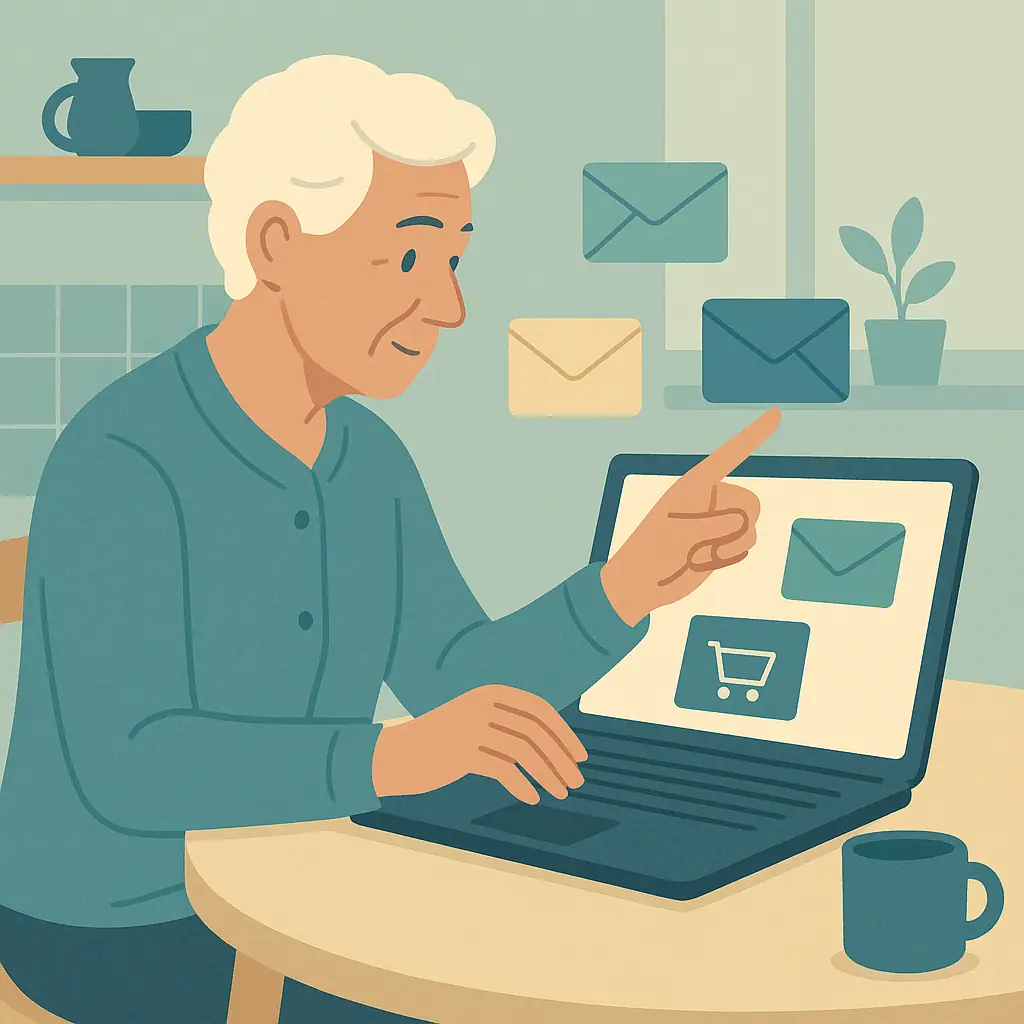
A safer email address for online shopping can make daily life quieter and more organized. It gives store receipts, delivery updates, coupons, and account notices a place to go without crowding the email address you use for family, doctors, banking, or important personal messages.
You do not need a complicated system. The goal is simple: use one email address for shopping and keep your most important address more private. If a store sends too many messages, has a data breach, or shares your address with marketing partners, the problem is easier to manage.
This guide explains how to choose a shopping email, when an alias may help, how to use filters, and what to avoid so the setup stays simple.
Why a Safer Email Address for Online Shopping Matters
Every time you buy something online, you usually share an email address. Stores use it for receipts, shipping updates, password resets, returns, and sale announcements. That is normal, but it also means your email address may be stored in many places.
The Federal Trade Commission warns that scammers use email and text messages to trick people into giving away passwords, account numbers, or other personal information. Their guide on recognizing and avoiding phishing scams is a helpful reminder that unexpected shopping messages should be treated carefully.
Start With Email & Communication Safety
Think of your main email address like your home phone number. You may give it to people and organizations you trust most. A shopping email is more like a separate mailbox for catalogs, receipts, and store notices.
If you already feel unsure about suspicious messages, start with our guide on checking an email link before clicking. A shopping email helps organize messages, but safe clicking habits still matter.
A separate shopping address can also protect your attention. When coupons and sale notices are not mixed with family messages, it is easier to notice what is truly important.
What to Check First Before You Create One
Before opening a new email account, decide how simple you want the system to be. Some people like one new address just for shopping. Others prefer aliases, which are alternate addresses connected to the same inbox. Either can work.
Choose between a new address and an alias
A new email address is usually easiest to understand because it has its own inbox and password. An alias can be convenient because messages arrive in your existing inbox, but the setup may feel more technical depending on your email provider.
Google's Gmail Help explains that if you own another email address, you can add it and send mail from that address, and it also describes how to remove an alias later. The current Gmail instructions are available on Google's page about sending from a different address or alias.
Pick a name that does not reveal too much
A shopping email does not need your full name, birth year, street name, or other personal details. A simple address based on your initials, a neutral word, or a short phrase is enough. Avoid adding your age, birthday, or home location.
How to Create a Safer Email Address for Shopping Step by Step
Move slowly and write down what you create. The safest setup is the one you can actually remember and maintain.
- Choose a trusted email provider: Use a provider you already recognize and know how to access. Gmail, Outlook, Yahoo, and your internet provider's email can all be options, depending on what you use comfortably.
- Create a shopping-only address: Use it for stores, coupons, delivery alerts, and retail accounts. Keep your personal address for family, medical offices, banking, and important services.
- Use a strong password: Make the password different from your main email password. If you use a password manager, save it there right away.
- Turn on two-step verification if offered: This helps protect the account if someone guesses or steals the password.
- Add recovery information carefully: Use recovery details you control, such as your phone or main email address, so you can get back in if you forget the password.
- Update shopping accounts gradually: Start with stores you use often. Change one or two accounts at a time so you do not feel rushed.
When you update a store account, go directly to the store's known website or app. Do not use a link from an unexpected message. This habit is especially important for payment, delivery, and account-warning emails.
Use Filters So Shopping Messages Stay Organized
Filters are simple rules that move messages where you want them to go. For example, you may create a folder called Shopping, Receipts, or Deliveries. Then store messages can go there automatically.
You do not need many folders. Too many folders can make email harder, not safer. Start with one shopping folder and one receipts folder if that feels useful.
- Receipts: Keep purchase confirmations and return information where you can find them later.
- Delivery updates: Save shipping notices, but still be cautious with unexpected package messages.
- Sale notices: Let coupons go to a folder you check only when you want to shop.
- Unfamiliar senders: Leave them in the inbox until you decide whether they are real or unwanted.
If you want to clean up your regular contacts at the same time, our guide on making email contacts safer for everyday communication can help you separate trusted people from store messages.
Common Email & Communication Safety Mistakes to Avoid
The biggest mistake is using the new shopping email as if it were less important. It still needs a strong password and careful habits because store accounts may include addresses, order history, and saved payment information.
Do not click every sale or delivery link
Scammers often copy the look of real stores and delivery companies. If a message says your payment failed, your account is locked, or a package cannot be delivered, pause before clicking. Go to the store or delivery company directly through a bookmark, app, or typed web address.
Do not forward risky messages casually
If you need help judging a suspicious receipt or attachment, ask someone you trust without opening anything first. Our checklist on whether an email attachment is safe to open explains how to slow down before downloading files.
Pros and Cons of a Shopping Email Address
Less clutter in your main inbox
Store promotions, receipts, and delivery notices are easier to separate from family and important personal messages.
Easier cleanup after spam
If a store starts sending too much email, you can unsubscribe, filter, or stop using that shopping address more easily.
Clearer scam spotting
Messages about shopping accounts that arrive at your personal-only address may stand out as suspicious.
One more account to remember
A second email address needs a password, recovery information, and occasional review.
Possible missed messages
If you forget to check the shopping inbox, you may miss a delivery problem or return deadline.
Setup takes patience
Changing existing store accounts is best done slowly, one account at a time.
A Simple Checklist
Use this checklist when setting up or reviewing your shopping email.
- Separate purpose: Is this address only for stores, receipts, coupons, and deliveries?
- Private details: Did you avoid using your full birthday, home address, or other personal details in the email name?
- Strong password: Is the email password unique and saved somewhere safe?
- Recovery access: Can you recover the account if you forget the password?
- Filters: Do receipts and sale messages go somewhere easy to review?
- Careful links: Do you go directly to store websites for payment or account warnings?
When to Get Extra Help
Ask for help if you are unsure whether to create a new email account, use an alias, or change a store login. A trusted family member, a local library technology class, or the official help page for your email provider can help you compare the choices.
If spam is already the main problem, a shopping email may help going forward, but it may not clean up old messages by itself. Our guide on keeping your email inbox safe from hackers and spam is a useful next step for your main inbox.
Frequently Asked Questions
Should I use a brand-new email address or an alias?
Use whichever feels easier to manage. A brand-new address is often simpler. An alias can be convenient if your email provider makes it clear and easy.
How often should I check my shopping email?
Check it whenever you are waiting for a delivery or return. Otherwise, once or twice a week is enough for many people.
Can I use the same shopping email for every store?
Yes, that is a reasonable simple setup. For stores you do not trust, consider whether you should shop there at all before sharing any address.
Can I undo this later?
Yes. You can change store account email addresses again later, but do it slowly and keep notes so you know which address each store uses.
Final Thoughts
A safer email address for online shopping is a small privacy habit that can make email feel calmer. It helps separate store messages from personal communication, makes spam easier to manage, and gives you a clearer place to review receipts and delivery notices.
Your next safe step is simple: choose one store you use often and move only that account to your shopping email first. Once that feels comfortable, update the next one.