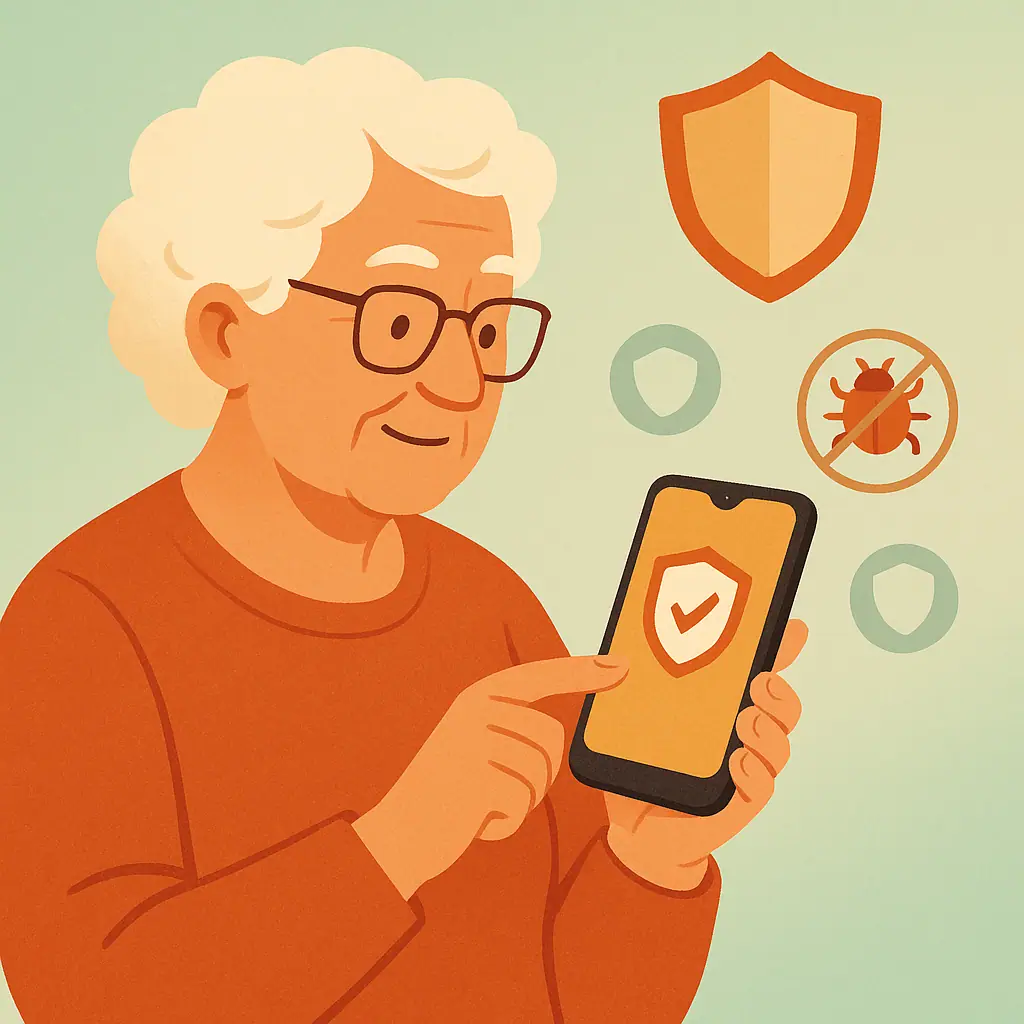
You've heard horror stories about computer viruses, and now you're wondering: do you need antivirus protection on your smartphone too? It's a fair question, especially when app stores are full of security apps promising to protect your device.
The truth might surprise you. Unlike traditional computers, smartphones have built-in security features that make them much harder targets for malware. But that doesn't mean you're completely safe from all threats.
In this guide, you'll discover:
- Why smartphones are naturally more secure than computers
- When antivirus apps actually help (and when they don't)
- Simple steps that protect your phone better than any antivirus app
- Red flags that suggest your phone might have malware
Let's explore what really keeps your smartphone safe in 2025.
What Makes Smartphones Different from Computers
Think of your smartphone's security like a gated community compared to your computer's open neighborhood. Smartphones use something called "sandboxing" — each app lives in its own isolated space and can't access other apps' data without permission.
Here's what protects your phone automatically:
- App store screening: Both Apple and Google scan apps before allowing them in their stores
- Automatic updates: Security patches install in the background
- Permission controls: Apps must ask before accessing your camera, contacts, or location
- Encrypted storage: Your data is scrambled and protected even if someone steals your phone
This built-in security is why smartphones see far fewer malware infections than computers — about 0.1% of mobile devices compared to 15% of PCs, according to cybersecurity research.
When Antivirus Apps Actually Help
While smartphones are generally secure, antivirus apps can provide value in specific situations. They're not useless — they just work differently than on computers.
Here's what mobile antivirus apps can do:
- Phishing protection: Warn when you visit suspicious websites
- WiFi security: Alert you to unsecured public networks
- Anti-theft features: Help locate, lock, or wipe a stolen phone
- App privacy scanning: Show which apps access your personal data
- Safe browsing: Block malicious websites while you browse
The biggest benefit? Education and awareness. Good antivirus apps teach you to recognize threats and make safer choices online.
What Smartphone Antivirus Can't Do
It's crucial to understand what antivirus apps cannot protect you from on smartphones:
On iPhones (iOS):
- Cannot scan other installed apps for malware
- Cannot access the file system to remove threats
- Cannot monitor app behavior in real-time
- Cannot prevent malicious apps from the App Store (Apple handles this)
On Android phones:
- Limited ability to scan system-level threats
- Cannot protect against sophisticated malware without root access
- Cannot guarantee detection of brand-new, unknown threats
The bottom line: your behavior matters more than any antivirus app. Avoiding suspicious downloads, keeping your phone updated, and being cautious with public WiFi provide better protection than most security apps.
Practical Tips for Smartphone Security
Instead of relying solely on antivirus apps, focus on these proven security practices:
- Keep your phone updated: Install system updates as soon as they're available — they often contain critical security fixes
- Download apps only from official stores: Apple App Store or Google Play Store have security screening that catches most malware
- Review app permissions carefully: Don't let a flashlight app access your contacts or a game access your camera
- Use strong lock screens: PIN, password, fingerprint, or face unlock prevent unauthorized access if your phone is stolen
- Be cautious on public WiFi: Avoid accessing sensitive accounts when connected to hotel, coffee shop, or airport networks
- Check your apps regularly: Delete apps you no longer use — fewer apps means fewer potential vulnerabilities
Signs Your Phone Might Have Malware
While rare, smartphone malware does exist. Watch for these warning signs:
- Battery drains much faster than usual (malware running in background)
- Phone feels hot even when not in use (suspicious activity)
- Data usage spikes unexpectedly (malware sending information)
- Apps crash frequently or phone becomes sluggish
- Pop-up ads appear outside of apps (especially on Android)
- Unfamiliar apps appear that you didn't download
If you notice these symptoms, restart your phone, check for system updates, and consider removing recently installed apps.
Pros and Cons of Smartphone Antivirus
Phishing protection
Warns about suspicious websites and emails that try to steal your information.
WiFi security alerts
Notifies you when connected to potentially dangerous public networks.
Anti-theft features
Helps locate, lock, or remotely wipe your phone if it's stolen.
Limited scanning ability
Cannot perform deep system scans like computer antivirus due to mobile security restrictions.
May slow down phone
Some security apps consume battery and processing power without providing significant protection.
False sense of security
Might make you less careful about downloads and suspicious links, thinking you're fully protected.
Frequently Asked Questions
Should I install antivirus if I only use my phone for calls and texting?
Probably not. Basic phone usage has very low malware risk. Focus on keeping your phone updated and using strong lock screen security instead.
Are free antivirus apps as good as paid ones?
For smartphones, free versions often provide adequate protection. Paid versions mainly add features like VPN, password management, and premium support — not necessarily better malware detection.
My phone came with a security app pre-installed. Should I keep it?
If it's from a reputable company (like Samsung Knox or built-in Android security), yes. These are often well-integrated with your phone's system and don't impact performance.
Can antivirus apps protect me from phone scams and robocalls?
Some security apps include call blocking features, but they won't stop all scam calls. Your phone's built-in spam protection is often just as effective.
Final Thoughts
The honest answer: most smartphone users don't need traditional antivirus apps. Your phone's built-in security features, combined with careful browsing habits and regular updates, provide excellent protection against malware.
If you do choose an antivirus app, focus on reputable brands that offer phishing protection and WiFi security alerts rather than just malware scanning. Remember: your awareness and caution are your best security tools.
You don't need to be a tech expert to keep your smartphone secure — just stay informed, keep things updated, and trust your instincts when something seems suspicious.