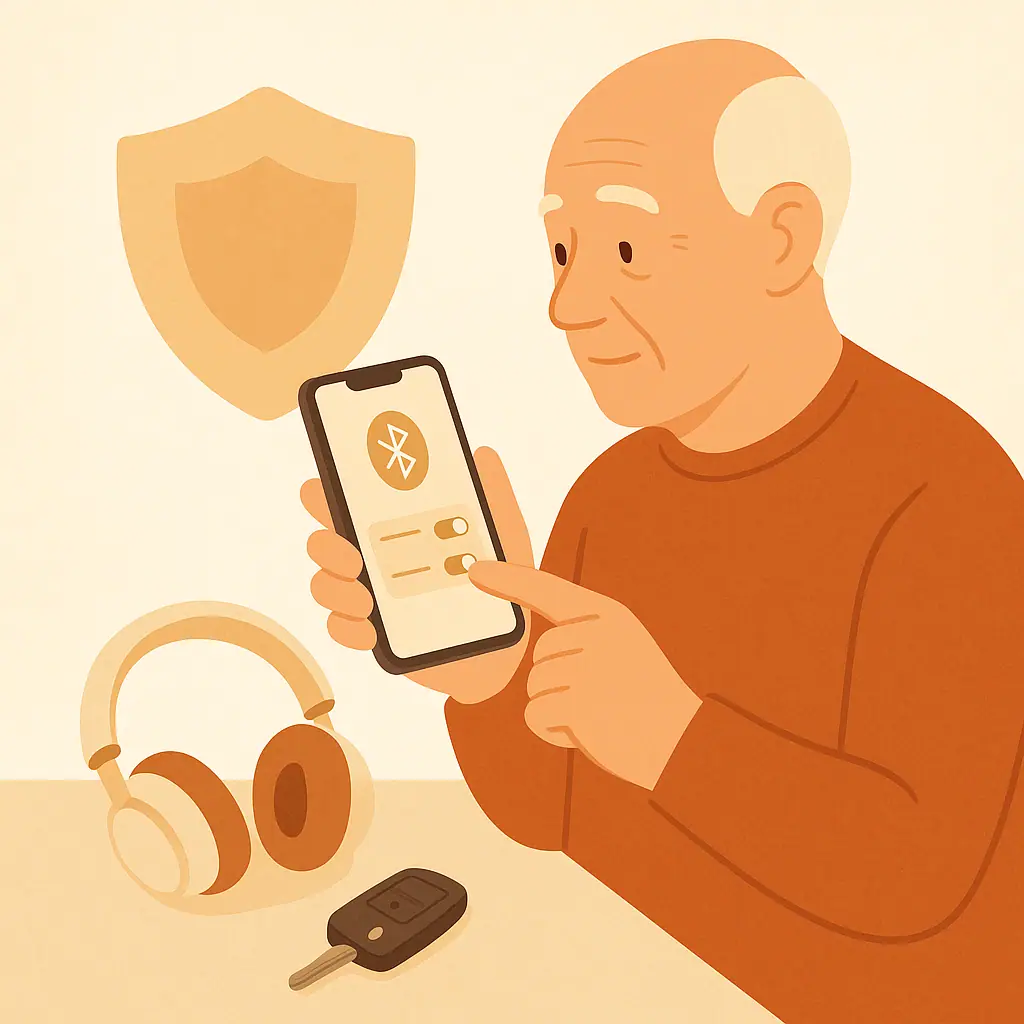
Bluetooth privacy settings phone checks do not have to be complicated. Bluetooth is the short-range connection your phone uses for headphones, hearing aids, speakers, cars, watches, fitness trackers, keyboards, and other nearby accessories.
For many people, Bluetooth is useful every day. The goal is not to be afraid of it. The goal is to know what is connected, remove devices you no longer use, and turn Bluetooth off when leaving it on does not help you.
Why This Matters
Bluetooth works nearby, not across the whole internet. That makes it different from email, websites, and social media. Still, it is worth checking because old paired devices can clutter your phone, confusing device names can make mistakes easier, and some apps may ask for Bluetooth access when you do not expect it.
A calm monthly check can help you recognize your own devices. It can also make it easier to spot a device name you do not remember, especially if you share a car, use borrowed headphones, or have replaced old accessories.
Start With Phone & App Privacy
Before changing anything, think about what you actually use. Do you rely on Bluetooth hearing aids, a smartwatch, a car connection, or wireless headphones? If yes, you may want Bluetooth on most of the time. If you rarely connect accessories, turning it off between uses may be simpler.
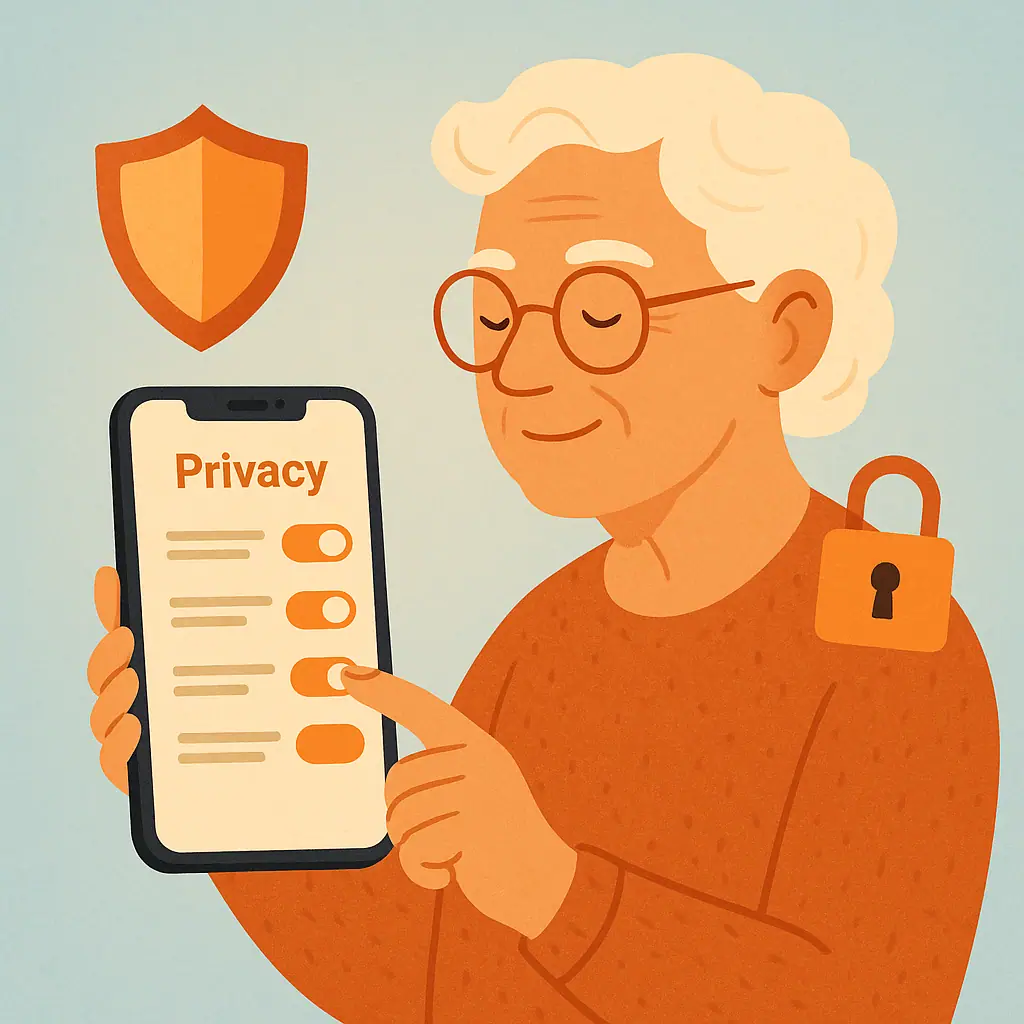
If you are already reviewing phone privacy, this check fits well with other small habits. For example, our guide to turning off personalized ads on your phone shows another gentle setting you can review without changing how your phone works day to day.
Bluetooth also sits close to app privacy. Some apps need nearby device access for accessories. Others may not. If you want a broader review later, our guide to checking which apps can use your camera and microphone uses the same slow, one-setting-at-a-time approach.
Check Bluetooth on iPhone
On an iPhone, open Settings, then tap Bluetooth. You will see whether Bluetooth is on and which accessories are listed. Apple says you can unpair an accessory by going to Bluetooth settings, tapping the information button next to the device, and choosing Forget This Device.
If an app works with a Bluetooth accessory, Apple also points users to Settings, then Privacy & Security, then Bluetooth to check whether that app has Bluetooth access. That official support path is useful when a trusted accessory will not connect or when you want to review app access calmly.
When to forget an iPhone Bluetooth device
Forget a device when you sold it, gave it away, replaced it, no longer recognize it, or do not want your phone to reconnect to it. Forgetting a device does not damage the accessory. It simply removes the saved relationship from your phone, and you can pair it again later if you still own it.
Check Bluetooth on Android
Android menu names can vary by brand, but the general path is similar. Open Settings and look for Connected devices, Bluetooth, or Connections. You can also swipe down from the top of the screen and touch and hold the Bluetooth icon on many Android phones.
Google's Android Help page explains that you can manage a saved Bluetooth device by opening the Bluetooth area, tapping the settings icon next to the accessory, and choosing options such as disconnect or Forget to remove it from the phone completely.
When to forget an Android Bluetooth device
Use Forget for old cars, old speakers, loaned headphones, accessories you returned to a store, or anything with a name you cannot place after checking carefully. If the phone belongs to you and the accessory belongs to someone else, forgetting it can prevent accidental reconnection later.
When to Leave Bluetooth On
Leaving Bluetooth on is reasonable when it supports something you use and trust. This may include hearing aids, medical accessories recommended by a provider, wireless headphones, a smartwatch, a keyboard, a car system, or a speaker you use at home.
It is also reasonable to leave Bluetooth on before a planned drive if your car uses it for hands-free calling. Turning it off and on many times a day is not necessary if that creates confusion or causes important accessories to stop working.
- Leave it on for trusted daily devices: Hearing aids, watches, car systems, and headphones may need Bluetooth to work properly.
- Leave it on while pairing: New accessories need Bluetooth during setup.
- Leave it on when troubleshooting: If a trusted device is not connecting, Bluetooth must be on while you test.
When to Turn Bluetooth Off
Turning Bluetooth off can be a good choice when you are not using any accessories, when you are in a public place and do not want to connect to anything nearby, or when your phone keeps trying to connect to the wrong device.
This is not an emergency step. It is simply a privacy and simplicity habit. If you turn Bluetooth off and something important stops working, turn it back on and review the paired device list more slowly.
Remove Old Paired Devices Safely
Old Bluetooth devices can stay listed long after you stop using them. Removing them keeps the list shorter and easier to understand. Work slowly and remove only devices you recognize as old or unnecessary.
- Open Bluetooth settings: Start in your phone's Settings app, then open the Bluetooth or Connected Devices section.
- Read each device name: Look for old cars, speakers, headphones, watches, keyboards, or devices you no longer own.
- Ask before removing medical or accessibility devices: If a device supports hearing, health, or mobility, get help before changing it.
- Forget one device at a time: Remove only one old device, then pause. This makes it easier to undo confusion later.
- Test what you still use: Try your headphones, car, watch, or speaker after cleanup to confirm everything important still connects.
Keeping your phone organized is part of a larger safety routine. If you have not reviewed old apps recently, this pairs well with our guide to finding and deleting apps you no longer use.
Common Bluetooth Privacy Mistakes to Avoid
Most Bluetooth problems come from rushing, not from one wrong tap. These common mistakes are easy to avoid when you slow the process down.
- Forgetting a device you still need: Check whether it is a hearing aid, car, watch, or keyboard before removing it.
- Pairing in a hurry: Only pair devices you physically recognize and are trying to connect right now.
- Ignoring strange names forever: If a name is unfamiliar, investigate it. It may be an old accessory, but it should not stay mysterious.
- Changing many settings at once: Make one change, test, then continue.
- Assuming all apps need Bluetooth: If an app requests Bluetooth access and you do not understand why, pause before allowing it.
Pros and Cons of Leaving Bluetooth On
Helpful accessories work smoothly
Hearing aids, headphones, watches, car systems, and speakers can connect without extra steps.
Less daily confusion
If you use trusted devices often, leaving Bluetooth on may be easier than changing it repeatedly.
Faster reconnection
Your phone can reconnect to familiar devices when they are nearby and turned on.
More device names to manage
A long paired-device list can become confusing if old accessories are never removed.
Accidental connections can happen
Your phone may try to connect to a nearby saved car, speaker, or headset when you did not mean to use it.
App requests need judgment
Some apps may ask for Bluetooth access, and you may need to decide whether that request makes sense.
A Simple Checklist
Use this checklist whenever you review Bluetooth privacy settings phone options.
- Bluetooth purpose: Do I use Bluetooth today for hearing aids, car calls, headphones, a watch, or another trusted accessory?
- Device list: Do I recognize the paired devices shown on my phone?
- Old devices: Are there cars, speakers, headphones, or keyboards I no longer own?
- App access: Does any app have Bluetooth access that does not make sense to me?
- Public places: Would turning Bluetooth off temporarily make me feel more comfortable?
- Testing: After changes, did I test the devices I still need?
Bluetooth is only one part of phone safety. Keeping your phone updated also helps privacy and reliability, so review why phone and app updates matter when you have time.
When to Get Extra Help
Ask for help before changing settings connected to hearing aids, medical devices, accessibility tools, or a car system you depend on. A trusted family member, device provider, phone store, or manufacturer support page can help you identify the device before you remove it.
Also get help if your phone shows a Bluetooth device you do not recognize and you cannot tell whether it belongs to you, your car, your home, or someone nearby. You do not have to guess. A careful second look is better than changing something important by accident.
Frequently Asked Questions
Should I turn Bluetooth off every night?
You can, but you do not have to if you use trusted accessories that need it. If turning it off causes confusion, focus instead on removing old paired devices and reviewing app access.
Can someone connect to my phone just because Bluetooth is on?
Normally, a device must be paired or approved before it connects. Still, it is smart to pair only devices you recognize and to remove old devices you no longer use.
Why do menu names look different on my phone?
Phone brands and software versions use different labels. Look for similar words such as Bluetooth, Connected Devices, Connections, Privacy & Security, or Permissions.
What if something stops working after I forget a device?
If you still own and trust the accessory, you can usually pair it again. Check the accessory instructions, keep it nearby, and place it in pairing mode if needed.
Final Thoughts
Good Bluetooth privacy is mostly about clarity. Know which devices belong to you, remove old ones, think before allowing app access, and turn Bluetooth off when you do not need nearby connections.
Start with one small step today: open your Bluetooth settings and read the device list. If everything looks familiar, you are already in a better position. If something looks old or confusing, slow down, verify it, and remove only what you are sure you no longer need.