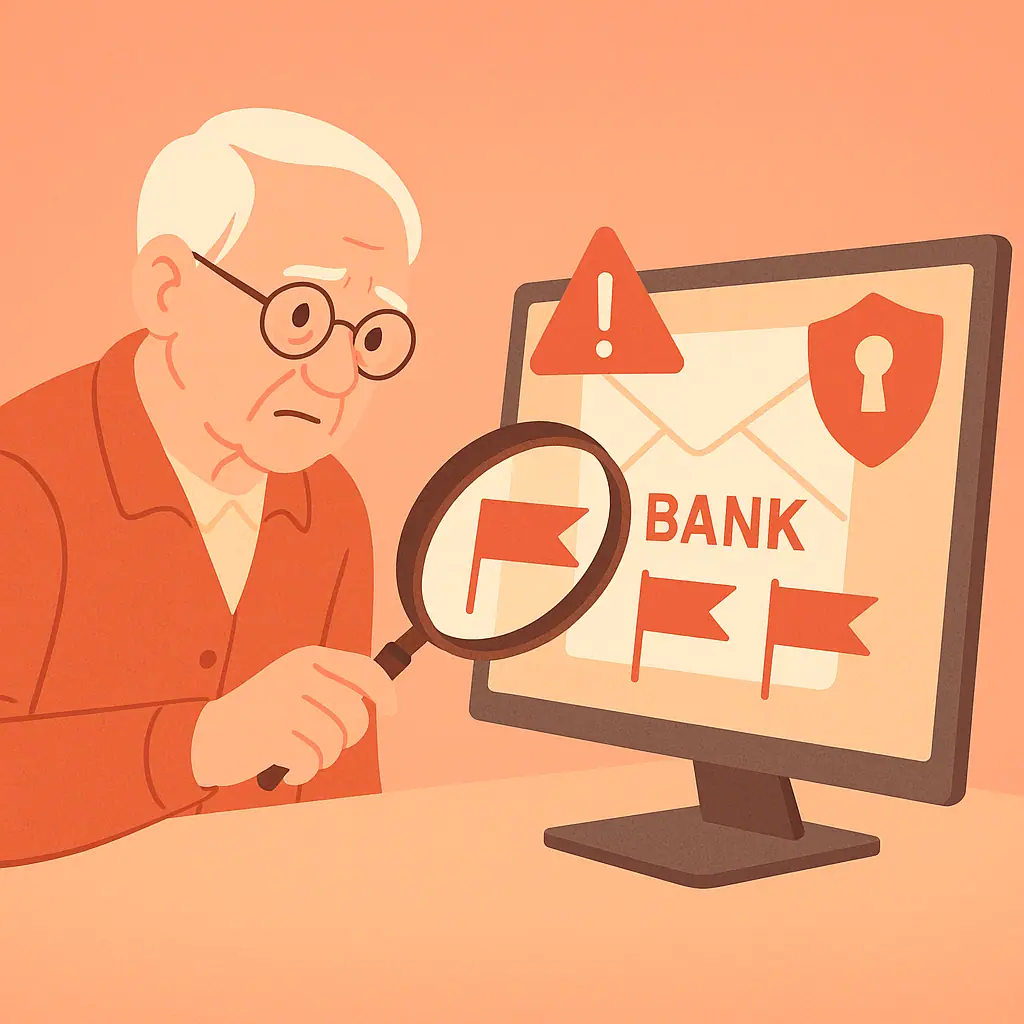
You check your email and see a message from your bank: "Urgent: Suspicious activity detected on your account. Click here to verify immediately." Your heart races. You reach for your mouse — then stop.
This is exactly what scammers want. Fake bank emails (called "phishing") are designed to panic you into clicking before you think. They look convincing, use urgent language, and mimic your bank's branding perfectly. But one wrong click can give criminals access to your account, your money, and your identity.
In this guide, you'll learn:
- How to spot the red flags in fake bank emails
- The difference between real and fake examples side-by-side
- What to do if you accidentally click a suspicious link
Let's make sure you can tell the difference between a real warning from your bank and a scammer's trap.
Why Fake Bank Emails Are So Dangerous
Bank phishing emails are one of the most common and effective scams online. Here's why they work:
- They create panic. Messages like "Your account will be closed" or "Unauthorized transaction detected" trigger immediate fear, making you act without thinking.
- They look legitimate. Scammers copy your bank's logo, colors, and email format. At first glance, they're nearly identical to real emails.
- They steal credentials. Fake links lead to fake websites that look like your bank's login page. When you enter your username and password, the scammer captures them instantly.
- They move fast. Once scammers have your login, they can drain your account, open credit lines, or sell your information to other criminals.
Red Flags of Fake Bank Emails
Before you click anything, check for these warning signs:
1. Generic Greetings
Real banks use your full name in emails ("Dear John Smith"). Fake emails often use generic greetings like:
- "Dear Customer"
- "Dear Valued Member"
- "Hello User"
Why scammers do this: They send millions of emails at once and don't have your specific name. Generic greetings work for anyone.
2. Urgent or Threatening Language
Scammers want you to panic and act fast. Watch for phrases like:
- "Your account will be closed within 24 hours"
- "Immediate action required"
- "Suspicious activity detected — verify now or lose access"
- "Failure to respond will result in account suspension"
Real banks don't do this. Legitimate banks give you time to respond and provide multiple ways to contact them (phone, in-person, secure message portal).
3. Suspicious Sender Address
Check the sender's email address carefully. Scammers use addresses that look real but have small differences:
- Real: notifications@chase.com
- Fake: notifications@chase-secure.com
- Fake: noreply@chas.com
- Fake: support@chase.banking-alerts.net
Hover your mouse over the sender's name to see the full email address. If it doesn't match your bank's official domain exactly, it's a scam.
4. Misspellings and Grammar Errors
Real banks proofread their emails. Scam emails often contain typos, awkward phrasing, or poor grammar:
- "Your acount has been compromised"
- "Please to verify your informations"
- "We detected unusual activity on you're account"
One or two small errors might be a mistake. Multiple errors = scam.
5. Suspicious Links
Scam emails include links to fake websites designed to steal your login. Before clicking any link:
- Hover over the link (don't click). A small pop-up will show where it really goes.
- Check the domain. If the email claims to be from Chase but the link goes to "chase-verify-account.xyz" or "secure-banking-login.com," it's fake.
- Look for HTTPS and a padlock icon. Real bank websites always use secure connections. But scammers can fake this too, so domain checking is more important.
6. Requests for Personal Information
Real banks never ask for sensitive information via email, including:
- Social Security Number
- Account number
- Password or PIN
- Credit card number
- One-time security codes (2FA codes)
If an email asks for any of this, it's a scam. Delete it immediately.
Real vs. Fake Bank Email Examples
Here's what to look for when comparing a real email to a fake one:
🟢 Real Bank Email:
- Uses your full name: "Dear Sarah Johnson"
- Calm, professional tone: "We noticed a recent login from a new device. If this was you, no action needed."
- Sender address matches official domain: alerts@wellsfargo.com
- No urgent demands or threats
- Provides multiple contact options (phone number, secure message center)
- No request for passwords or account numbers
🔴 Fake Bank Email:
- Generic greeting: "Dear Customer"
- Panic-inducing language: "Your account will be closed in 24 hours unless you act now!"
- Suspicious sender: alerts@wellsfargo-security-alert.com
- Demands immediate action
- Link goes to fake website: "wellsfargo-verify.net"
- Asks you to "confirm your password" or "re-enter your account details"
What to Do If You Receive a Suspicious Bank Email
Follow these steps to stay safe:
- Don't click any links. Even if you're unsure whether the email is real, don't click anything inside it.
- Go directly to your bank's website. Open a new browser tab and type your bank's URL manually (don't copy/paste from the email). Log in and check for any alerts or messages.
- Call your bank. Use the phone number on the back of your debit card or from your bank's official website — not a number provided in the email.
- Forward the email to your bank. Most banks have a dedicated email for reporting phishing (e.g., phishing@chase.com). Check your bank's website for the correct address.
- Delete the email. After reporting it, delete it from your inbox and trash folder.
What to Do If You Already Clicked
If you clicked a link in a fake bank email and entered your information, act fast:
- Change your password immediately. Log into your real bank account (from a new browser tab, not the fake site) and change your password.
- Enable two-factor authentication (2FA). This adds an extra layer of security even if your password is compromised.
- Check your account for unauthorized transactions. Look for charges, transfers, or changes you didn't make.
- Contact your bank's fraud department. Report the incident and ask them to monitor your account for suspicious activity.
- Consider freezing your credit. If the fake site asked for your Social Security Number, freeze your credit with Equifax, Experian, and TransUnion to prevent identity theft.
Pros and Cons of Email Banking Alerts
Early Fraud Detection
Real alerts help you catch unauthorized activity quickly.
Convenient Monitoring
Stay updated on account activity without logging in constantly.
No Cost
Most banks offer email alerts for free.
Scammers Exploit Them
Fake emails mimic real alerts, making it hard to tell the difference.
Email Overload
Too many alerts can make you ignore important messages.
Not Always Instant
Some alerts arrive with a delay, reducing their effectiveness.
Frequently Asked Questions
Will my bank ever email me about suspicious activity?
Yes, but they'll never ask you to click a link or provide sensitive information via email. They'll tell you to log in through their official website or call them directly.
How can I verify if an email is really from my bank?
Check the sender's email address carefully. If unsure, don't click anything in the email. Instead, go directly to your bank's website or call them using a number from your debit card or official website.
Can scammers make the sender address look exactly like my bank's?
They can make it look similar in the email preview, but if you click on the sender's name to see the full address, you'll usually find differences (extra words, wrong domain, typos). Always check the full address.
What if the email has my real account number in it?
This can happen if scammers bought stolen data from a breach. It makes the email look more convincing, but it doesn't mean it's real. Still verify independently — go to your bank's website or call them directly.
Final Thoughts
Fake bank emails are designed to trick even careful people. The key to staying safe isn't about being tech-savvy — it's about pausing before you click. When you see an urgent message claiming to be from your bank, take a breath, check the sender address, and verify independently before taking any action.
Remember: Your bank will never punish you for double-checking. If an email feels off, it probably is. Trust your instincts, verify through official channels, and you'll stay one step ahead of the scammers.