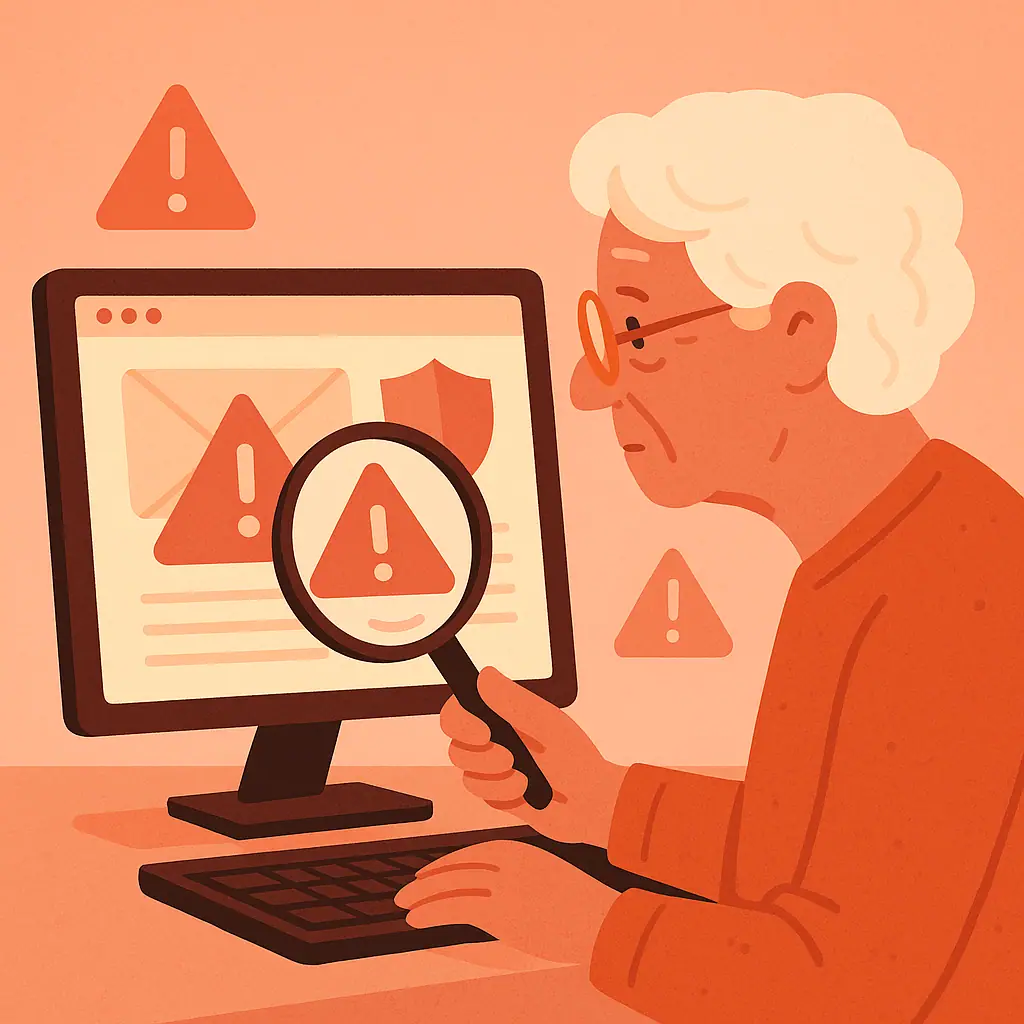
Phishing emails are one of the most common ways cybercriminals steal personal information and money. These fake messages are designed to look like they come from trusted companies — your bank, Amazon, PayPal, or even friends — but they're actually traps designed to steal your passwords, account numbers, and personal data.
The Federal Trade Commission reports that phishing scams have increased by over 300% since 2020, with seniors being disproportionately targeted. The good news? Once you know what to look for, these scams become much easier to spot.
This guide will teach you:
- The most common red flags in phishing emails
- How to verify if an email is legitimate
- Simple checks you can do in seconds
- What to do if you accidentally click a bad link
- Real examples of phishing emails to watch for
Let's learn how to identify these digital traps before they can harm you.
What Is Phishing?
Phishing is like fishing, but instead of catching fish, criminals are trying to catch your personal information. They send emails that appear to come from companies you trust, hoping you'll "bite" and share your login credentials, credit card numbers, or Social Security information.
Common phishing targets include:
- Banks: Fake alerts about account problems or suspicious activity
- Online stores: Fake order confirmations or shipping notifications
- Government agencies: Threats about taxes, Social Security, or Medicare
- Tech companies: Security alerts or account verification requests
- Delivery services: Fake package delivery problems
These emails often include links to fake websites that look remarkably similar to the real thing, designed to steal whatever information you enter.
Why Phishing Emails Target You Specifically
According to consumer protection research, seniors are targeted because scammers believe they:
- Have more money and assets
- May be less familiar with internet security
- Often act on urgent-sounding messages
- Are more trusting of official-looking communications
- May have multiple online accounts to target
The 10 Red Flags of Phishing Emails
1. Generic Greetings
Legitimate companies use your actual name. Be suspicious of emails that start with "Dear Customer," "Dear Account Holder," or "Dear User." Your bank knows your name — scammers often don't.
2. Urgent Language and Threats
Phrases like "immediate action required," "your account will be closed," or "verify within 24 hours" are classic phishing tactics. Legitimate companies rarely threaten to close accounts via email.
3. Suspicious Sender Addresses
Check the "From" address carefully. Look for:
- Misspellings ("amaz0n.com" instead of "amazon.com")
- Extra characters ("paypalI-security@email.com")
- Different domains ("chase-bank.net" instead of "chase.com")
- Personal email addresses claiming to be from companies
4. Poor Grammar and Spelling
Professional companies proofread their emails. Multiple spelling errors, awkward phrasing, or poor grammar often indicate a scam.
5. Unexpected Attachments
Be wary of surprise attachments, especially:
- .exe or .zip files
- Documents you didn't request
- Files claiming to be "receipts" for purchases you didn't make
- Multiple attachments from unknown senders
6. Suspicious Links
Before clicking any link, hover your mouse over it (don't click). The real destination appears in a small box. Look for:
- URLs that don't match the supposed sender
- Shortened links (bit.ly, tinyurl) from financial institutions
- Numbers where there should be letters
- Extra characters or misspellings in the web address
7. Requests for Personal Information
Legitimate companies never ask you to confirm passwords, Social Security numbers, or credit card information via email. Period.
8. Too Good to Be True Offers
"You've won $10,000!" or "Congratulations on your lottery win!" emails are always scams, especially for contests you never entered.
9. Mismatched Company Information
Check if the email's style, logo, or language matches what you usually receive from that company. Scammers often get these details wrong.
10. Unusual Timing
Banks typically don't send urgent security notifications at 3 AM, and Amazon doesn't usually email about package delivery issues on Sundays.
How to Verify Suspicious Emails
When you receive a questionable email, follow these verification steps:
For banking emails: Don't click any links. Instead, open a new browser tab and type your bank's website address directly. Log in normally and check for any real security alerts.
For shopping sites: Go directly to the retailer's website (don't use the email link) and check your account or order history.
For delivery notifications: Use the tracking number (if provided) on the delivery company's official website, not through the email link.
For tech companies: Open the official app or website directly and check your security notifications there.
When in doubt: Call the company's customer service number from their official website, not from the email.
Practical Protection Tips
- Pause before clicking: Take five seconds to think before clicking any link or downloading any attachment
- Use bookmarks: Save your important websites as bookmarks instead of clicking email links
- Keep software updated: Modern browsers and email programs can detect many phishing attempts
- Trust your gut: If something feels off about an email, it probably is
- Ask for help: If you're unsure about an email, ask a tech-savvy family member or friend
What to Do If You Click a Phishing Link
If you accidentally click a suspicious link, act quickly:
- Close the webpage immediately — don't enter any information
- Run a security scan on your computer or device
- Change passwords for any accounts you think might be compromised
- Check your accounts for unauthorized activity
- Report the incident to the Anti-Phishing Working Group at reportphishing@apwg.org
Pros and Cons of Email Security Measures
Email filters
Automatically catch many phishing attempts before they reach your inbox.
Anti-virus software
Provides real-time protection against malicious links and downloads.
Two-factor authentication
Protects accounts even if your password is stolen via phishing.
False positives
Security tools sometimes block legitimate emails from businesses.
Sophisticated scams
Advanced phishing can bypass technical protections; human vigilance remains crucial.
Frequently Asked Questions
Can scammers make emails look exactly like they come from real companies?
Scammers can copy logos and designs, but they can't perfectly replicate sender addresses or website links. Always check these details carefully.
Is it safe to unsubscribe from suspicious emails?
No. Clicking "unsubscribe" on a phishing email tells scammers your email address is active, leading to more attacks. Just delete the email instead.
What should I do with phishing emails after I identify them?
Delete them immediately and report them to the FTC at reportfraud.ftc.gov. Some email providers also have "Report Phishing" buttons.
Can I get a virus just by opening a phishing email?
Usually not from just opening the email, but clicking links or downloading attachments can install malware. When in doubt, delete without engaging.
Final Thoughts
Phishing emails are getting more sophisticated, but they still rely on the same basic tactics: urgency, fear, and trust. By taking a moment to examine emails carefully before reacting, you can protect yourself from these digital predators.
Remember the golden rule: when a company sends you an important security notification or urgent request, verify it by logging into your account directly through their official website, not through the email link. This simple habit can save you from countless scams.
Stay vigilant, trust your instincts, and don't hesitate to ask for help when something seems suspicious. Your caution is your best defense against cybercriminals.