 Password & Account SecurityHow to Create a Strong Password You Can Actually Remember
Learn simple techniques to create strong passwords you can actually remember. No tech skills needed — just easy methods that keep your accounts safe.
 Password & Account SecurityWhat Is Two-Factor Authentication and Why You Need It
Two-factor authentication adds a second lock to your accounts. Learn what it is, why it matters, and how to set it up step by step — no tech jargon.
 Password & Account SecurityThe Best Password Managers for Non-Tech-Savvy Users
Discover the best password managers that are simple enough for anyone to use. We compare top options so you can pick the right one for your needs.
 Password & Account SecurityHow to Tell If Your Email Account Has Been Hacked
Worried your email may be compromised? Learn the warning signs of a hacked email account and the immediate steps to take to secure it today.
 Password & Account SecurityWhy You Should Never Reuse Passwords
Using the same password everywhere? Learn why password reuse is one of the biggest security risks online and how to fix it today with simple steps.
 Password & Account SecurityHow to Safely Store Your Passwords Without Writing Them on Paper
Stop writing passwords on sticky notes. Discover safe password storage methods that are simple, secure, and designed for people who value ease of use.
 Password & Account SecurityA Beginner's Guide to Setting Up a Secure Email Account
Learn how to configure Gmail and Outlook with the strongest security settings. Step-by-step guide for seniors to protect email from hackers and scams.
 Password & Account SecurityHow to Change Your Password on Facebook, Gmail, and Amazon
Simple step-by-step instructions for changing passwords on Facebook, Gmail, and Amazon. Screenshots and clear directions for seniors to update account security safely.
 Password & Account SecurityWhat to Do Immediately If You Think Your Password Was Stolen
Emergency checklist for seniors when passwords are compromised. Step-by-step actions to secure accounts, prevent fraud, and regain control within the first critical hours.
 Password & Account SecurityUnderstanding Login Alerts: How to Know When Someone Else Accesses Your Account
Learn how to set up and respond to login alerts that protect your online accounts. These security notifications can help you spot unauthorized access before damage is done.
 Password & Account SecurityThe 7 Most Common Online Scams Targeting Seniors in 2025
Stay ahead of cybercriminals with this updated guide to the most prevalent scams targeting seniors today. Learn how to recognize and avoid these costly digital traps.
 Password & Account SecurityHow to Spot a Phishing Email Before You Click
Learn the telltale signs of phishing emails and protect yourself from cybercriminals. This practical guide shows you exactly what to look for before clicking any link.
 Password & Account SecurityPhone Call Scams: How to Recognize and Hang Up on Fraudsters
Learn to identify phone call scams targeting seniors. Protect yourself from tech support, IRS, and Medicare scams with these proven techniques.
 Password & Account SecurityIs This Text Message Real or a Scam? A Simple Guide
Learn to identify scam text messages instantly. Protect yourself from SMS phishing, fake delivery alerts, and banking scams with this simple guide.
 Password & Account SecurityWhat to Do If You Accidentally Clicked a Suspicious Link
Clicked a suspicious link by mistake? Don't panic. Follow these immediate steps to protect your device, accounts, and personal information from potential threats.
 Email & Communication SafetyHow to Verify If a Website Is Legitimate
Learn simple ways to verify if a website is legitimate and safe before entering personal information. Essential security tips for seniors online.
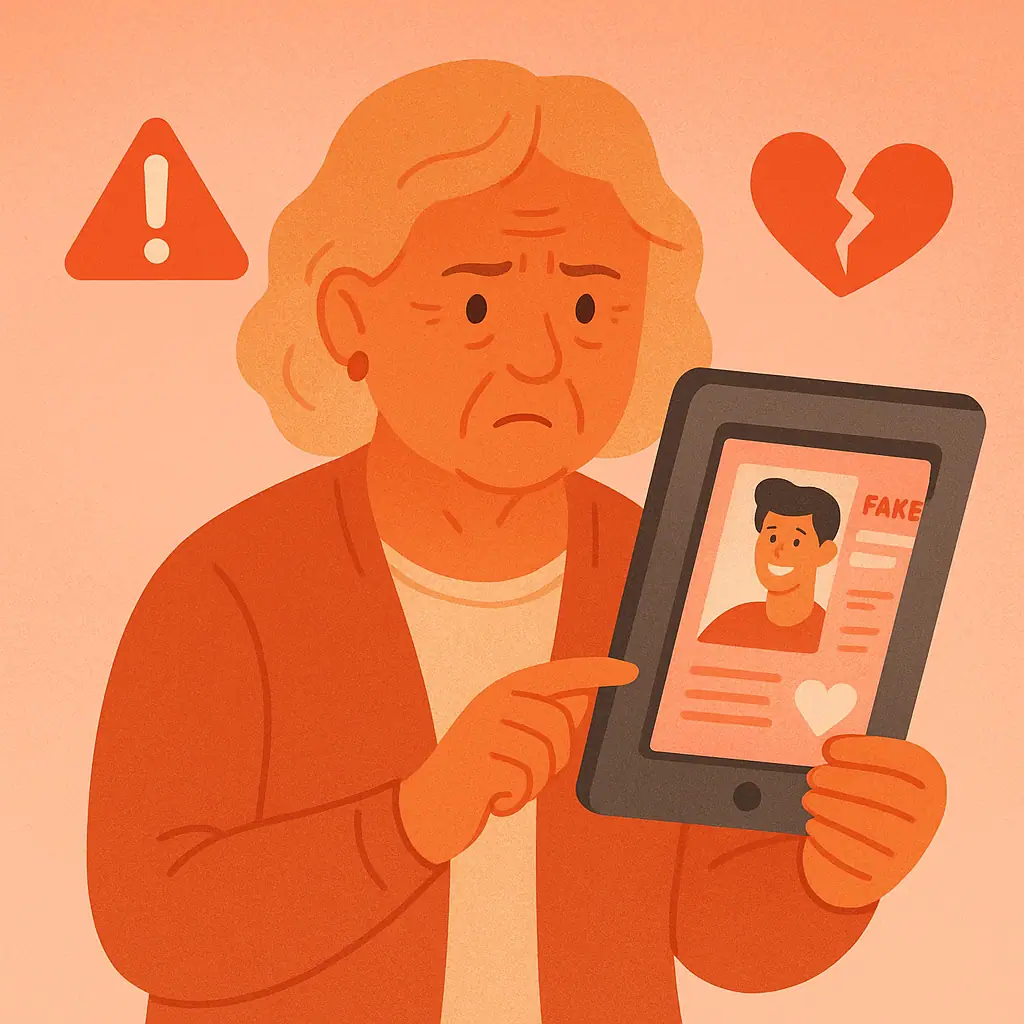 Avoiding Online ScamsRomance Scams Online: Warning Signs and Protection
Learn to recognize romance scam tactics and protect yourself from online dating fraud. Essential warning signs every senior should know.
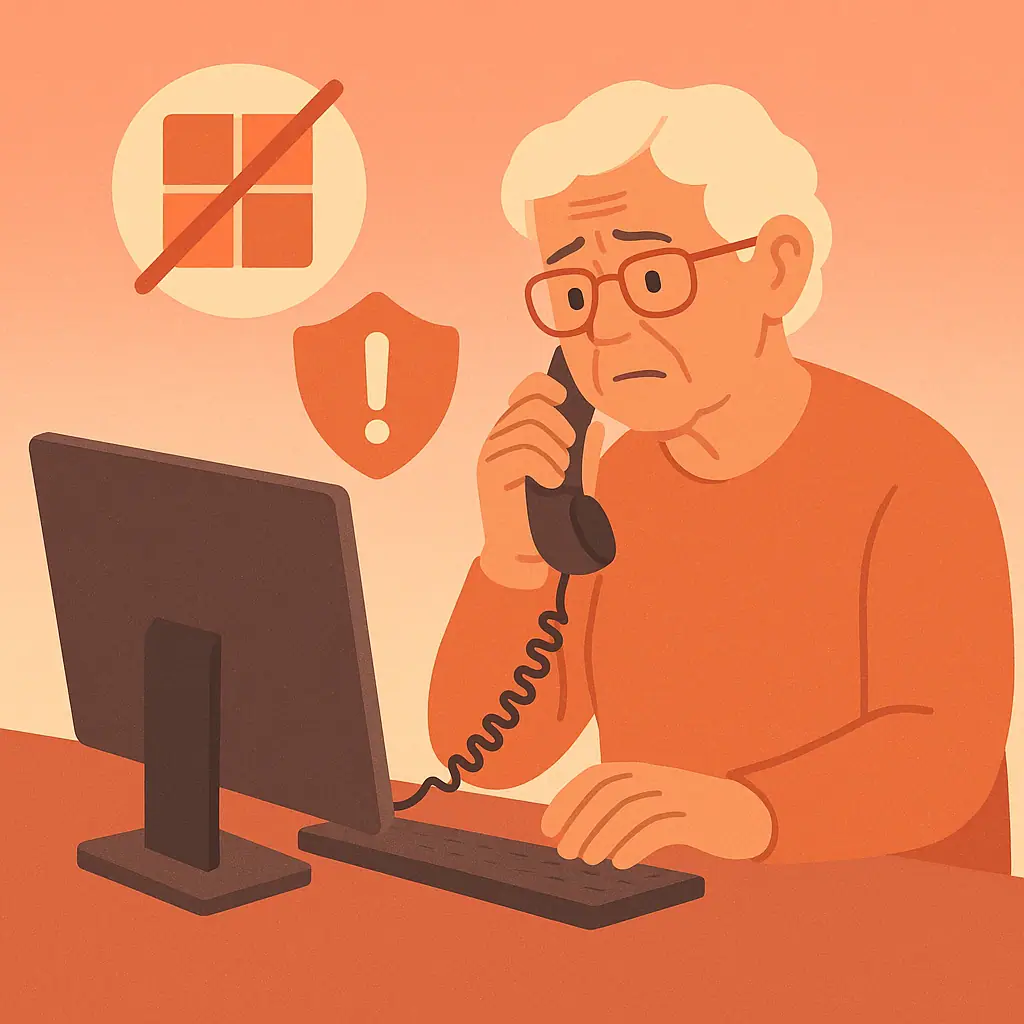 Avoiding Online ScamsTech Support Scams: Why Microsoft Will Never Call You
Learn why legitimate tech companies never make unsolicited phone calls and how to protect yourself from tech support scams targeting seniors.
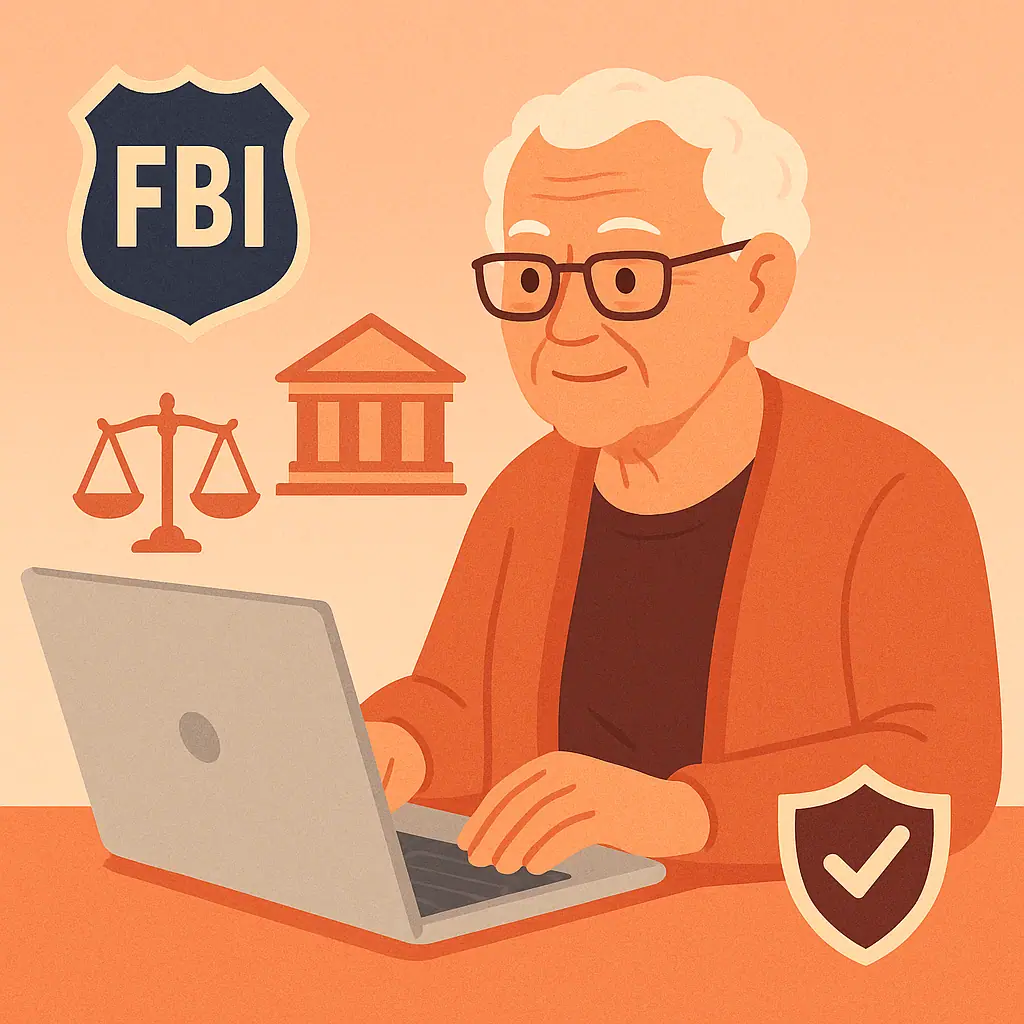 Social Media PrivacyHow to Report an Online Scam (Step-by-Step)
Discover the step-by-step process to report online scams to authorities. Learn where to file complaints, what information to gather, and how your report helps protect others from fraud.
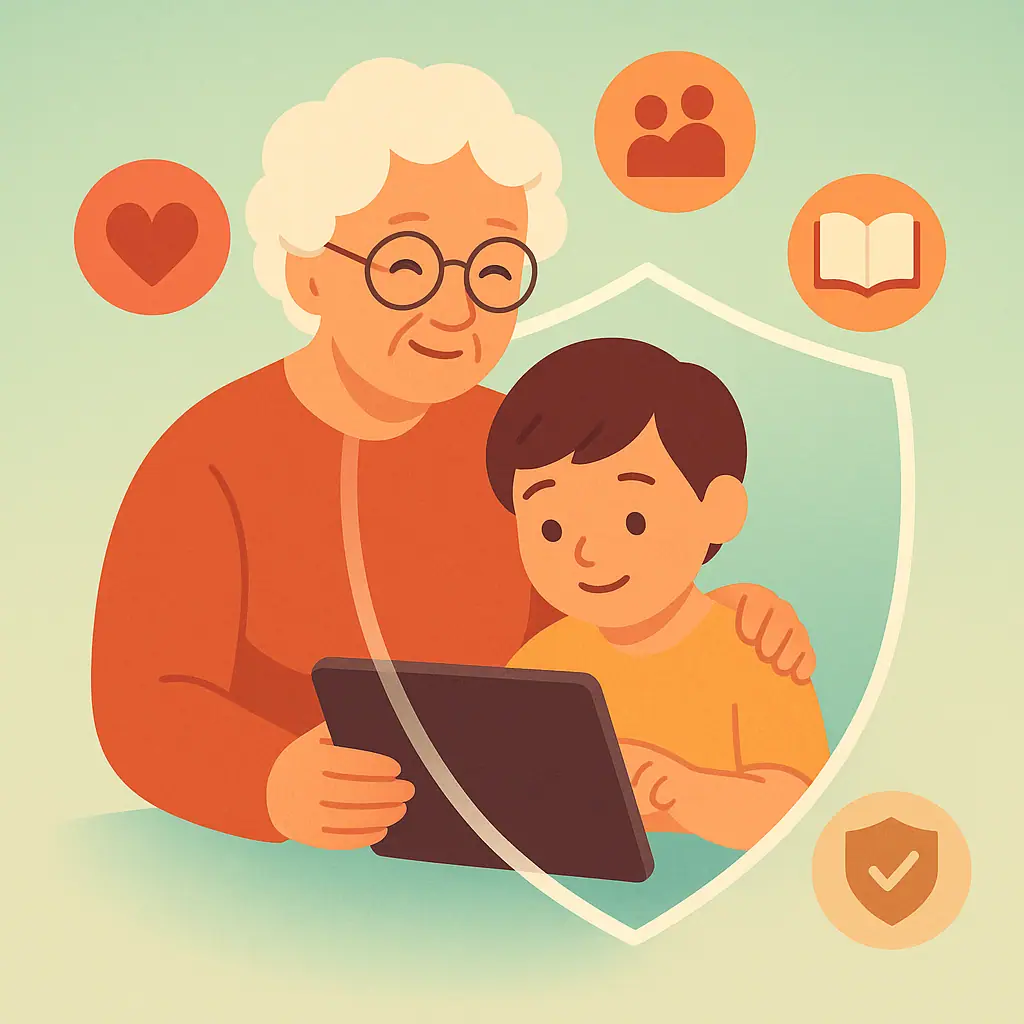 Avoiding Online ScamsProtecting Your Grandchildren: Teaching Kids About Online Safety
Learn simple, effective ways to teach your grandchildren about online safety. Discover age-appropriate strategies to protect kids from digital dangers while fostering healthy technology habits.
 Password & Account SecurityDo You Really Need Antivirus on Your Smartphone?
Most smartphones have built-in security features that protect against malware. Learn when antivirus apps help and when they're unnecessary for your phone's safety.
 Password & Account SecurityHow to Unsubscribe from Unwanted Emails Safely
Learn how to tell real unsubscribe links from scams and clean up your inbox without risking your security. Step-by-step guide for safe email management.
 Password & Account SecurityFacebook Privacy Settings You Should Change Right Now
Learn the key Facebook privacy settings every senior should update to protect their personal information, limit who can see your posts, and stay safe online.
 Password & Account SecurityHow to Make Your Instagram Account Private (And Why You Should)
Learn how to make your Instagram account private and which key privacy settings to adjust to protect your photos, followers, and personal information.
 Password & Account SecurityTwitter/X Privacy Guide: Protecting Your Posts and Personal Data
Learn the key Twitter/X privacy settings to protect your tweets, limit who can contact you, and keep your personal data out of the wrong hands.
 Social Media PrivacyHow to Control Who Sees Your Posts on Social Media
Learn step-by-step how to control who sees your social media posts on Facebook, Instagram, and more — and why it matters for your privacy.
 Social Media PrivacyWhy You Should Review Your Social Media Privacy Settings Every Month
A monthly social media privacy checkup takes just minutes but can prevent scams, data leaks, and unwanted exposure. Here's your simple step-by-step routine.
 Social Media PrivacyHow to Spot Fake Profiles and Friend Requests on Social Media
Fake profiles and suspicious friend requests are used by scammers to steal money and personal information. Learn the warning signs and how to protect yourself.
 Social Media PrivacyWhat Information Should You Never Share on Social Media
Learn which personal details you should never post on social media to protect your privacy, identity, and home security as a senior.
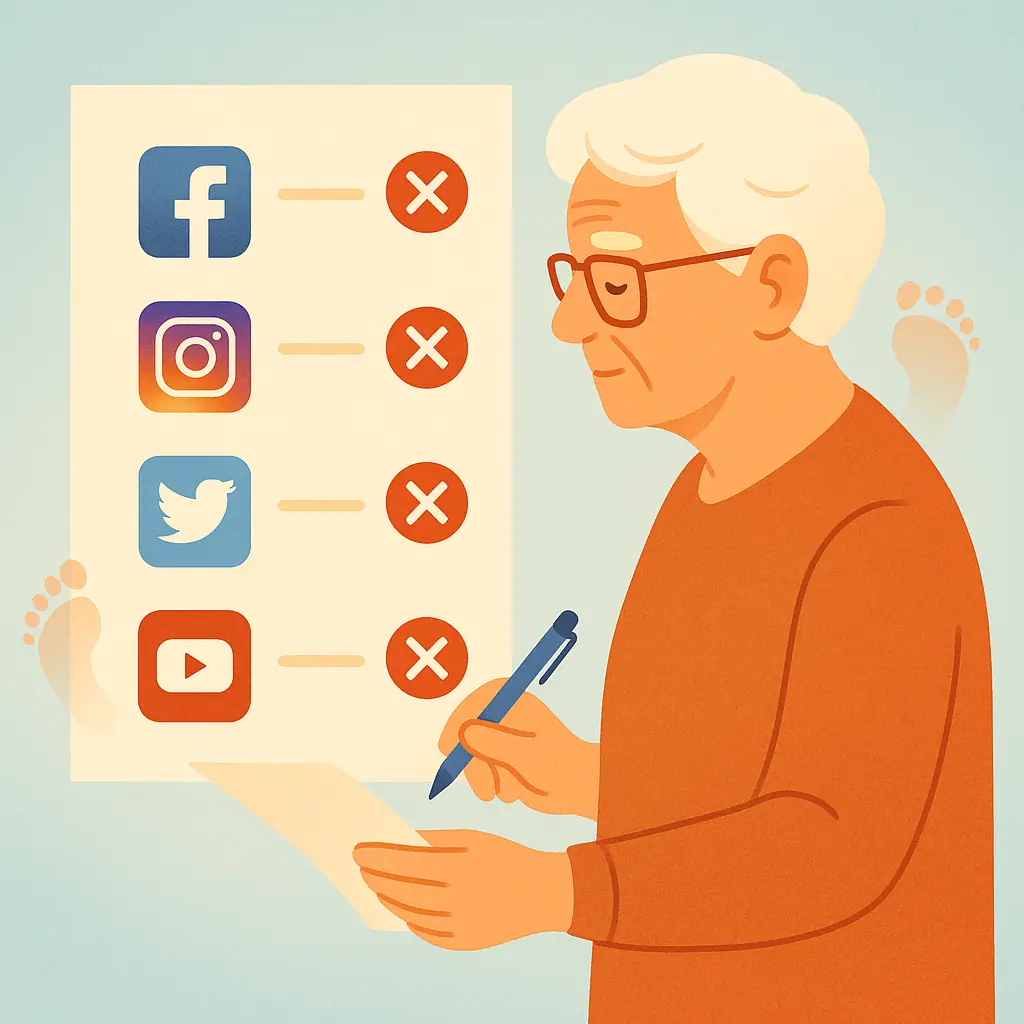 Social Media PrivacyHow to Delete Old Social Media Accounts You No Longer Use
Step-by-step guide to permanently deleting old Facebook, Twitter, LinkedIn, and Instagram accounts you no longer use to protect your online privacy.
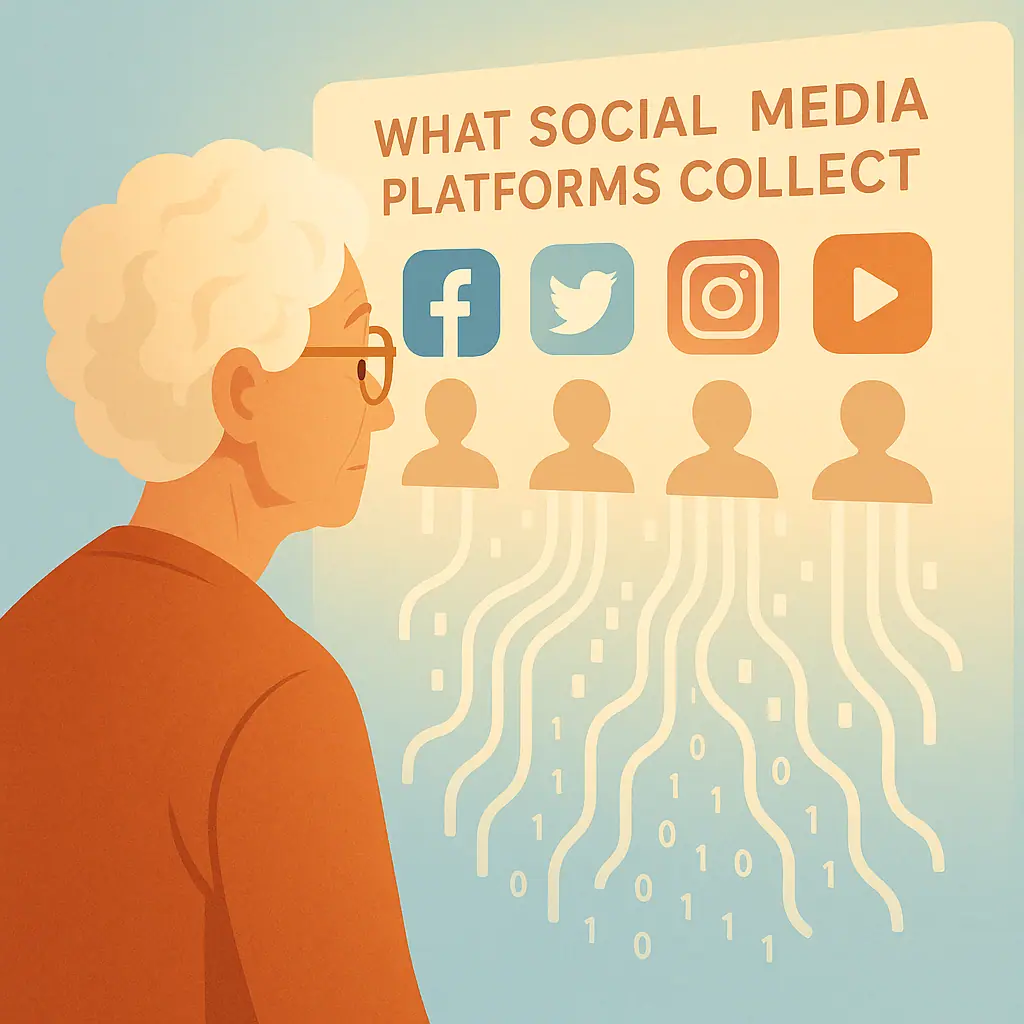 Social Media PrivacyUnderstanding Social Media Data: What Platforms Know About You
Discover what Facebook, Google, and other social media platforms collect about you, how they use your data, and simple steps to review and limit it.
 Social Media PrivacyA Senior's Guide to Using YouTube Safely and Privately
Learn how to control your YouTube watch history, adjust privacy settings, and use the platform safely as a senior — step by step.
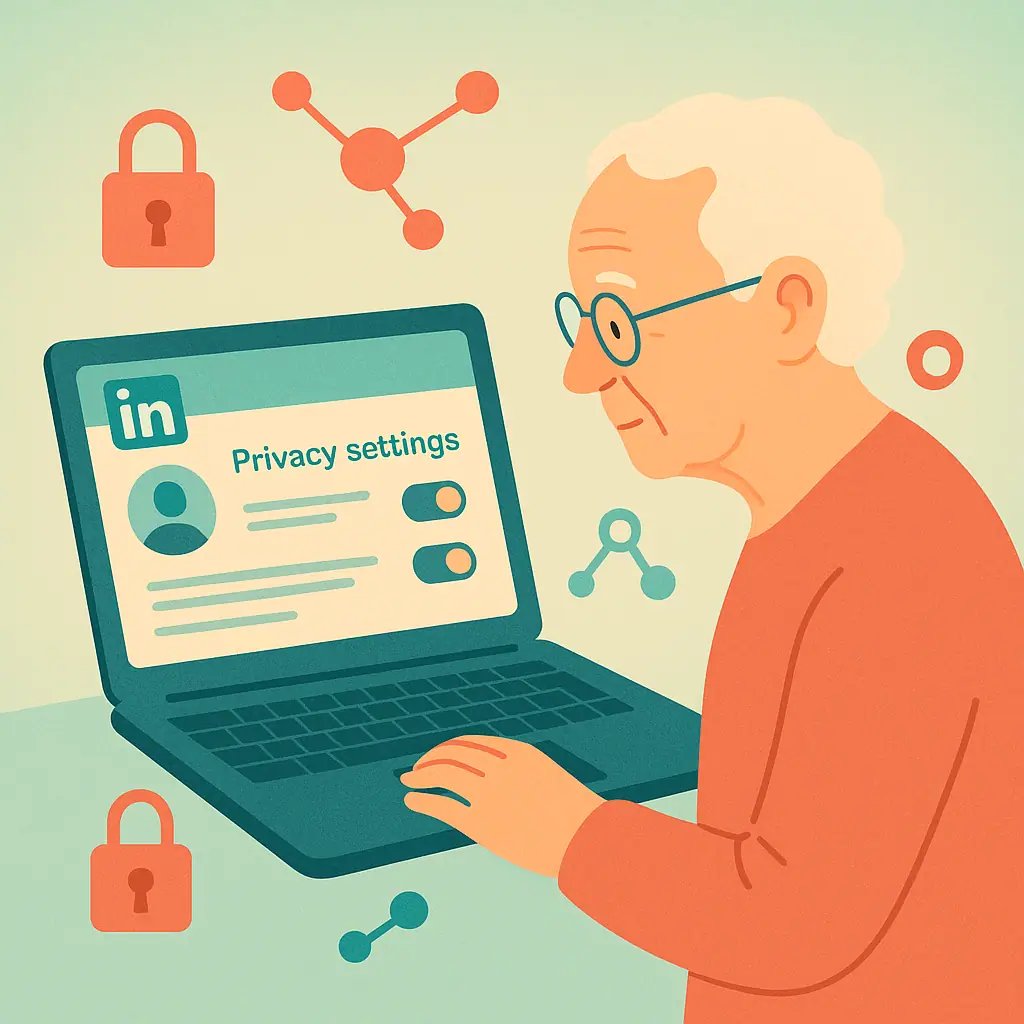 Social Media PrivacyHow to Protect Your Privacy on LinkedIn: A Senior's Complete Guide
Learn how to control your LinkedIn privacy settings, manage profile visibility, and stay safe on the platform — a clear guide for seniors.
 Password & Account SecurityHow to Create a Family Password Plan Without Sharing Everything
Create a family password plan for seniors that protects privacy, supports emergency access, and avoids unsafe password sharing.
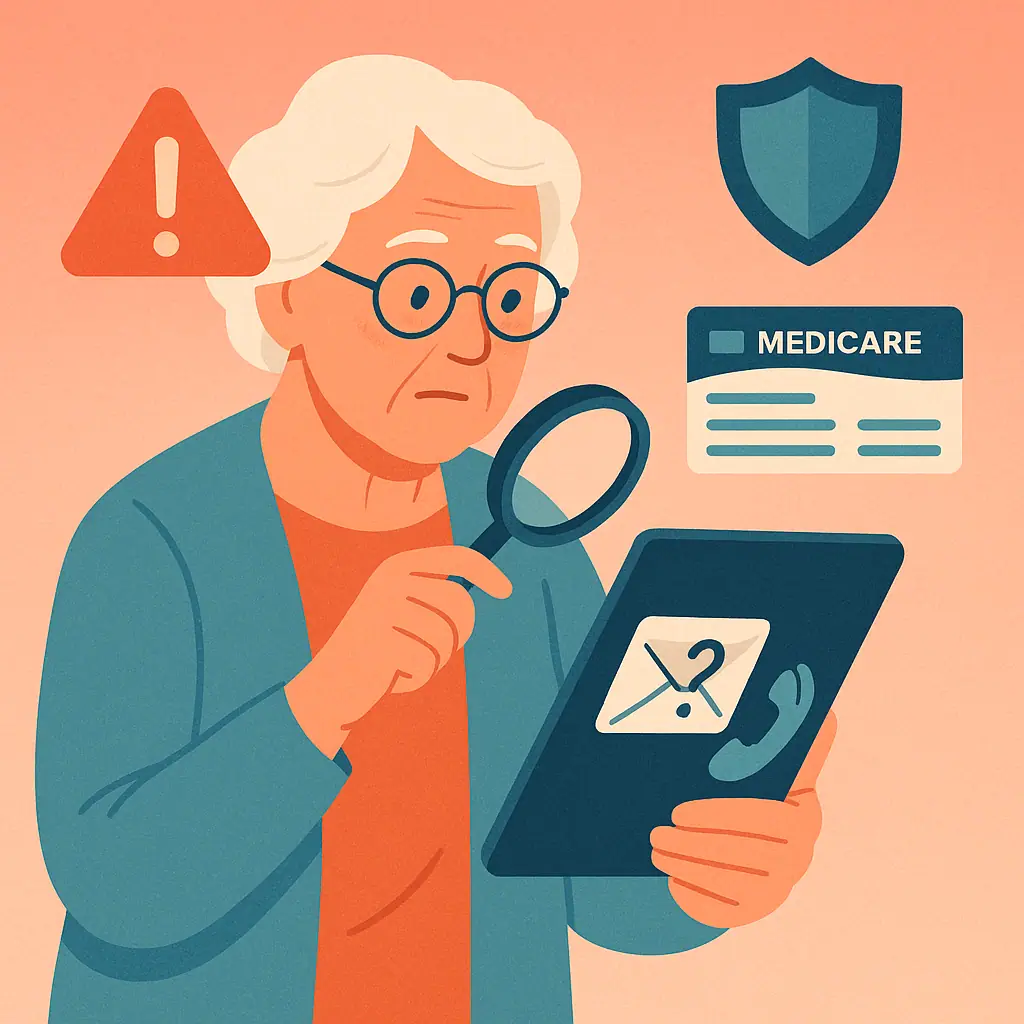 Avoiding Online ScamsHow to Recognize Fake Medicare Emails, Calls, and Websites
Learn fake Medicare scam warning signs across calls, emails, texts, and websites so you can protect your Medicare Number.
 Social Media PrivacyHow to Clean Up Your Facebook Friends List Safely
Learn how to clean up Facebook friends list safely, remove unfamiliar accounts, and adjust who can see your posts without drama.
 Password & Account SecurityWhat Is a Passkey and Should Seniors Use One?
Passkeys explained for seniors: learn what passkeys are, how device locks help, and when to use them safely without feeling overwhelmed.
 Avoiding Online ScamsHow to Spot Fake Package Delivery Messages
Learn how to spot a fake package delivery text scam with calm, practical checks before you click, pay a fee, or share information.
 Password & Account SecurityHow to Stop Strangers from Finding You on Facebook
Learn how to reduce who can find, contact, and look you up on Facebook with calm privacy steps made for seniors.
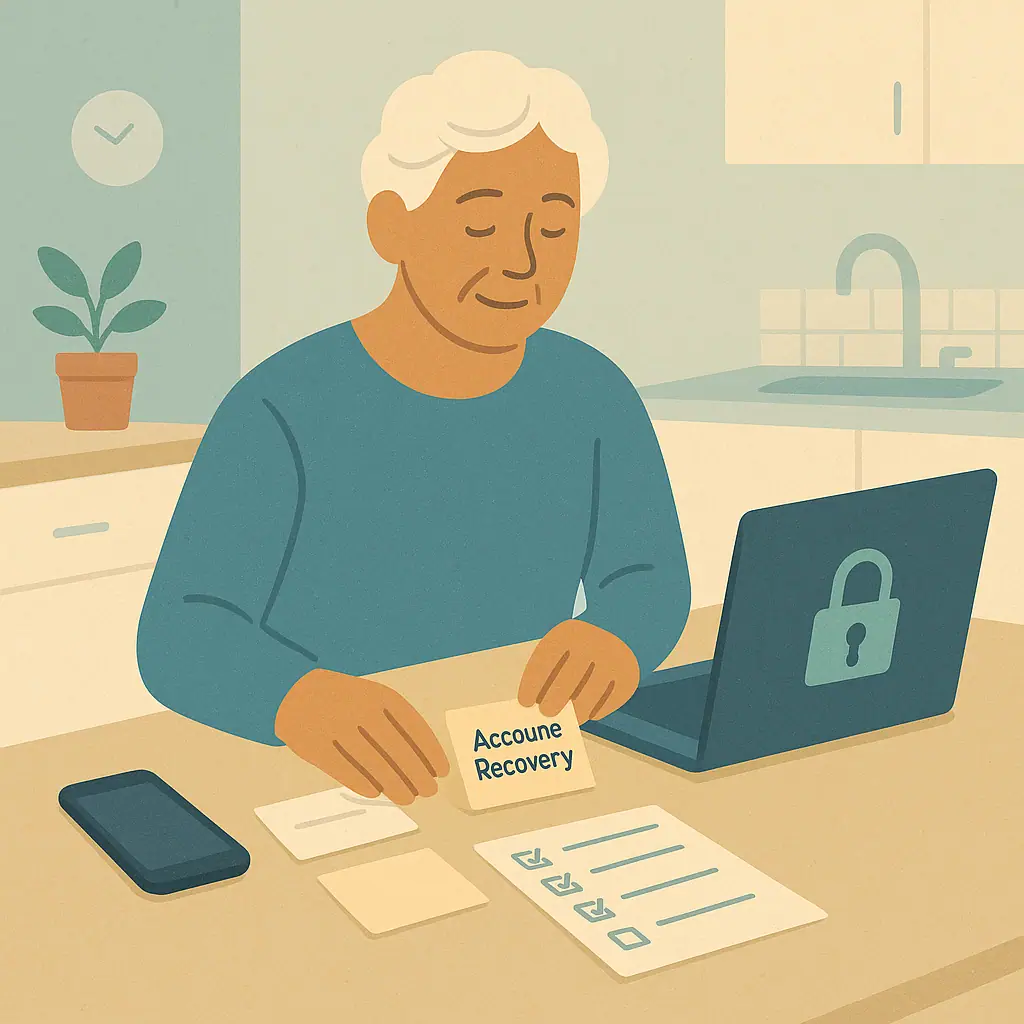 Password & Account SecurityHow to Set Up Account Recovery Before You Get Locked Out
Learn a calm account recovery setup guide for seniors, including recovery email, phone, backup codes, trusted devices, and safe notes.
 Avoiding Online ScamsFake Charity Scams: How to Donate Online Safely
Learn how to spot fake charity scams, verify organizations, avoid pressure tactics, and donate online with more confidence.
 Social Media PrivacyHow to Limit Old Facebook Posts Without Deleting Everything
Learn how to limit old Facebook posts privacy, reduce public visibility, and protect memories without deleting everything.
 Password & Account SecurityHow to Use Backup Codes Without Losing Them
Learn how backup codes for two-factor authentication work, where to keep them, and how to avoid losing access to important accounts.
 Avoiding Online ScamsGift Card Scams: Why Scammers Ask for Codes
Learn gift card scams warning signs, why scammers demand card codes, and what to do before you buy or share a gift card.
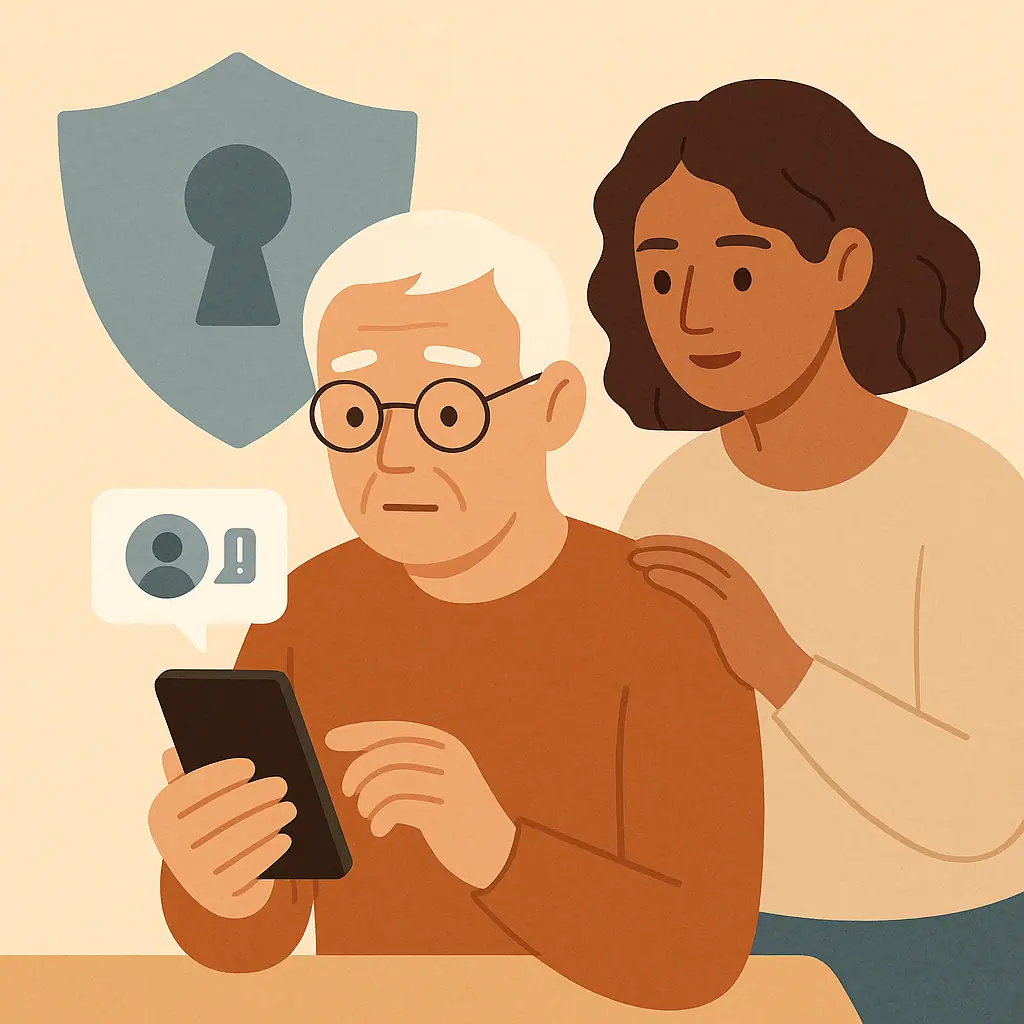 Social Media PrivacyInstagram Scam Messages: How to Recognize Them
Learn the warning signs of Instagram scam messages, fake giveaways, fake support DMs, and impersonation attempts before you reply.
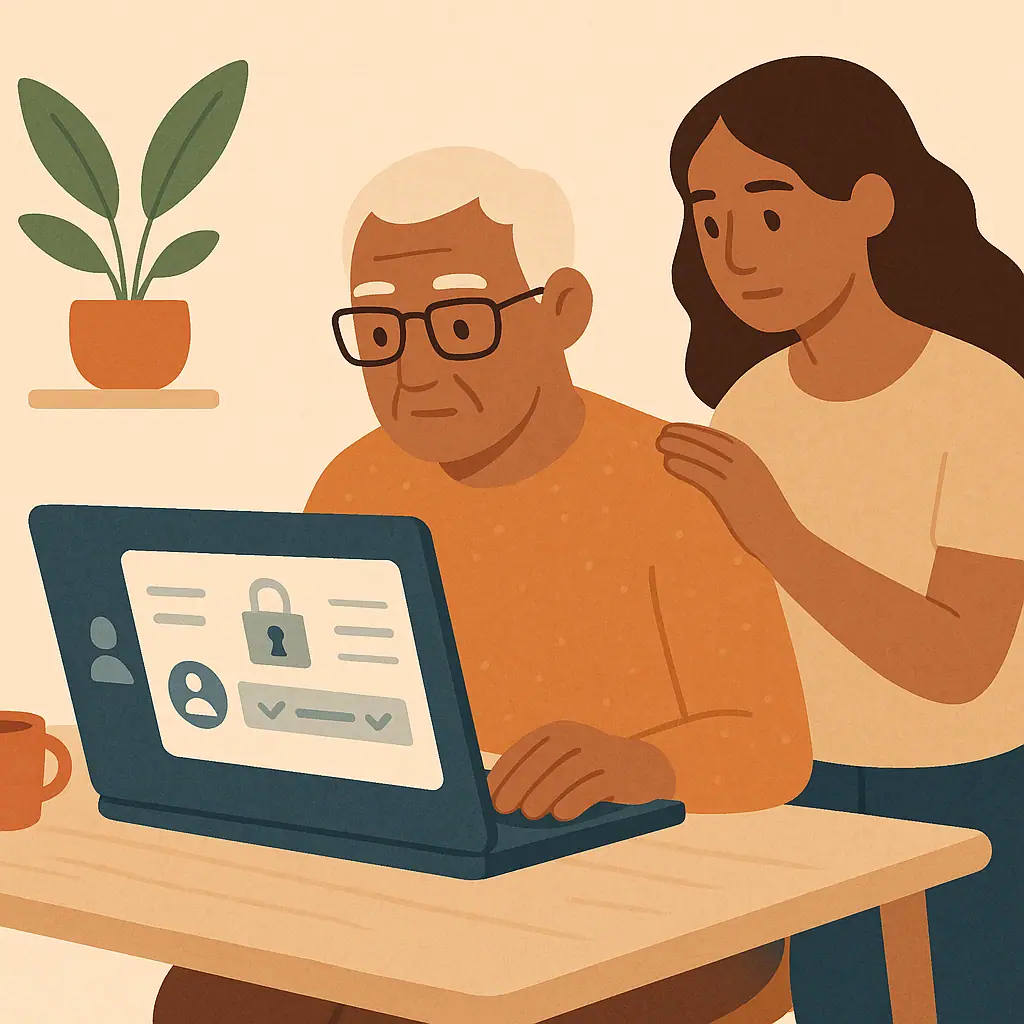 Password & Account SecurityHow to Secure Your Amazon Account Step by Step
Learn how to secure your Amazon account step by step by checking your password, two-step verification, orders, addresses, and payments.
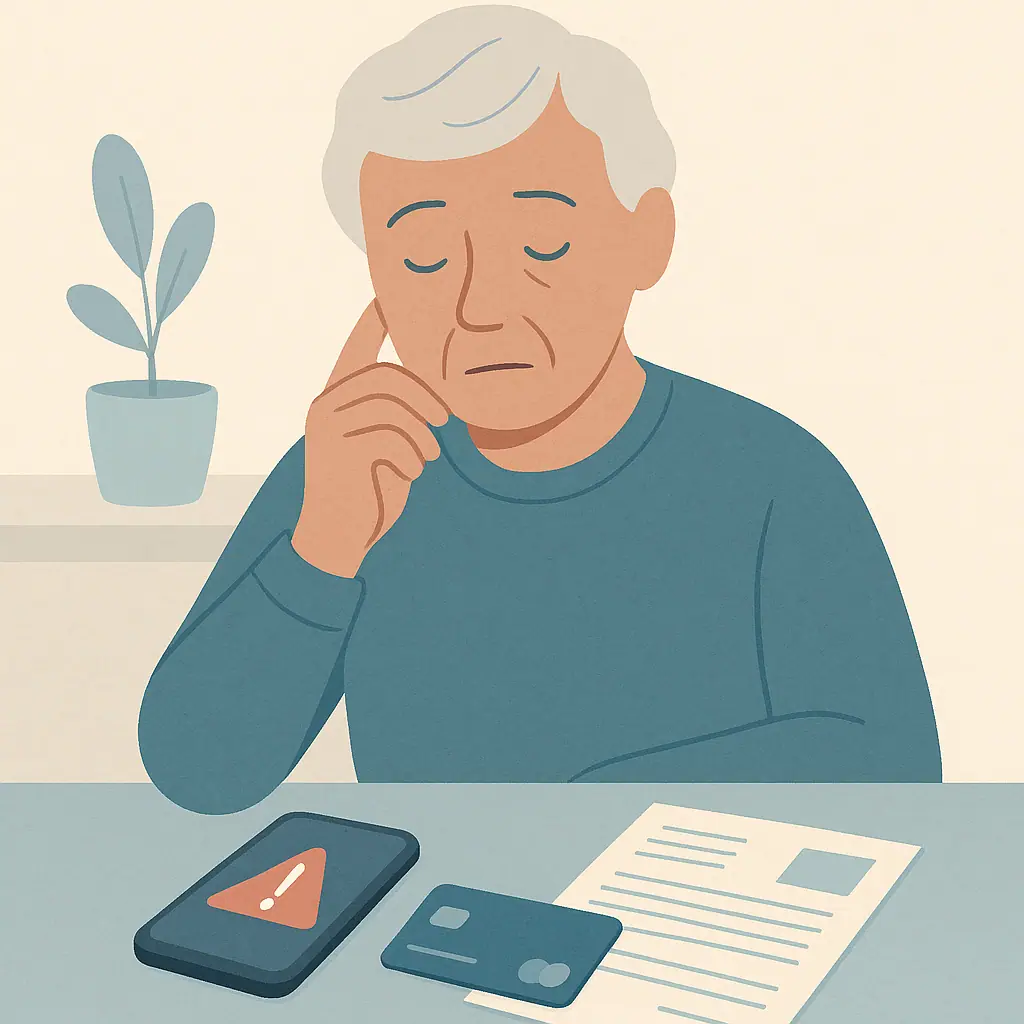 Avoiding Online ScamsBank Impersonation Scams: What Real Banks Will Not Ask For
Learn bank impersonation scams warning signs and the calm steps to verify a bank message before sharing money or personal details.
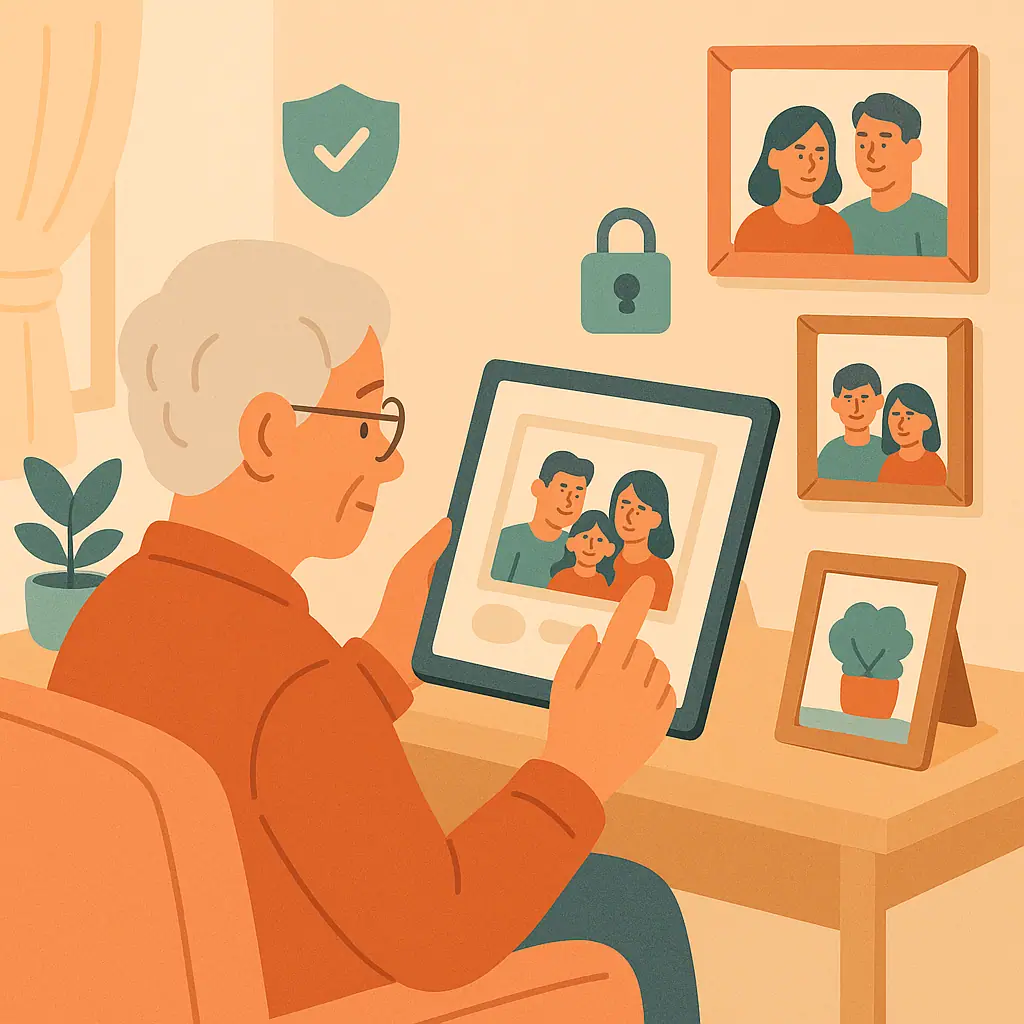 Social Media PrivacyHow to Protect Family Photos on Social Media
Learn how to protect family photos on social media with simple privacy checks, safer sharing habits, and kind family boundaries.
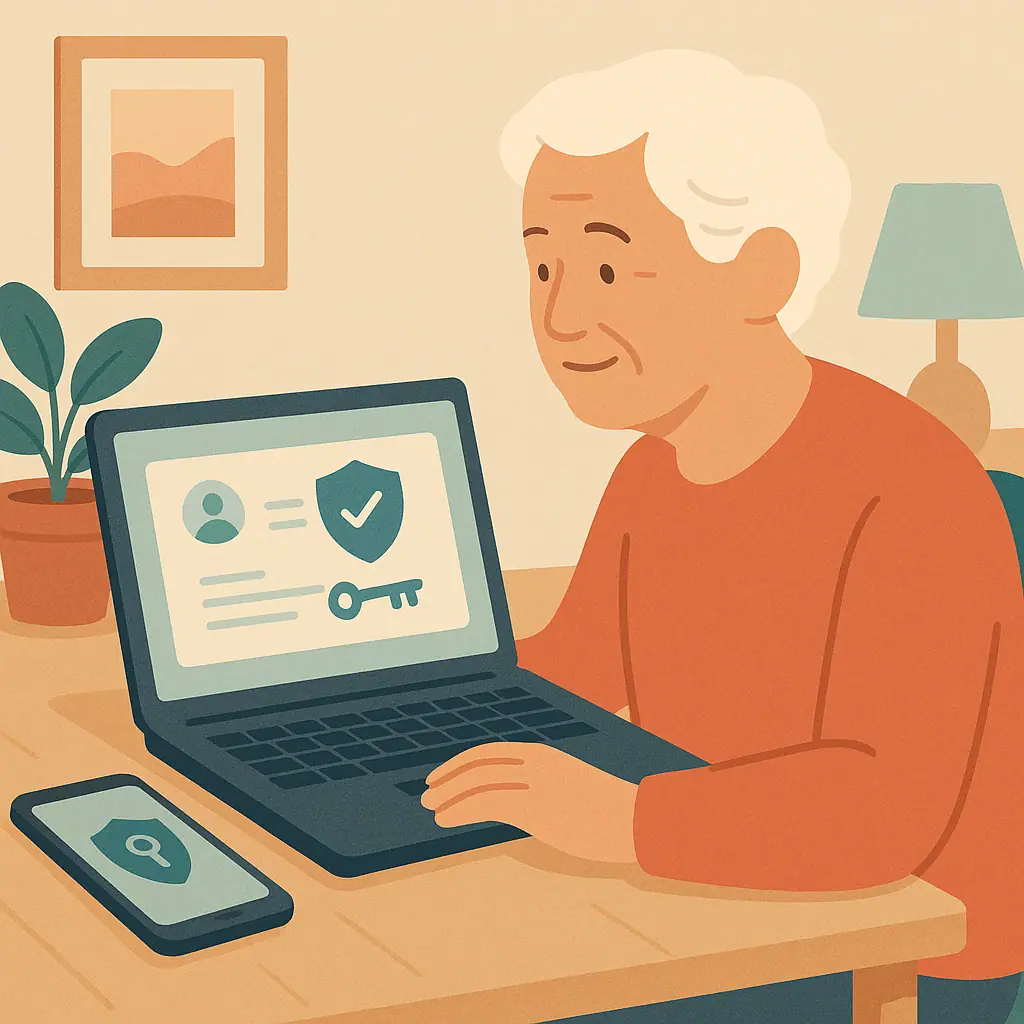 Password & Account SecurityHow to Secure Your Google Account Without Feeling Overwhelmed
Learn how to secure Google account for seniors with a calm checklist for recovery info, 2-Step Verification, devices, and passwords.
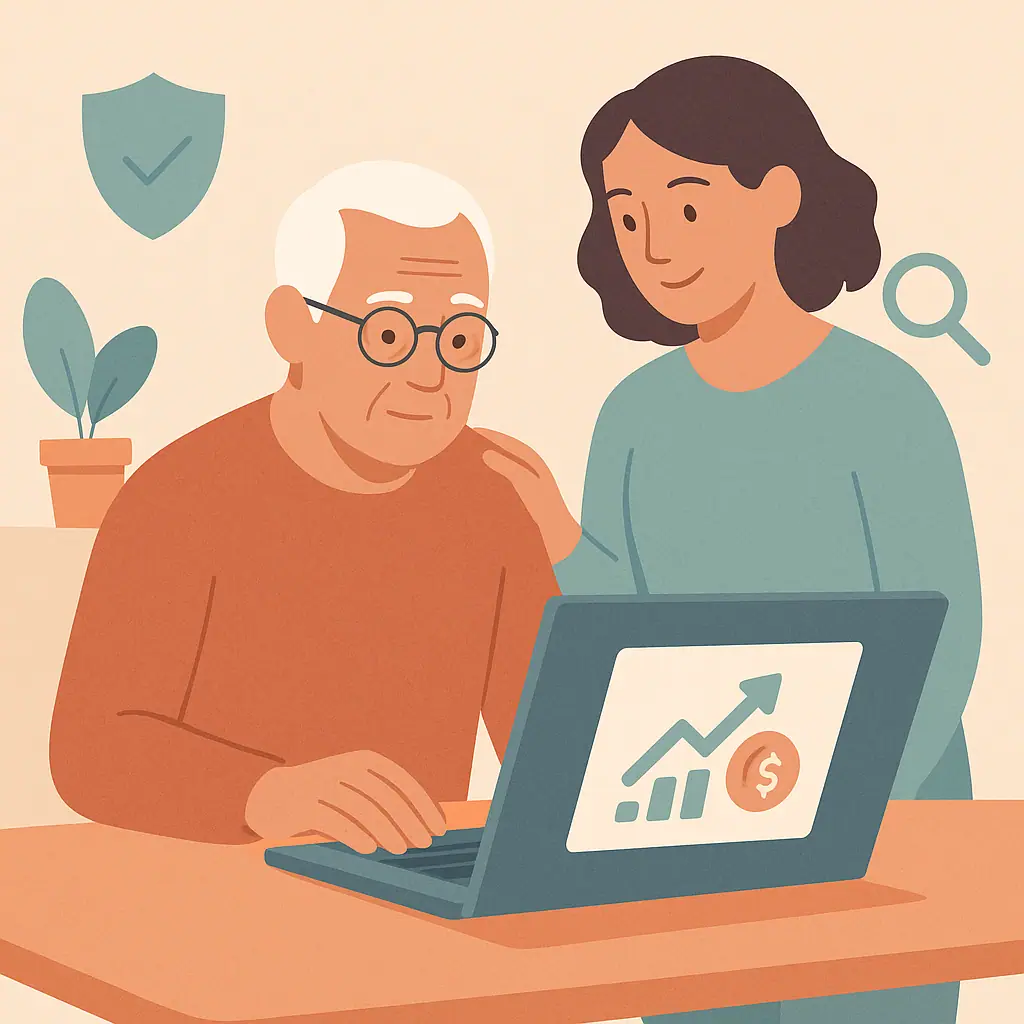 Avoiding Online ScamsHow to Avoid Fake Investment Opportunities Online
Learn how to spot fake investment scams online with calm red flags, safer checks, and simple steps before sending money.
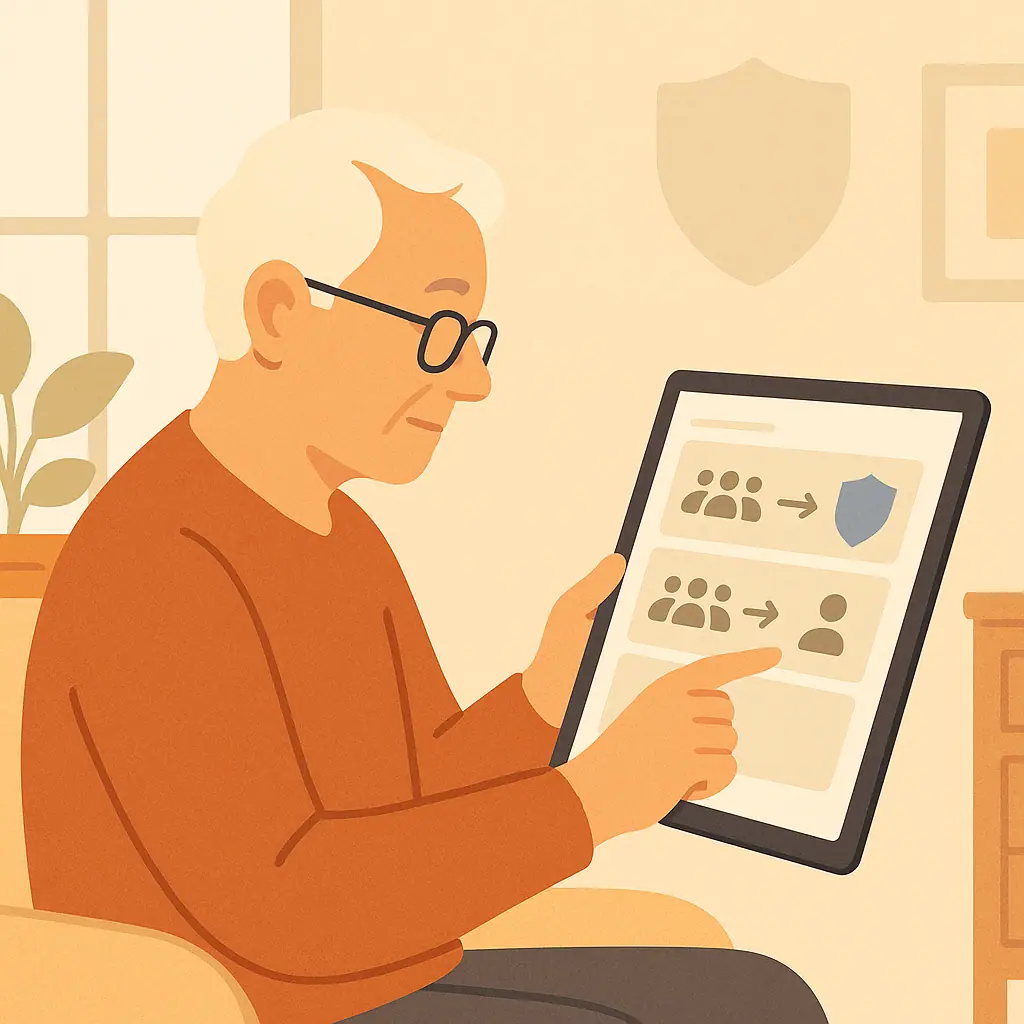 Social Media PrivacyHow to Leave a Facebook Group Without Drawing Attention
Learn how to leave Facebook group privacy concerns behind with calm steps for leaving, muting, notifications, and safer group habits.
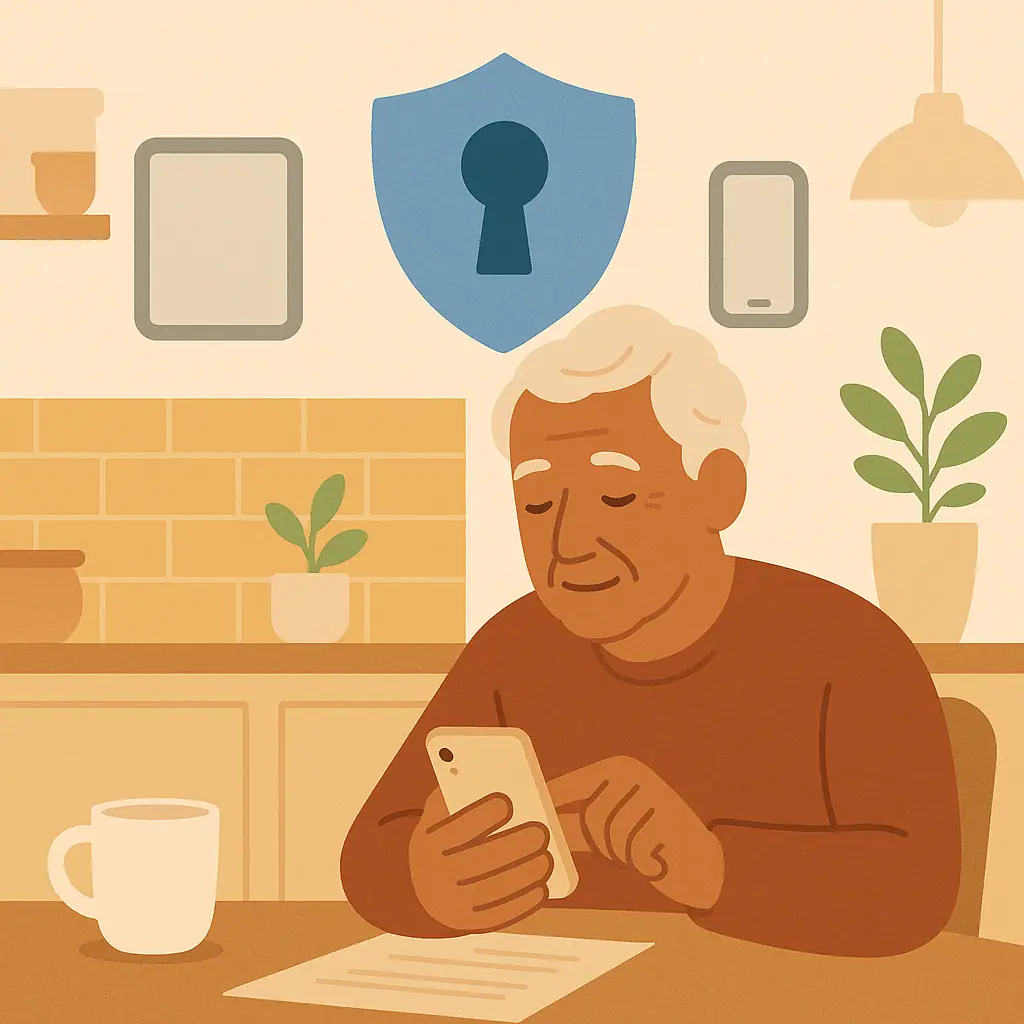 Password & Account SecurityHow to Secure Your Apple ID Step by Step
Learn how to secure Apple ID step by step with calm checks for your password, trusted phone numbers, devices, purchases, and recovery contacts.
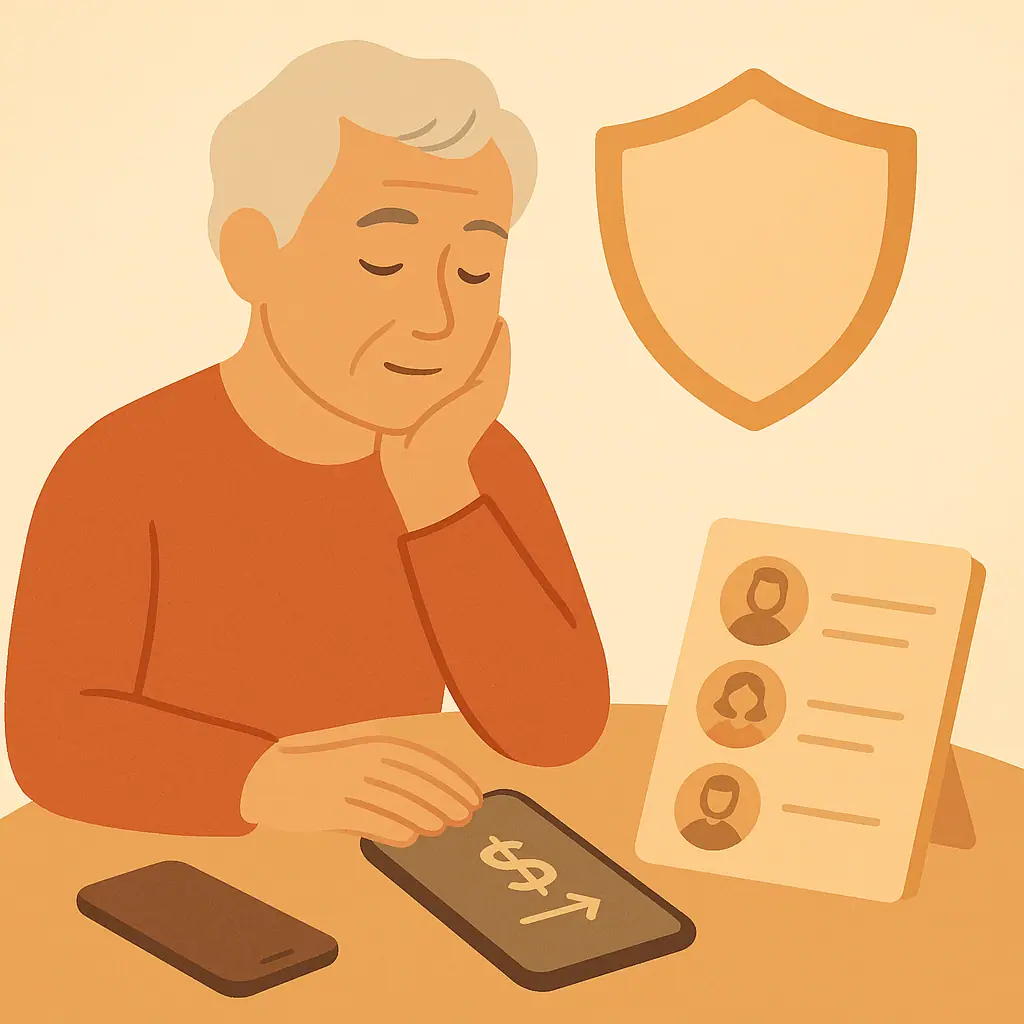 Avoiding Online ScamsGrandparent Scams: How to Pause Before Sending Money
Learn grandparent scams warning signs and a calm verification routine before sending money, gift cards, crypto, or payment app transfers.
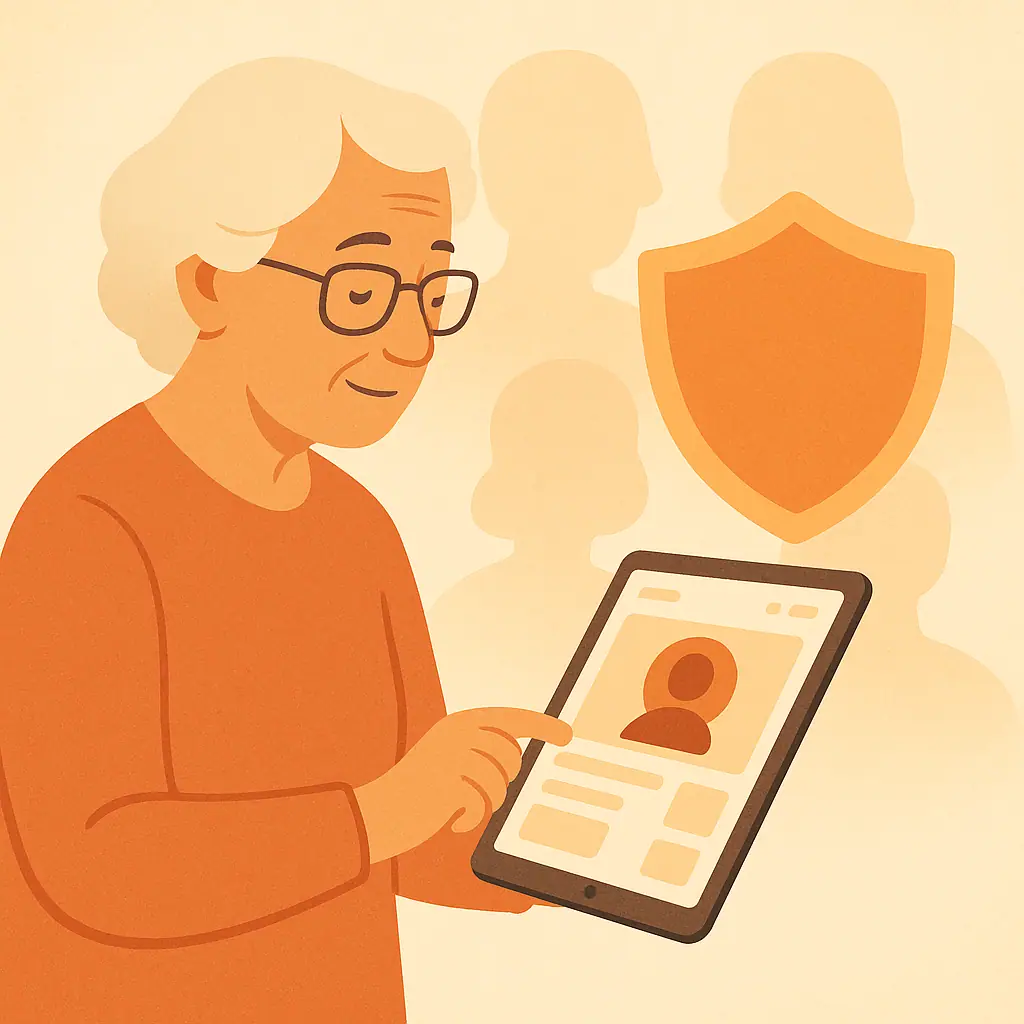 Social Media PrivacyHow to Spot Fake Celebrity Accounts on Social Media
Learn how to spot fake celebrity accounts on social media with calm checks for badges, messages, giveaways, romance stories, and money requests.
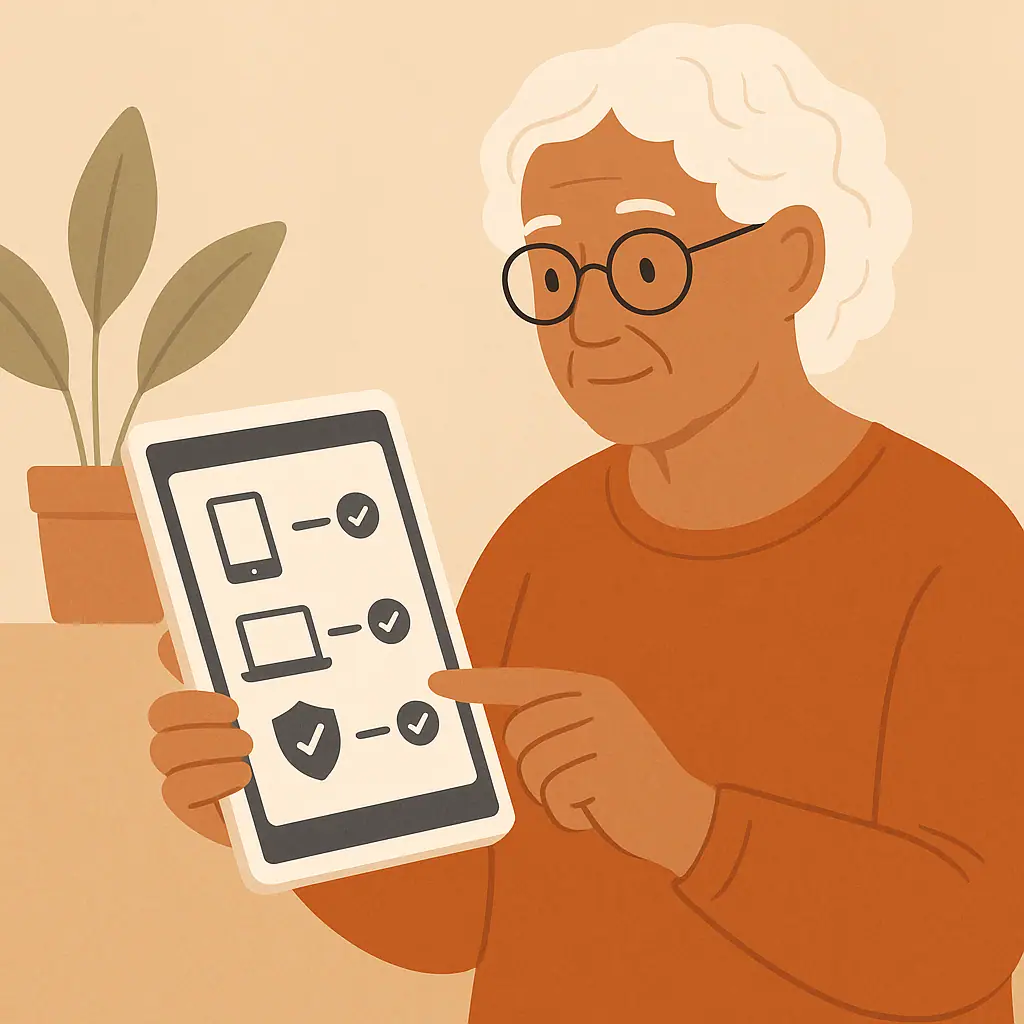 Password & Account SecurityHow to Check Devices Logged Into Your Accounts
Learn how to check devices logged into accounts with calm steps for Google, Apple, Facebook, and other everyday services.
 Avoiding Online ScamsSweepstakes and Prize Scams: How to Tell What Is Real
Learn sweepstakes prize scams warning signs with calm checks for fees, fake winnings, personal information requests, and pressure tactics.
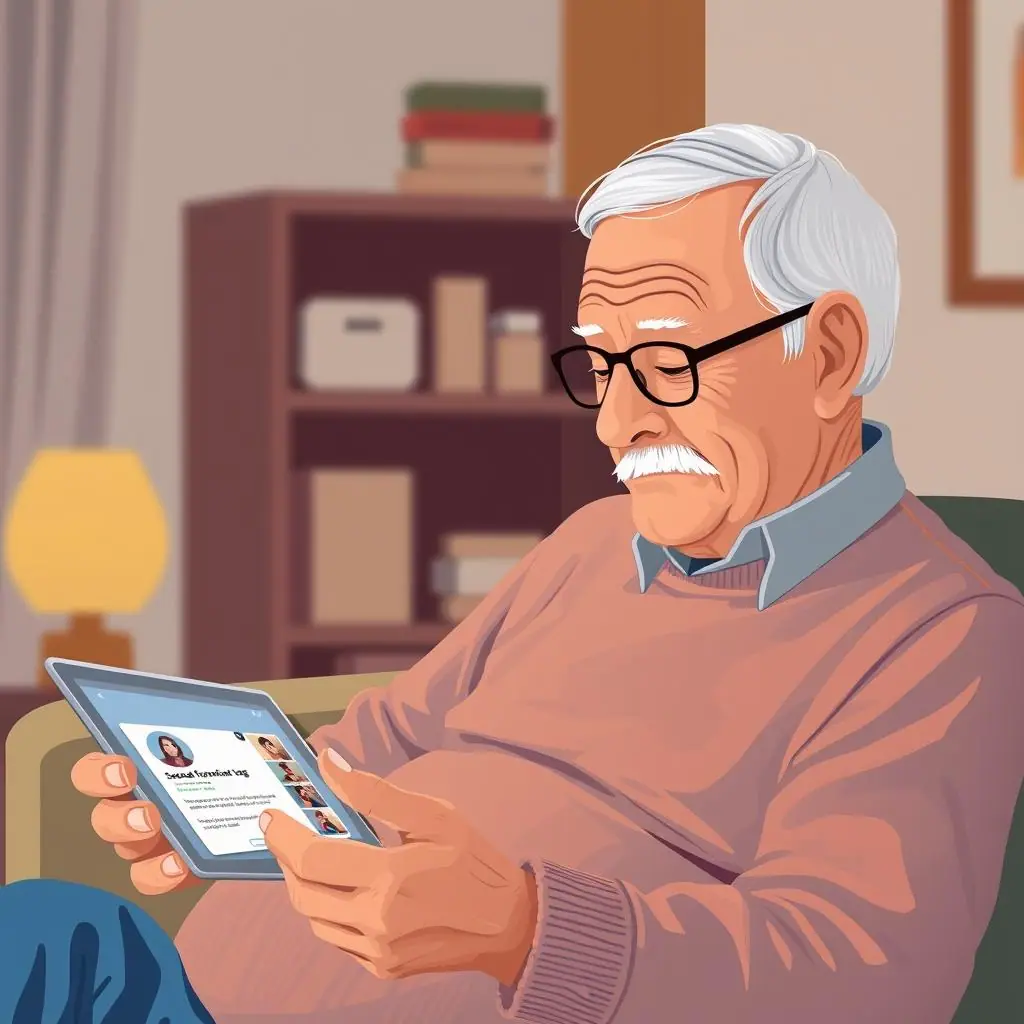 Password & Account SecurityHow to Review Tags and Mentions Before They Appear Online
Learn how to review tags mentions social media settings so tagged posts, mentions, and profile visibility feel calmer and safer.
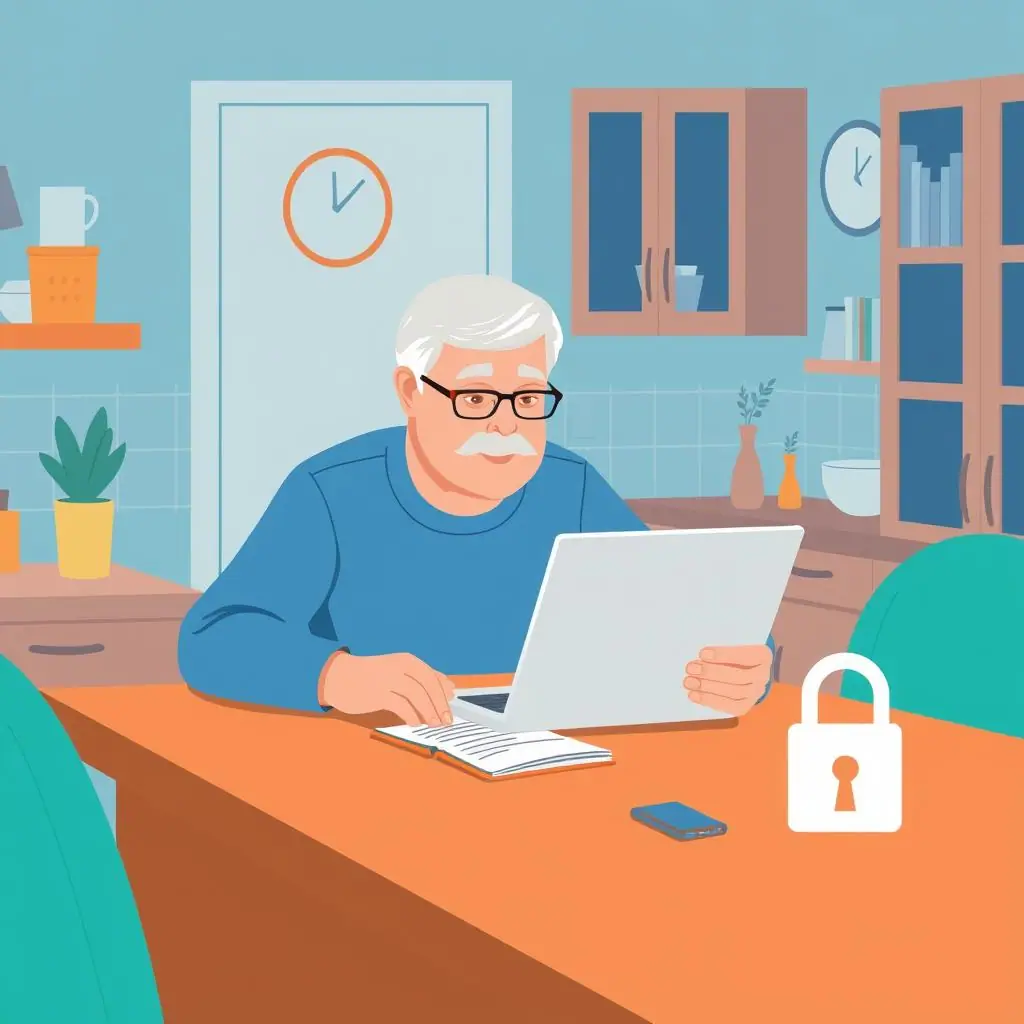 Password & Account SecurityHow to Choose Security Questions That Cannot Be Guessed
Learn secure security questions examples, safer answer habits, and simple ways to make old account recovery questions harder to guess.
 Password & Account SecurityOnline Shopping Scams: How to Check a Store Before Buying
Learn how to check an online store before buying with simple review, payment, return policy, and warning-sign steps.
 Social Media PrivacyHow to Hide Your Birthday and Personal Details on Social Media
Learn how to hide birthday personal details social media profiles expose, with calm steps for Facebook, Instagram, and monthly privacy checks.
 Password & Account SecurityHow to Use a Password Manager With a Trusted Family Member
Learn password manager family emergency access with calm steps for shared vaults, emergency contacts, and safer family boundaries.
 Avoiding Online ScamsFake Job and Work-from-Home Scams: What to Watch For
Learn how to spot fake work from home job scams with calm checks for job offers, fake checks, equipment fees, and personal information requests.
 Social Media PrivacyHow to Use Privacy Checkup Tools on Social Media
Learn how to use social media privacy checkup tools with calm, simple steps for reviewing Facebook and other account settings.
 Password & Account SecurityHow to Protect Accounts After a Data Breach Notice
Learn data breach notice what to do with calm steps to verify the notice, change passwords, monitor accounts, and reduce risk.
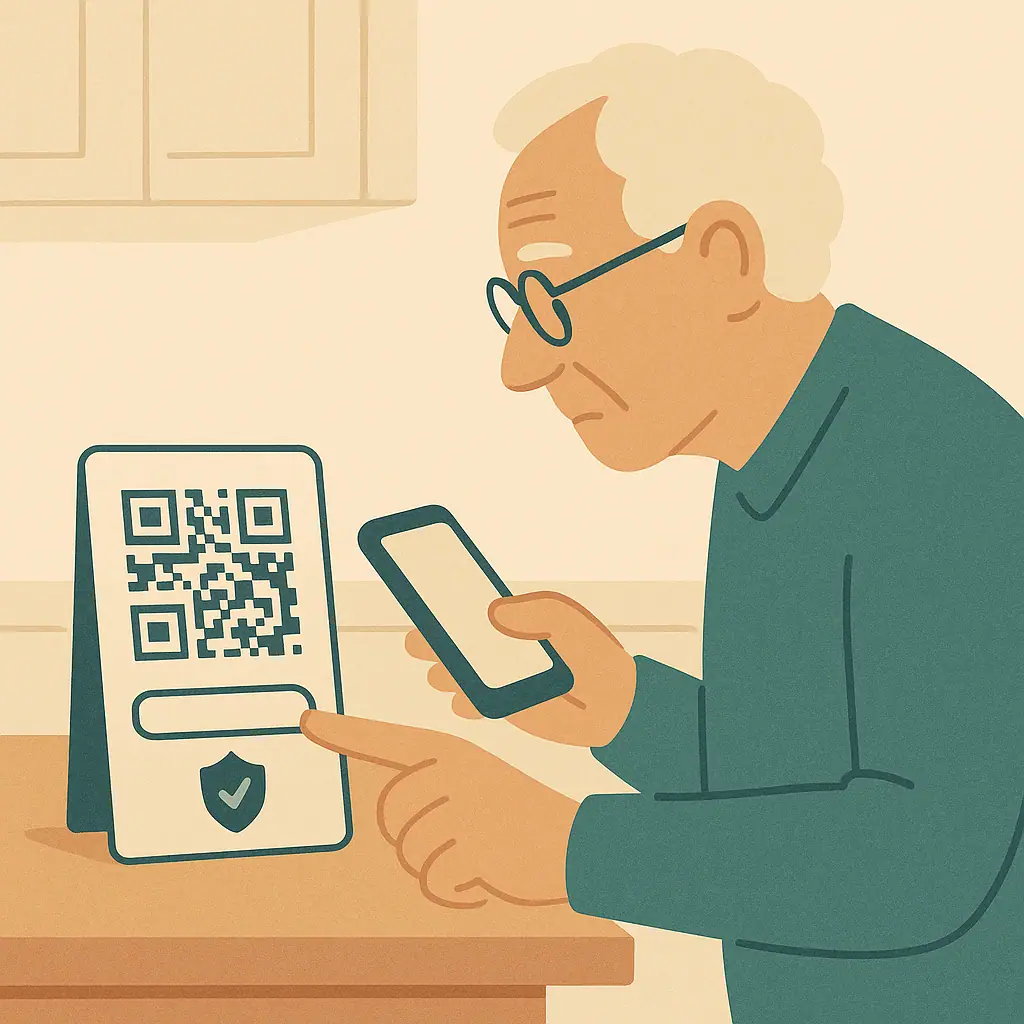 Avoiding Online ScamsQR Code Scams: How to Scan More Safely
Learn QR code scams safety tips for parking signs, restaurant menus, mailers, packages, and payment pages.