 Phone & App PrivacyEssential iPhone Privacy Settings Every Senior Should Know
Master the most important iPhone privacy settings to protect your personal information. Learn step-by-step instructions for location services, app tracking, Safari privacy, and more.
 Password & Account SecurityEssential Android Privacy Settings Every Senior Should Know
Protect your personal data on Android with these essential privacy settings. Simple step-by-step guide for older adults to secure their smartphone.
 Password & Account SecurityWhich App Permissions Should You Allow and Which to Deny
Learn which smartphone app permissions are safe to grant and which ones put your privacy at risk. Simple guide for seniors to manage app access.
 Password & Account SecurityHow to Stop Apps from Tracking Your Location
Learn how to prevent apps from constantly tracking your location. Step-by-step guide for iPhone and Android to protect your privacy.
 Avoiding Online ScamsThe Safest Messaging Apps for Private Conversations
Discover the most secure messaging apps for private conversations. Learn about encryption, privacy features, and which apps truly protect your personal messages from prying eyes.
 Password & Account SecurityHow to Spot and Delete Suspicious Apps on Your Phone
Learn the warning signs of malicious apps on your smartphone and how to safely remove them. Simple steps to protect your personal data and keep your device secure.
 Phone & App PrivacyHow to Safely Download Apps Without Getting Malware
Learn the essential steps to download apps safely on your phone. From choosing official stores to checking permissions, protect yourself from malware with this complete guide.
 Email & Communication SafetyHow to Keep Your Email Inbox Safe from Hackers and Spam
Protect your email from hackers and spam with these essential safety tips. Learn to recognize threats, secure your inbox, and keep your personal information safe from cybercriminals.
 Email & Communication SafetyWhat Is Email Encryption and Do You Need It?
Understand email encryption in simple terms. Learn when you need it, how it protects your messages, and whether the built-in security in Gmail and Outlook is enough for your needs.
 Password & Account SecurityVideo Calling Safety: Secure Zoom, FaceTime, and Skype
Keep your video calls private and secure. Learn essential privacy settings for Zoom, FaceTime, and Skype to protect yourself from unwanted guests and data leaks.
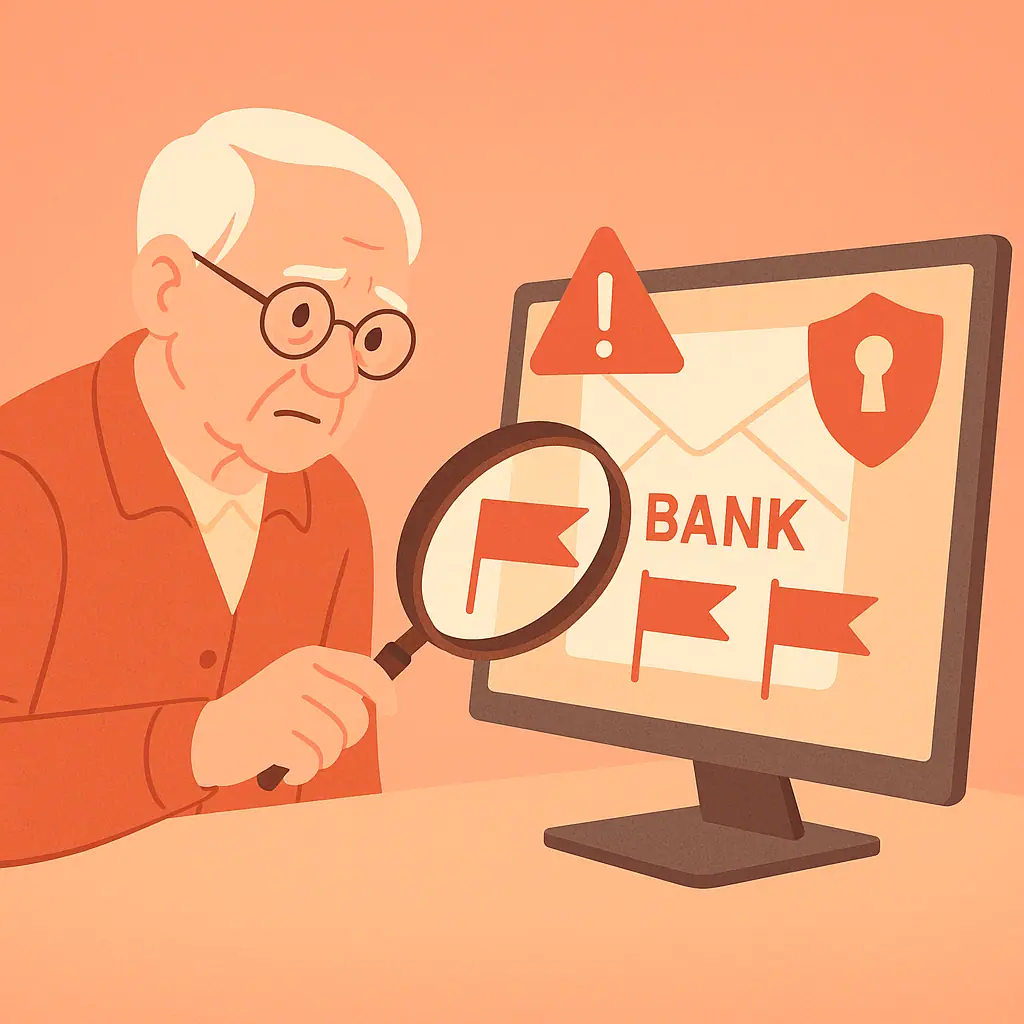 Password & Account SecurityHow to Recognize Fake Emails from Your Bank
Learn to spot fake bank emails before they steal your money. Discover the red flags scammers use and how to verify if an email is really from your bank.
 Password & Account SecurityShould You Open That Attachment? A Quick Safety Checklist
Learn which email attachments are safe to open and which to avoid with this simple 5-question checklist for safer digital communication.
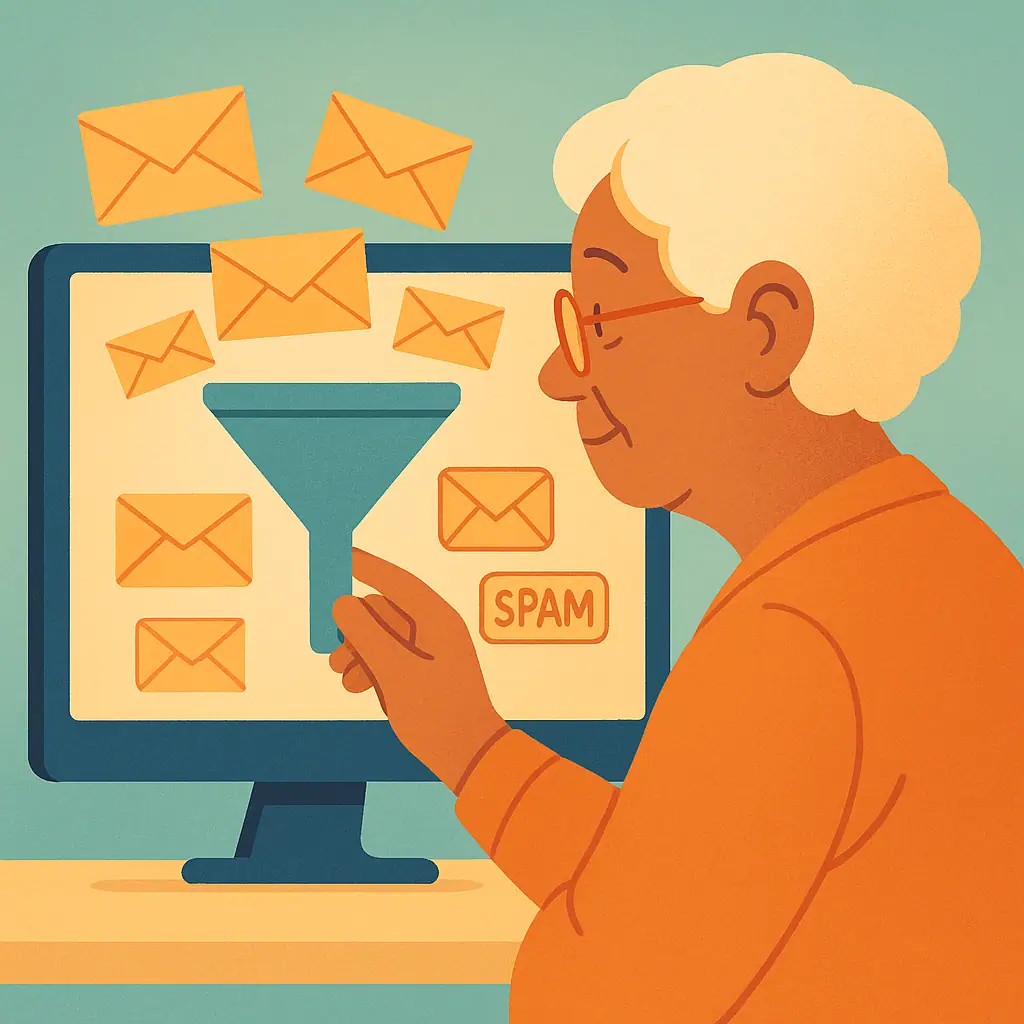 Password & Account SecurityHow to Set Up Spam Filters in Gmail and Outlook
Step-by-step instructions to configure spam filters in Gmail and Outlook, reduce inbox clutter, and block unwanted senders permanently.
 Password & Account SecurityWhy You Shouldn't Share Personal Information Over Email
Discover why email isn't secure for personal information, which details to never share, and safer alternatives for sensitive communications.
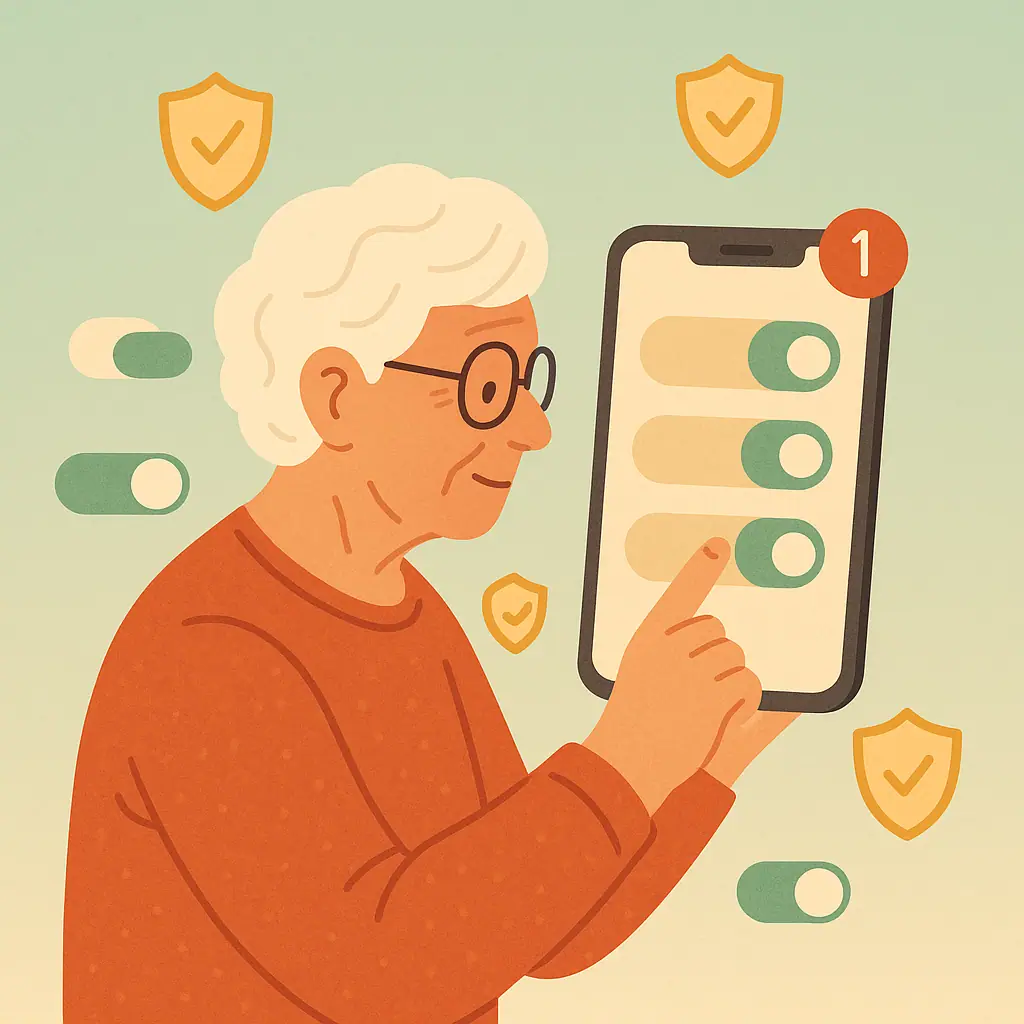 Phone & App PrivacyUnderstanding App Updates: Why Keeping Your Phone Updated Matters
Learn why keeping your phone's apps and operating system updated is one of the simplest ways to protect your personal data and stay secure online.
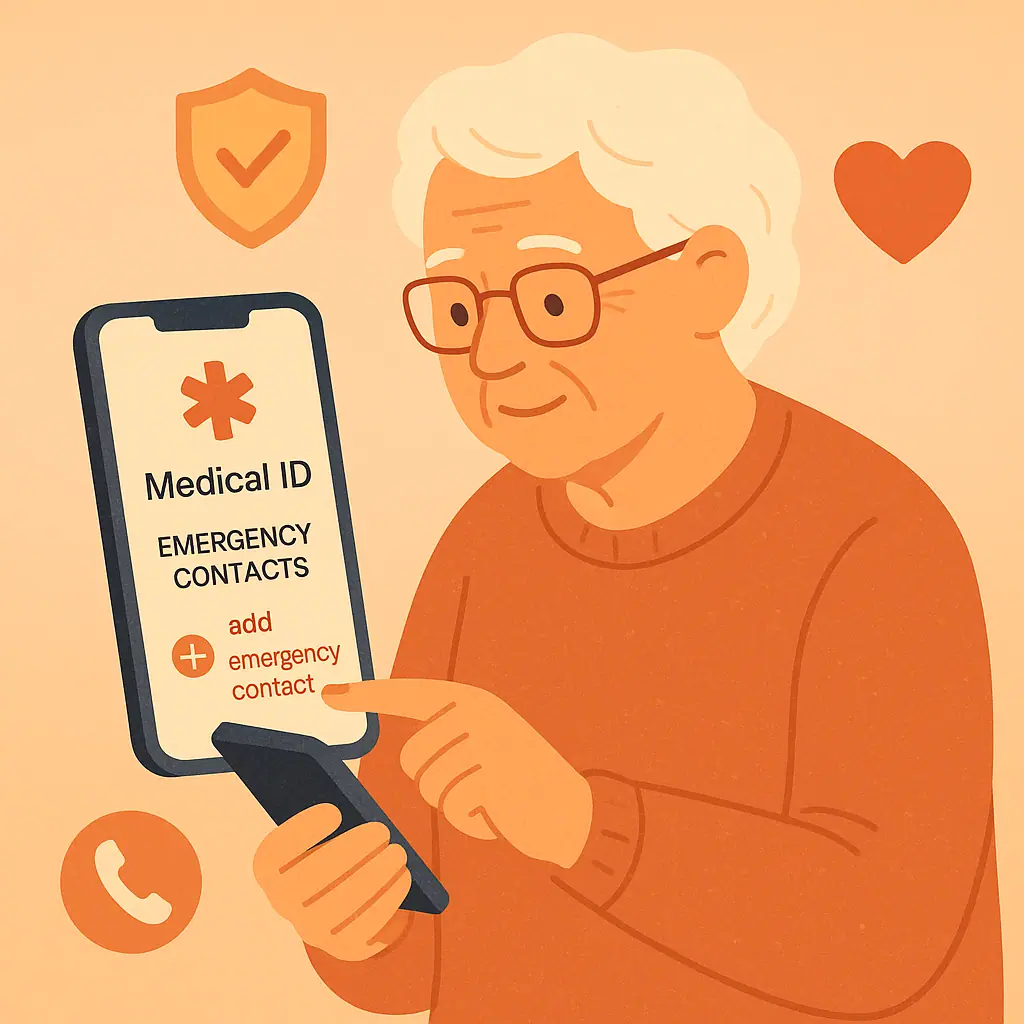 Phone & App PrivacyHow to Set Up Emergency Contacts and Medical Info on Your Phone
Learn how to set up emergency contacts and medical information on your iPhone or Android phone so first responders can access it when you need help most.
 Email & Communication SafetyHow to Spot a Fake Customer Service Email
Learn the key warning signs that reveal a fake customer service email from Amazon, PayPal, Netflix, or your bank — before you click anything suspicious.
 Phone & App PrivacyHow to Check Which Apps Can Use Your Camera and Microphone
Learn how to check camera microphone permissions phone settings on iPhone and Android so you can manage app access calmly and safely.
 Email & Communication SafetyHow to Make Email Contacts Safer for Everyday Communication
Learn safe email contacts for seniors with simple ways to clean up names, verify senders, and avoid lookalike email addresses.
 Phone & App PrivacyHow to Turn Off Personalized Ads on Your Phone
Learn how to turn off personalized ads on your phone with calm steps for iPhone, Android, and Google ad privacy settings.
 Email & Communication SafetyHow to Tell If an Email Link Is Safe Before You Click
Learn how to check email links before clicking with simple hover, long-press, domain, and safer sign-in habits for seniors.
 Phone & App PrivacyHow to Find and Delete Apps You No Longer Use
Learn how to find unused apps, remove them safely on iPhone or Android, and reduce phone privacy clutter without losing confidence.
 Email & Communication SafetyHow to Use Bcc in Email Without Confusing Anyone
Learn how to use Bcc email safely, protect group privacy, and avoid common mistakes when sending messages to several people.
 Phone & App PrivacyHow to Control Bluetooth Privacy on Your Phone
Learn Bluetooth privacy settings phone basics, when to leave Bluetooth on, when to turn it off, and how to remove old paired devices.
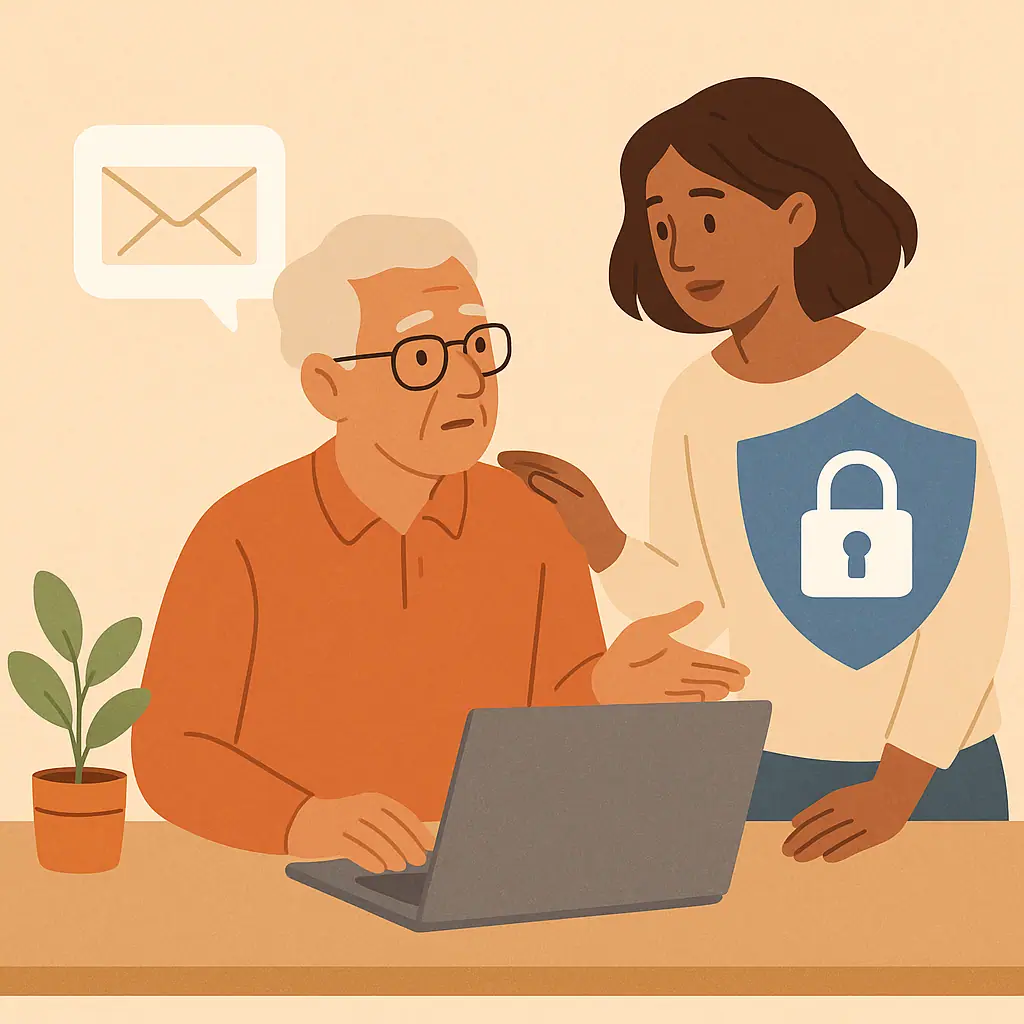 Email & Communication SafetyHow to Safely Forward Suspicious Emails for Help
Learn how to safely forward suspicious emails for help without clicking links, opening attachments, or spreading risk to someone else.
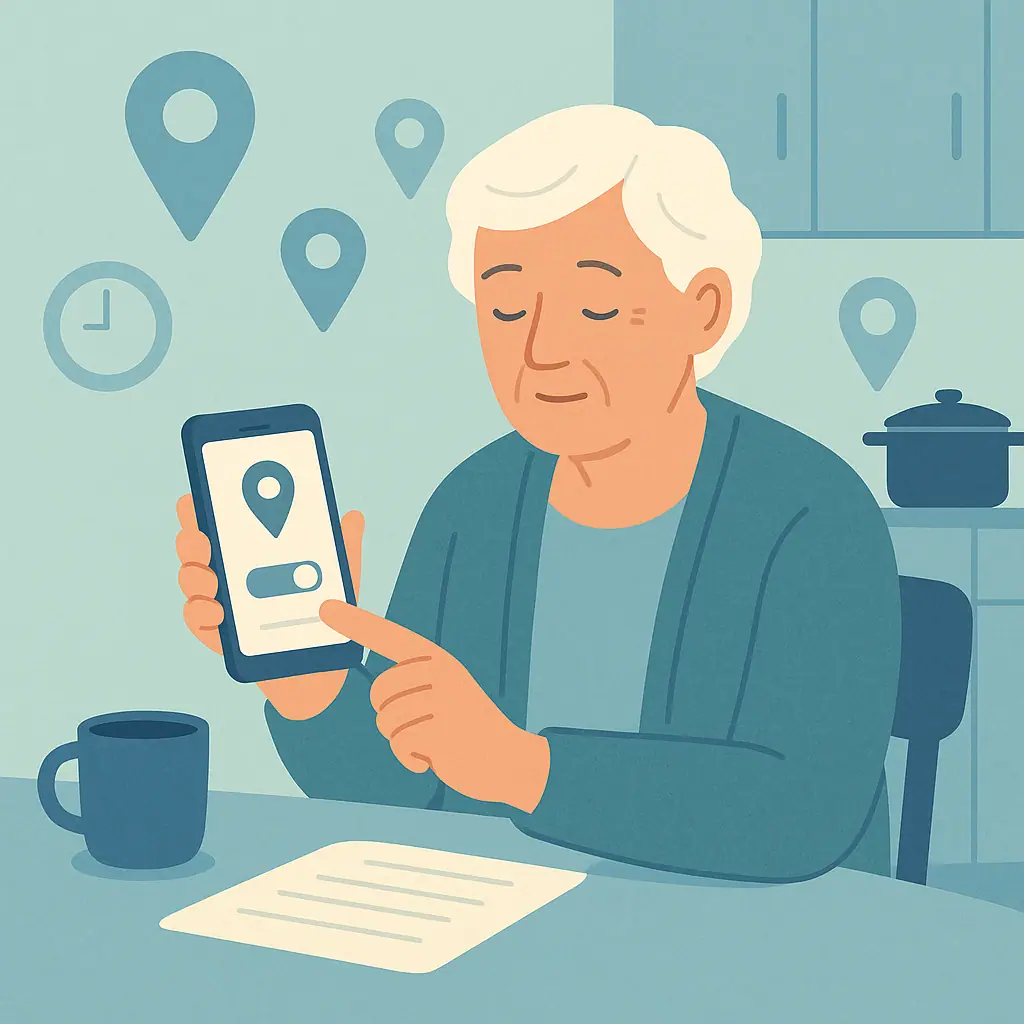 Phone & App PrivacyHow to Review Location History on iPhone and Android
Learn how to review location history on your phone, check iPhone and Android location settings, and make calm privacy choices.
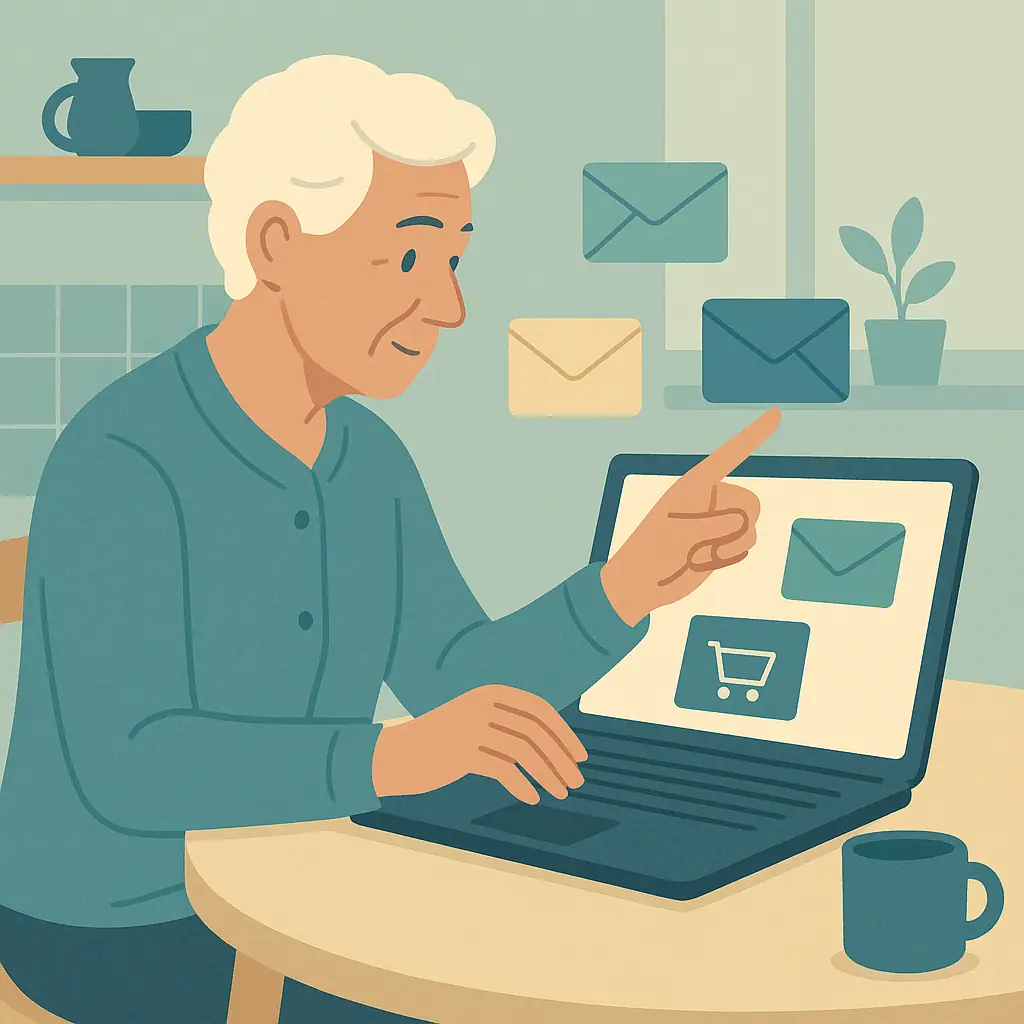 Email & Communication SafetyHow to Create a Safer Email Address for Shopping
Learn how to create a safer email address for online shopping, reduce spam, use aliases, and keep everyday messages easier to manage.
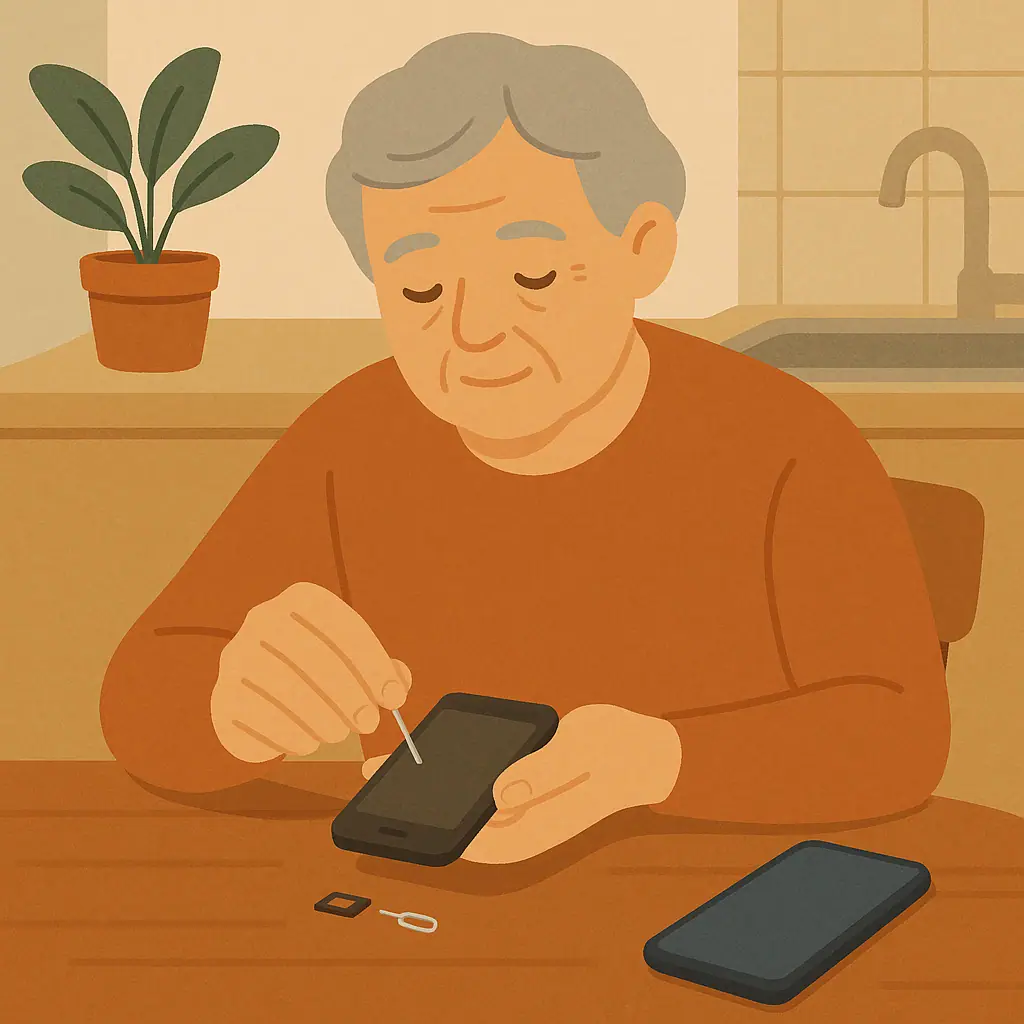 Phone & App PrivacyWhat to Do Before Selling or Giving Away an Old Phone
Learn how to wipe old phone before selling with calm, practical steps for backup, sign-out, factory reset, SIM removal, and final checks.
 Email & Communication SafetyHow to Stop Email Tracking Pixels When Possible
Learn how to stop email tracking pixels when possible with simple image settings in Gmail, Apple Mail, Outlook, and safer habits.
 Phone & App PrivacyHow to Make Your Phone Lock Screen Safer
Learn phone lock screen privacy settings that protect notifications, wallet access, biometrics, passcodes, and emergency information.
 Email & Communication SafetyHow to Organize Important Emails So You Can Find Them Later
Learn how to organize important emails safely with simple folders, labels, stars, search habits, and safer archiving choices.
 Phone & App PrivacyHow to Use Public Wi-Fi More Safely on Your Phone
Learn public Wi-Fi phone safety seniors can use with safer Wi-Fi habits, phone settings, and simple checks before banking or shopping.
 Password & Account SecurityHow to Spot Fake Invoices and Payment Requests by Email
Learn how to spot fake invoice email scams with simple checks for payment requests, sender details, subscriptions, and safer ways to verify.
 Password & Account SecurityHow to Stop Apps from Accessing Your Contacts
Learn how to stop apps accessing contacts with calm iPhone and Android steps, plus simple checks for deciding what to allow.
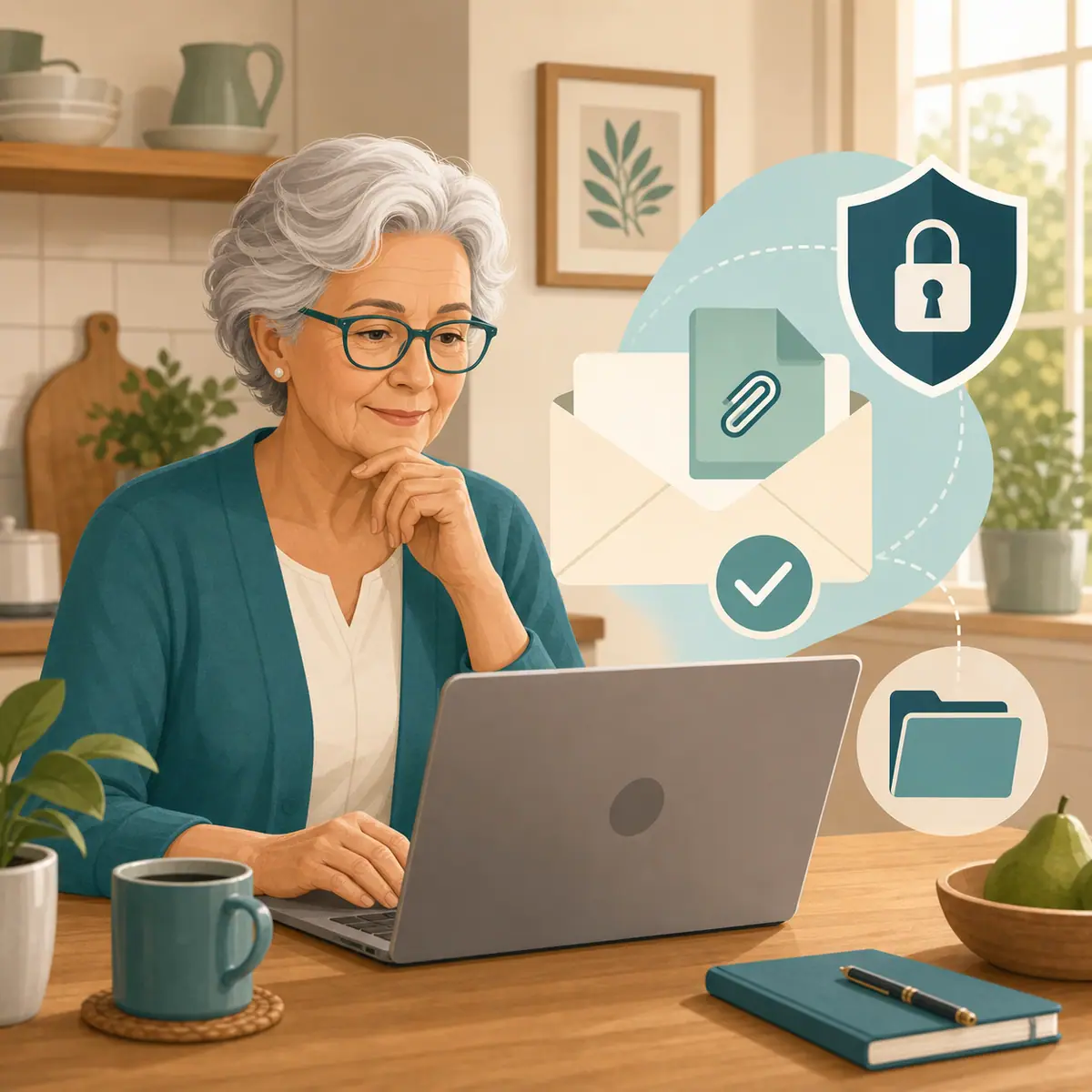 Password & Account SecurityHow to Tell If an Email Attachment Is Too Risky to Open
Learn risky email attachments warning signs with calm checks for file types, sender verification, and safer alternatives before opening.
 Phone & App PrivacyHow to Make Mobile Banking Safer on Your Phone
Learn mobile banking safety seniors can use with simple phone checks, official apps, safer Wi-Fi habits, banking alerts, and calm next steps.
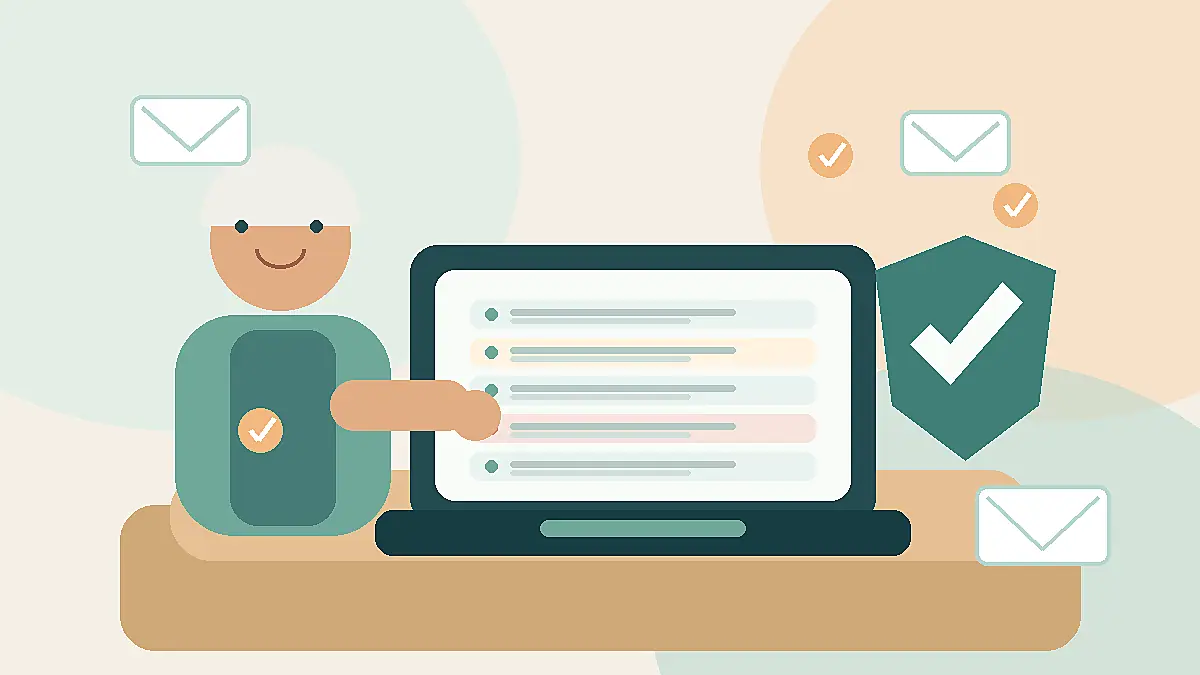 Email & Communication SafetyHow to Reduce Spam Emails Without Missing Important Messages
Learn how to reduce spam emails safely without blocking real messages, losing important notices, or clicking risky unsubscribe links.
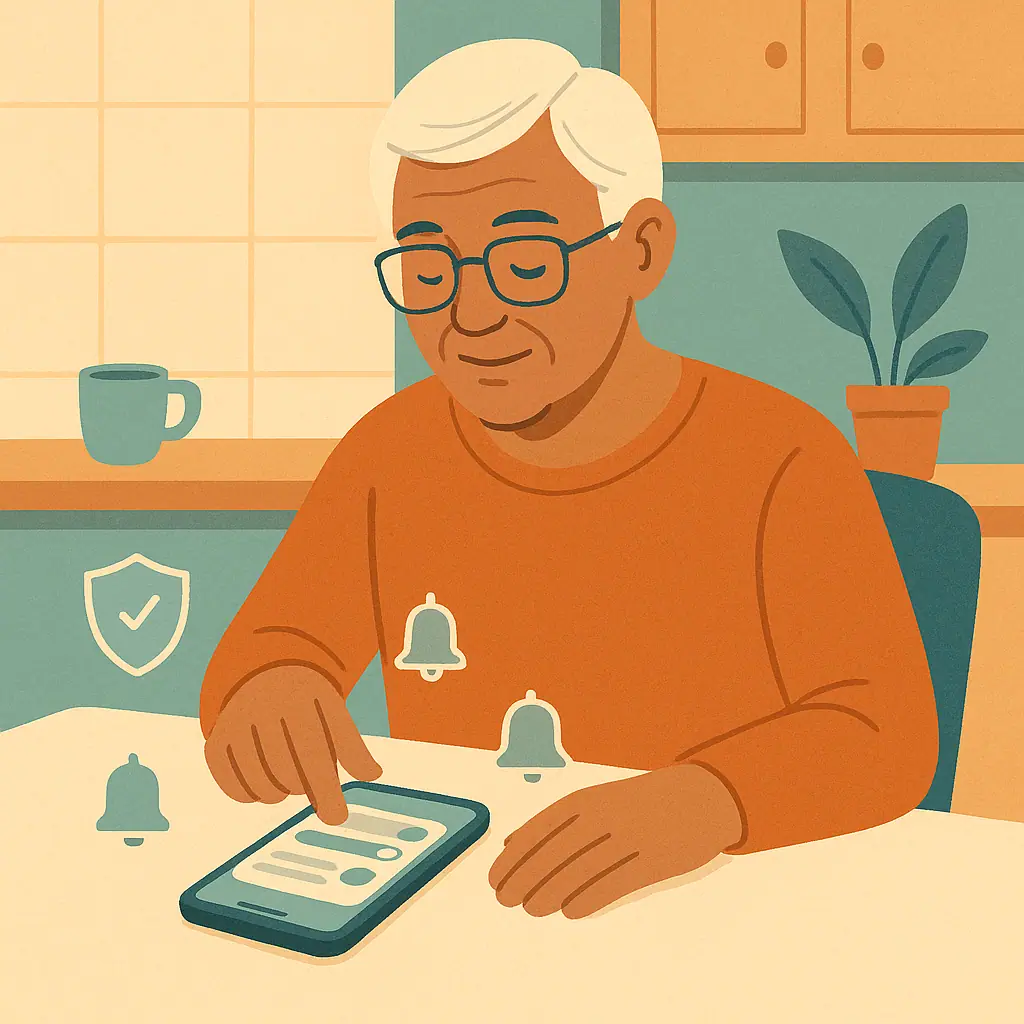 Phone & App PrivacyHow to Stop Notification Overload Without Missing Security Alerts
Learn how to reduce phone notification overload while keeping important security, banking, and emergency alerts visible.